Framerstacks plugin is live now - Open plugin from your Framer canvas and start using FREE assets.

Plugin is live now - Open it from your desktop.

Learn more

Login form

Sign in and sign up form in glassmorphism effect with a motion background.

Last updated on:

Last updated on:

Available variants

Sign in form in glassmorphism effect with a motion background. UI optimized for desktop breakpoints in Framer.
Sign in form in glassmorphism effect with a motion background. UI optimized for phone breakpoints in Framer.

Glassy Log In and Sign Up Form with Motion Background

A glassy log in and sign up form for Framer over a looping floral video, built with native Framer Forms, a masked password field, and one responsive variant for every breakpoint.

...
...

Variants:

4

Breakpoints

Theme:

Please note: This component is available only for active license holders. Sign in with your license key or purchase one.

Copying disabled

How to use the component?

  • Copy this form, then paste it into any page of your Framer project.

  • Width to fill, and it adapts to desktop and tablet.

  • Choose the Phone variant for the phone breakpoint.

  • If nothing gets copied, sign in and try again.

  • Double-click the headline, subtitle, labels, and button text to write your own copy.

  • The background is a Framer Video layer. Replace it with your own URL in the right panel, or keep it as is and mute it so it can autoplay.

  • Click Create an account to switch to the Sign up variant, and Sign in to switch back. Both live in the same component.

  • The glass look comes from a light fill, a background blur, and a thin border on the card, the inner panel, and each button.

  • Adjust them to make the glass clearer or frostier.

  • This form is not connected to a backend. It uses native Framer Forms, so it collects submissions but does not sign anyone in or create real accounts.

  • To make it work, set a destination in each form’s settings, such as a webhook to your auth service like Supabase, Firebase, or Clerk. Never send passwords to an email destination.

  • The password fields use a small code override called PasswordInput.tsx to mask what people type. It comes along when you copy the form.

  • Browse more components to build the rest of your sign-in flow.

  • Greet new members after signing up with a set of cards.

Where to use?

  • A good fit for SaaS apps, member areas, wellness and beauty brands, and any product that wants a calm, premium first step.

  • Connect it to your auth provider before launch so real accounts get created.

ONE-TIME PAYMENT

Launch amazing websites with

Framerstacks

Still trying to design and launch a website from scratch? Check out 290+ pre-built Framer sections and components to build pages faster.

Lifetime access

Save hundreds of hours

Build pages faster

Weekly new releases

Premium designs

Color theme responsiveness

Starts from

$79.00

One-time

About the library

Framerstacks hosts one of the largest collections of pre-built Framer components and website sections. With 290+ professionally designed sections and components and 1200+ variants.

Our library spans 150+ webpage sections across 18 section types, enabling creators to build beautiful, high-performance websites in Framer faster than ever.

Explore the main library page.

Contribution

Have something creative on your mind? Or wish to become a contributor inside Framerstacks?

You're welcome. Join as a contributor and help to shape the future of the high-quality Framer components and sections gallery. Head over to the submission page and contribute.

Support

If you need any further support related to this specific component or section, please get in touch at hello@framerstacks.com

One of our customer support team members will get in touch with you within 24 hours.

To report an issue with the product, purchase, functionality, submit a ticket.

Just like more components
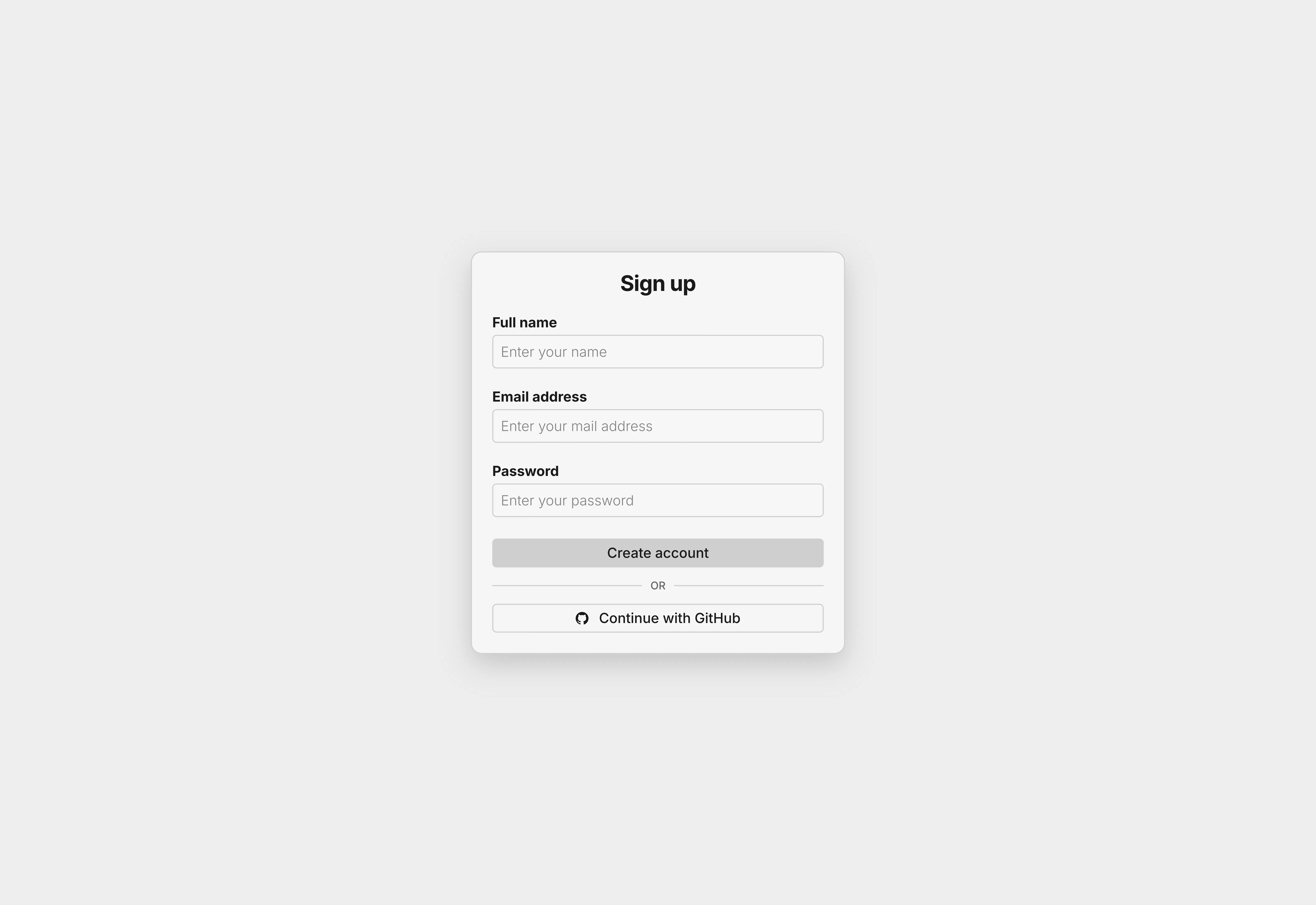
Light theme preview of the Sign Up Form UI Component for Framer

Sign Up Form UI Component for Framer

Created: Mar 28, 2026
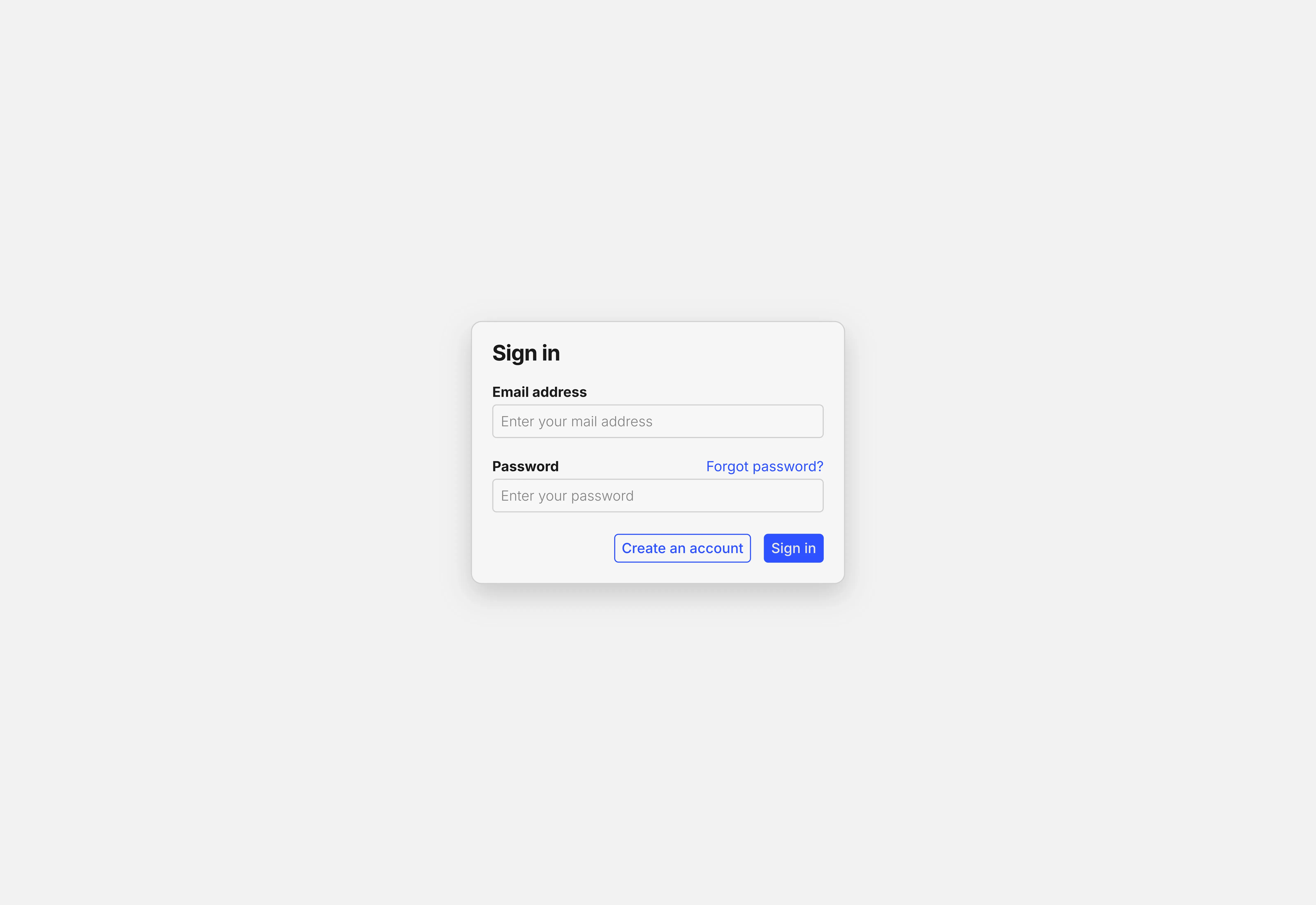
Light theme preview of the Sign In Form UI Component for Framer

Sign In Form UI Component for Framer

Created: Mar 27, 2026
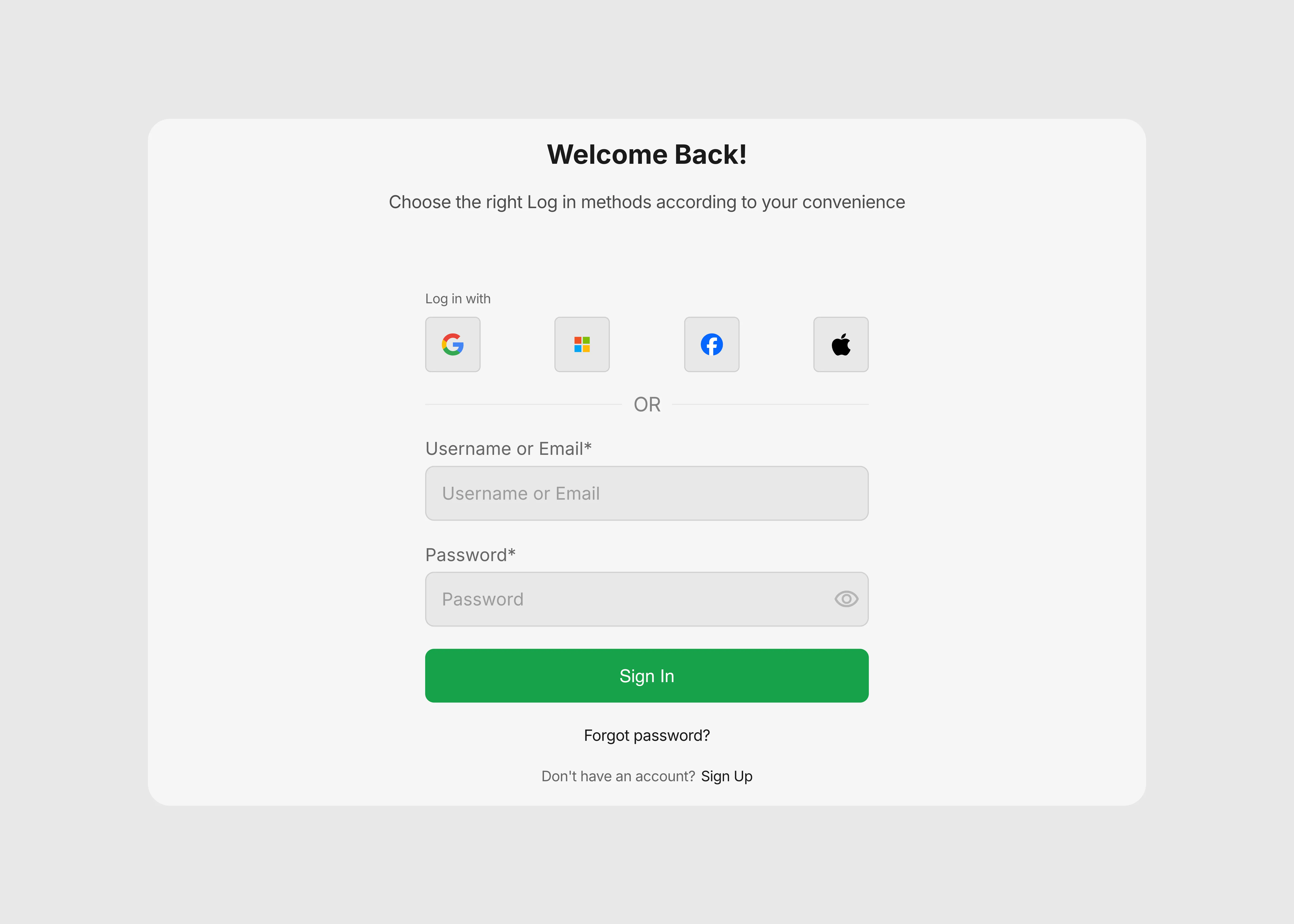
Light theme preview of the Minimal Log In Form UI for Framer

Minimal Log In Form UI for Framer

Created: Jan 25, 2025
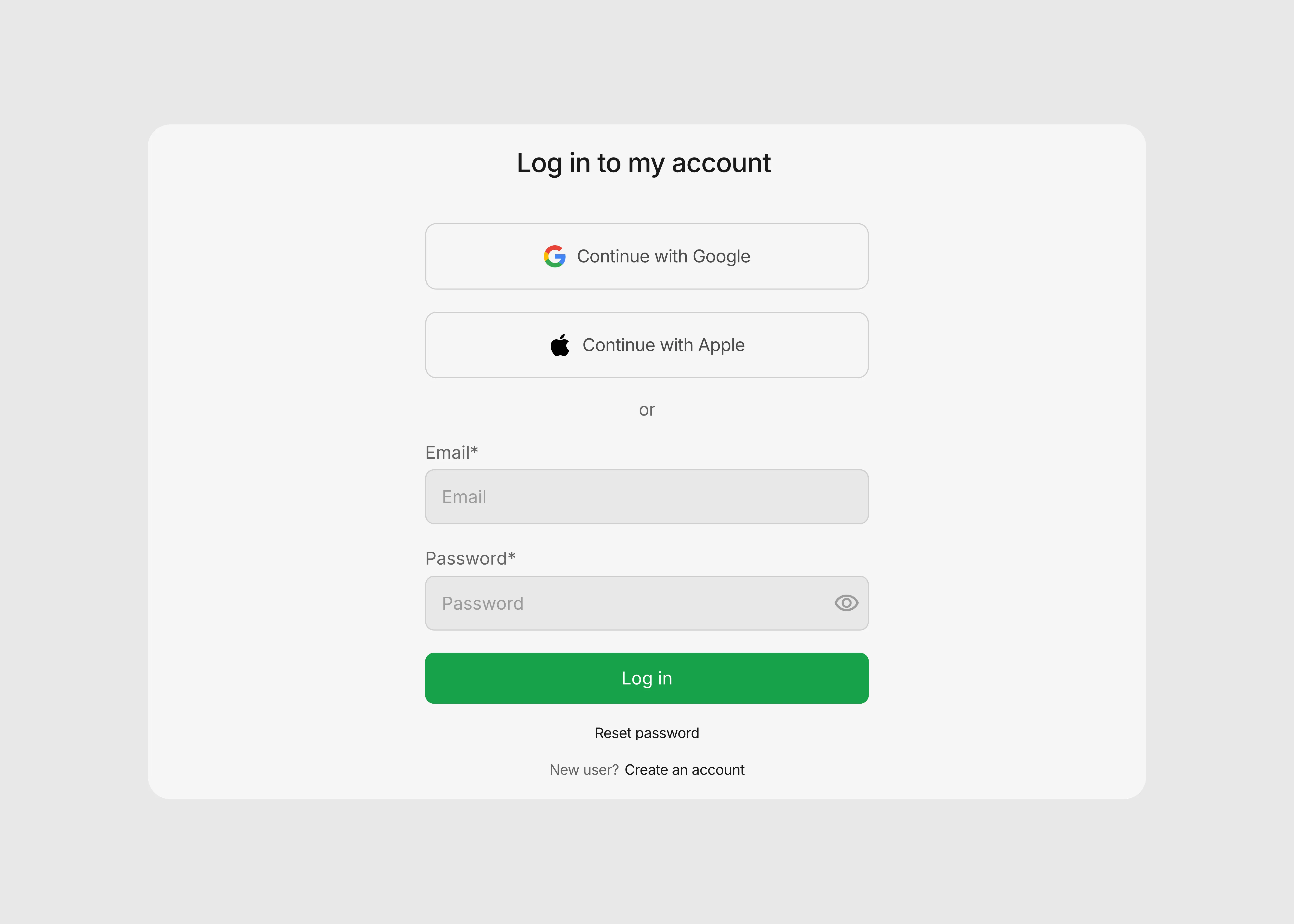
Light theme preview of the Log In Form Component for Framer Websites

Log In Form Component for Framer Websites

Created: Jan 25, 2025
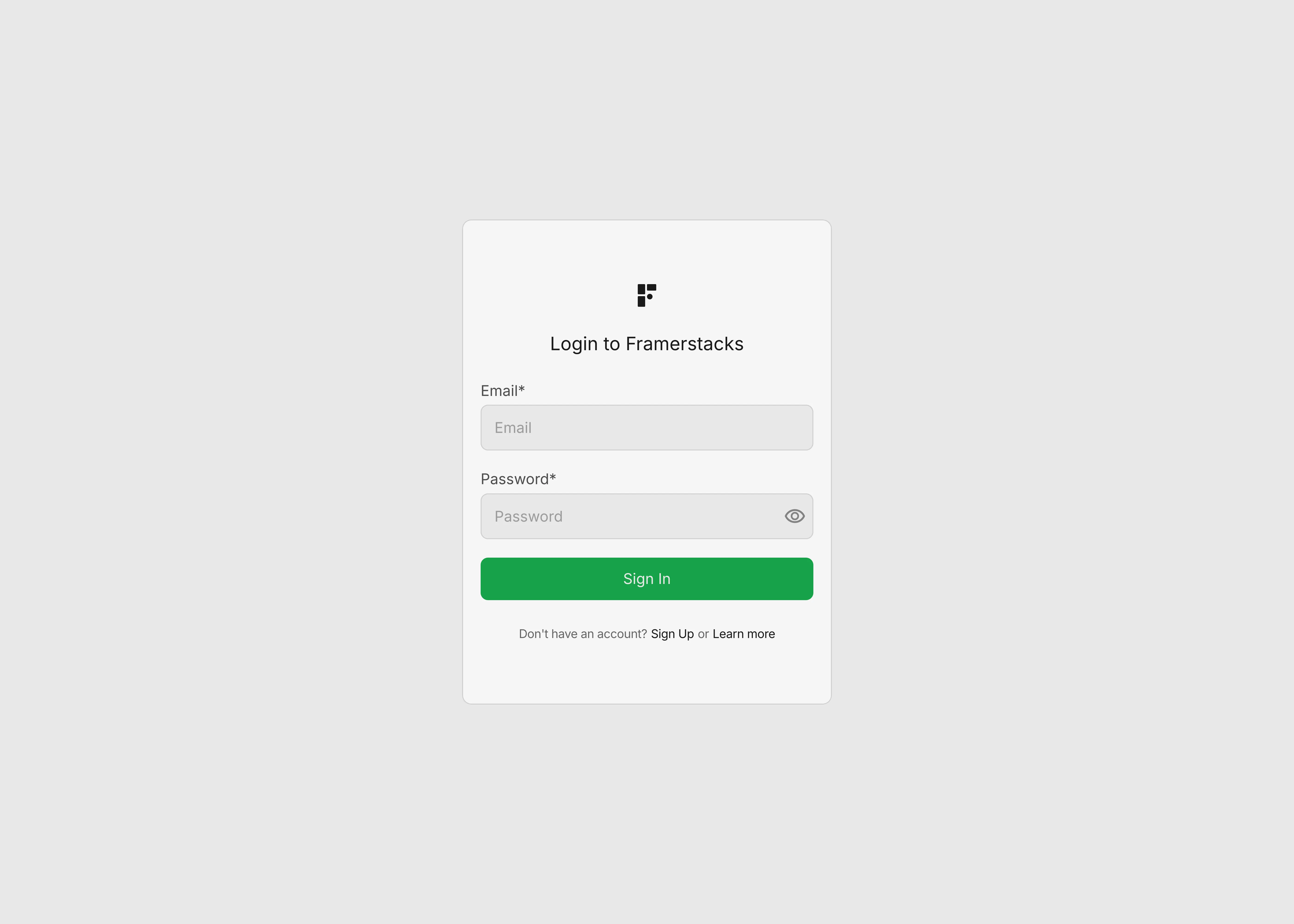
Light theme preview of the Login and Sign Up Form UI for Framer

Login and Sign Up Form UI for Framer

Created: Jan 25, 2025

The FAQs

Have questions? We got you…

Everything you need to know about our product and billing.

What is Framerstacks?

Is there a free plan available?

What about the refund policy?

How can I get my user license?

Still have questions? Or can't find the right answer? Please contact us. One of our customer support team members will get in touch with you.

Join the community

Stay in the loop with everything you need to know.

By clicking Submit, you agree to our Privacy Policy and to receive our notifications. You can Unsubscribe anytime.

By clicking Submit, you agree to our Privacy Policy and to receive our notifications. You can Unsubscribe anytime.