Warning Overlay Modal Component for Framer
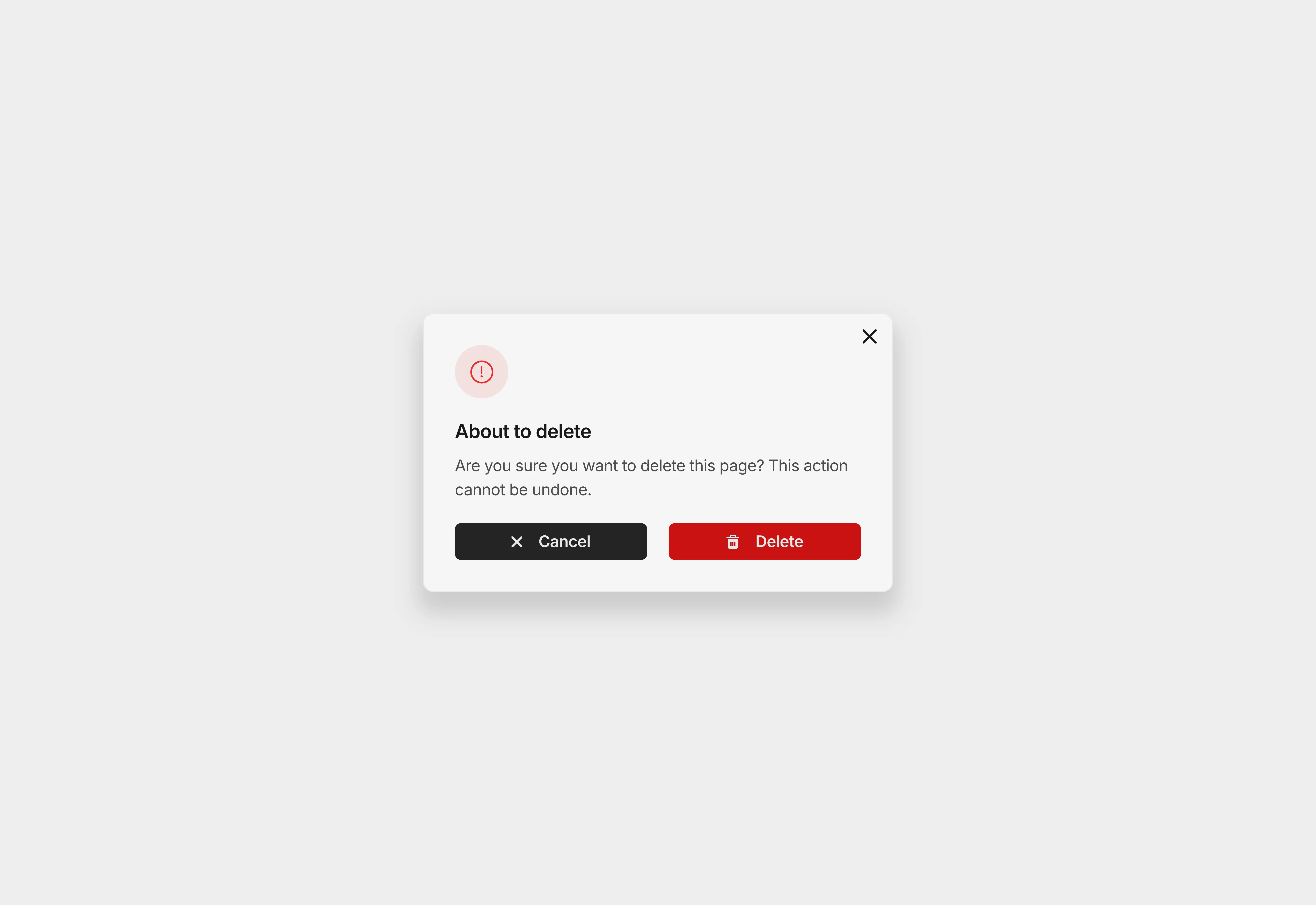
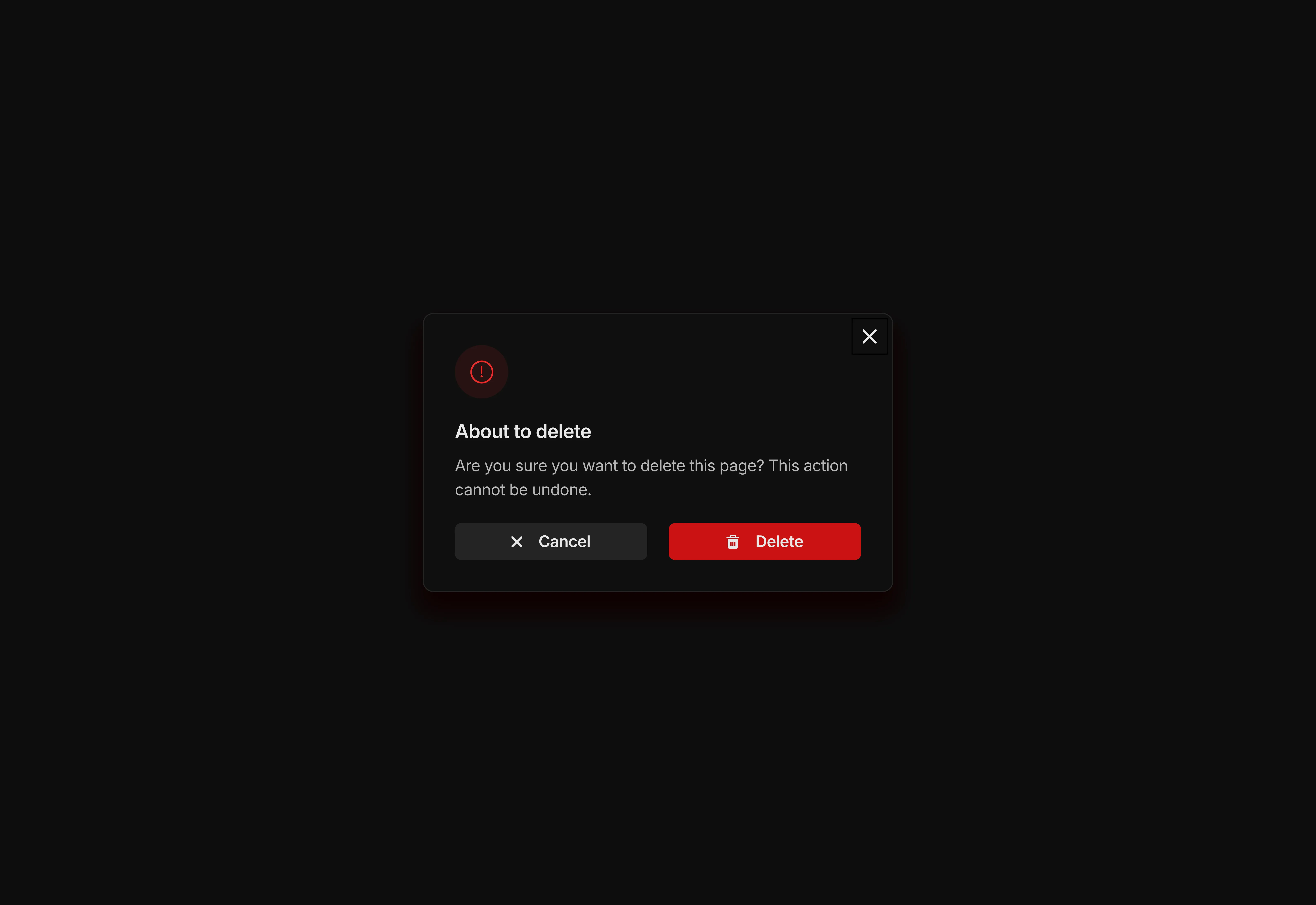
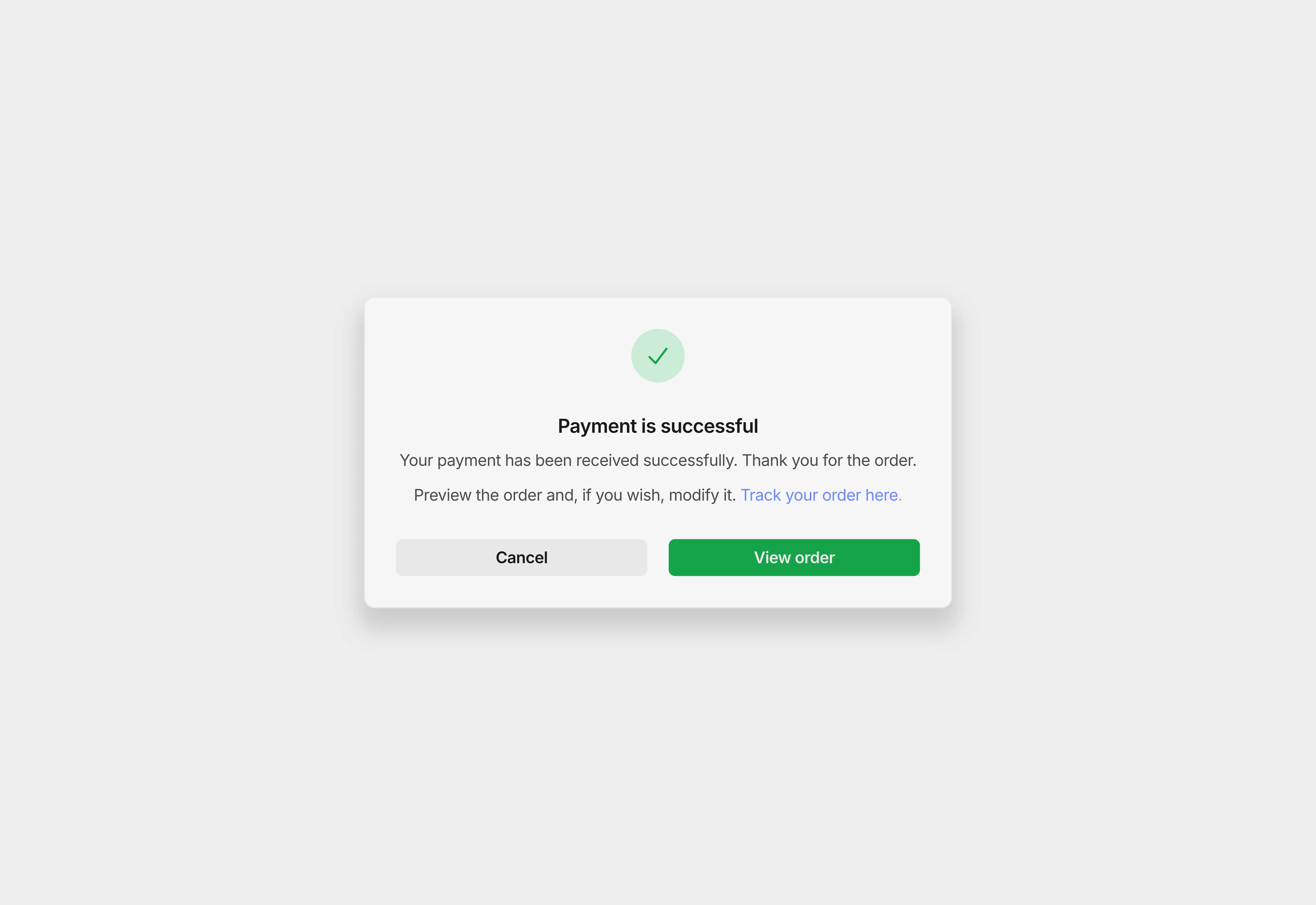
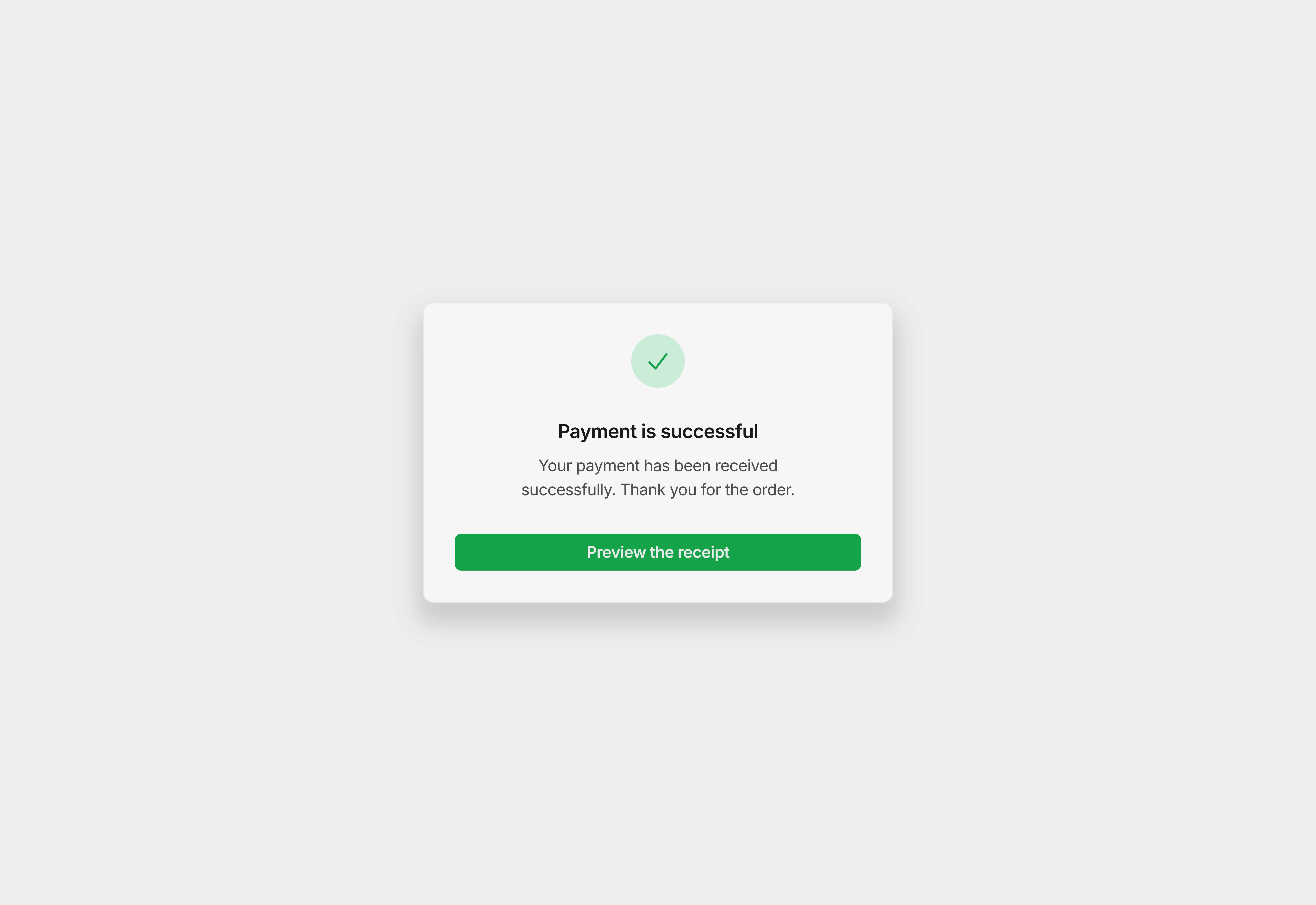
This warning overlay dialogue box is specifically designed to confirm critical user actions such as deleting pages, removing data, or irreversible operations.
Variants:
2
Theme:
Please note: This component is available only for active license holders. Sign in with your license key or purchase one.
Copying disabled
How to use the component?
Click on the copy button to copy this fully structured overlay to your clipboard.
Unable to perform the action? Sign in and try again.
Open your Framer project and enable the overlay function on the element you want to trigger the overlay effect.
Make the overlay layer optimized by enabling the layout property.
Add padding, radius, and gap to the layer.
Paste the copied component on the overlay layer.
Make the necessary changes to the UI. For instance, updating the text, icons, and button labels to match your use case, such as delete confirmations, destructive actions, or irreversible operations.
Once configured, publish your Framer website, and the overlay will provide a clear and safe confirmation experience based on the user's interactions.
Want to check out more overlay varieties? Go through the collection.
Have a question? Get in touch with us.
Where to use?
The following scenarios are the best places to trigger warning overlays just like this.
Delete confirmation: Use this overlay when users attempt to delete pages, posts, files, or accounts. The warning dialog helps prevent accidental deletions by asking for confirmation.
Unsaved changes: Show this warning overlay when a user tries to leave a page or reset a form with unsaved changes, preventing accidental data loss.
Data removal: Display this dialog when users try to remove important content, such as deleting images, removing team members, or clearing saved data.
Account changes: Trigger this overlay when users attempt sensitive account actions like removing their profile, revoking permissions, or resetting default settings.
Billing actions: Use it to confirm actions such as canceling subscriptions, removing payment methods, or downgrading plans.
This component works best when triggered from destructive action buttons like Delete, Remove, Reset, or Cancel, ensuring users clearly understand the consequences before proceeding.
LIMITED TIME OFFER
Launch amazing websites with
Framerstacks
Still trying to design and launch a website from scratch? Check out 800+ pre-built Framer components and sections that 10x your design speed.
Life time access
Save hundreds of hours
10x design speed
Weekly new releases
Premium designs
Color theme responsiveness
Starts from
$79.00
$99
One-time
Warning Overlay Modal Component for Framer
This warning overlay dialogue box is specifically designed to confirm critical user actions such as deleting pages, removing data, or irreversible operations.
Variants:
2
Theme:
Please note: This component is available only for active license holders. Sign in with your license key or purchase one.
Copying disabled
How to use the component?
Click on the copy button to copy this fully structured overlay to your clipboard.
Unable to perform the action? Sign in and try again.
Open your Framer project and enable the overlay function on the element you want to trigger the overlay effect.
Make the overlay layer optimized by enabling the layout property.
Add padding, radius, and gap to the layer.
Paste the copied component on the overlay layer.
Make the necessary changes to the UI. For instance, updating the text, icons, and button labels to match your use case, such as delete confirmations, destructive actions, or irreversible operations.
Once configured, publish your Framer website, and the overlay will provide a clear and safe confirmation experience based on the user's interactions.
Want to check out more overlay varieties? Go through the collection.
Have a question? Get in touch with us.
Where to use?
The following scenarios are the best places to trigger warning overlays just like this.
Delete confirmation: Use this overlay when users attempt to delete pages, posts, files, or accounts. The warning dialog helps prevent accidental deletions by asking for confirmation.
Unsaved changes: Show this warning overlay when a user tries to leave a page or reset a form with unsaved changes, preventing accidental data loss.
Data removal: Display this dialog when users try to remove important content, such as deleting images, removing team members, or clearing saved data.
Account changes: Trigger this overlay when users attempt sensitive account actions like removing their profile, revoking permissions, or resetting default settings.
Billing actions: Use it to confirm actions such as canceling subscriptions, removing payment methods, or downgrading plans.
This component works best when triggered from destructive action buttons like Delete, Remove, Reset, or Cancel, ensuring users clearly understand the consequences before proceeding.
LIMITED TIME OFFER
Launch amazing websites with
Framerstacks
Still trying to design and launch a website from scratch? Check out 800+ pre-built Framer components and sections that 10x your design speed.
Life time access
Save hundreds of hours
10x design speed
Weekly new releases
Premium designs
Color theme responsiveness
Starts from
$79.00
$99
One-time
Warning Overlay Modal Component for Framer
This warning overlay dialogue box is specifically designed to confirm critical user actions such as deleting pages, removing data, or irreversible operations.
Variants:
2
Theme:
Please note: This component is available only for active license holders. Sign in with your license key or purchase one.
Copying disabled
How to use the component?
Click on the copy button to copy this fully structured overlay to your clipboard.
Unable to perform the action? Sign in and try again.
Open your Framer project and enable the overlay function on the element you want to trigger the overlay effect.
Make the overlay layer optimized by enabling the layout property.
Add padding, radius, and gap to the layer.
Paste the copied component on the overlay layer.
Make the necessary changes to the UI. For instance, updating the text, icons, and button labels to match your use case, such as delete confirmations, destructive actions, or irreversible operations.
Once configured, publish your Framer website, and the overlay will provide a clear and safe confirmation experience based on the user's interactions.
Want to check out more overlay varieties? Go through the collection.
Have a question? Get in touch with us.
Where to use?
The following scenarios are the best places to trigger warning overlays just like this.
Delete confirmation: Use this overlay when users attempt to delete pages, posts, files, or accounts. The warning dialog helps prevent accidental deletions by asking for confirmation.
Unsaved changes: Show this warning overlay when a user tries to leave a page or reset a form with unsaved changes, preventing accidental data loss.
Data removal: Display this dialog when users try to remove important content, such as deleting images, removing team members, or clearing saved data.
Account changes: Trigger this overlay when users attempt sensitive account actions like removing their profile, revoking permissions, or resetting default settings.
Billing actions: Use it to confirm actions such as canceling subscriptions, removing payment methods, or downgrading plans.
This component works best when triggered from destructive action buttons like Delete, Remove, Reset, or Cancel, ensuring users clearly understand the consequences before proceeding.
LIMITED TIME OFFER
Launch amazing websites with
Framerstacks
Still trying to design and launch a website from scratch? Check out 800+ pre-built Framer components and sections that 10x your design speed.
Life time access
Save hundreds of hours
10x design speed
Weekly new releases
Premium designs
Color theme responsiveness
Starts from
$79.00
$99
One-time
Warning Overlay Modal Component for Framer
This warning overlay dialogue box is specifically designed to confirm critical user actions such as deleting pages, removing data, or irreversible operations.
Variants:
2
Theme:
Please note: This component is available only for active license holders. Sign in with your license key or purchase one.
Copying disabled
How to use the component?
Click on the copy button to copy this fully structured overlay to your clipboard.
Unable to perform the action? Sign in and try again.
Open your Framer project and enable the overlay function on the element you want to trigger the overlay effect.
Make the overlay layer optimized by enabling the layout property.
Add padding, radius, and gap to the layer.
Paste the copied component on the overlay layer.
Make the necessary changes to the UI. For instance, updating the text, icons, and button labels to match your use case, such as delete confirmations, destructive actions, or irreversible operations.
Once configured, publish your Framer website, and the overlay will provide a clear and safe confirmation experience based on the user's interactions.
Want to check out more overlay varieties? Go through the collection.
Have a question? Get in touch with us.
Where to use?
The following scenarios are the best places to trigger warning overlays just like this.
Delete confirmation: Use this overlay when users attempt to delete pages, posts, files, or accounts. The warning dialog helps prevent accidental deletions by asking for confirmation.
Unsaved changes: Show this warning overlay when a user tries to leave a page or reset a form with unsaved changes, preventing accidental data loss.
Data removal: Display this dialog when users try to remove important content, such as deleting images, removing team members, or clearing saved data.
Account changes: Trigger this overlay when users attempt sensitive account actions like removing their profile, revoking permissions, or resetting default settings.
Billing actions: Use it to confirm actions such as canceling subscriptions, removing payment methods, or downgrading plans.
This component works best when triggered from destructive action buttons like Delete, Remove, Reset, or Cancel, ensuring users clearly understand the consequences before proceeding.
LIMITED TIME OFFER
Launch amazing websites with
Framerstacks
Still trying to design and launch a website from scratch? Check out 800+ pre-built Framer components and sections that 10x your design speed.
Life time access
Save hundreds of hours
10x design speed
Weekly new releases
Premium designs
Color theme responsiveness
Starts from
$79.00
$99
One-time
Library overview
Framerstacks hosts one of the largest collections of pre-built Framer components and website sections. With 250+ professionally designed components and 1000+ variants.
Our library spans 120+ webpage section categories, enabling creators to build beautiful, high-performance websites in Framer faster than ever.
Explore the main library page.
Contribution
Have something creative on your mind? Or wish to become a contributor inside Framerstacks?
You're welcome. Join as a contributor and help to shape the future of the high-quality Framer components and sections gallery. Head over to the submission page and contribute.
Support
If you need any further support related to this specific component or section, please get in touch at hello@framerstacks.com
One of our customer support team members will get in touch with you within 24 hours.
To report an issue with the product, purchase, functionality, submit a ticket.
Just like more components
The FAQs
Have questions? We got you…
Everything you need to know about our product and billing.
" height="145.6071412712696px" id="yQXBZZpLX" width="80.09859047311576px"/></svg>)
What is Framerstack?
Is there a free plan available?
What about the refund policy?
How I can avail my user license?
Still have questions? Or can't find the right answer? Please contact us. One of our customer support team members will get in touch with you.
Join to the community
Stay in the loop with everything you need to know.
By clicking Submit, you agree to our Privacy Policy and to receive our notifications. You can Unsubscribe anytime.
By clicking Submit, you agree to our Privacy Policy and to receive our notifications. You can Unsubscribe anytime.