CMS - Documentation

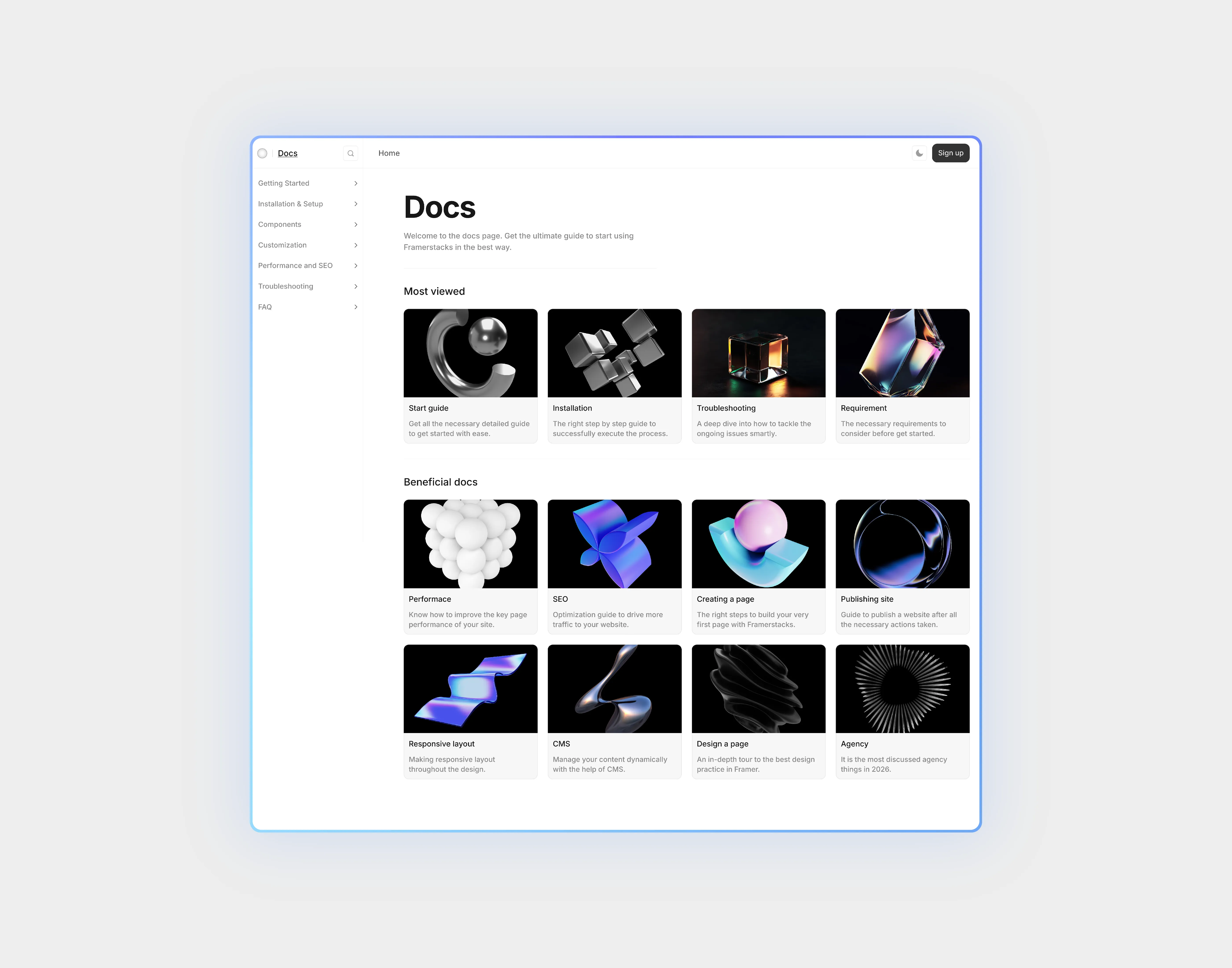
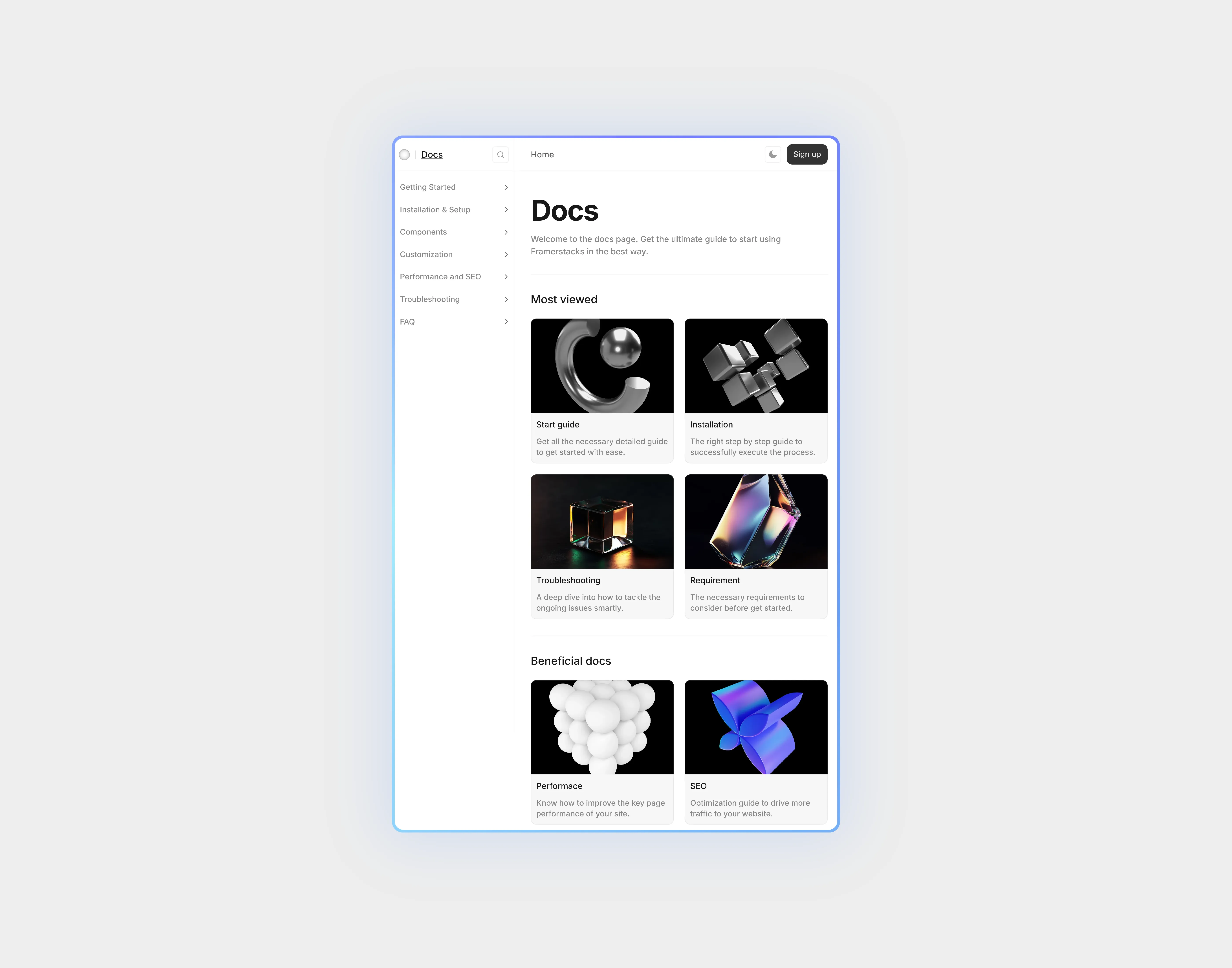
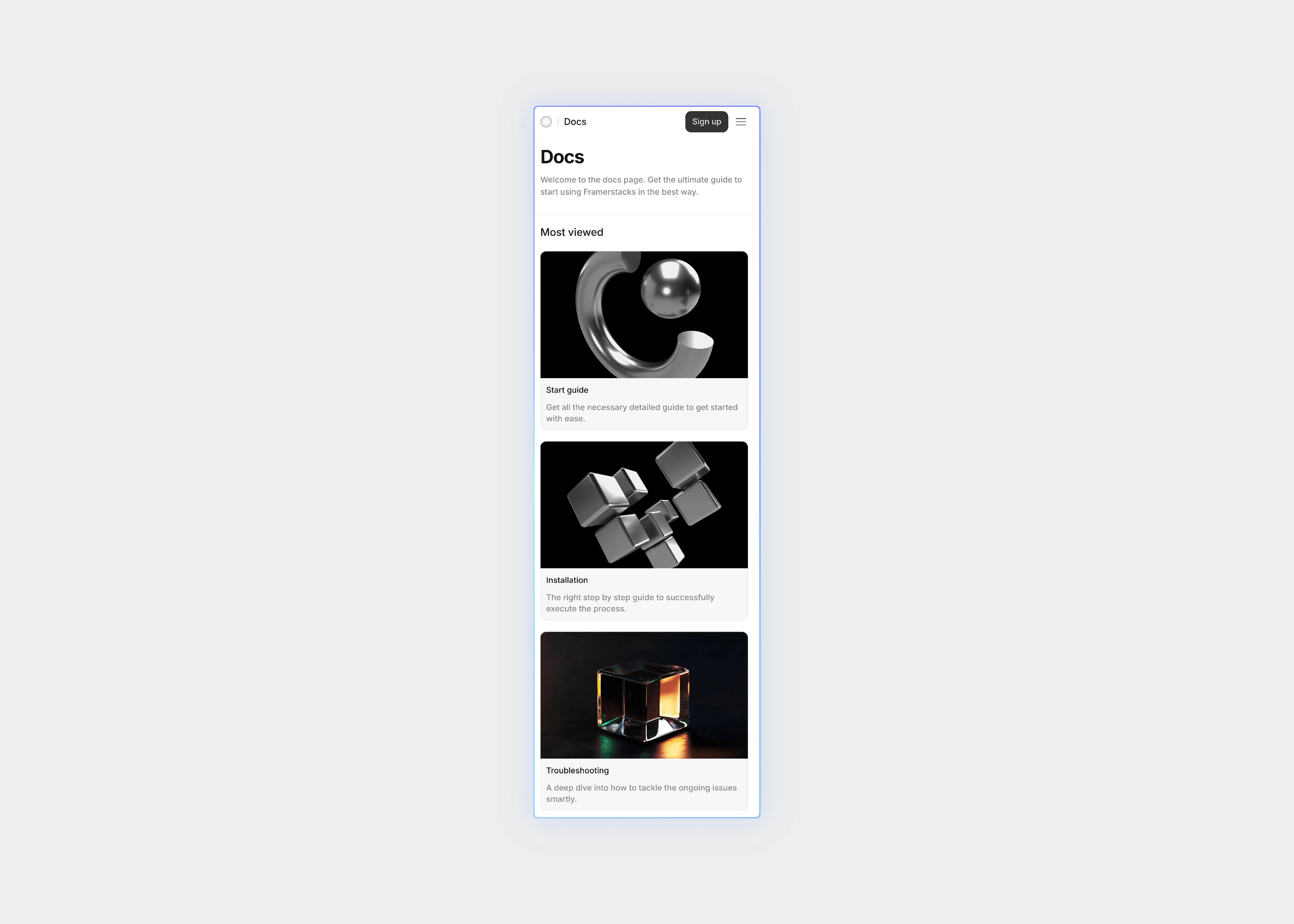
A light themed cms documentation collection page UI.

Last updated on:

Available variants

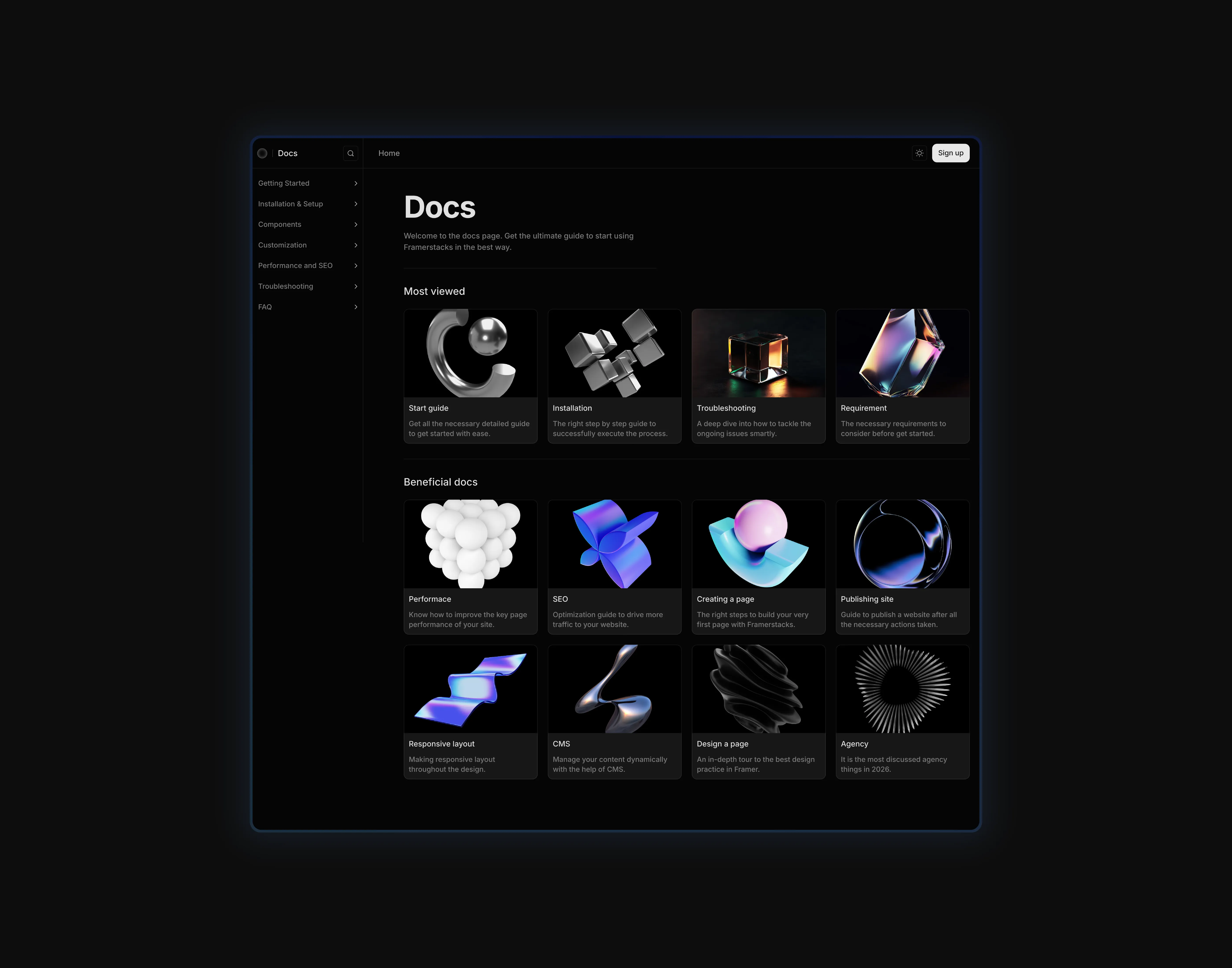
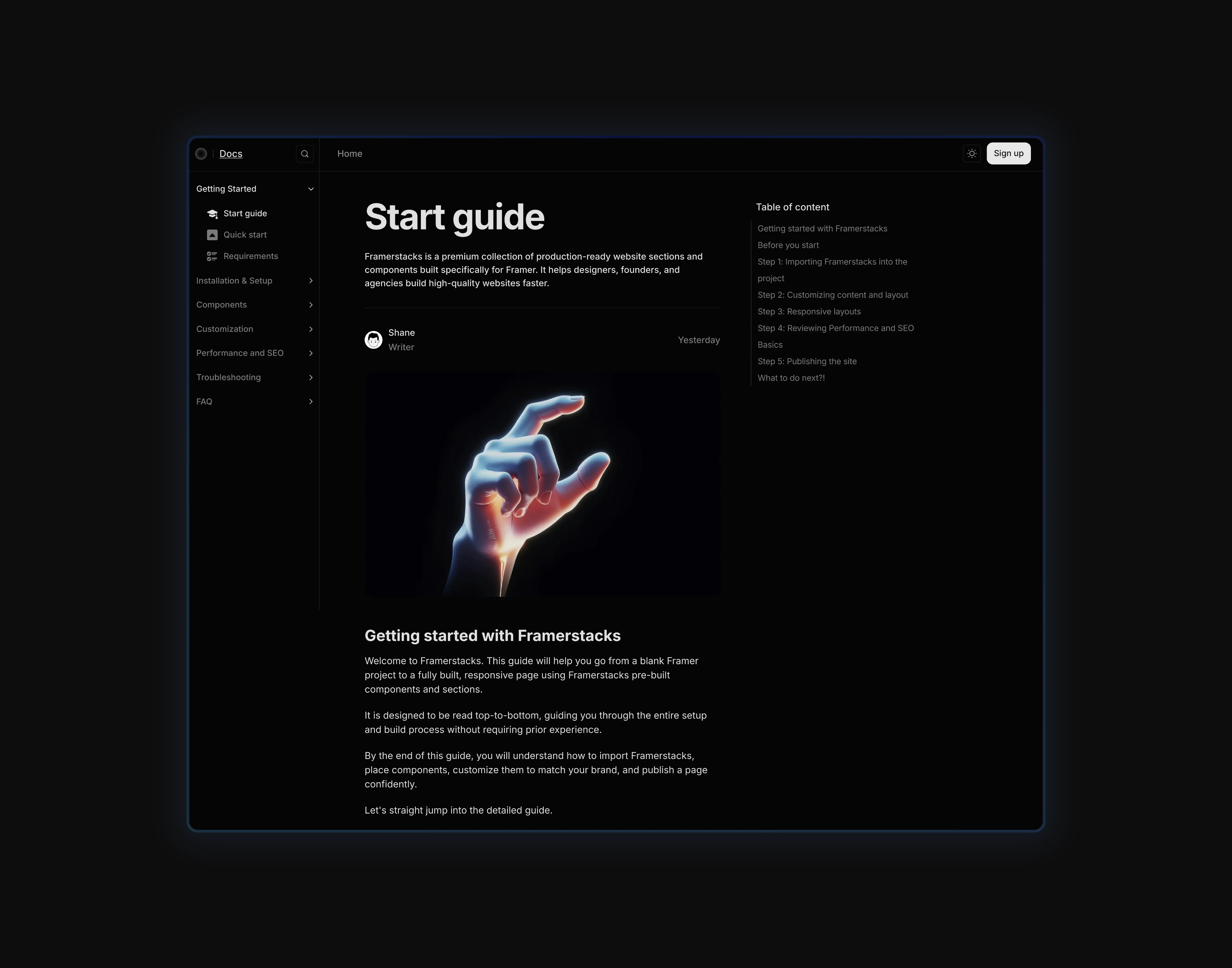
A dark themed cms documentation collection page UI, optimized for desktop devices
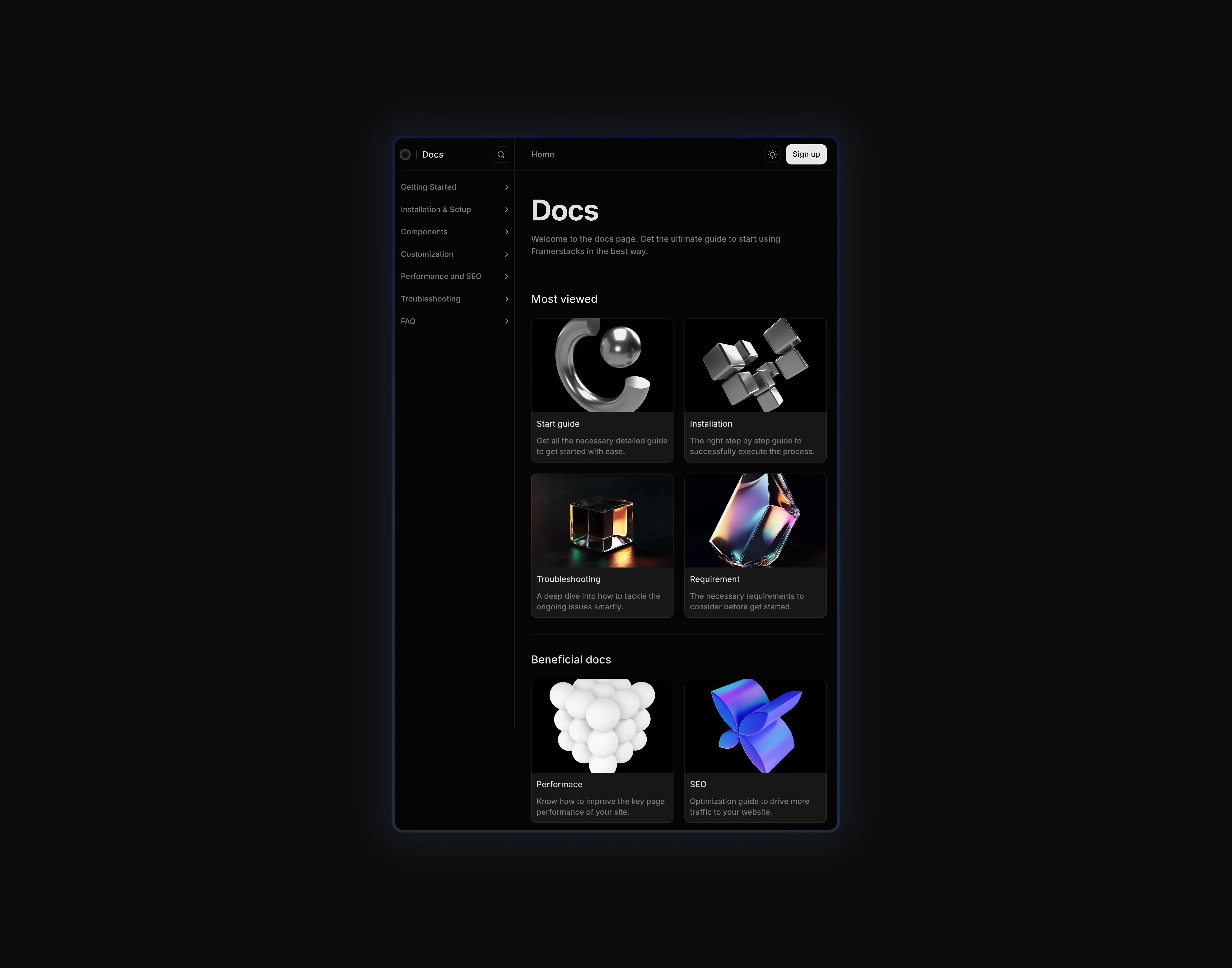
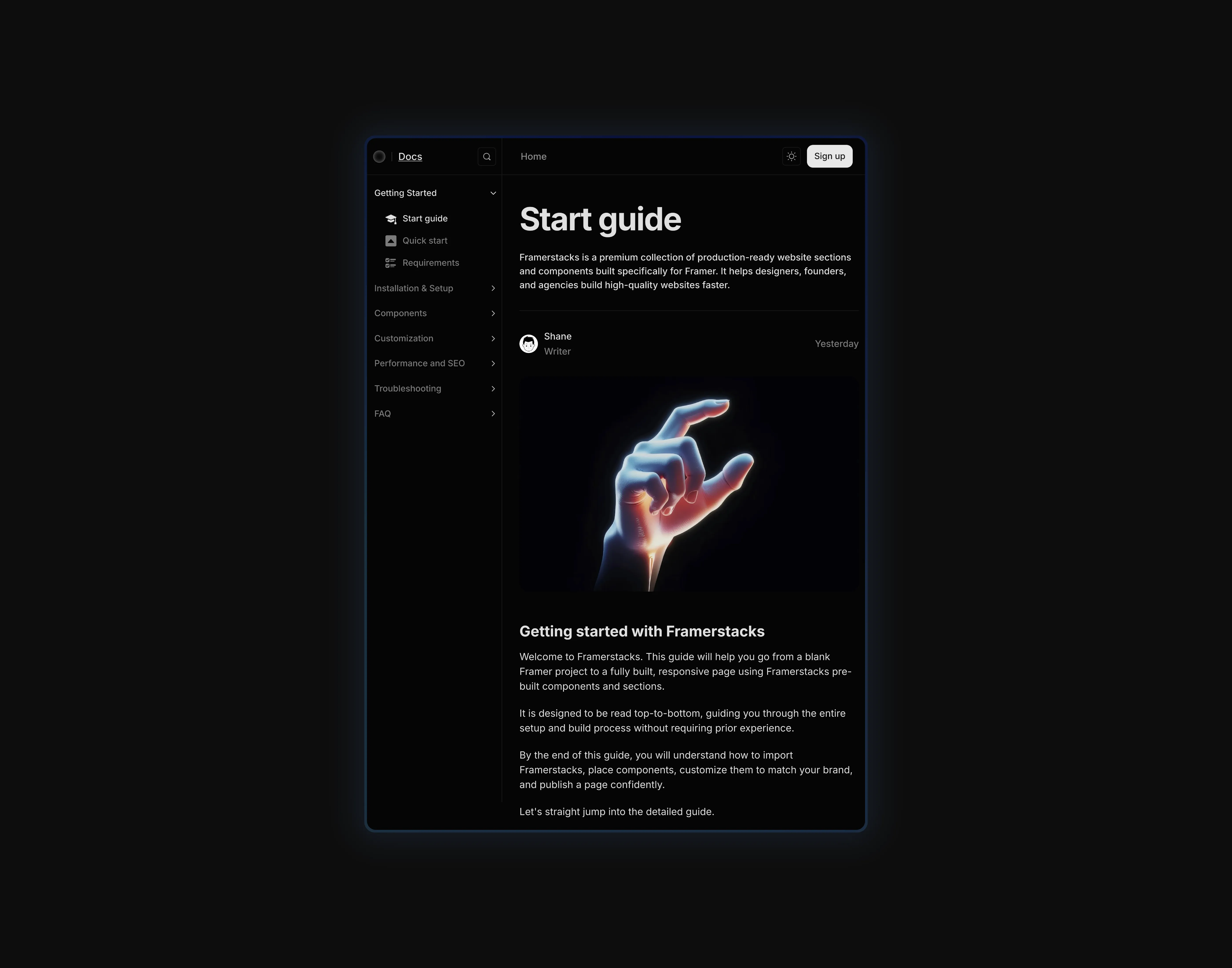
A dark themed cms documentation collection page UI, optimized for tablet devices
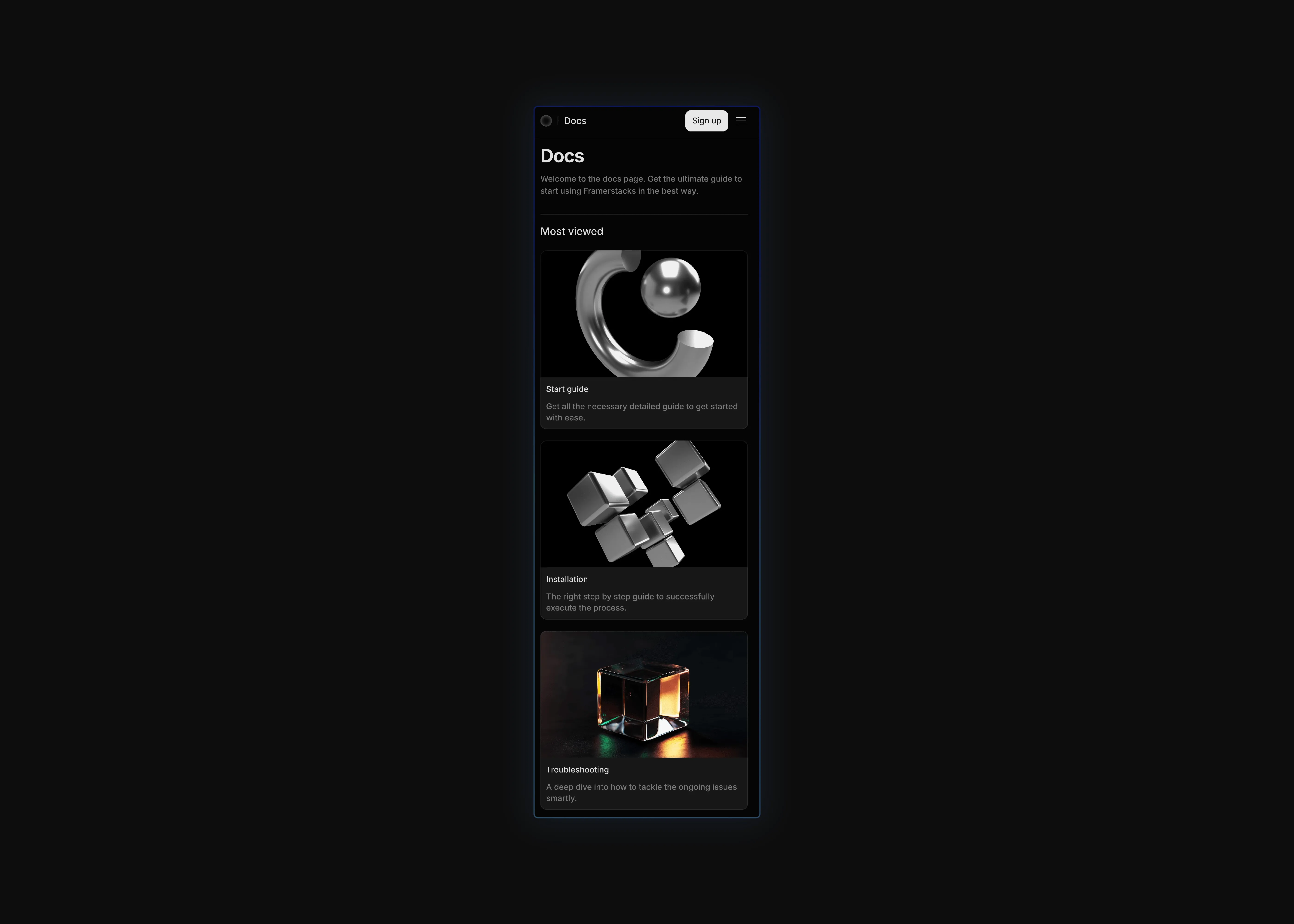
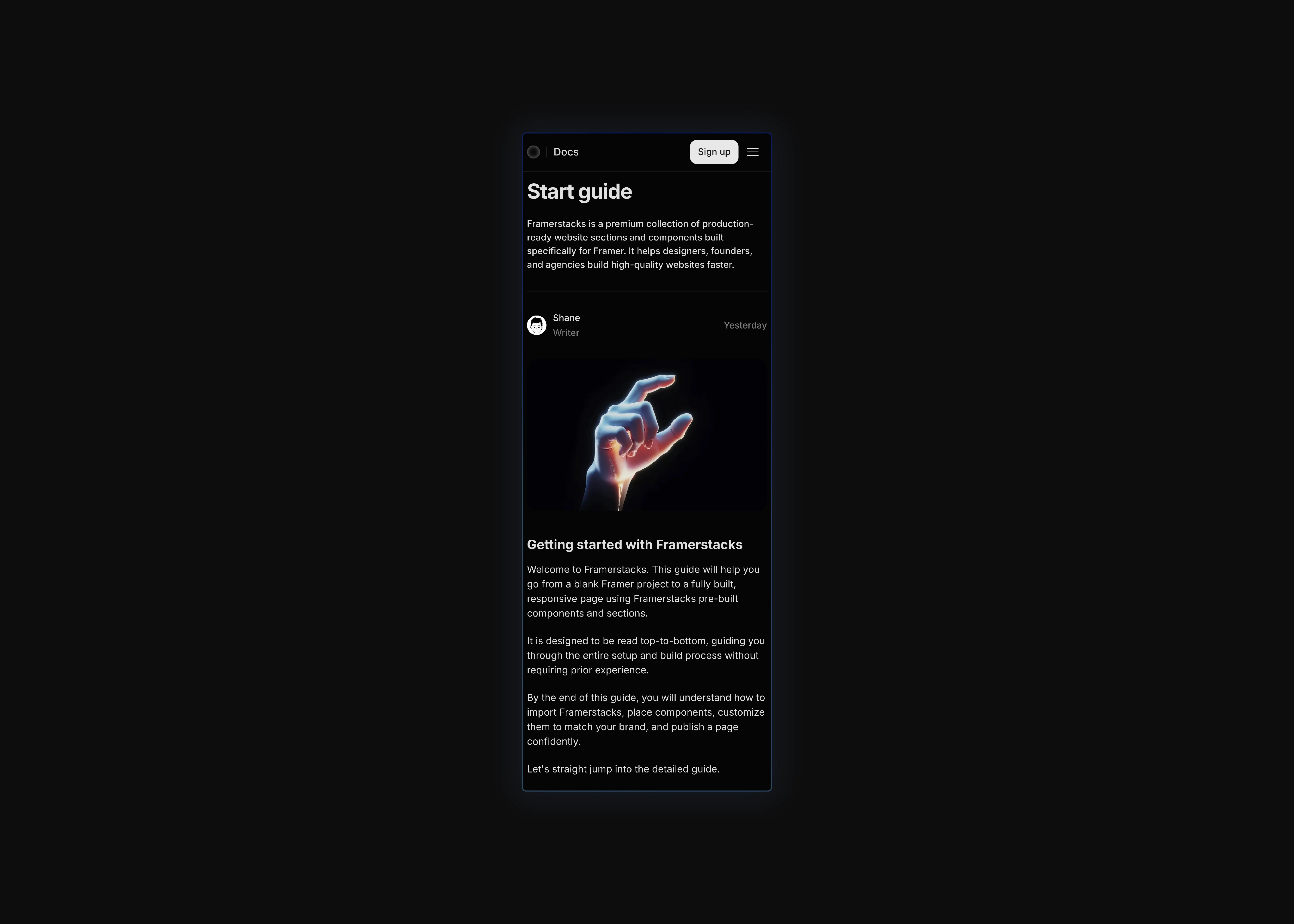
A dark themed cms documentation collection page UI, optimized for mobile devices
A dark themed cms documentation details page UI, optimized for desktop devices
A dark themed cms documentation details page UI, optimized for tablet devices
A dark themed cms documentation details page UI, optimized for mobile devices
A light themed cms documentation collection page UI, optimized for desktop devices
A light themed cms documentation collection page UI, optimized for tablet devices
A light themed cms documentation collection page UI, optimized for mobile devices
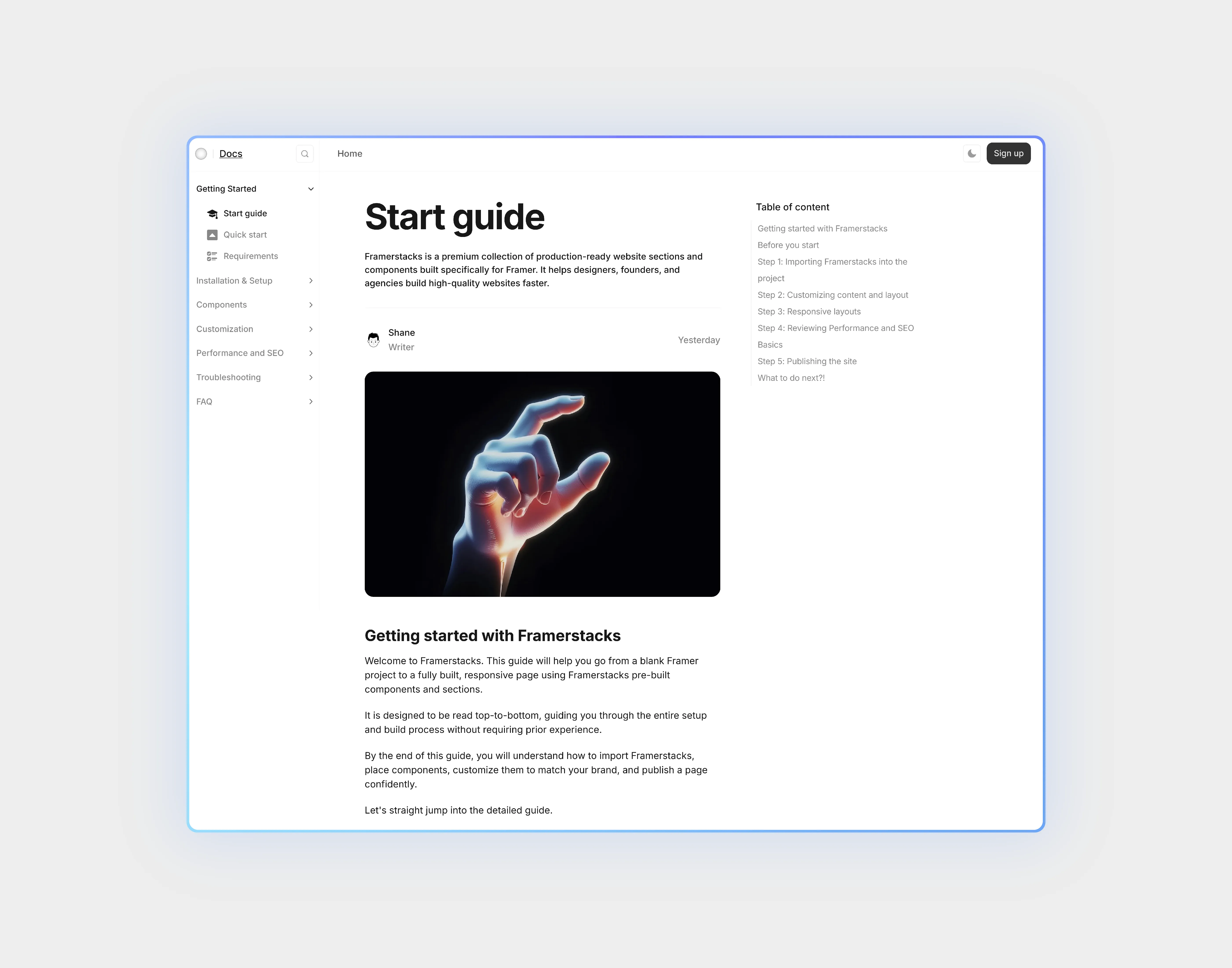
A light themed cms documentation details page UI, optimized for desktop devices
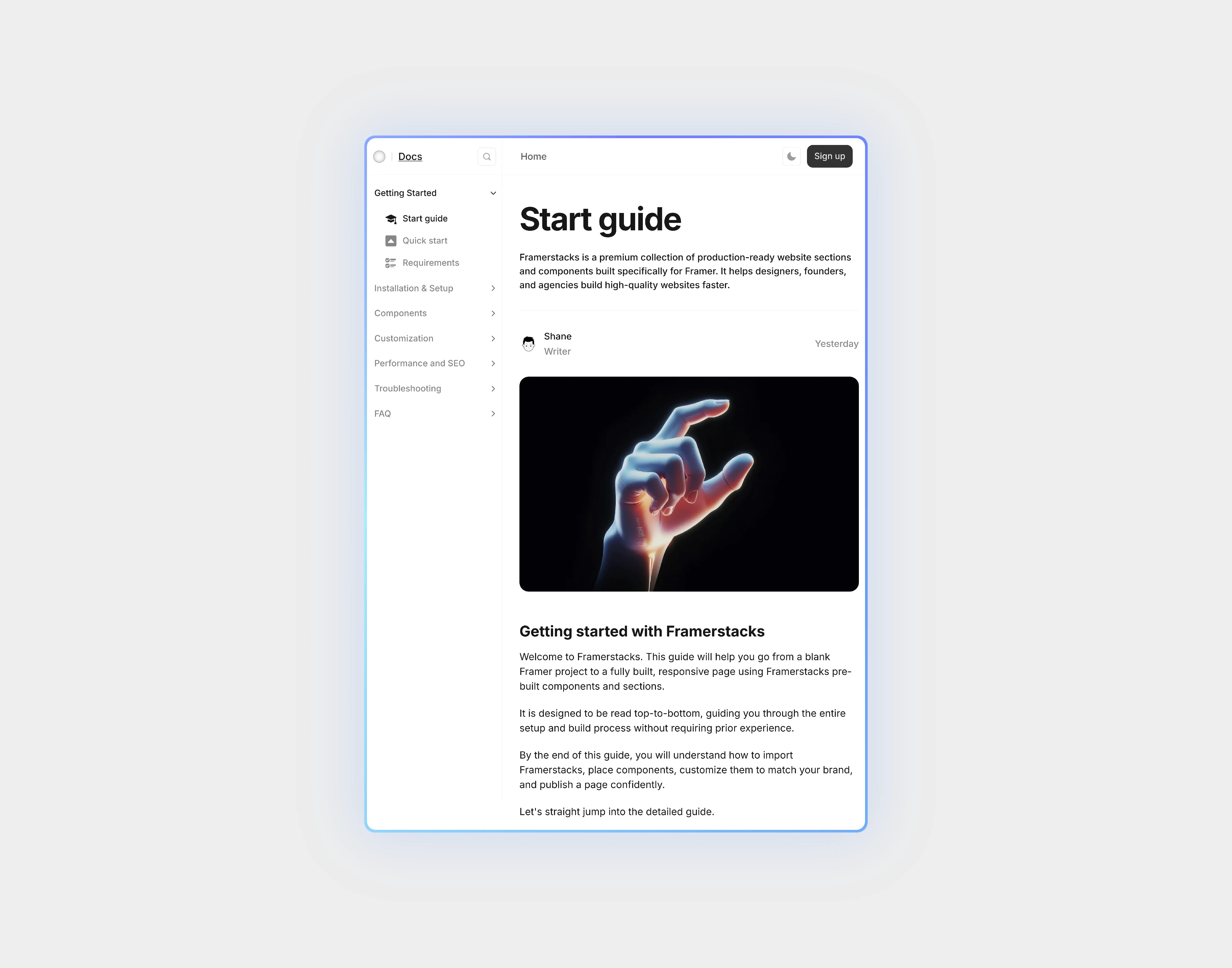
A light themed cms documentation details page UI, optimized for tablet devices
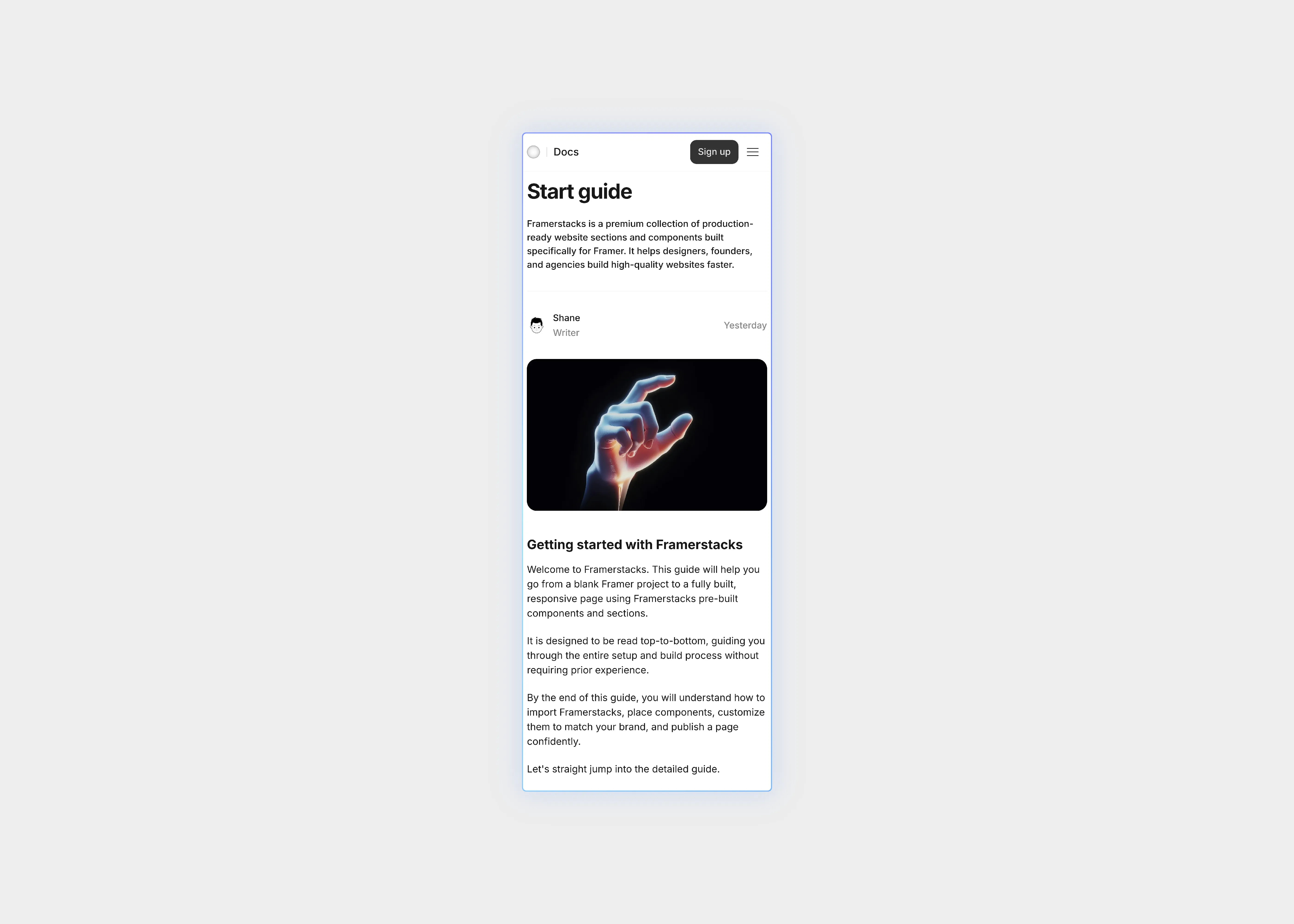
A light themed cms documentation details page UI, optimized for mobile devices

CMS 3 - Documentation

Documentation page, the Doc data fed dynamically with using Content Management System (CMS). This collection comes with doc page, detail page, sidebar, navigation bar, table of content, scroll variant and many more complex CMS features.

0

0

Variants:

12

Breakpoints

Theme:


Please note: This component is available only for active license holders. Sign in with your license key or purchase one.

Copying disabled

How to use the component?

  • Ship this CMS collection to your Framer project. Check out more collections here.

  • Paste and you may notice the missing of some of the elements in the page such as navigation bar and sidebar.

  • The reason this, these components are used as a layout template. So, it may not be included in the copy button.

  • So, what we recommend is; copy the whole content from Framerstacks UI kit including the sidebar and nav bar.

  • Then you can freely paste into the canvas and start customizing it in your end.

  • For any type of assistance to set up your CMS collection page, don't hesitate to get in touch with us.

Unlock full potential

Lifetime access

Monthly updates

Access to templates

15+ form templates

CMS 3 - Documentation

Documentation page, the Doc data fed dynamically with using Content Management System (CMS). This collection comes with doc page, detail page, sidebar, navigation bar, table of content, scroll variant and many more complex CMS features.

0

0

Variants:

12

Breakpoints

Theme:


Please note: This component is available only for active license holders. Sign in with your license key or purchase one.

Copying disabled

How to use the component?

  • Ship this CMS collection to your Framer project. Check out more collections here.

  • Paste and you may notice the missing of some of the elements in the page such as navigation bar and sidebar.

  • The reason this, these components are used as a layout template. So, it may not be included in the copy button.

  • So, what we recommend is; copy the whole content from Framerstacks UI kit including the sidebar and nav bar.

  • Then you can freely paste into the canvas and start customizing it in your end.

  • For any type of assistance to set up your CMS collection page, don't hesitate to get in touch with us.

Unlock full potential

Lifetime access

Monthly updates

Access to templates

15+ form templates

CMS 3 - Documentation

Documentation page, the Doc data fed dynamically with using Content Management System (CMS). This collection comes with doc page, detail page, sidebar, navigation bar, table of content, scroll variant and many more complex CMS features.

0

0

Variants:

12

Breakpoints

Theme:


Please note: This component is available only for active license holders. Sign in with your license key or purchase one.

Copying disabled

How to use the component?

  • Ship this CMS collection to your Framer project. Check out more collections here.

  • Paste and you may notice the missing of some of the elements in the page such as navigation bar and sidebar.

  • The reason this, these components are used as a layout template. So, it may not be included in the copy button.

  • So, what we recommend is; copy the whole content from Framerstacks UI kit including the sidebar and nav bar.

  • Then you can freely paste into the canvas and start customizing it in your end.

  • For any type of assistance to set up your CMS collection page, don't hesitate to get in touch with us.

Unlock full potential

Lifetime access

Monthly updates

Access to templates

15+ form templates

Just like more components

The FAQs

Have questions? We got you…

Everything you need to know about our product and billing.

What is Framerstack?

What is Framerstack?

Is there a free plan available?

Is there a free plan available?

What about the refund policy?

What about the refund policy?

How I can avail my user license?

How I can avail my user license?

Still have questions? Or can't find the right answer? Please contact us. One of our customer support team members will get in touch with you.

Join to the community

Stay in the loop with everything you need to know.

By clicking Submit, you agree to our Privacy Policy and to receive our notifications. You can Unsubscribe anytime.

By clicking Submit, you agree to our Privacy Policy and to receive our notifications. You can Unsubscribe anytime.

By clicking Submit, you agree to our Privacy Policy and to receive our notifications. You can Unsubscribe anytime.