Contact form

Search a component or section

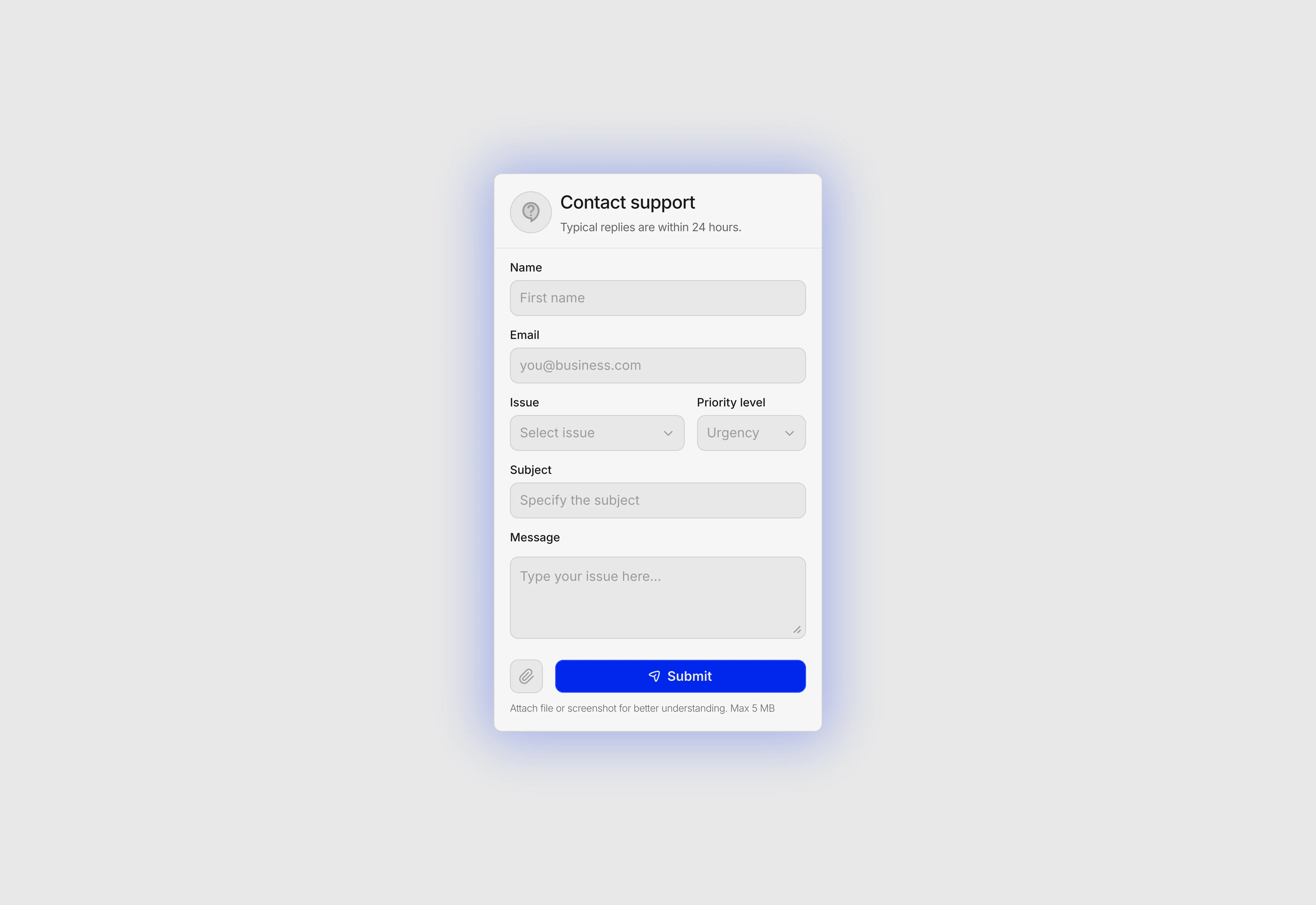
A light themed contact support form.

Last updated on:

Updated on:

Available variants

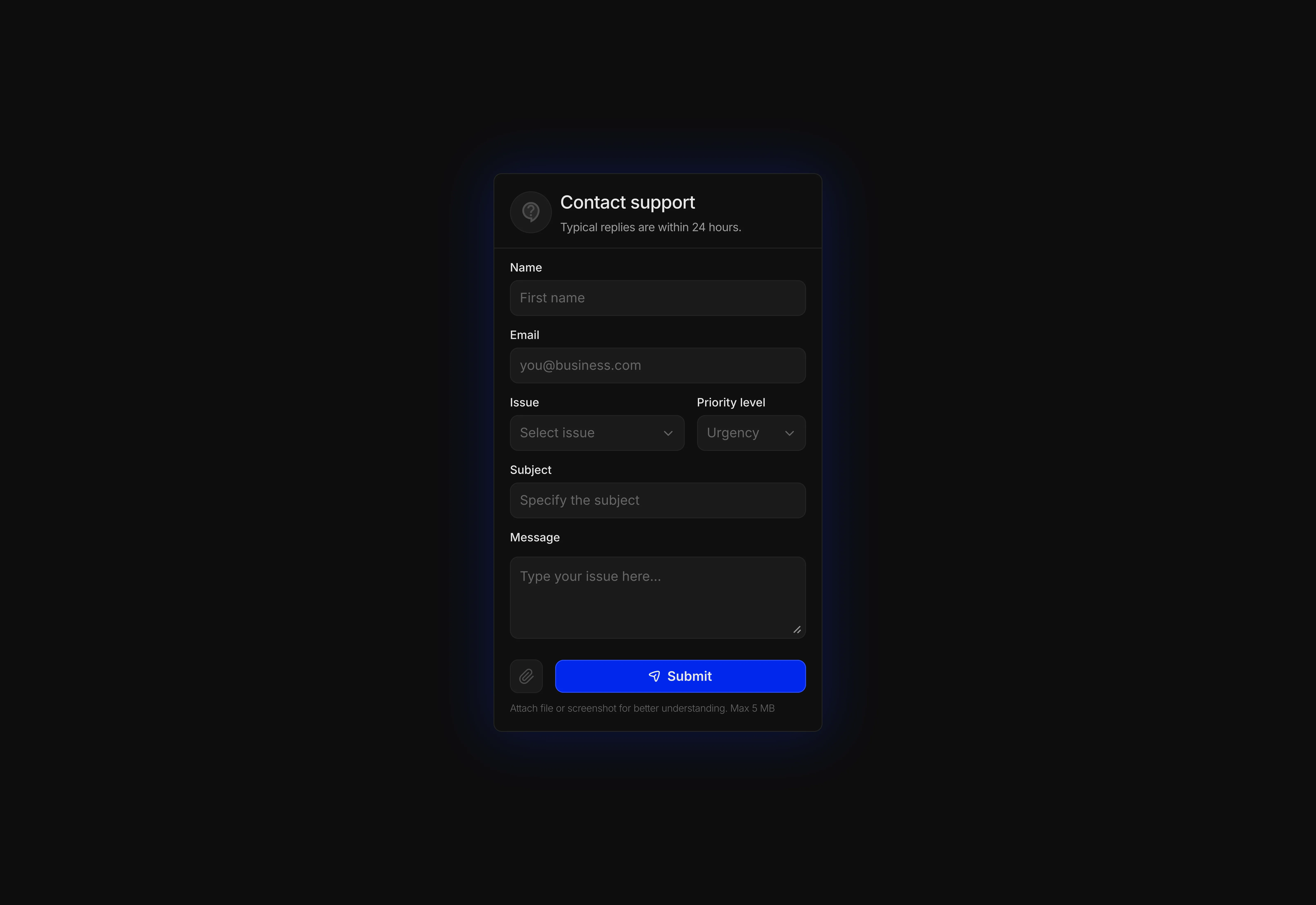
A dark themed contact support form for Framer.
A light themed contact support form for Framer.

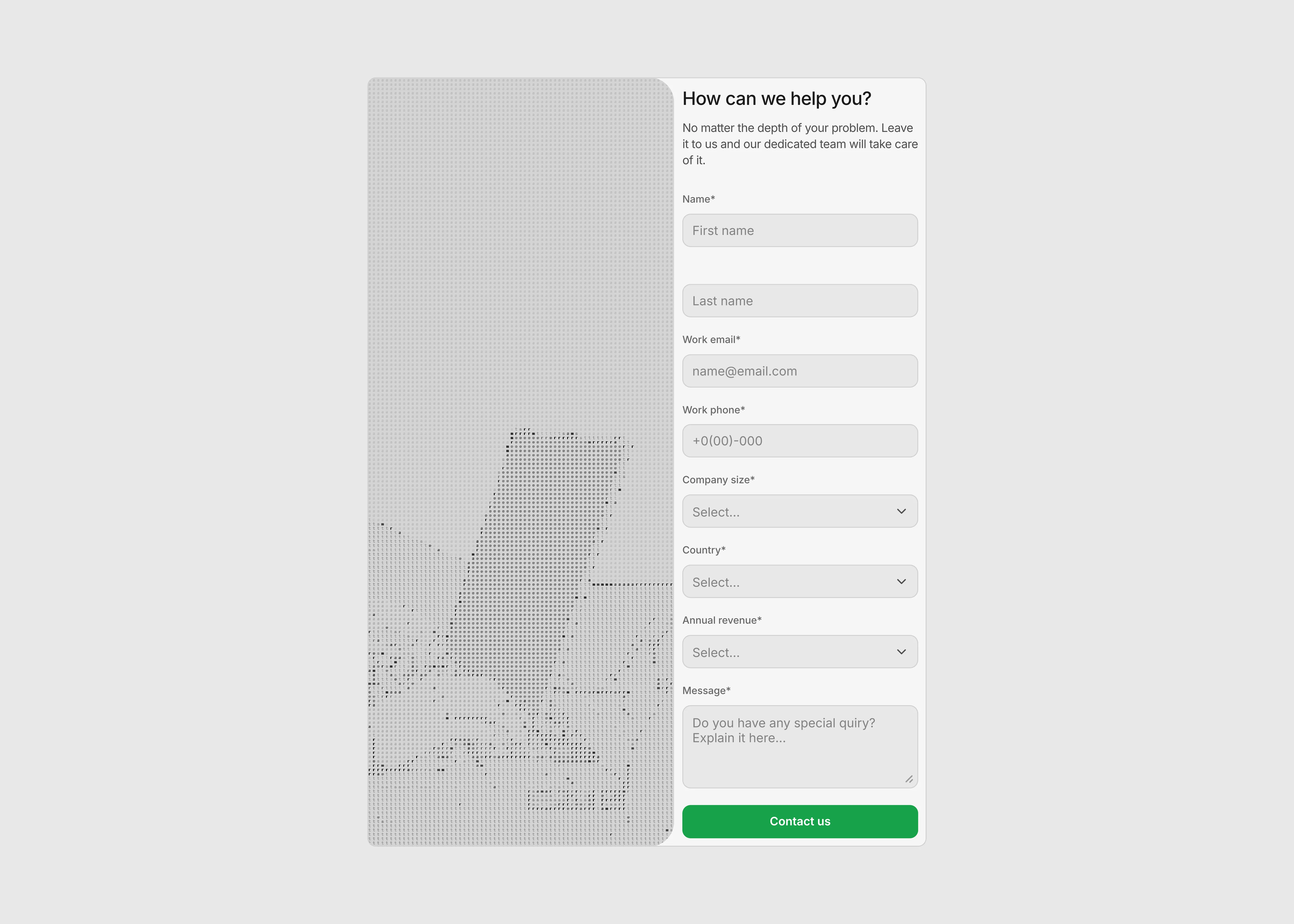
Contact support form for Framer contact pages

A free contact support form component for Framer. Connect any webhook or form endpoint, add image attachments, built-in validation, light and dark themes, and full accessibility.

...
...

Variants:

2

Theme:

Please note: This component is available only for active license holders. Sign in with your license key or purchase one.

Copying disabled

How to use the component?

1. Add the form and connect your endpoint

  • Copy and drop the Contact Support Form onto any Framer page.

  • Unable to copy? Sign in and try again.

  • Open the Submission panel and paste your Action URL. The component sends a clean JSON POST and treats any 2xx status as success, so it works out of the box with Make, Zapier, n8n, Formspree, Airtable, Google Apps Script, Supabase, or your own API route, no special response format required.

  • Use Timeout (sec) to cap how long a slow endpoint is given before the form shows an error, and toggle Reset After Send to decide whether the fields clear once a message goes through. Friendly, specific messages are already written for 401/403, 404, 429, 5xx, timeout, and offline cases, so visitors never see a raw error.

2. Choose your fields, rules, and attachments

  • The Fields panel turns Name, Email, Issue, Urgency, Subject, and Message on or off individually, and every placeholder is editable. The Issue dropdown is a fully editable list, add your own categories like Billing, Bug report, Feature request, or Account access so tickets arrive pre-routed.

  • In Validation, mark each field required or optional. Errors appear inline the moment a field loses focus, the first invalid field is focused automatically on submit, and email format is checked before anything is sent.

  • To accept screenshots, open Attachment, enable it, and add your Cloudinary cloud name and unsigned upload preset. Visitors get a live upload state with a size and image-type check, and the resulting secure URL is passed to your endpoint as attachmentUrl.

3. Style it to match your brand

  • Appearance ships with Light, Dark, Auto, and Custom themes. Auto follows the visitor's system prefers-color-scheme setting; Custom unlocks background, field fill, border, text, muted text, accent, error, and success colors plus a corner radius, so the form can match any design system exactly.

  • Layout controls padding, field gap, row gap, and max width, set max width to 0 and the form simply fills the Framer frame you place it in, staying responsive on desktop, tablet, and phone.

  • Accessibility is built in rather than bolted on: real labels, aria-invalid and aria-describedby on every input, a keyboard-navigable combobox for the dropdowns (arrow keys, Enter, Escape, type-ahead), polite live regions announcing sending and success states, and an alert role on validation errors. Edit the title, subtitle, submit label, success title, success message, and error message directly in Content.

  • For the React code of this contact support form, sign in with a Standard plan.

Where to use?

Use it anywhere a visitor needs to reach a human. It fits naturally on a Contact page or Support / Help Center page, as the destination of a "Talk to us" button in your navigation or footer, and on a dedicated Bug report or Feature request page where the Issue and Urgency dropdowns pre-sort every ticket.

It also works well as a SaaS support widget inside a logged-in area or docs site, a customer service form for agencies, studios, and freelancers handling client requests, a sales or demo enquiry form on a landing page, and an onboarding help form in a template or product you ship to others.

Because attachments are supported, it is especially strong wherever screenshots speed things up, bug triage, billing disputes, order issues on an e-commerce store, and technical troubleshooting.

LIMITED TIME OFFER

Launch amazing websites with

Framerstacks

Still trying to design and launch a website from scratch? Check out 800+ pre-built Framer components and sections that 10x your design speed.

Life time access

Save hundreds of hours

10x design speed

Weekly new releases

Premium designs

Color theme responsiveness

Starts from

$79.00

$99

One-time

Contact support form for Framer contact pages

A free contact support form component for Framer. Connect any webhook or form endpoint, add image attachments, built-in validation, light and dark themes, and full accessibility.

...
...

Variants:

2

Theme:

Please note: This component is available only for active license holders. Sign in with your license key or purchase one.

Copying disabled

How to use the component?

1. Add the form and connect your endpoint

  • Copy and drop the Contact Support Form onto any Framer page.

  • Unable to copy? Sign in and try again.

  • Open the Submission panel and paste your Action URL. The component sends a clean JSON POST and treats any 2xx status as success, so it works out of the box with Make, Zapier, n8n, Formspree, Airtable, Google Apps Script, Supabase, or your own API route, no special response format required.

  • Use Timeout (sec) to cap how long a slow endpoint is given before the form shows an error, and toggle Reset After Send to decide whether the fields clear once a message goes through. Friendly, specific messages are already written for 401/403, 404, 429, 5xx, timeout, and offline cases, so visitors never see a raw error.

2. Choose your fields, rules, and attachments

  • The Fields panel turns Name, Email, Issue, Urgency, Subject, and Message on or off individually, and every placeholder is editable. The Issue dropdown is a fully editable list, add your own categories like Billing, Bug report, Feature request, or Account access so tickets arrive pre-routed.

  • In Validation, mark each field required or optional. Errors appear inline the moment a field loses focus, the first invalid field is focused automatically on submit, and email format is checked before anything is sent.

  • To accept screenshots, open Attachment, enable it, and add your Cloudinary cloud name and unsigned upload preset. Visitors get a live upload state with a size and image-type check, and the resulting secure URL is passed to your endpoint as attachmentUrl.

3. Style it to match your brand

  • Appearance ships with Light, Dark, Auto, and Custom themes. Auto follows the visitor's system prefers-color-scheme setting; Custom unlocks background, field fill, border, text, muted text, accent, error, and success colors plus a corner radius, so the form can match any design system exactly.

  • Layout controls padding, field gap, row gap, and max width, set max width to 0 and the form simply fills the Framer frame you place it in, staying responsive on desktop, tablet, and phone.

  • Accessibility is built in rather than bolted on: real labels, aria-invalid and aria-describedby on every input, a keyboard-navigable combobox for the dropdowns (arrow keys, Enter, Escape, type-ahead), polite live regions announcing sending and success states, and an alert role on validation errors. Edit the title, subtitle, submit label, success title, success message, and error message directly in Content.

  • For the React code of this contact support form, sign in with a Standard plan.

Where to use?

Use it anywhere a visitor needs to reach a human. It fits naturally on a Contact page or Support / Help Center page, as the destination of a "Talk to us" button in your navigation or footer, and on a dedicated Bug report or Feature request page where the Issue and Urgency dropdowns pre-sort every ticket.

It also works well as a SaaS support widget inside a logged-in area or docs site, a customer service form for agencies, studios, and freelancers handling client requests, a sales or demo enquiry form on a landing page, and an onboarding help form in a template or product you ship to others.

Because attachments are supported, it is especially strong wherever screenshots speed things up, bug triage, billing disputes, order issues on an e-commerce store, and technical troubleshooting.

LIMITED TIME OFFER

Launch amazing websites with

Framerstacks

Still trying to design and launch a website from scratch? Check out 800+ pre-built Framer components and sections that 10x your design speed.

Life time access

Save hundreds of hours

10x design speed

Weekly new releases

Premium designs

Color theme responsiveness

Starts from

$79.00

$99

One-time

Library overview

Framerstacks hosts one of the largest collections of pre-built Framer components and website sections. With 200+ professionally designed components and 800+ variants.

Our library spans 40+ webpage section categories, enabling creators to build beautiful, high-performance websites in Framer faster than ever.

Explore the main library page.

Contribution

Have something creative on your mind? Or wish to become a contributor inside Framerstacks?

You're welcome. Join as a contributor and help to shape the future of the high-quality Framer components and sections gallery. Head over to the submission page and contribute.

Support

If you need any further support related to this specific component or section, please send an email to hello@framerstacks.com

One of our customer support team members will get in touch with you within 24 hours.

To report an issue with the product, purchase, functionality, submit a ticket.

Just like more components
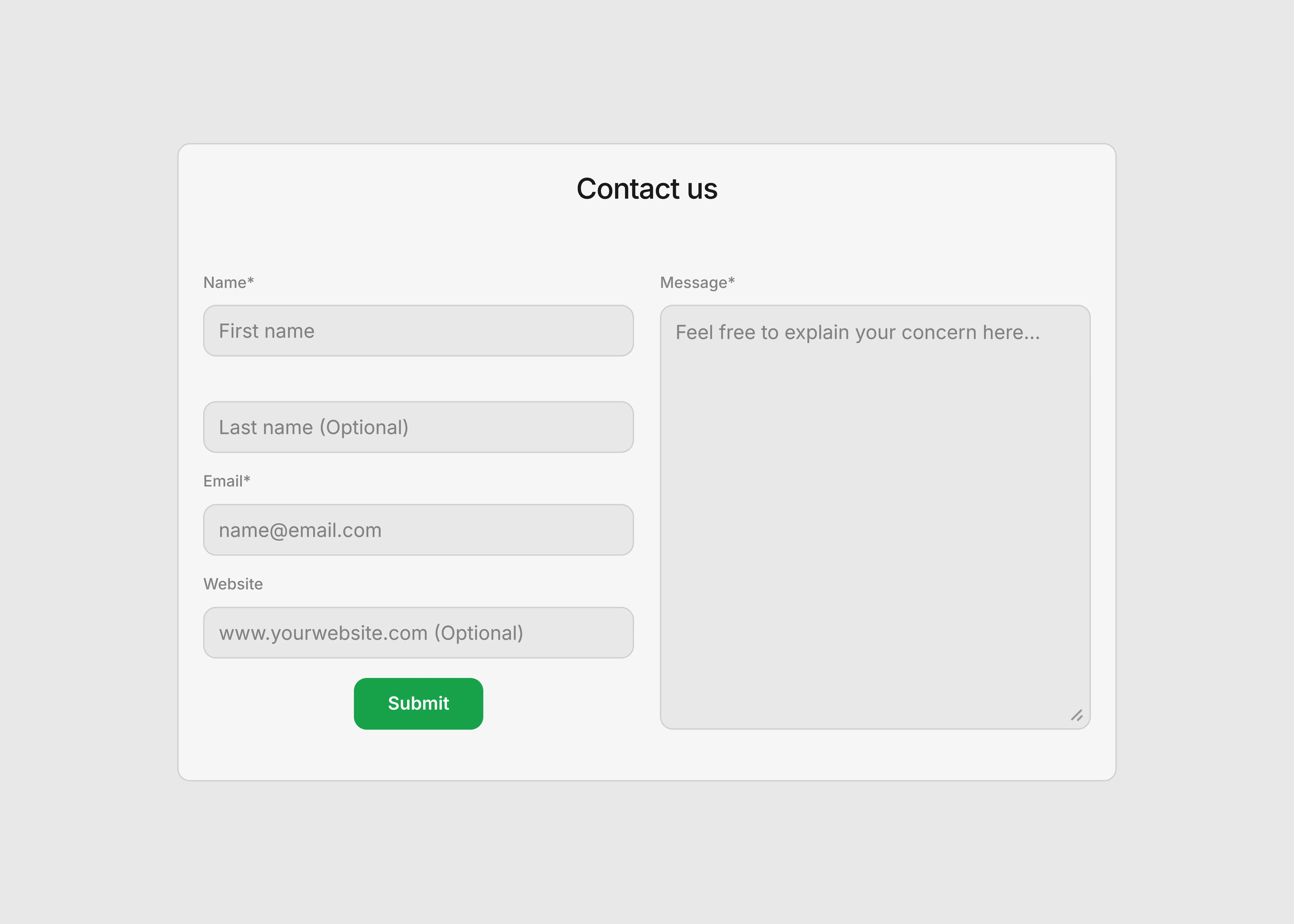
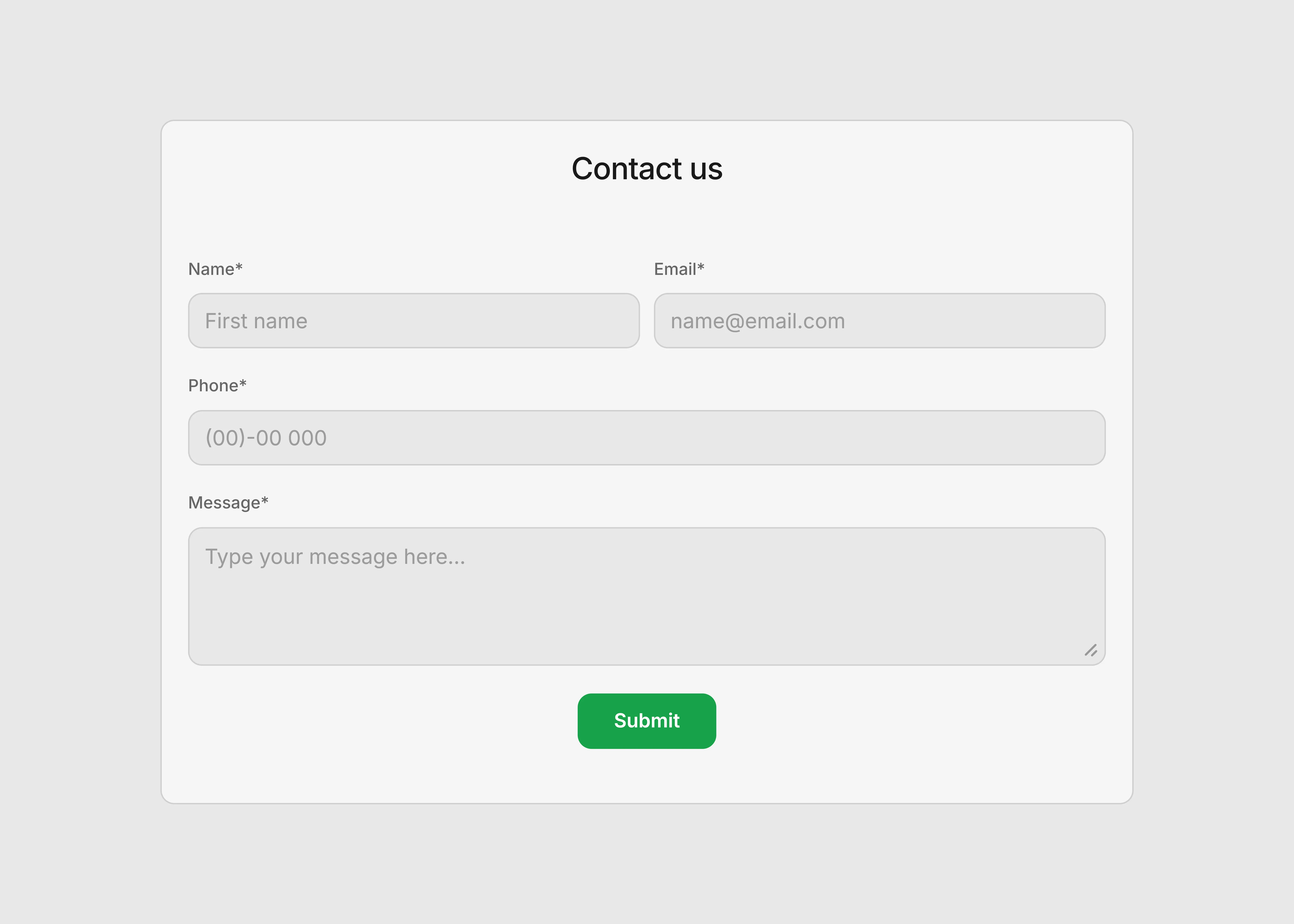
Contact Form with Message Field for Framer

Aug 15, 2026

Two-Column Contact Form for Framer

Aug 22, 2026

Simple Contact Form for Framer Websites

Aug 15, 2026

The FAQs

Have questions? We got you…

Everything you need to know about our product and billing.

What is Framerstack?

Is there a free plan available?

What about the refund policy?

How I can avail my user license?

Still have questions? Or can't find the right answer? Please contact us. One of our customer support team members will get in touch with you.

Join to the community

Stay in the loop with everything you need to know.

By clicking Submit, you agree to our Privacy Policy and to receive our notifications. You can Unsubscribe anytime.

By clicking Submit, you agree to our Privacy Policy and to receive our notifications. You can Unsubscribe anytime.