
Last updated on:
Updated on:
Command Palette for Framer Projects (cmdK)
Simple command palette for fast website search and navigation. Automatically detect available pages and CMS content, save recent searches and activities, and quickly discover relevant content across your website up to 100 search results.
Variants:
1
Theme:
Please note: This component is available only for active license holders. Sign in with your license key or purchase one.
Copying disabled
How to use the component?
1. Drop in the palette and give it a hotkey
Copy and drop the Command Palette anywhere on your page, it renders a search bar, button, or icon (or nothing at all, if you only want the hotkey) and stays fixed in place while the overlay itself portals to the top of the document, so it always sits above your content.
Unable to copy? Sign in and try again, or you can buy it for just $7 from Framer Marketplace.
Set Hotkey to ⌘K / Ctrl K, a custom key combo, or a plain "/" shortcut, or turn it off and rely on the visible trigger only. The hotkey is ignored on the canvas so it never fights the Framer editor, and it activates automatically once the page is published.
To auto-index all the website content, just drop it on the page and turn on the Index Site toggle.
The command palette UI auto-shifts to the mobile version on mobile breakpoints. No manual toggling is required.
2. Feed it manual links, CMS content, and every page on your site
Add manual entries straight in the Items panel, each with a title, subtitle, group, emoji or icon, keywords, and an action of Go to Link, Copy Text, or Fire Event. Groups become the headings visitors see in the results list.
To index CMS collections, go to Scopes and set the main page path (for example /library/). All the pages that come under this main page slug will be displayed in the search. This is ideal for CMS pages to display one CMS collection at a time. If you want to link multiple collections under a single command palette, you can add more collections to it.
Turn on Index Site to pull in every published page automatically from your sitemap, no manual list to maintain as pages get added or removed.
Results are ranked with fuzzy matching across title, subtitle, keywords, and group, so a visitor typing "pricng" still finds "Pricing".
Turn on Recents to remember each visitor's last picks between sessions, and use Max Results to cap how many rows show at once, up to 100.
3. Style it and wire up selection events
Theme controls cover panel background, border, text, muted text, accent (the highlighted match color), selected row background, overlay color and blur, corner radius, width, and max height so that the palette can match Light, Dark, or any custom brand look.
Use the Canvas toggle to preview the open panel directly in the Framer editor while you style it, it does not affect the live site. Placeholder, empty state text, footer hint, and the recents heading are all editable in Content.
Full keyboard support is built in: arrow keys and Tab move between results, Enter selects, Escape closes and restores focus to whatever was focused before opening. Wire the On Select event handler to fire your own logic, such as analytics tracking, whenever a visitor picks a result.
For the React code of this command palette, sign in with a Standard plan.
Where to use?
Use it anywhere visitors need to jump around a large site fast. It fits naturally in a navigation bar or header as a search trigger, on documentation and knowledge base sites where people search for articles by keyword, and on content-heavy blogs or publications where a CMS-bound palette surfaces every post without a dedicated search page.
It also works well as an in-app command menu for SaaS dashboards and internal tools, giving users a ⌘K shortcut to jump straight to settings, records, or actions instead of clicking through menus, and as a quick-navigation layer for marketplaces, directories, or portfolio sites with many pages or listings.
Because it can index your entire sitemap automatically, it is especially strong on sites that grow over time, new pages and CMS entries become searchable the moment they are published, with no manual list to keep in sync.
LIMITED TIME OFFER
Launch amazing websites with
Framerstacks
Still trying to design and launch a website from scratch? Check out 800+ pre-built Framer components and sections that 10x your design speed.
Life time access
Save hundreds of hours
10x design speed
Weekly new releases
Premium designs
Color theme responsiveness
Starts from
$79.00
$99
One-time
Command Palette for Framer Projects (cmdK)
Simple command palette for fast website search and navigation. Automatically detect available pages and CMS content, save recent searches and activities, and quickly discover relevant content across your website up to 100 search results.
Variants:
1
Theme:
Please note: This component is available only for active license holders. Sign in with your license key or purchase one.
Copying disabled
How to use the component?
1. Drop in the palette and give it a hotkey
Copy and drop the Command Palette anywhere on your page, it renders a search bar, button, or icon (or nothing at all, if you only want the hotkey) and stays fixed in place while the overlay itself portals to the top of the document, so it always sits above your content.
Unable to copy? Sign in and try again, or you can buy it for just $7 from Framer Marketplace.
Set Hotkey to ⌘K / Ctrl K, a custom key combo, or a plain "/" shortcut, or turn it off and rely on the visible trigger only. The hotkey is ignored on the canvas so it never fights the Framer editor, and it activates automatically once the page is published.
To auto-index all the website content, just drop it on the page and turn on the Index Site toggle.
The command palette UI auto-shifts to the mobile version on mobile breakpoints. No manual toggling is required.
2. Feed it manual links, CMS content, and every page on your site
Add manual entries straight in the Items panel, each with a title, subtitle, group, emoji or icon, keywords, and an action of Go to Link, Copy Text, or Fire Event. Groups become the headings visitors see in the results list.
To index CMS collections, go to Scopes and set the main page path (for example /library/). All the pages that come under this main page slug will be displayed in the search. This is ideal for CMS pages to display one CMS collection at a time. If you want to link multiple collections under a single command palette, you can add more collections to it.
Turn on Index Site to pull in every published page automatically from your sitemap, no manual list to maintain as pages get added or removed.
Results are ranked with fuzzy matching across title, subtitle, keywords, and group, so a visitor typing "pricng" still finds "Pricing".
Turn on Recents to remember each visitor's last picks between sessions, and use Max Results to cap how many rows show at once, up to 100.
3. Style it and wire up selection events
Theme controls cover panel background, border, text, muted text, accent (the highlighted match color), selected row background, overlay color and blur, corner radius, width, and max height so that the palette can match Light, Dark, or any custom brand look.
Use the Canvas toggle to preview the open panel directly in the Framer editor while you style it, it does not affect the live site. Placeholder, empty state text, footer hint, and the recents heading are all editable in Content.
Full keyboard support is built in: arrow keys and Tab move between results, Enter selects, Escape closes and restores focus to whatever was focused before opening. Wire the On Select event handler to fire your own logic, such as analytics tracking, whenever a visitor picks a result.
For the React code of this command palette, sign in with a Standard plan.
Where to use?
Use it anywhere visitors need to jump around a large site fast. It fits naturally in a navigation bar or header as a search trigger, on documentation and knowledge base sites where people search for articles by keyword, and on content-heavy blogs or publications where a CMS-bound palette surfaces every post without a dedicated search page.
It also works well as an in-app command menu for SaaS dashboards and internal tools, giving users a ⌘K shortcut to jump straight to settings, records, or actions instead of clicking through menus, and as a quick-navigation layer for marketplaces, directories, or portfolio sites with many pages or listings.
Because it can index your entire sitemap automatically, it is especially strong on sites that grow over time, new pages and CMS entries become searchable the moment they are published, with no manual list to keep in sync.
LIMITED TIME OFFER
Launch amazing websites with
Framerstacks
Still trying to design and launch a website from scratch? Check out 800+ pre-built Framer components and sections that 10x your design speed.
Life time access
Save hundreds of hours
10x design speed
Weekly new releases
Premium designs
Color theme responsiveness
Starts from
$79.00
$99
One-time
Library overview
Framerstacks hosts one of the largest collections of pre-built Framer components and website sections. With 200+ professionally designed components and 800+ variants.
Our library spans 40+ webpage section categories, enabling creators to build beautiful, high-performance websites in Framer faster than ever.
Explore the main library page.
Contribution
Have something creative on your mind? Or wish to become a contributor inside Framerstacks?
You're welcome. Join as a contributor and help to shape the future of the high-quality Framer components and sections gallery. Head over to the submission page and contribute.
Support
If you need any further support related to this specific component or section, please send an email to hello@framerstacks.com
One of our customer support team members will get in touch with you within 24 hours.
To report an issue with the product, purchase, functionality, submit a ticket.
Just like more components

Smooth Scroll Effect for Framer Web Pages
Oct 2, 2026

Scattered Text Grid Animation for Framer
Oct 2, 2026

Decrypt Revealer for Framer Pages
Oct 2, 2026

Infinite 3D Image Tunnel for Framer
Oct 2, 2026

3D Bend Page Effect Code Component for Framer
Oct 2, 2026

Testimonial Carousel Component for Framer
Oct 2, 2026

Page Transition Manager Code for Framer
Oct 2, 2026

Liquid Text Distortion Effect for Framer
Oct 2, 2026

Circular 3D Image Gallery Component for Framer
Oct 2, 2026

3D Flip Social Media Icons Component for Framer
Oct 2, 2026

Blog Read Time Calculator Component for Framer
Oct 2, 2026
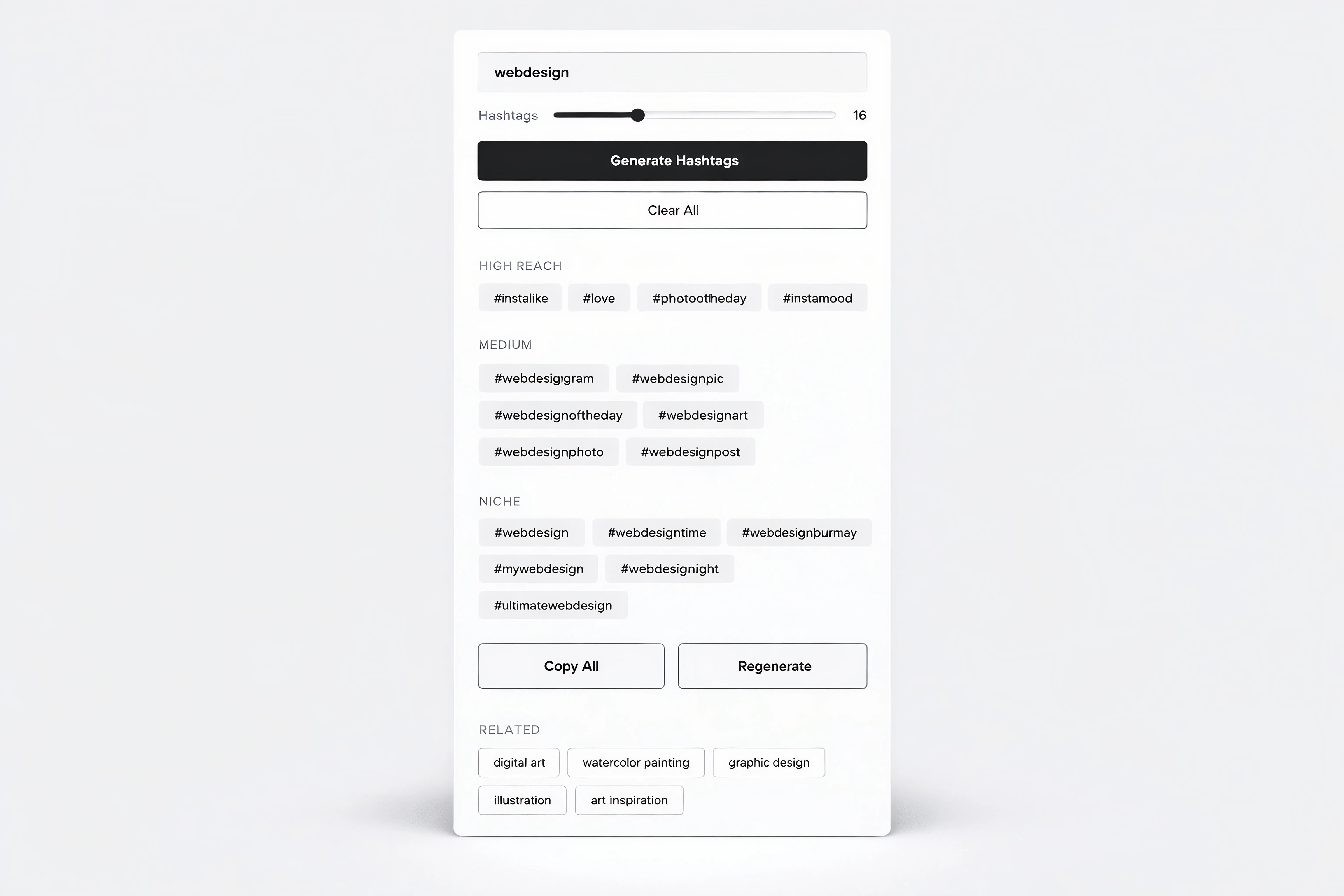
Hashtag Generator Tool Component for Framer
Oct 2, 2026
Load More
Smooth Scroll Effect for Framer Web Pages
Oct 2, 2026
Scattered Text Grid Animation for Framer
Oct 2, 2026
Decrypt Revealer for Framer Pages
Oct 2, 2026
Infinite 3D Image Tunnel for Framer
Oct 2, 2026
3D Bend Page Effect Code Component for Framer
Oct 2, 2026
Testimonial Carousel Component for Framer
Oct 2, 2026
Load More
The FAQs
Have questions? We got you…
Everything you need to know about our product and billing.
" height="145.6071412712696px" id="yQXBZZpLX" width="80.09859047311576px"/></svg>)
What is Framerstack?
Is there a free plan available?
What about the refund policy?
How I can avail my user license?
Still have questions? Or can't find the right answer? Please contact us. One of our customer support team members will get in touch with you.
Join to the community
Stay in the loop with everything you need to know.
By clicking Submit, you agree to our Privacy Policy and to receive our notifications. You can Unsubscribe anytime.
By clicking Submit, you agree to our Privacy Policy and to receive our notifications. You can Unsubscribe anytime.