
Last updated on:
Updated on:
Smooth Scroll Effect for Framer Web Pages
Add a buttery-smooth scroll effects to any page of your Framer project. No layout shift, no CLS, native scrollbar and sticky elements stay intact. Copy, paste, preview and publish.
Variants:
1
Theme:
Please note: This component is available only for active license holders. Sign in with your license key or purchase one.
Copying disabled
How to use the component?
Copy the Smooth Scroll component and paste it anywhere on your Framer canvas. It renders no visible UI on the published site.
Unable to copy? Sign in and try again.
One instance per page. It automatically claims the page once mounted, so accidental duplicates simply stay inert instead of fighting each other.
The Collapse toggle hides its own frame from the layout, so it never nudges a stack or grid by a pixel. Drop it inside any section without affecting spacing.
Use Smoothness to set how long the eased scroll takes to settle, and Speed to control how far each mouse-wheel notch travels.
Turn on Keyboard to ease arrow key, Page Up/Down, Space, Home, and End navigation too, and Touch to apply the same easing to mobile swipes (off by default so pull-to-refresh and native momentum stay untouched).
Anchor Offset shifts where the page lands when a visitor clicks a same-page hash link, useful when a sticky header would otherwise cover the target section.
Reduced Motion respects each visitor's OS accessibility setting automatically, and Device lets you restrict the effect to desktop only or set a custom minimum width so mobile keeps native scrolling.
Unlike scroll libraries that wrap the whole page in a transformed container, this component eases the browser's own
window.scrollY, soposition: sticky, 100vh sections, and Framer's built-in scroll and appear effects keep working unmodified.Nothing is registered until the browser is idle after load, and nothing runs until the visitor's first scroll input, so it adds zero weight to LCP, CLS, or Total Blocking Time.
Nested scrollable elements like dropdowns, modals, and overflow frames keep their native scroll and hand off to the page only at their own edge, and the animation frame loop stops the instant the motion settles.
Preview or publish the page and scroll with your mouse wheel to feel the smooth scroll effect. The canvas shows a static frame by design.
Check out more components like this on our main collection page (All code components).
If you need the full React code file of this component, sign in and copy the code.
Where to use?
Smooth scrolling is a small, felt detail that makes a whole Framer site read as more premium and intentional, without adding any weight. Here is where it earns its place.
Site type | Where to use it? |
|---|---|
Design agencies & studios | Full site - Give every scroll interaction the same weighted, editorial feel Awwwards-style portfolios are known for. |
Portfolios | Project and case study pages - Long-scroll case studies feel more cinematic with eased motion between sections. |
SaaS & product landing pages | Marketing homepage - Pair with hero and feature sections that already use Framer scroll transforms for a more cohesive scroll story. |
Fashion & e-commerce | Lookbook and campaign pages - Slow, eased scroll matches an editorial, high-production feel on image-heavy pages. |
Music, film & events | Landing and teaser pages - Smooth scroll reinforces a cinematic, atmospheric first impression. |
Personal & blog sites | Any long-form page - Adds polish to reading-heavy layouts without affecting Core Web Vitals or SEO. |
LIMITED TIME OFFER
Launch amazing websites with
Framerstacks
Still trying to design and launch a website from scratch? Check out 800+ pre-built Framer components and sections that 10x your design speed.
Life time access
Save hundreds of hours
10x design speed
Weekly new releases
Premium designs
Color theme responsiveness
Starts from
$79.00
$99
One-time
Smooth Scroll Effect for Framer Web Pages
Add a buttery-smooth scroll effects to any page of your Framer project. No layout shift, no CLS, native scrollbar and sticky elements stay intact. Copy, paste, preview and publish.
Variants:
1
Theme:
Please note: This component is available only for active license holders. Sign in with your license key or purchase one.
Copying disabled
How to use the component?
Copy the Smooth Scroll component and paste it anywhere on your Framer canvas. It renders no visible UI on the published site.
Unable to copy? Sign in and try again.
One instance per page. It automatically claims the page once mounted, so accidental duplicates simply stay inert instead of fighting each other.
The Collapse toggle hides its own frame from the layout, so it never nudges a stack or grid by a pixel. Drop it inside any section without affecting spacing.
Use Smoothness to set how long the eased scroll takes to settle, and Speed to control how far each mouse-wheel notch travels.
Turn on Keyboard to ease arrow key, Page Up/Down, Space, Home, and End navigation too, and Touch to apply the same easing to mobile swipes (off by default so pull-to-refresh and native momentum stay untouched).
Anchor Offset shifts where the page lands when a visitor clicks a same-page hash link, useful when a sticky header would otherwise cover the target section.
Reduced Motion respects each visitor's OS accessibility setting automatically, and Device lets you restrict the effect to desktop only or set a custom minimum width so mobile keeps native scrolling.
Unlike scroll libraries that wrap the whole page in a transformed container, this component eases the browser's own
window.scrollY, soposition: sticky, 100vh sections, and Framer's built-in scroll and appear effects keep working unmodified.Nothing is registered until the browser is idle after load, and nothing runs until the visitor's first scroll input, so it adds zero weight to LCP, CLS, or Total Blocking Time.
Nested scrollable elements like dropdowns, modals, and overflow frames keep their native scroll and hand off to the page only at their own edge, and the animation frame loop stops the instant the motion settles.
Preview or publish the page and scroll with your mouse wheel to feel the smooth scroll effect. The canvas shows a static frame by design.
Check out more components like this on our main collection page (All code components).
If you need the full React code file of this component, sign in and copy the code.
Where to use?
Smooth scrolling is a small, felt detail that makes a whole Framer site read as more premium and intentional, without adding any weight. Here is where it earns its place.
Site type | Where to use it? |
|---|---|
Design agencies & studios | Full site - Give every scroll interaction the same weighted, editorial feel Awwwards-style portfolios are known for. |
Portfolios | Project and case study pages - Long-scroll case studies feel more cinematic with eased motion between sections. |
SaaS & product landing pages | Marketing homepage - Pair with hero and feature sections that already use Framer scroll transforms for a more cohesive scroll story. |
Fashion & e-commerce | Lookbook and campaign pages - Slow, eased scroll matches an editorial, high-production feel on image-heavy pages. |
Music, film & events | Landing and teaser pages - Smooth scroll reinforces a cinematic, atmospheric first impression. |
Personal & blog sites | Any long-form page - Adds polish to reading-heavy layouts without affecting Core Web Vitals or SEO. |
LIMITED TIME OFFER
Launch amazing websites with
Framerstacks
Still trying to design and launch a website from scratch? Check out 800+ pre-built Framer components and sections that 10x your design speed.
Life time access
Save hundreds of hours
10x design speed
Weekly new releases
Premium designs
Color theme responsiveness
Starts from
$79.00
$99
One-time
Library overview
Framerstacks hosts one of the largest collections of pre-built Framer components and website sections. With 250+ professionally designed components and 1000+ variants.
Our library spans 120+ webpage section categories, enabling creators to build beautiful, high-performance websites in Framer faster than ever.
Explore the main library page.
Contribution
Have something creative on your mind? Or wish to become a contributor inside Framerstacks?
You're welcome. Join as a contributor and help to shape the future of the high-quality Framer components and sections gallery. Head over to the submission page and contribute.
Support
If you need any further support related to this specific component or section, please send an email to hello@framerstacks.com
One of our customer support team members will get in touch with you within 24 hours.
To report an issue with the product, purchase, functionality, submit a ticket.
Just like more components

Command Palette for Framer Projects (cmdK)
Oct 2, 2026

Scattered Text Grid Animation for Framer
Oct 2, 2026

Decrypt Revealer for Framer Pages
Oct 2, 2026

Infinite 3D Image Tunnel for Framer
Oct 2, 2026

3D Bend Page Effect Code Component for Framer
Oct 2, 2026

Testimonial Carousel Component for Framer
Oct 2, 2026

Page Transition Manager Code for Framer
Oct 2, 2026

Liquid Text Distortion Effect for Framer
Oct 2, 2026

Circular 3D Image Gallery Component for Framer
Oct 2, 2026

3D Flip Social Media Icons Component for Framer
Oct 2, 2026
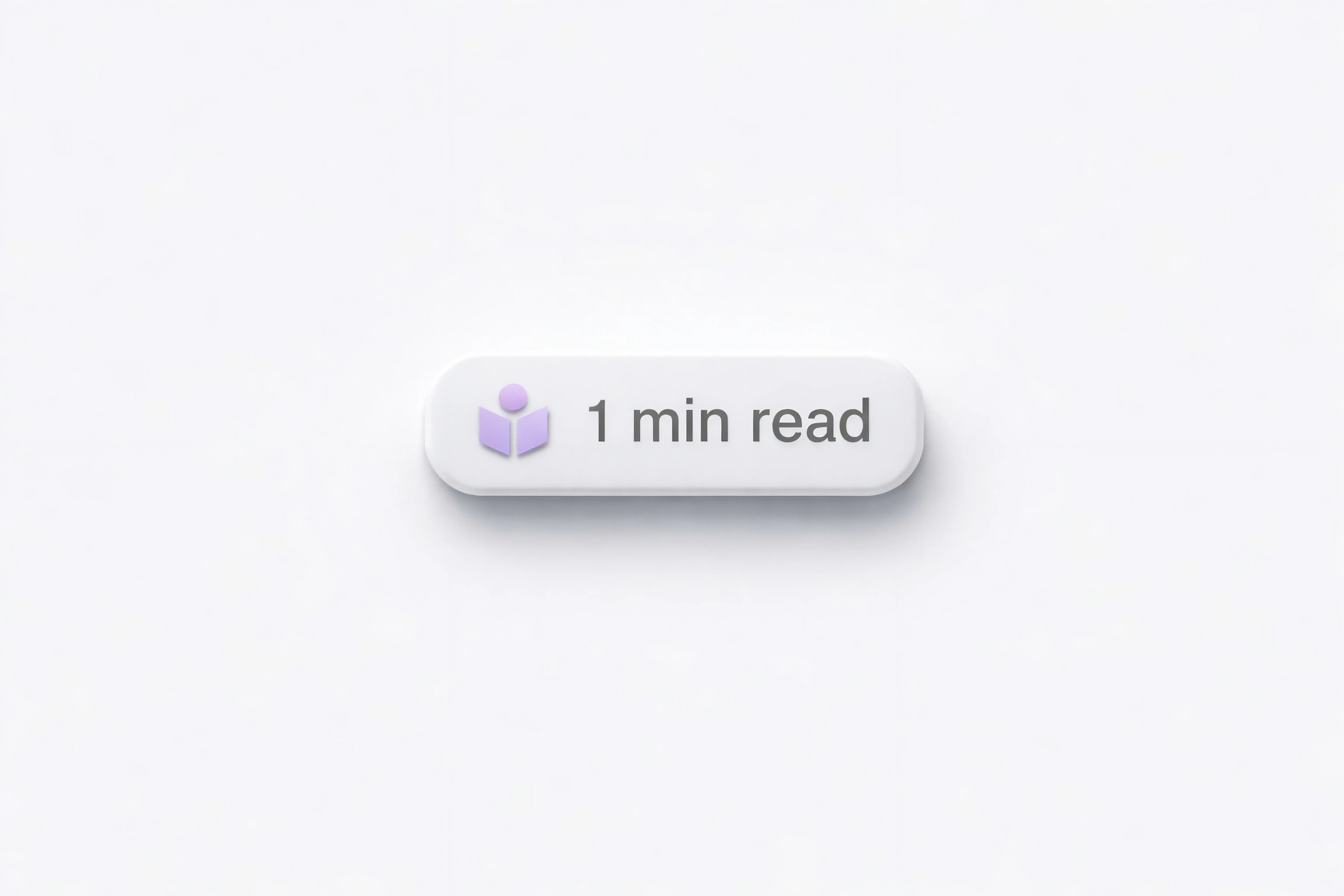
Blog Read Time Calculator Component for Framer
Oct 2, 2026
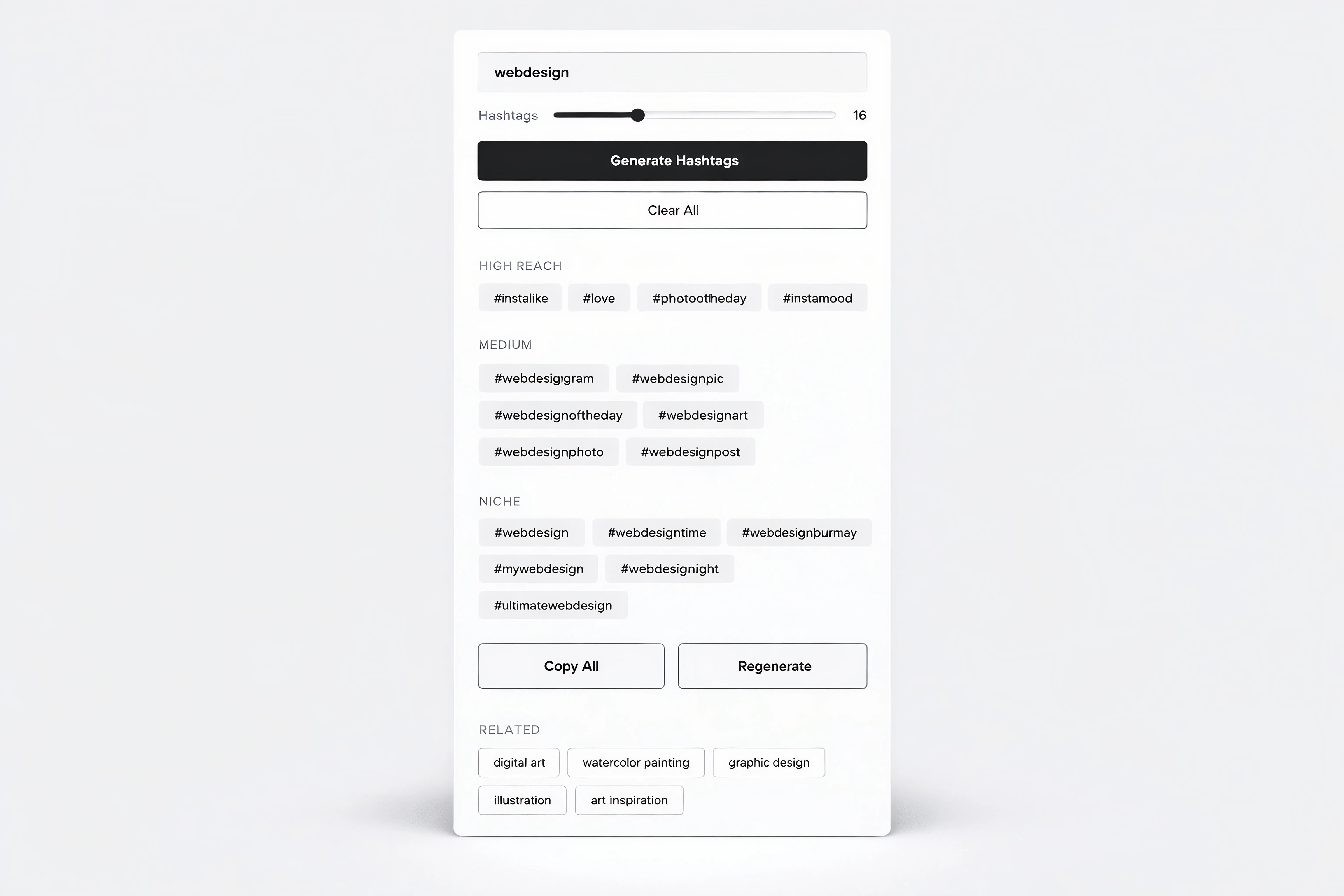
Hashtag Generator Tool Component for Framer
Oct 2, 2026
Load More
Command Palette for Framer Projects (cmdK)
Oct 2, 2026
Scattered Text Grid Animation for Framer
Oct 2, 2026
Decrypt Revealer for Framer Pages
Oct 2, 2026
Infinite 3D Image Tunnel for Framer
Oct 2, 2026
3D Bend Page Effect Code Component for Framer
Oct 2, 2026
Testimonial Carousel Component for Framer
Oct 2, 2026
Load More
The FAQs
Have questions? We got you…
Everything you need to know about our product and billing.
" height="145.6071412712696px" id="yQXBZZpLX" width="80.09859047311576px"/></svg>)
What is Framerstack?
Is there a free plan available?
What about the refund policy?
How I can avail my user license?
Still have questions? Or can't find the right answer? Please contact us. One of our customer support team members will get in touch with you.
Join to the community
Stay in the loop with everything you need to know.
By clicking Submit, you agree to our Privacy Policy and to receive our notifications. You can Unsubscribe anytime.
By clicking Submit, you agree to our Privacy Policy and to receive our notifications. You can Unsubscribe anytime.