Code components

Search a component or section


A 3D circular gallery on a white background.

Last updated on:

Updated on:

Circular image gallery

This Circular image gallery is a premium Framer code component that arranges your images in a giant tilted 3D ring. Hover any card and it lifts off the ring while a large center preview crossfades to that image.

...
...

Variants:

0

Theme:

Please note: This component is available only for active license holders. Sign in with your license key or purchase one.

Copying disabled

How to use the component?

  • Copy the component, paste it anywhere on your Framer canvas (or drag it in from your Assets panel). It fills whatever frame you place it in; a full-width section at 600–700px tall looks best.

  • Unable to copy? Sign in and try again.

  • Select the component and use the Images control in the right-hand properties panel.

  • Click + to add each image, they automatically cycle around the ring.

  • 10–20 images are the sweet spot; the component repeats them to fill the ring.

Everything is a slider or a toggle, no code anywhere.

Property control breakthrough.

  • Cards - how many cards form the ring (fewer = faster on low-end devices).

  • Tilt & Radius - the camera angle and size of the circle.

  • Card W / Card H - thumbnail dimensions.

  • Auto Spin + Spin Speed - idle rotation (it politely slows down when visitors explore).

  • Depth Fade / Preview / Parallax - toggle each effect on or off.

  • BG Center / BG Edge - the radial background gradient behind the ring.

Preview, make any necessary tweaks, and publish it.

Where to use?

The following niche or categories are highly recommended placements for using this component.

Site type

Where to use it?

Photography portfolios

Hero section — let your entire body of work orbit as the first impression

Design agencies & studios

"Selected work" section — every project visible at a glance, preview on hover

E-commerce & fashion

Product or lookbook showcase — a collection your visitors can literally spin

Real estate

Property galleries — dozens of listing photos in one compact, explorable ring

Events & weddings

Photo highlights section — hundreds of moments, one mesmerizing circle

Creative landing pages

Social-proof walls, client logos, gallery teasers above the fold

LIMITED TIME OFFER

Launch amazing websites with

Framerstacks

Still trying to design and launch a website from scratch? Check out 800+ pre-built Framer components and sections that 10x your design speed.

Life time access

Save hundreds of hours

10x design speed

Weekly new releases

Premium designs

Color theme responsiveness

Starts from

$79.00

$99

One-time

Circular image gallery

This Circular image gallery is a premium Framer code component that arranges your images in a giant tilted 3D ring. Hover any card and it lifts off the ring while a large center preview crossfades to that image.

...
...

Variants:

0

Theme:

Please note: This component is available only for active license holders. Sign in with your license key or purchase one.

Copying disabled

How to use the component?

  • Copy the component, paste it anywhere on your Framer canvas (or drag it in from your Assets panel). It fills whatever frame you place it in; a full-width section at 600–700px tall looks best.

  • Unable to copy? Sign in and try again.

  • Select the component and use the Images control in the right-hand properties panel.

  • Click + to add each image, they automatically cycle around the ring.

  • 10–20 images are the sweet spot; the component repeats them to fill the ring.

Everything is a slider or a toggle, no code anywhere.

Property control breakthrough.

  • Cards - how many cards form the ring (fewer = faster on low-end devices).

  • Tilt & Radius - the camera angle and size of the circle.

  • Card W / Card H - thumbnail dimensions.

  • Auto Spin + Spin Speed - idle rotation (it politely slows down when visitors explore).

  • Depth Fade / Preview / Parallax - toggle each effect on or off.

  • BG Center / BG Edge - the radial background gradient behind the ring.

Preview, make any necessary tweaks, and publish it.

Where to use?

The following niche or categories are highly recommended placements for using this component.

Site type

Where to use it?

Photography portfolios

Hero section — let your entire body of work orbit as the first impression

Design agencies & studios

"Selected work" section — every project visible at a glance, preview on hover

E-commerce & fashion

Product or lookbook showcase — a collection your visitors can literally spin

Real estate

Property galleries — dozens of listing photos in one compact, explorable ring

Events & weddings

Photo highlights section — hundreds of moments, one mesmerizing circle

Creative landing pages

Social-proof walls, client logos, gallery teasers above the fold

LIMITED TIME OFFER

Launch amazing websites with

Framerstacks

Still trying to design and launch a website from scratch? Check out 800+ pre-built Framer components and sections that 10x your design speed.

Life time access

Save hundreds of hours

10x design speed

Weekly new releases

Premium designs

Color theme responsiveness

Starts from

$79.00

$99

One-time

Library overview

Framerstacks hosts one of the largest collections of pre-built Framer components and website sections. With 200+ professionally designed components and 800+ variants.

Our library spans 40+ webpage section categories, enabling creators to build beautiful, high-performance websites in Framer faster than ever.

Explore the main library page.

Contribution

Have something creative on your mind? Or wish to become a contributor inside Framerstacks?

You're welcome. Join as a contributor and help to shape the future of high-quality Framer components and sections gallery. Head over to the submission page and contribute.

Support

If you need any further support related to this specific component or section, please send an email to hello@framerstacks.com

One of our customer support team members will get in touch with you within 24 hours.

To report an issue with the product, purchase, functionality, submit a ticket.

Just like more components

Social flip button animation on a light background.

Social flip button

Jul 17, 2026

A light themed read time calculator button

Blog read time calculator

Feb 19, 2026

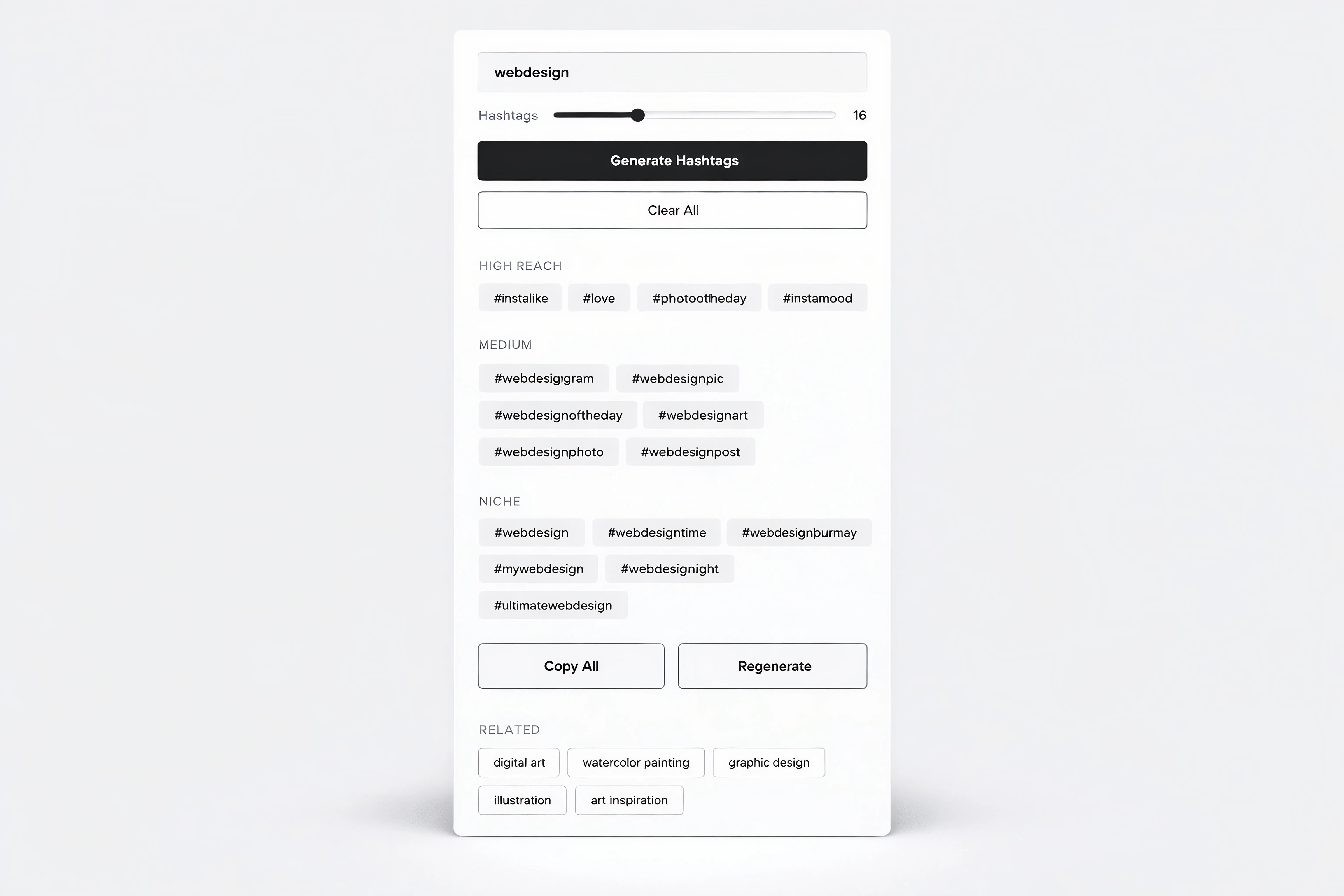
A hashtag generator component interface in light theme.

Hashtag generator

Jan 30, 2026

framerstacks qr code in light theme

QR code generator

Jan 13, 2026

a listed blog index page in light theme

Item counter

Jan 10, 2026

A chat bot ui design in light theme

Chat bot for Framer

Dec 25, 2025

Video text masker in light theme

Video text masker

Dec 22, 2025

A light themed 3d calendar demo

Content scheduler

Dec 22, 2025

A light themed 3D title card

3D title card

Dec 14, 2025

Load More

The FAQs

Have questions? We got you…

Everything you need to know about our product and billing.

What is Framerstack?

Is there a free plan available?

What about the refund policy?

How I can avail my user license?

Still have questions? Or can't find the right answer? Please contact us. One of our customer support team members will get in touch with you.

Join to the community

Stay in the loop with everything you need to know.

By clicking Submit, you agree to our Privacy Policy and to receive our notifications. You can Unsubscribe anytime.

By clicking Submit, you agree to our Privacy Policy and to receive our notifications. You can Unsubscribe anytime.