Code components

Search a component or section

Social flip button animation on a light background.

Last updated on:

Updated on:

Social flip button

Add animated 3D flip social icons to your Framer site. Hover-to-flip buttons with tooltips. You can easily connect up to 11 social networks with complete customization of colors, text, and links.

...
...

Variants:

0

Theme:

Please note: This component is available only for active license holders. Sign in with your license key or purchase one.

Copying disabled

How to use the component?

  1. Insert the component. Copy it into your Framer project and drag it onto the canvas where you want your social links (footer, hero, contact section).

  1. Add your socials. In the properties panel, open Socials and add or remove items. For each one, choose a Network, set the front-face Letter (leave empty to show the icon instead), write a Tooltip label, and paste your profile Link.

  1. Style it. Adjust Size, Gap, Radius, and Padding, then set the Container, Front, Back, and Border Glow colors to match your brand.

  1. Everything is responsive and animation-ready. Hit publish, and your social buttons are live.

  2. Sign in if you are unable to copy this component to your Framer project.

Where to use?

We strongly recommend you use this component on:

  • Footer - The classic home for social links; the flip animation adds life to an otherwise static row.

  • Hero above the fold - Pair it with your headline and CTA so visitors can connect immediately.

  • Contact page - Next to your email and form as an alternative way to reach you.

  • Sticky header or side rail - A compact, always-visible follow bar as users scroll.

  • About section - Reinforce your personal or brand identity with quick links out.

Overall, drops cleanly into tight footers or wide hero layouts without breaking the design.

LIMITED TIME OFFER

Launch amazing websites with

Framerstacks

Still trying to design and launch a website from scratch? Check out 800+ pre-built Framer components and sections that 10x your design speed.

Life time access

Save hundreds of hours

10x design speed

Weekly new releases

Premium designs

Color theme responsiveness

Starts from

$79.00

$99

One-time

Social flip button

Add animated 3D flip social icons to your Framer site. Hover-to-flip buttons with tooltips. You can easily connect up to 11 social networks with complete customization of colors, text, and links.

...
...

Variants:

0

Theme:

Please note: This component is available only for active license holders. Sign in with your license key or purchase one.

Copying disabled

How to use the component?

  1. Insert the component. Copy it into your Framer project and drag it onto the canvas where you want your social links (footer, hero, contact section).

  1. Add your socials. In the properties panel, open Socials and add or remove items. For each one, choose a Network, set the front-face Letter (leave empty to show the icon instead), write a Tooltip label, and paste your profile Link.

  1. Style it. Adjust Size, Gap, Radius, and Padding, then set the Container, Front, Back, and Border Glow colors to match your brand.

  1. Everything is responsive and animation-ready. Hit publish, and your social buttons are live.

  2. Sign in if you are unable to copy this component to your Framer project.

Where to use?

We strongly recommend you use this component on:

  • Footer - The classic home for social links; the flip animation adds life to an otherwise static row.

  • Hero above the fold - Pair it with your headline and CTA so visitors can connect immediately.

  • Contact page - Next to your email and form as an alternative way to reach you.

  • Sticky header or side rail - A compact, always-visible follow bar as users scroll.

  • About section - Reinforce your personal or brand identity with quick links out.

Overall, drops cleanly into tight footers or wide hero layouts without breaking the design.

LIMITED TIME OFFER

Launch amazing websites with

Framerstacks

Still trying to design and launch a website from scratch? Check out 800+ pre-built Framer components and sections that 10x your design speed.

Life time access

Save hundreds of hours

10x design speed

Weekly new releases

Premium designs

Color theme responsiveness

Starts from

$79.00

$99

One-time

Library overview

Framerstacks hosts one of the largest collections of pre-built Framer components and website sections. With 200+ professionally designed components and 800+ variants.

Our library spans 40+ webpage section categories, enabling creators to build beautiful, high-performance websites in Framer faster than ever.

Explore the main library page.

Contribution

Have something creative on your mind? Or wish to become a contributor inside Framerstacks?

You're welcome. Join as a contributor and help to shape the future of high-quality Framer components and sections gallery. Head over to the submission page and contribute.

Support

If you need any further support related to this specific component or section, please send an email to hello@framerstacks.com

One of our customer support team members will get in touch with you within 24 hours.

To report an issue with the product, purchase, functionality, submit a ticket.

Just like more components

Infinite image gallery tunnel in light theme.

Infinite image tunnel

Aug 9, 2026

3D Bend effect for pages

Aug 7, 2026

Testimonial carousel in a light theme with a cross fade animation

Testimonial carousel

Aug 7, 2026

Demonstration of a page trasition manager code component on Framer.

Page transition manager

Jul 25, 2026

A light themed liquid text effect.

Liquid text effect

Jul 25, 2026


A 3D circular gallery on a white background.

Circular image gallery

Jul 19, 2026

A light themed read time calculator button

Blog read time calculator

Feb 19, 2026

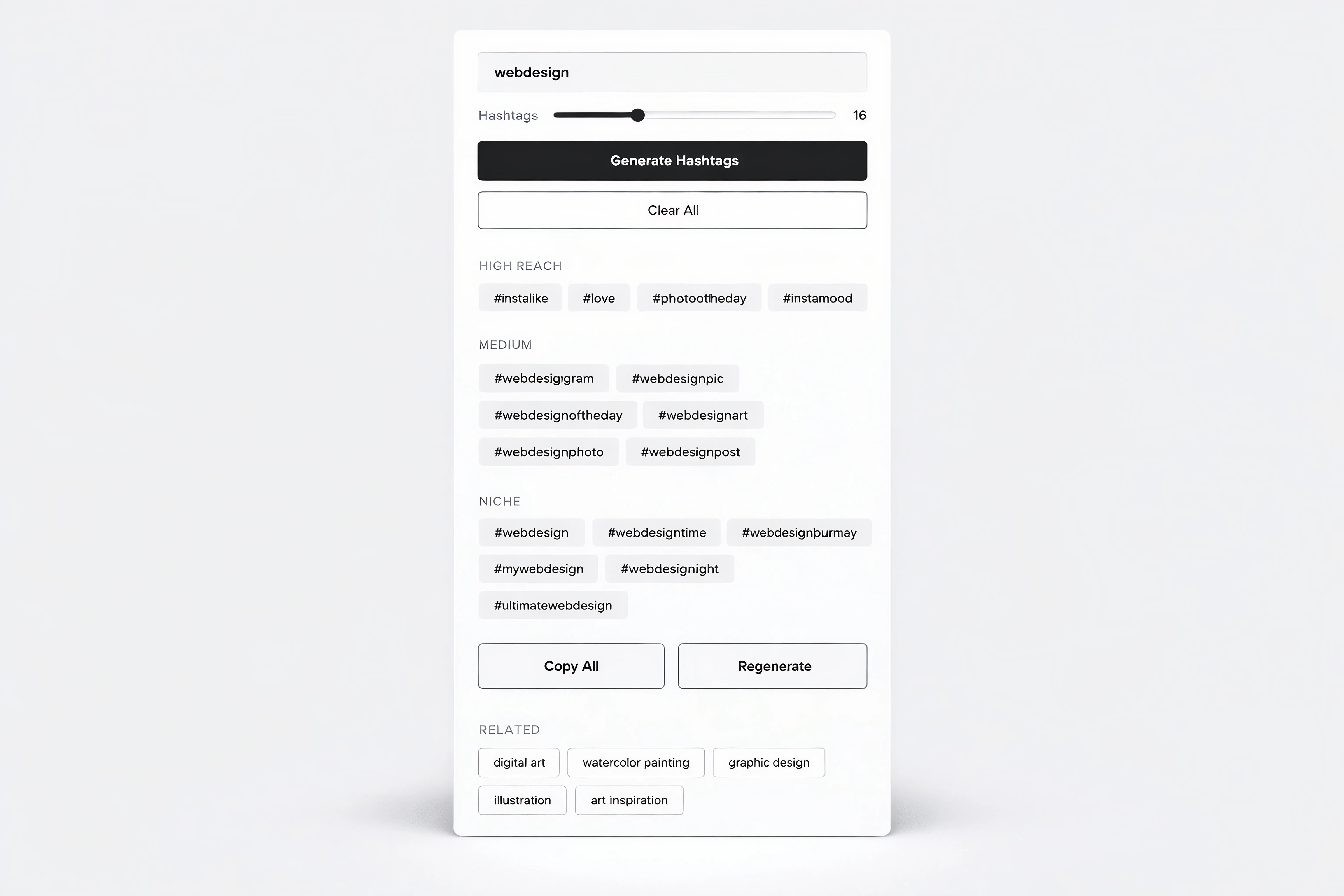
A hashtag generator component interface in light theme.

Hashtag generator

Jan 30, 2026

framerstacks qr code in light theme

QR code generator

Jan 13, 2026

Load More

The FAQs

Have questions? We got you…

Everything you need to know about our product and billing.

What is Framerstack?

Is there a free plan available?

What about the refund policy?

How I can avail my user license?

Still have questions? Or can't find the right answer? Please contact us. One of our customer support team members will get in touch with you.

Join to the community

Stay in the loop with everything you need to know.

By clicking Submit, you agree to our Privacy Policy and to receive our notifications. You can Unsubscribe anytime.

By clicking Submit, you agree to our Privacy Policy and to receive our notifications. You can Unsubscribe anytime.