Search a component or section

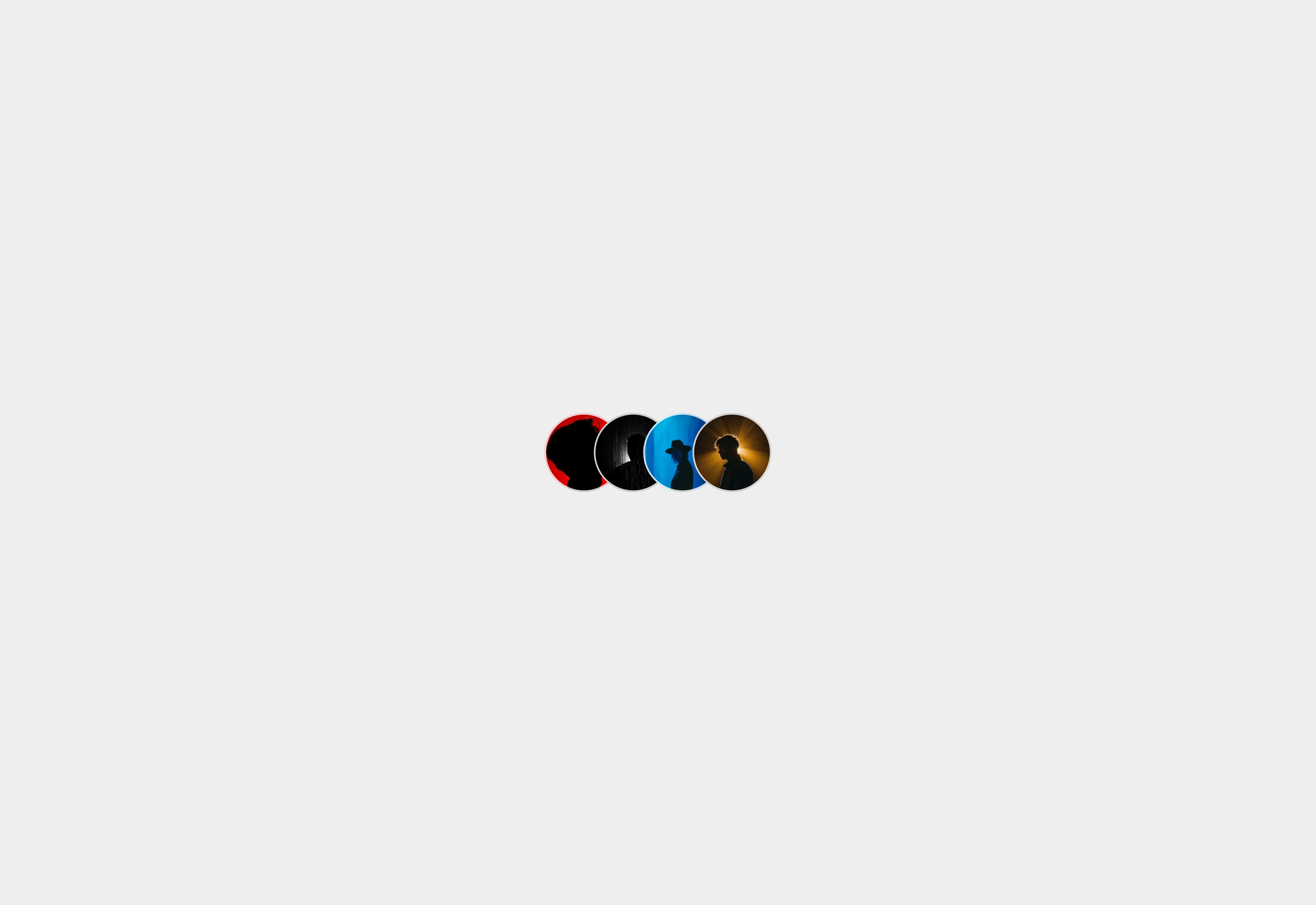
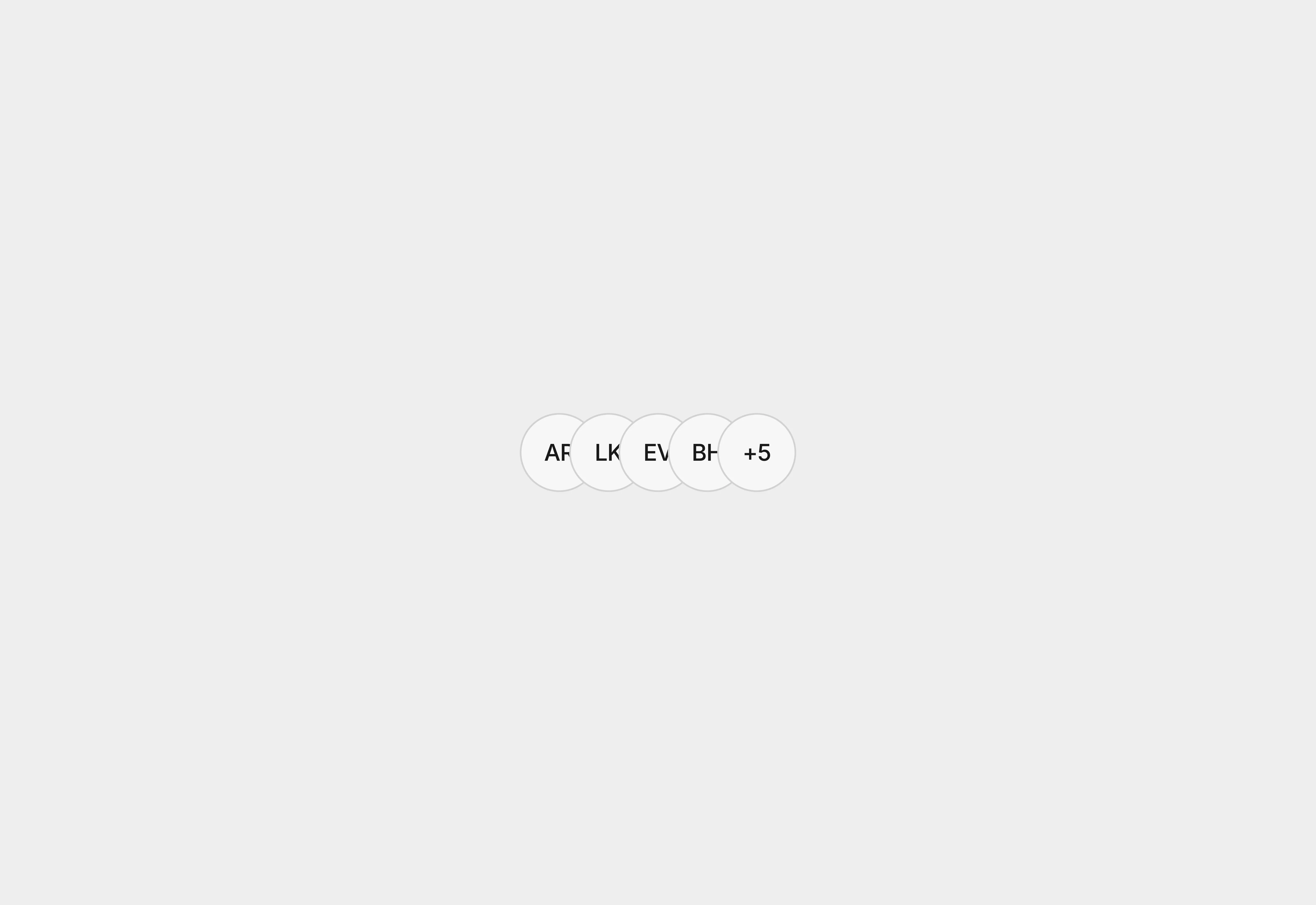
A light themed image avatar group collection.

Last updated on:

Updated on:

Image avatar group

Easily represent multiple users, collaborators, teams, or community members in an overlapping layout. This component is ideal for SaaS dashboards, collaboration tools, and social apps.

0
0

Variants:

12

Theme:

Please note: This component is available only for active license holders. Sign in with your license key or purchase one.

Copying disabled

How to use the component?

  • Copy the group avatar to your clipboard.

  • Unable to copy it? Sign in and try again.

  • Paste into your Frmer canvas (inside the stack or container where you intend to use it).

  • Choose the right size. This component has styles such as large, medium, and small.


  • Reset each avatar alignment from the left corner.

  • Use a consistent value to distribute it with equal space.

  • Refer to the Avatar image area to change the avatar.

  • If your avatar group has more users or collaborators, use the text avatar with numbers.

  • Check out more useful avatar types.

Where to use?

The group avatar is primarily used to represent multiple users or collaborators with a single context in a compact way. The following scenarios are highly recommended for using this component.

  • Collaboration or team tracking

  • Messaging and social group

  • Social proof (Use on testimonials page sections)

LIMITED TIME OFFER

Launch amazing websites with

Framerstacks

Still trying to design and launch a website from scratch? Check out 800+ pre-built Framer components and sections that 10x your design speed.

Life time access

Save hundreds of hours

10x design speed

Weekly new releases

Premium designs

Color theme responsiveness

Starts from

$79.00

$99

One-time

Image avatar group

Easily represent multiple users, collaborators, teams, or community members in an overlapping layout. This component is ideal for SaaS dashboards, collaboration tools, and social apps.

0
0

Variants:

12

Theme:

Please note: This component is available only for active license holders. Sign in with your license key or purchase one.

Copying disabled

How to use the component?

  • Copy the group avatar to your clipboard.

  • Unable to copy it? Sign in and try again.

  • Paste into your Frmer canvas (inside the stack or container where you intend to use it).

  • Choose the right size. This component has styles such as large, medium, and small.


  • Reset each avatar alignment from the left corner.

  • Use a consistent value to distribute it with equal space.

  • Refer to the Avatar image area to change the avatar.

  • If your avatar group has more users or collaborators, use the text avatar with numbers.

  • Check out more useful avatar types.

Where to use?

The group avatar is primarily used to represent multiple users or collaborators with a single context in a compact way. The following scenarios are highly recommended for using this component.

  • Collaboration or team tracking

  • Messaging and social group

  • Social proof (Use on testimonials page sections)

LIMITED TIME OFFER

Launch amazing websites with

Framerstacks

Still trying to design and launch a website from scratch? Check out 800+ pre-built Framer components and sections that 10x your design speed.

Life time access

Save hundreds of hours

10x design speed

Weekly new releases

Premium designs

Color theme responsiveness

Starts from

$79.00

$99

One-time

Library overview

Framerstacks hosts one of the largest collections of pre-built Framer components and website sections. With 200+ professionally designed components and 800+ variants.

Our library spans 40+ webpage section categories, enabling creators to build beautiful, high-performance websites in Framer faster than ever.

Explore the main library page.

Contribution

Have something creative on your mind? Or wish to become a contributor inside Framerstacks?

You're welcome. Join as a contributor and help to shape the future of high-quality Framer components and sections gallery. Head over to the submission page and contribute.

Support

If you need any further support related to this specific component or section, please send an email to hello@framerstacks.com

One of our customer support team members will get in touch with you within 24 hours.

To report an issue with the product, purchase, functionality, submit a ticket.

Just like more components
A light themed initial avatar design with two letters from the users given names.

Avatar with initials

Mar 31, 2026

a light background which having 3 different sized avatar with gradient fill color.

Avatar with gradient fill

Mar 30, 2026

A light themed background containing large, medium, and small user avatars.

Avatar with image

Mar 30, 2026

The FAQs

Have questions? We got you…

Everything you need to know about our product and billing.

What is Framerstack?

Is there a free plan available?

What about the refund policy?

How I can avail my user license?

Still have questions? Or can't find the right answer? Please contact us. One of our customer support team members will get in touch with you.

Join to the community

Stay in the loop with everything you need to know.

By clicking Submit, you agree to our Privacy Policy and to receive our notifications. You can Unsubscribe anytime.

By clicking Submit, you agree to our Privacy Policy and to receive our notifications. You can Unsubscribe anytime.