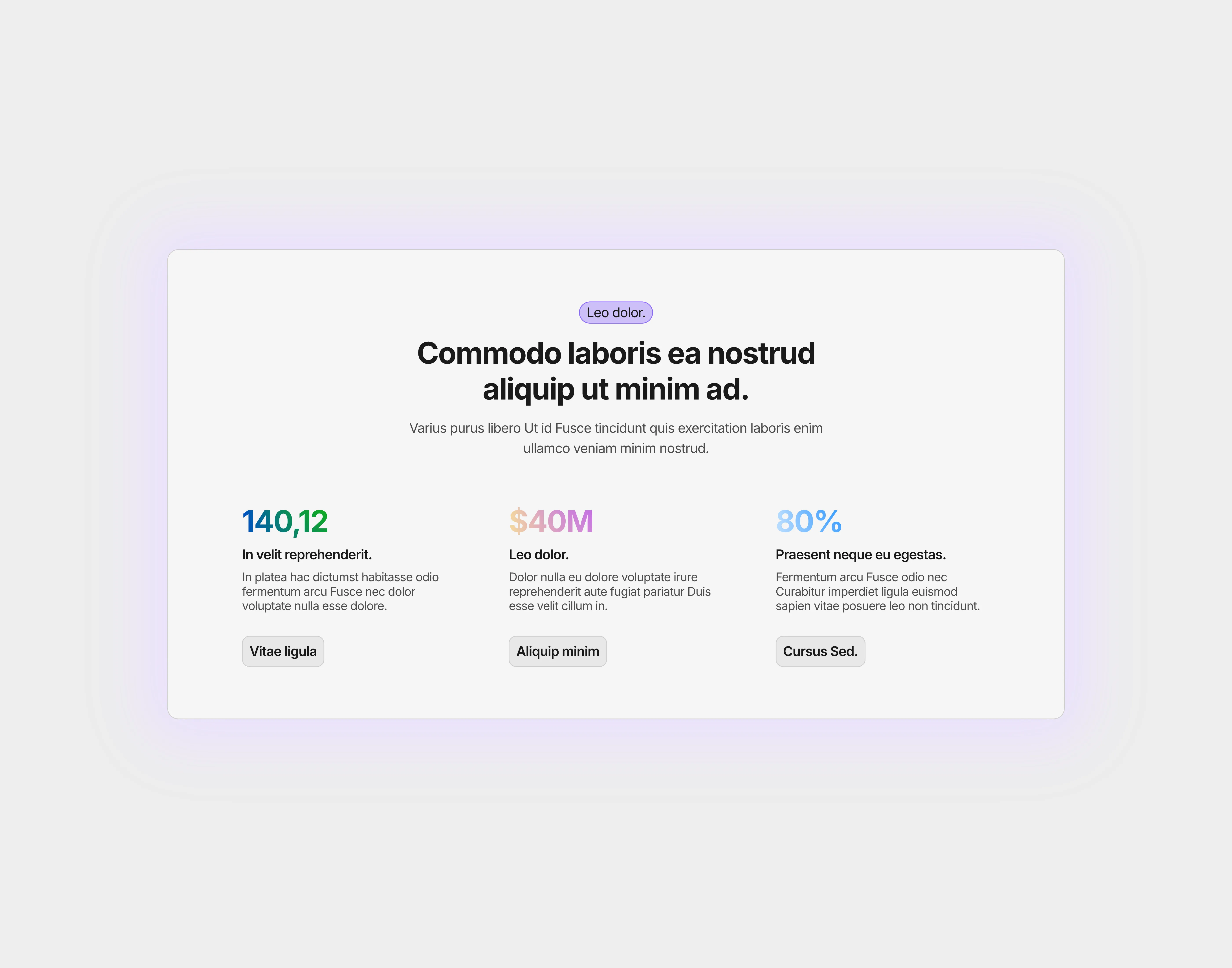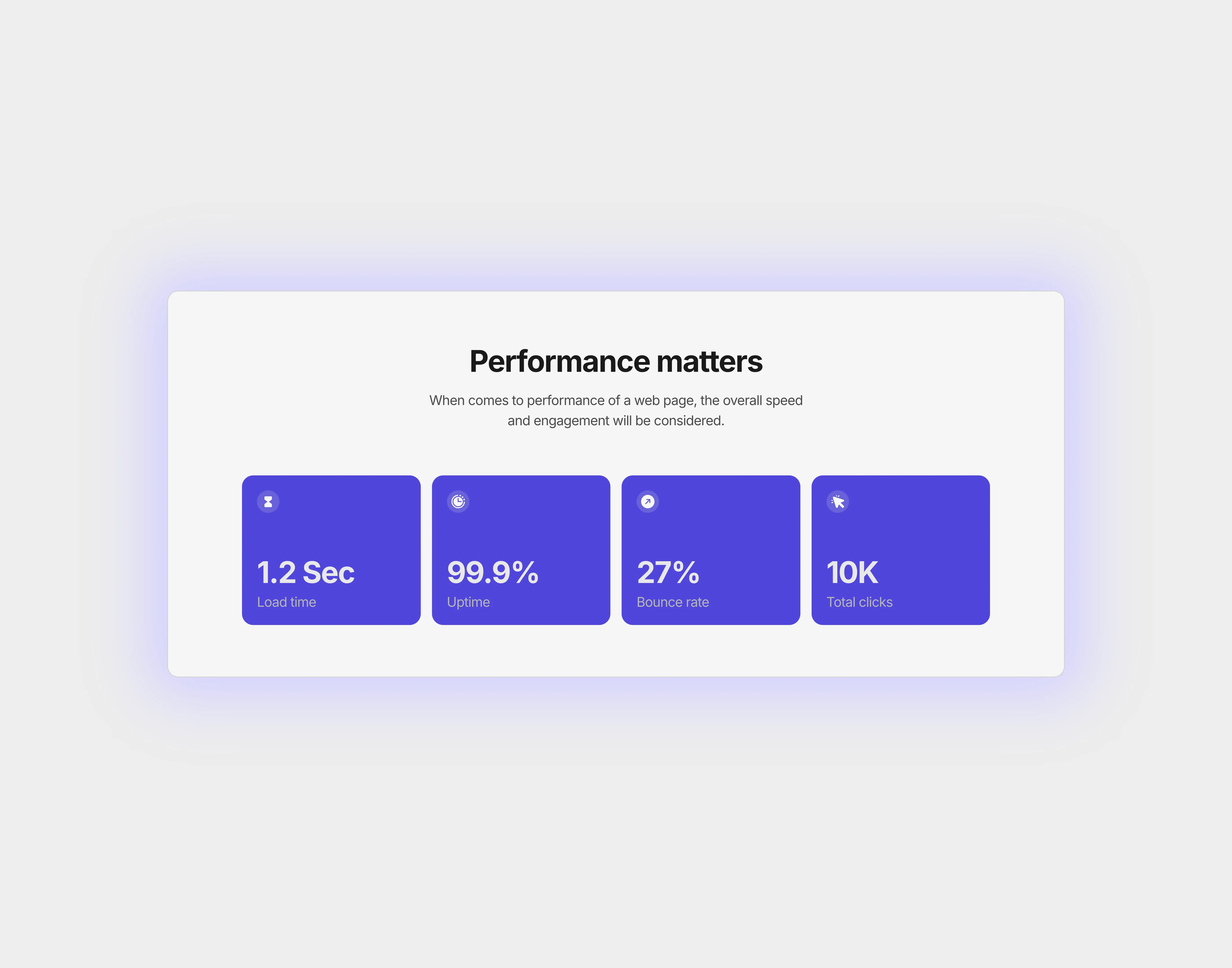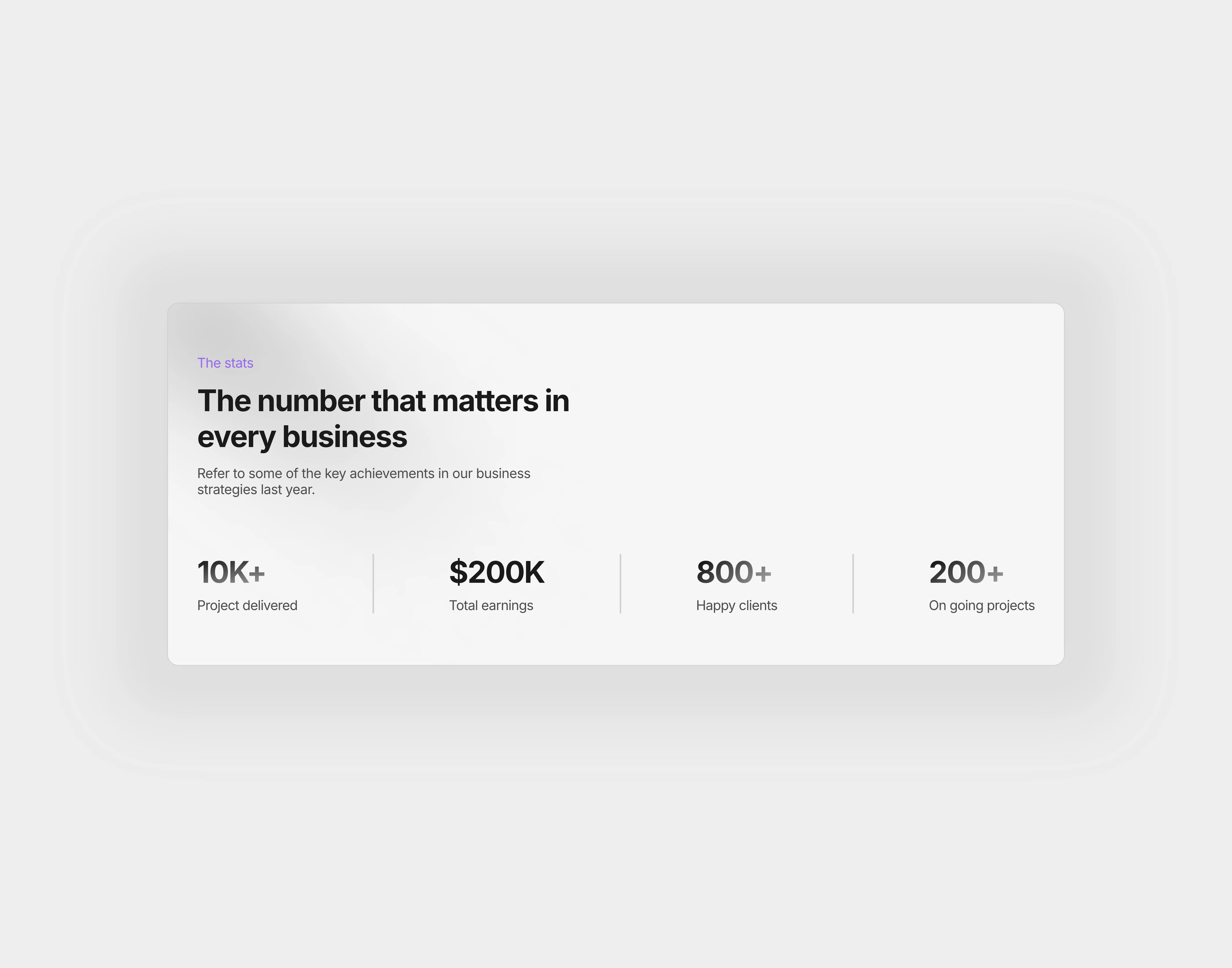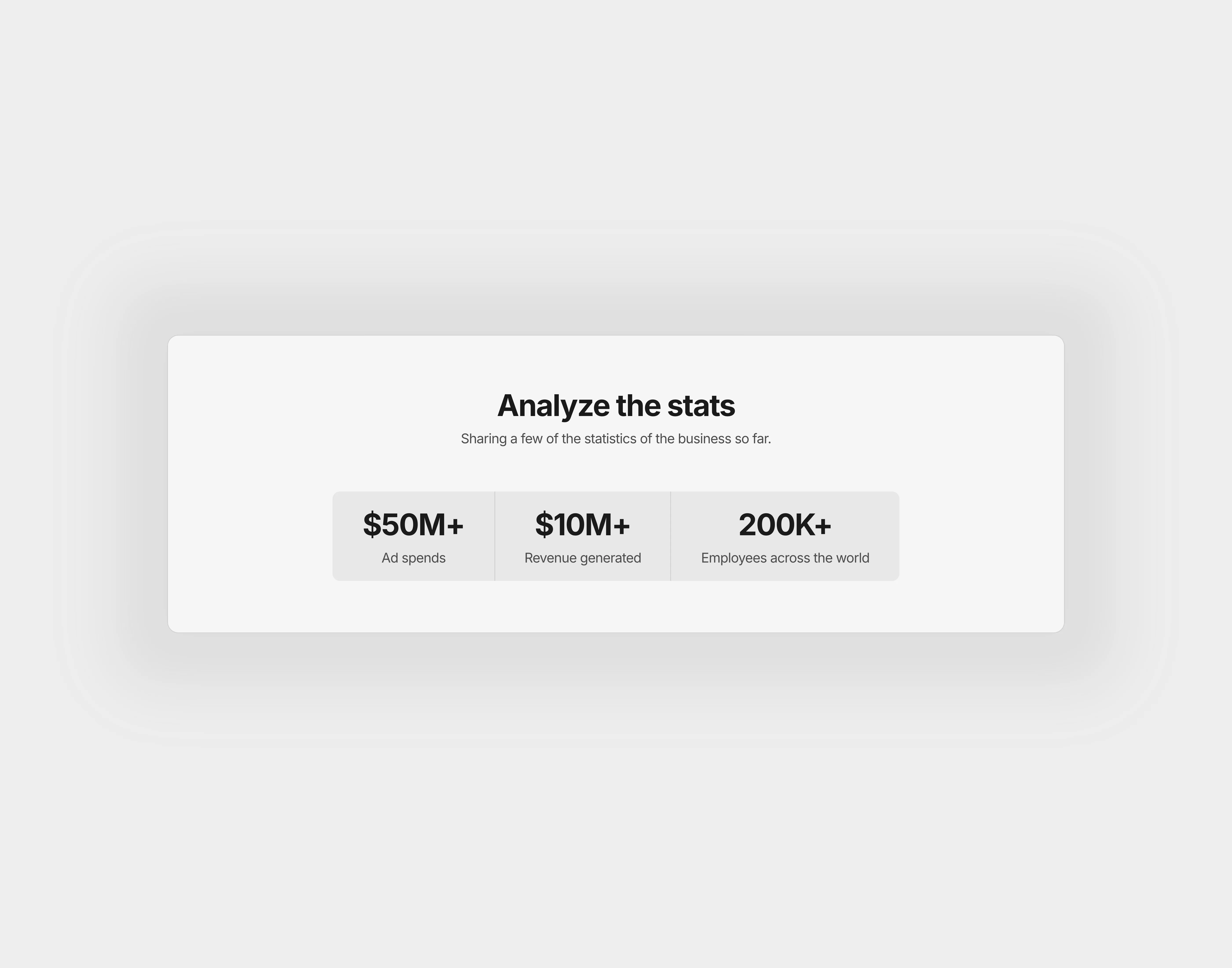
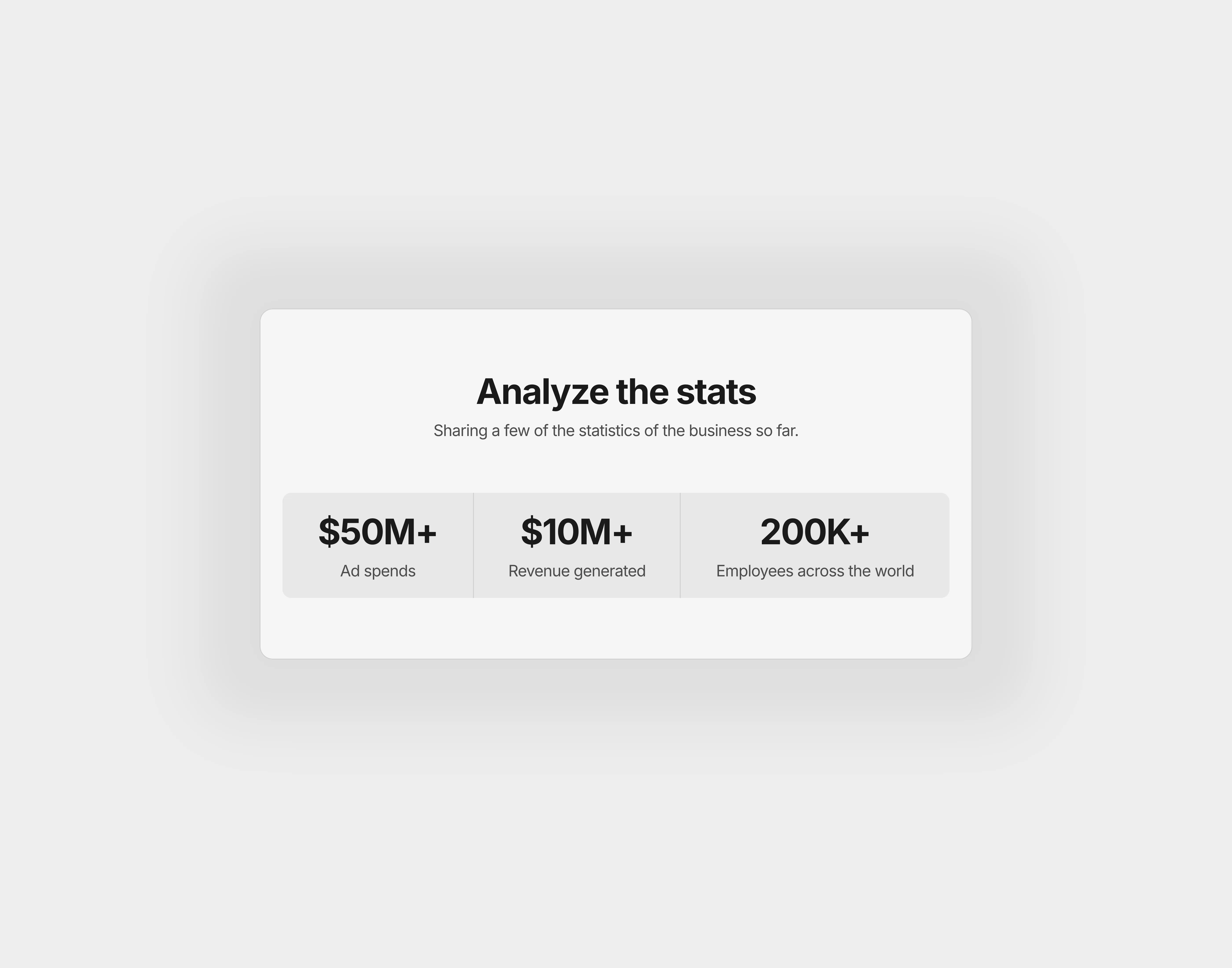
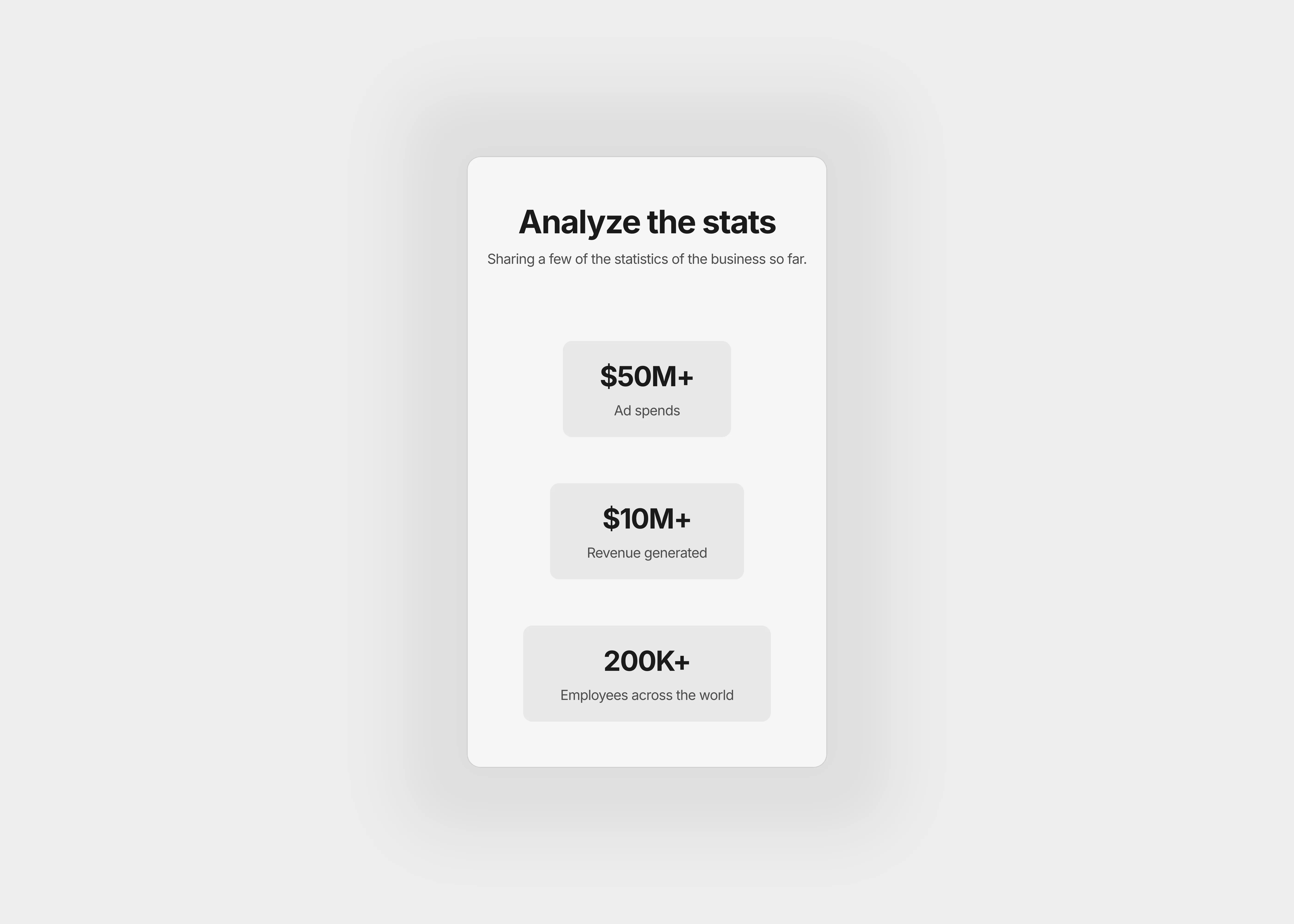
A light themed stats section with heading and supportive paragraph.

Available variants

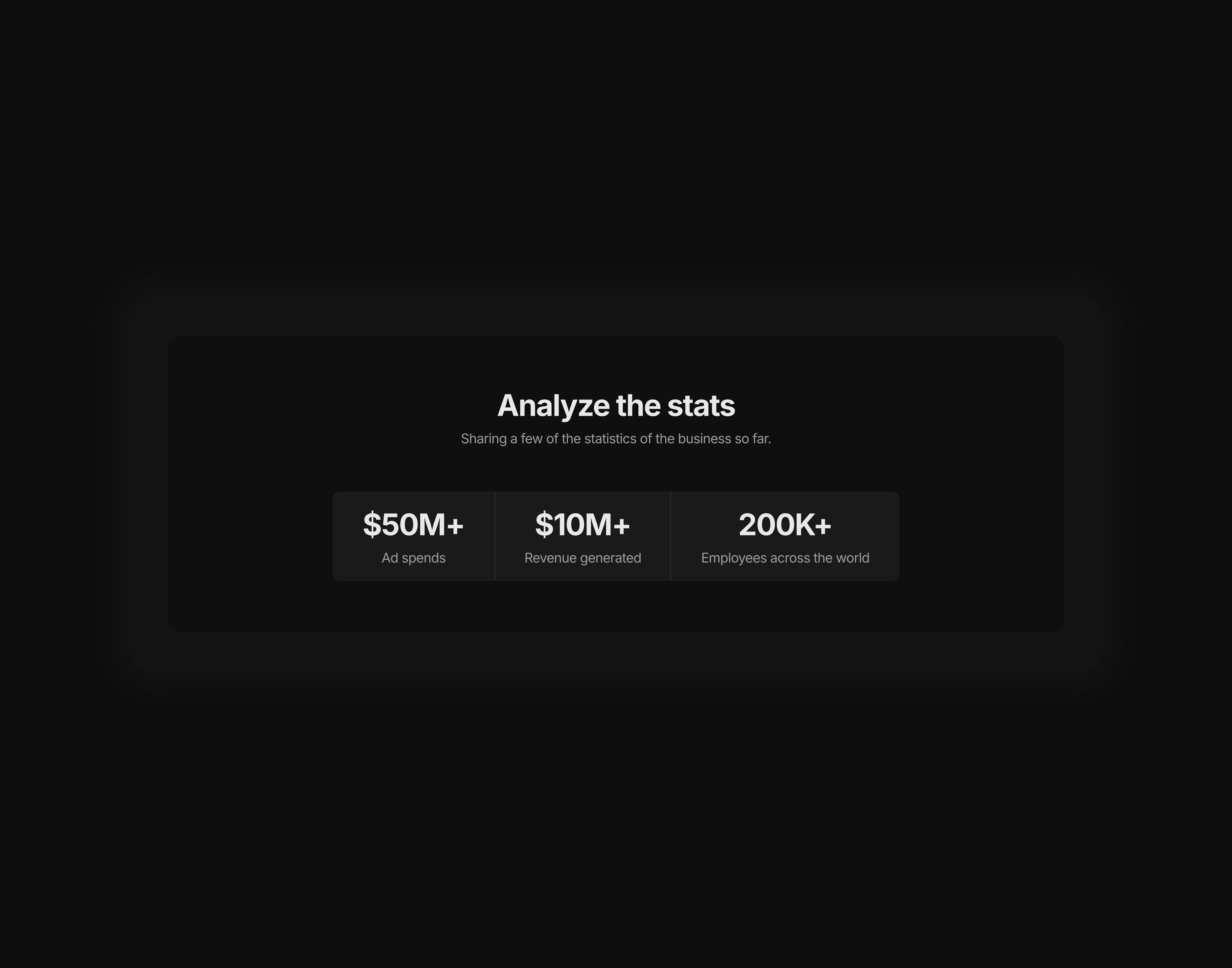
A dark themed stats section with heading and supportive paragraph, optimized for desktop screens
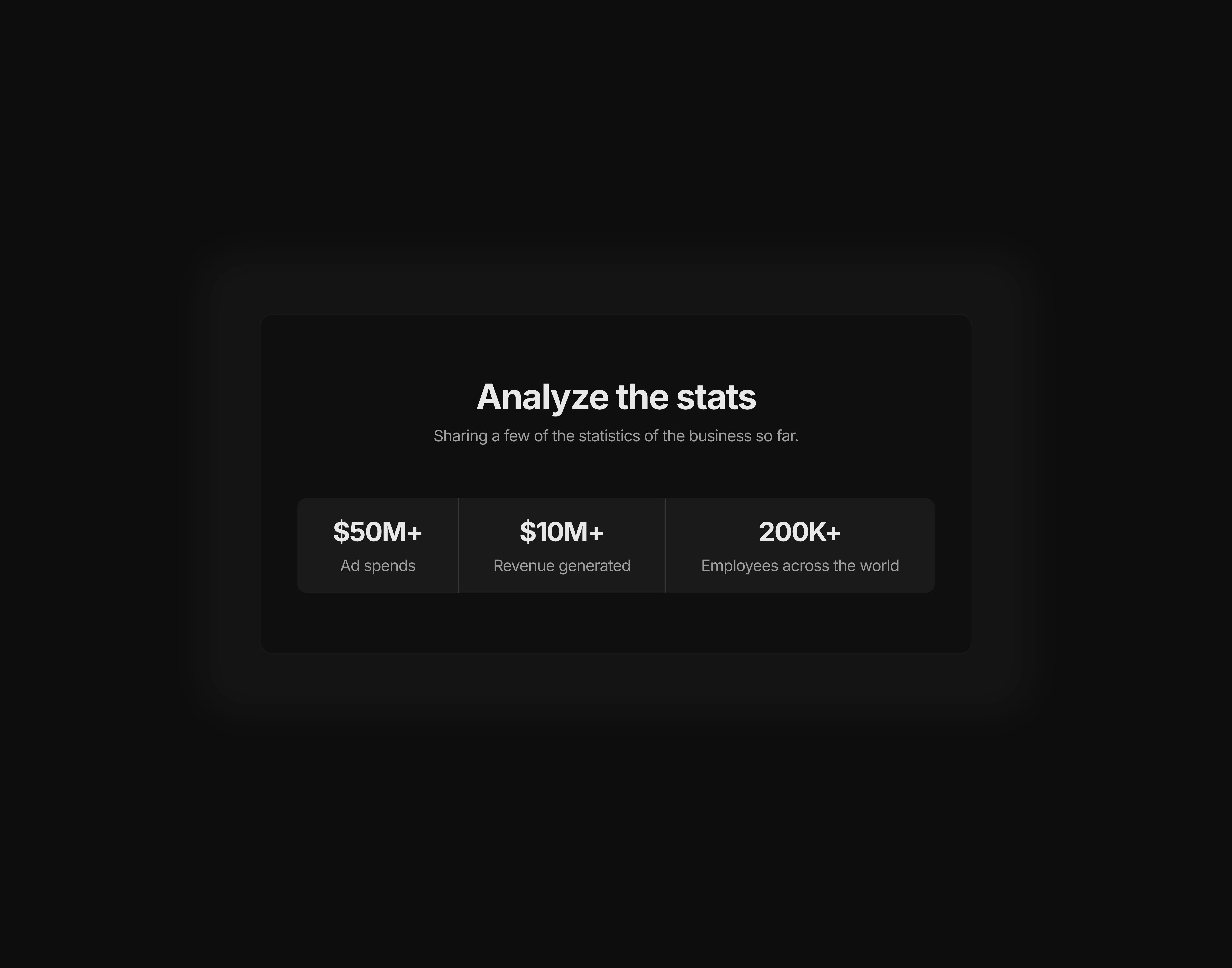
A dark themed stats section with heading and supportive paragraph, optimized for tablet screens
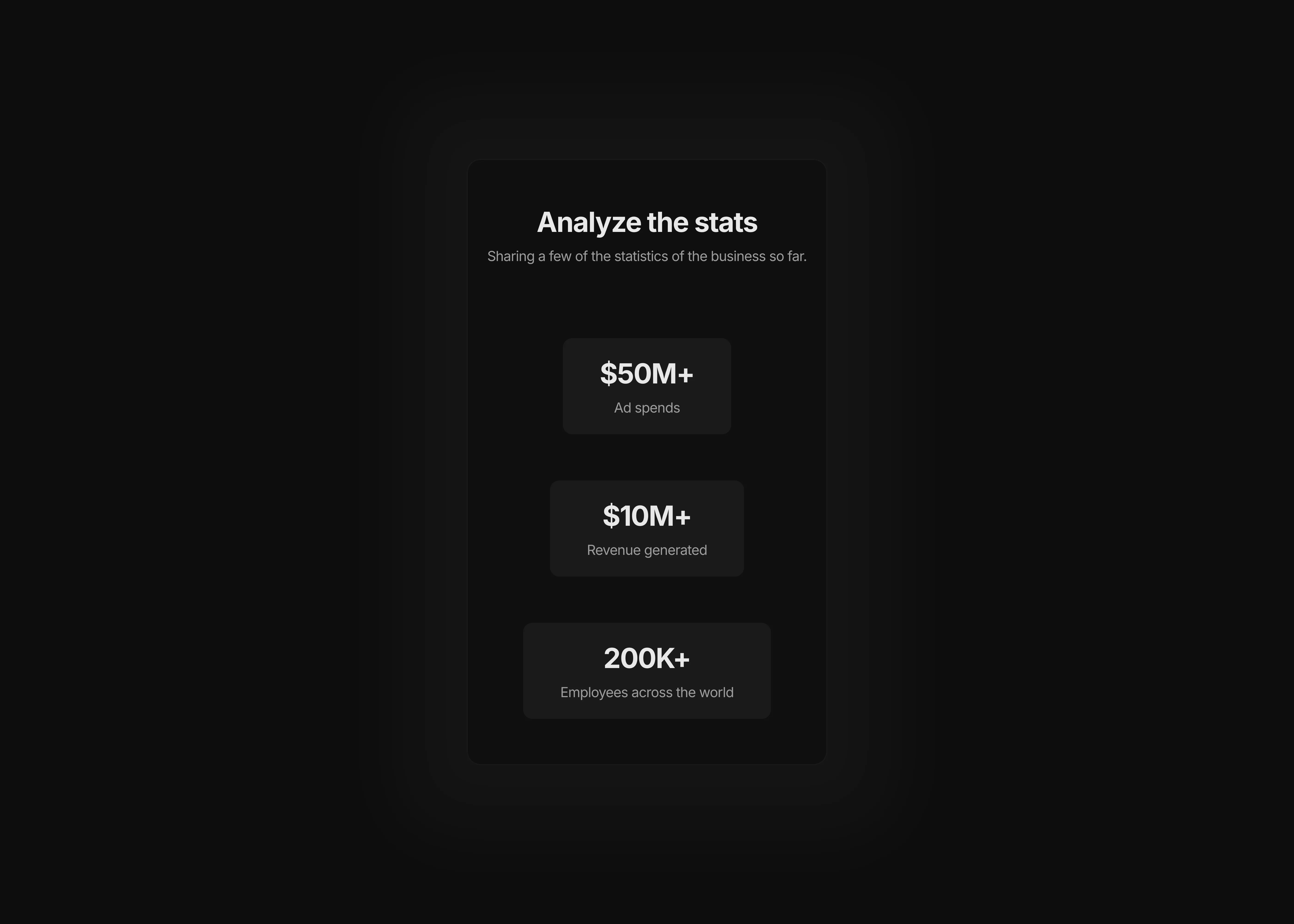
A dark themed stats section with heading and supportive paragraph, optimized for mobile screens
A lioght themed stats section with heading and supportive paragraph, optimized for desktop screens
A light themed stats section with heading and supportive paragraph, optimized for tablet screens
A light themed stats section with heading and supportive paragraph, optimized for mobile screens

Stats 2

This stats section comes with a heading tag and supportive paragraph area. The stats containers are filled with a background color to improve the visual hierarchy.

0

0

Variants:

6

Breakpoints

Theme:


Please note: This component is available only for active license holders. Sign in with your license key or purchase one.

Copying disabled

How to use the component?

  • Simply ship this section to your canvas by just copying from the "COPY" button above.

  • Paste, and choose the right variants across the breakpoints available in the canvas.

  • Change the direction, format, and style of the stats container based on the theme requirements.

  • Is the "COPY" button disabled for you? Sign-in may be required.

  • For any assistance, don't hesitate to contact us.

Unlock full potential

Lifetime access

Monthly updates

Access to templates

15+ form templates

Stats 2

This stats section comes with a heading tag and supportive paragraph area. The stats containers are filled with a background color to improve the visual hierarchy.

0

0

Variants:

6

Breakpoints

Theme:


Please note: This component is available only for active license holders. Sign in with your license key or purchase one.

Copying disabled

How to use the component?

  • Simply ship this section to your canvas by just copying from the "COPY" button above.

  • Paste, and choose the right variants across the breakpoints available in the canvas.

  • Change the direction, format, and style of the stats container based on the theme requirements.

  • Is the "COPY" button disabled for you? Sign-in may be required.

  • For any assistance, don't hesitate to contact us.

Unlock full potential

Lifetime access

Monthly updates

Access to templates

15+ form templates

Stats 2

This stats section comes with a heading tag and supportive paragraph area. The stats containers are filled with a background color to improve the visual hierarchy.

0

0

Variants:

6

Breakpoints

Theme:


Please note: This component is available only for active license holders. Sign in with your license key or purchase one.

Copying disabled

How to use the component?

  • Simply ship this section to your canvas by just copying from the "COPY" button above.

  • Paste, and choose the right variants across the breakpoints available in the canvas.

  • Change the direction, format, and style of the stats container based on the theme requirements.

  • Is the "COPY" button disabled for you? Sign-in may be required.

  • For any assistance, don't hesitate to contact us.

Unlock full potential

Lifetime access

Monthly updates

Access to templates

15+ form templates

Just like more components

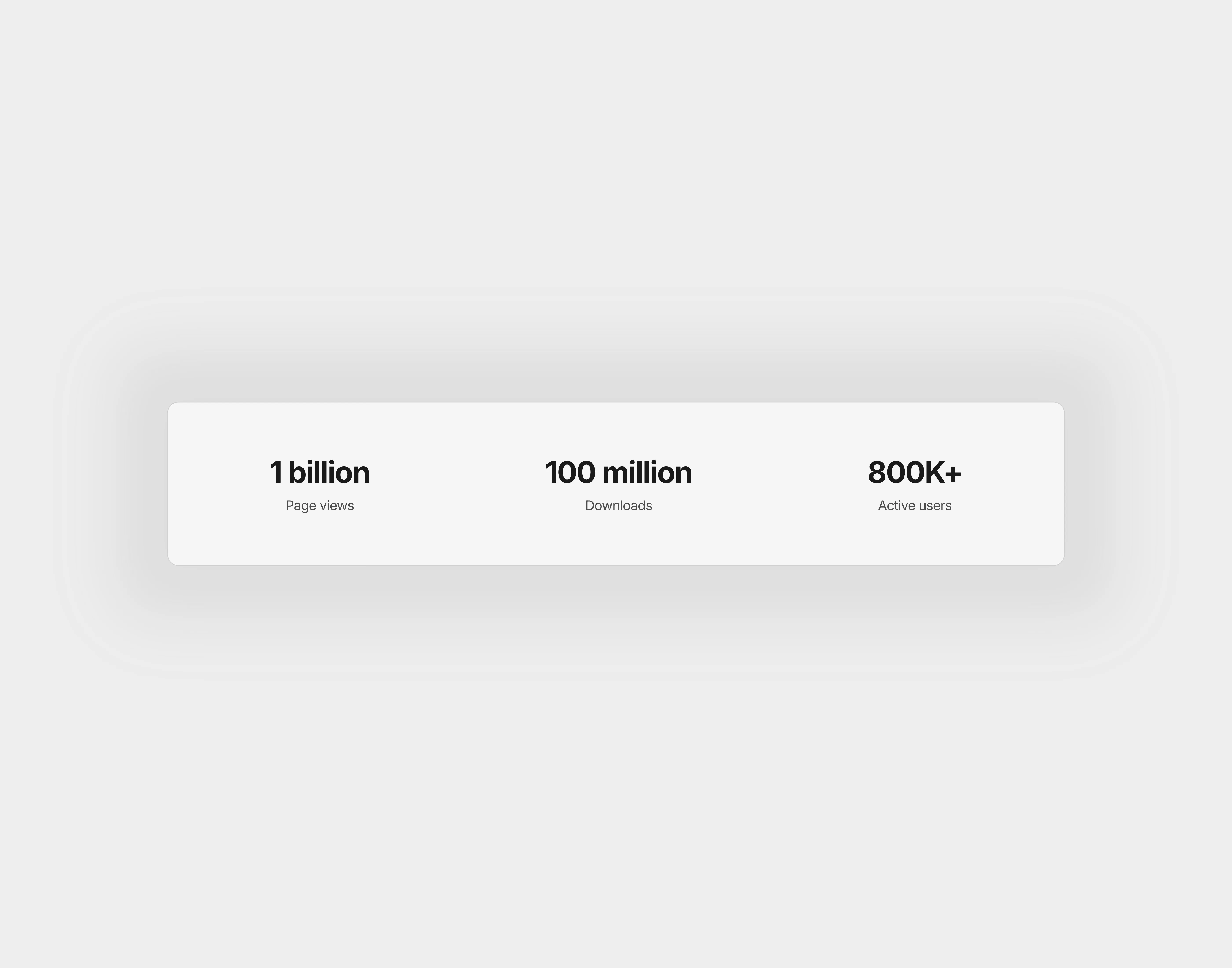
A light themed simple stats section with 3 stats

Stats 1

A light themed simple stats section with 3 stats

Stats 1

The FAQs

Have questions? We got you…

Everything you need to know about our product and billing.

What is Framerstack?

What is Framerstack?

Is there a free plan available?

Is there a free plan available?

What about the refund policy?

What about the refund policy?

How I can avail my user license?

How I can avail my user license?

Still have questions? Or can't find the right answer? Please contact us. One of our customer support team members will get in touch with you.

Join to the community

Stay in the loop with everything you need to know.

By clicking Submit, you agree to our Privacy Policy and to receive our notifications. You can Unsubscribe anytime.

By clicking Submit, you agree to our Privacy Policy and to receive our notifications. You can Unsubscribe anytime.

By clicking Submit, you agree to our Privacy Policy and to receive our notifications. You can Unsubscribe anytime.