

Available variants


Stats 4
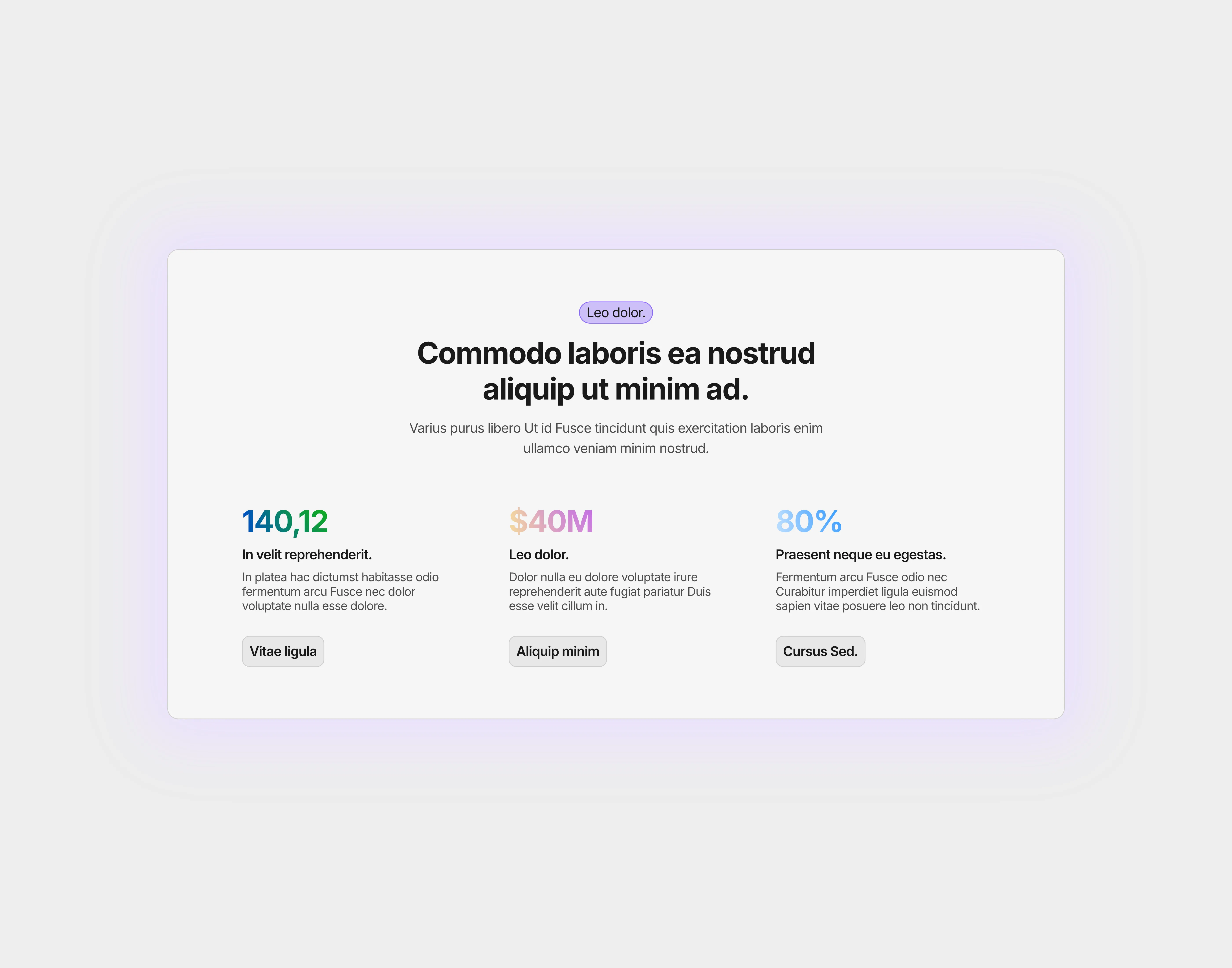
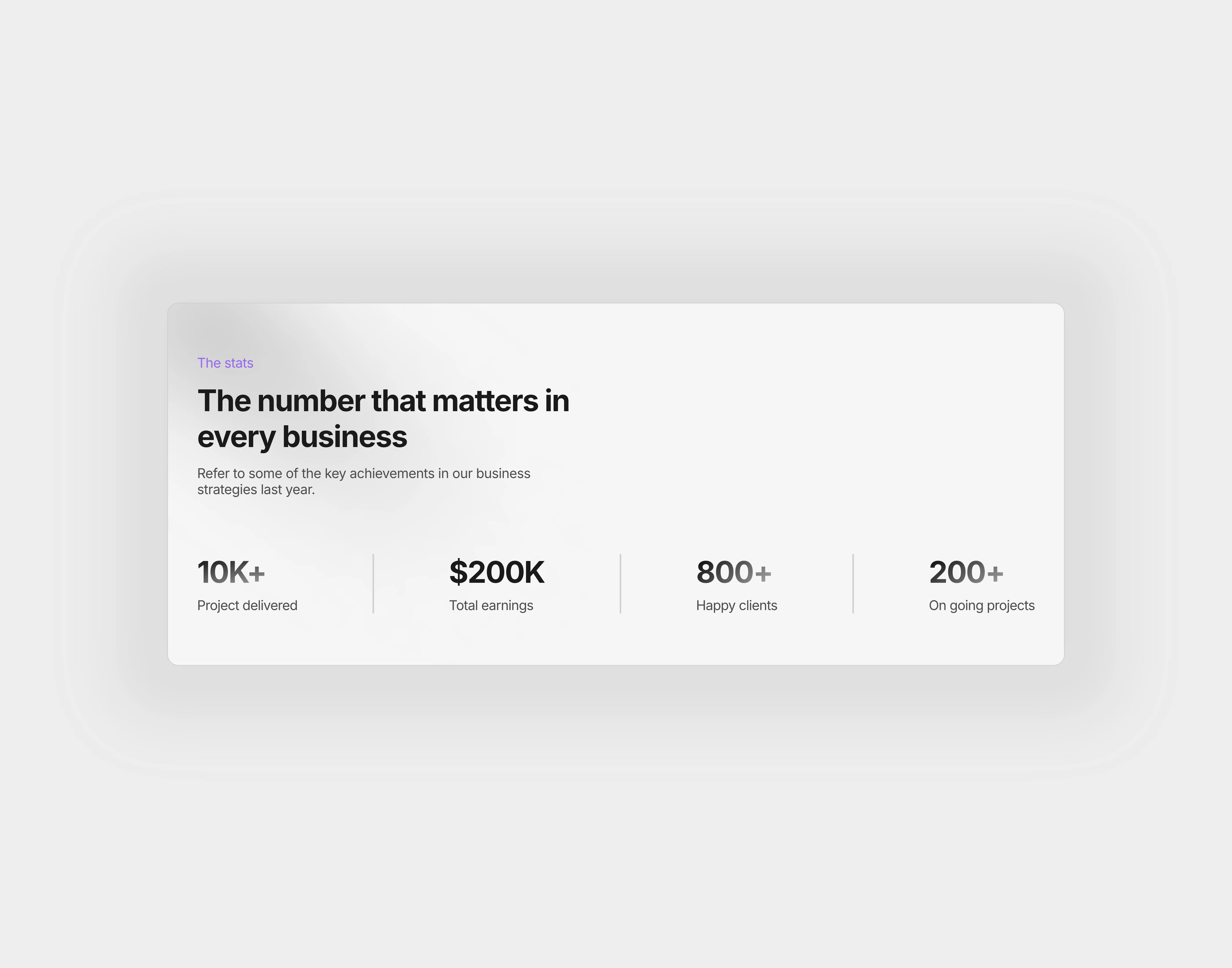
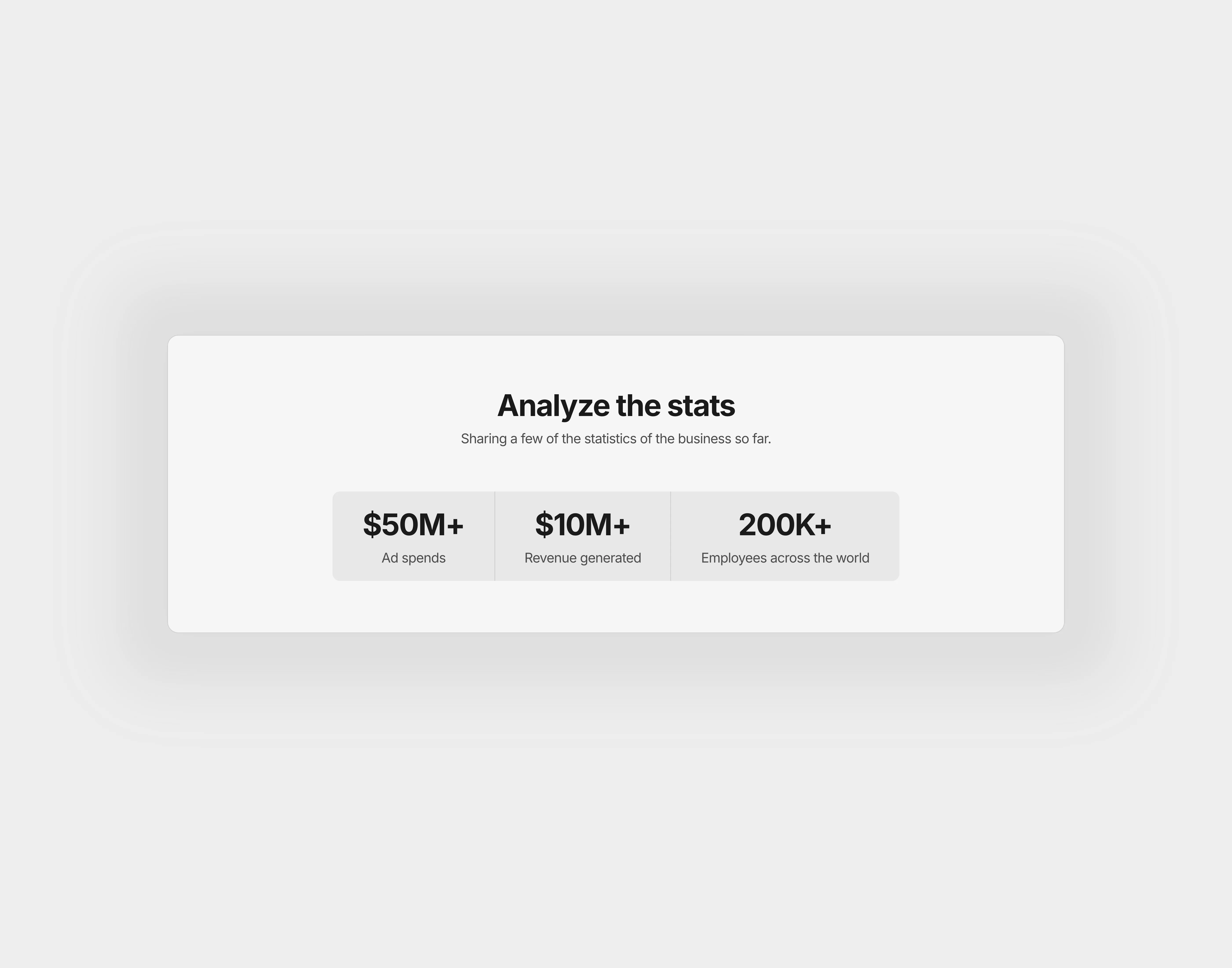
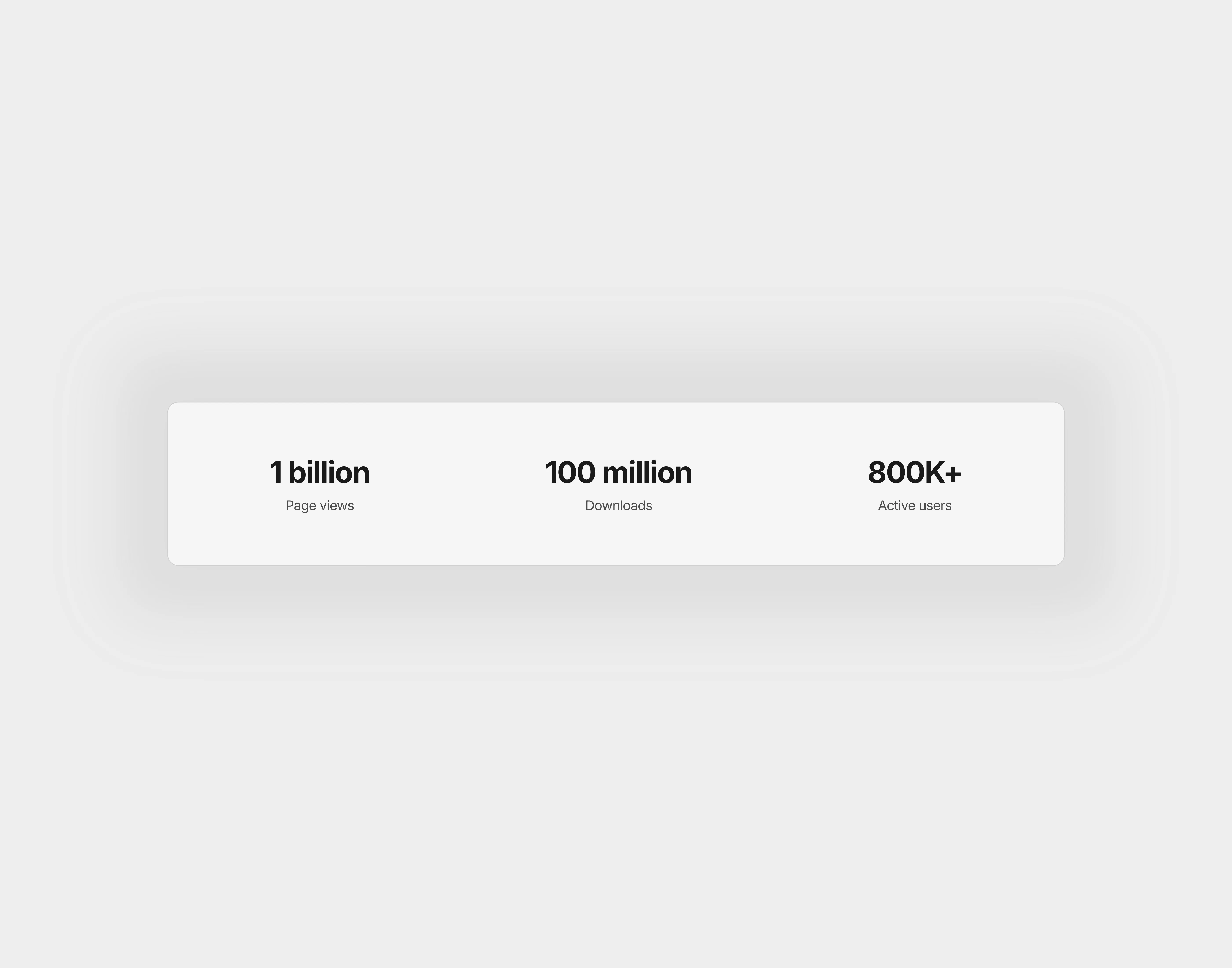
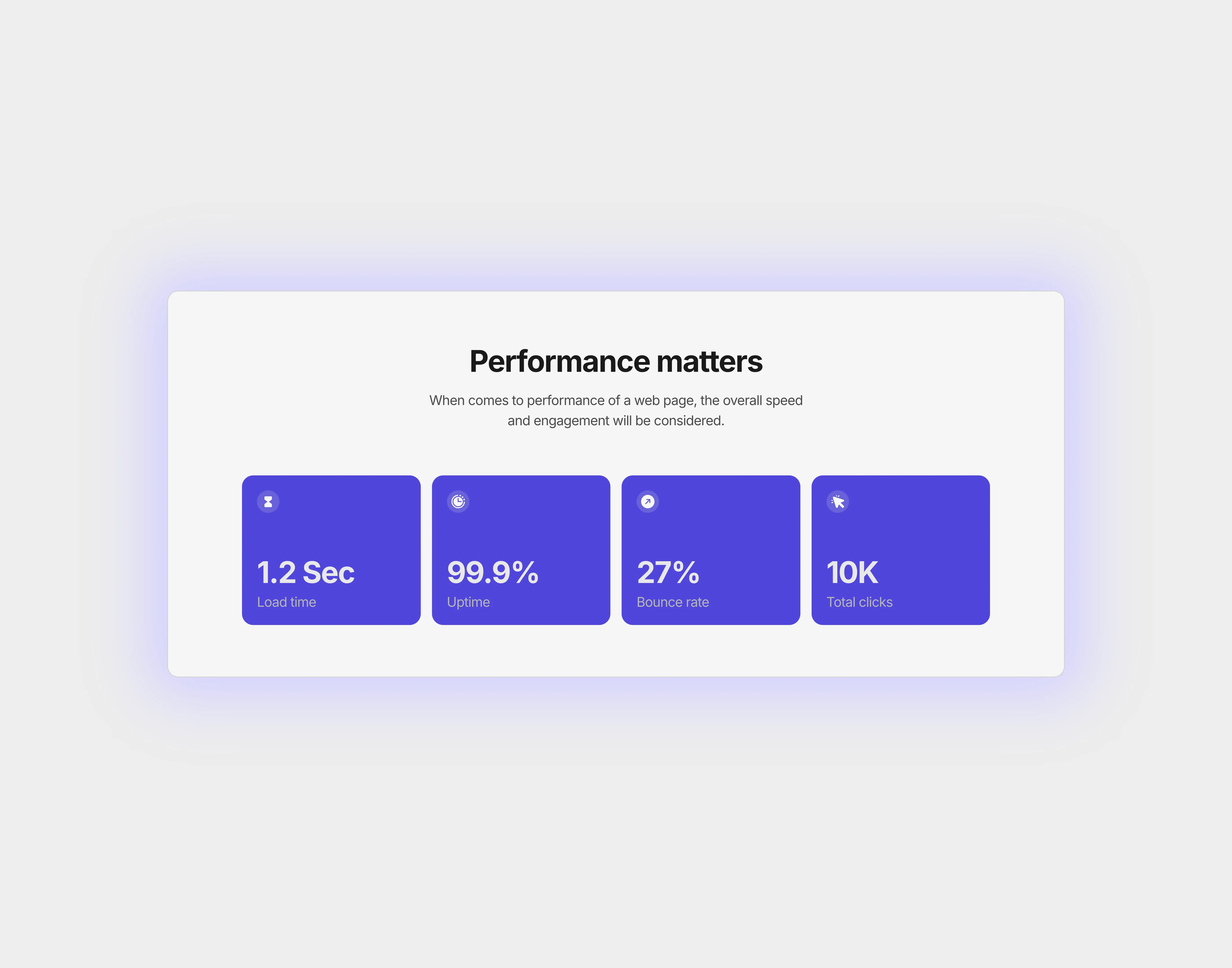
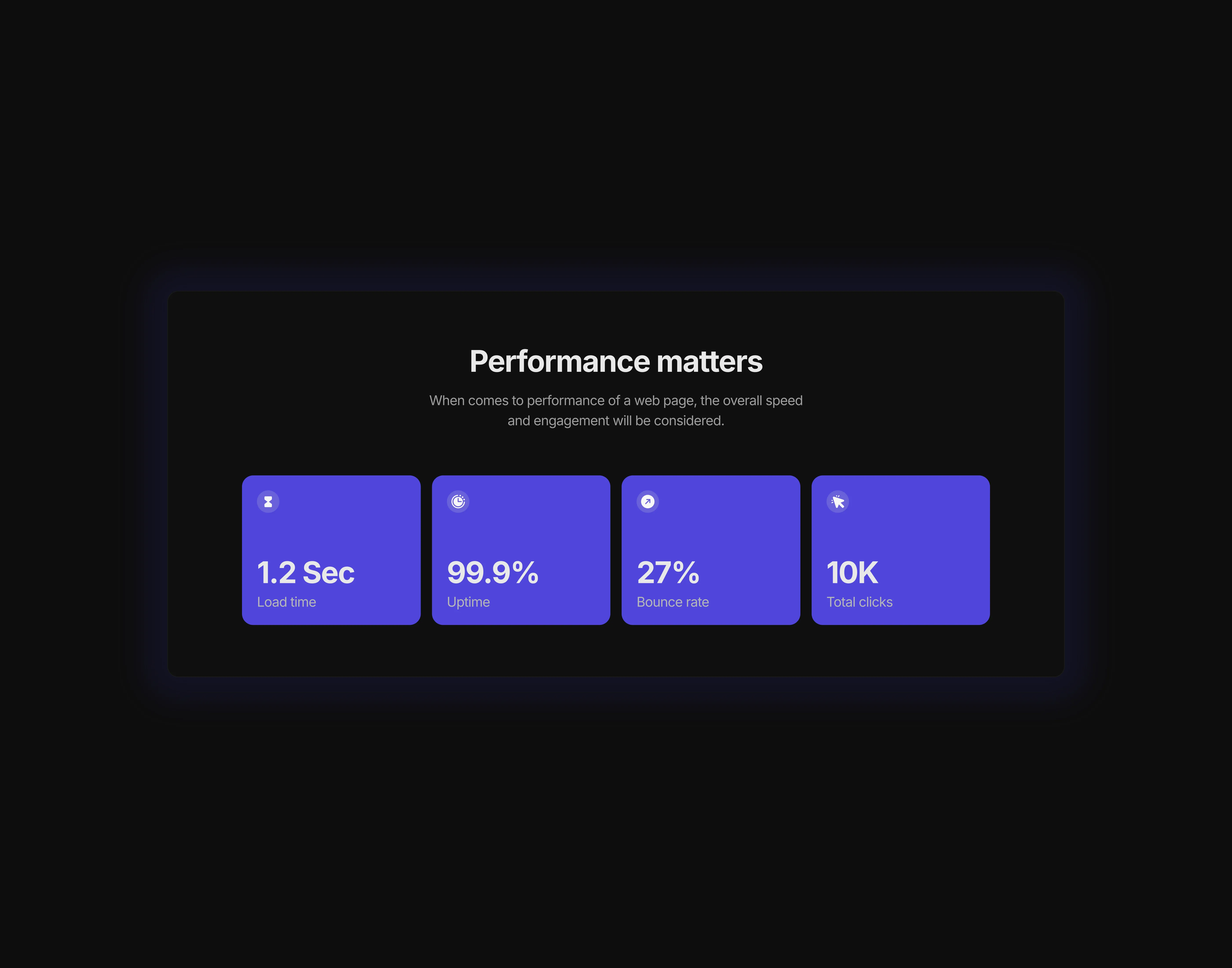
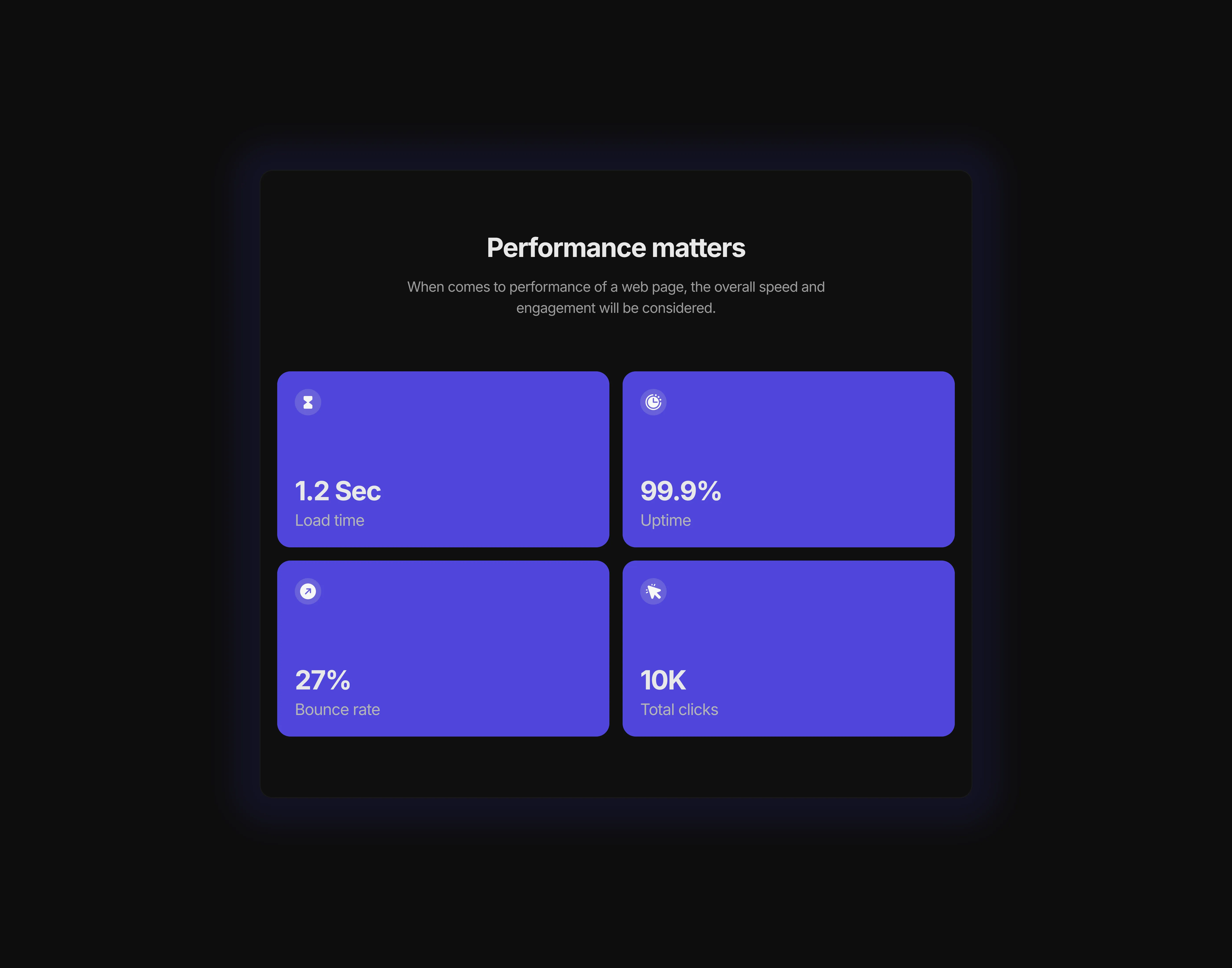
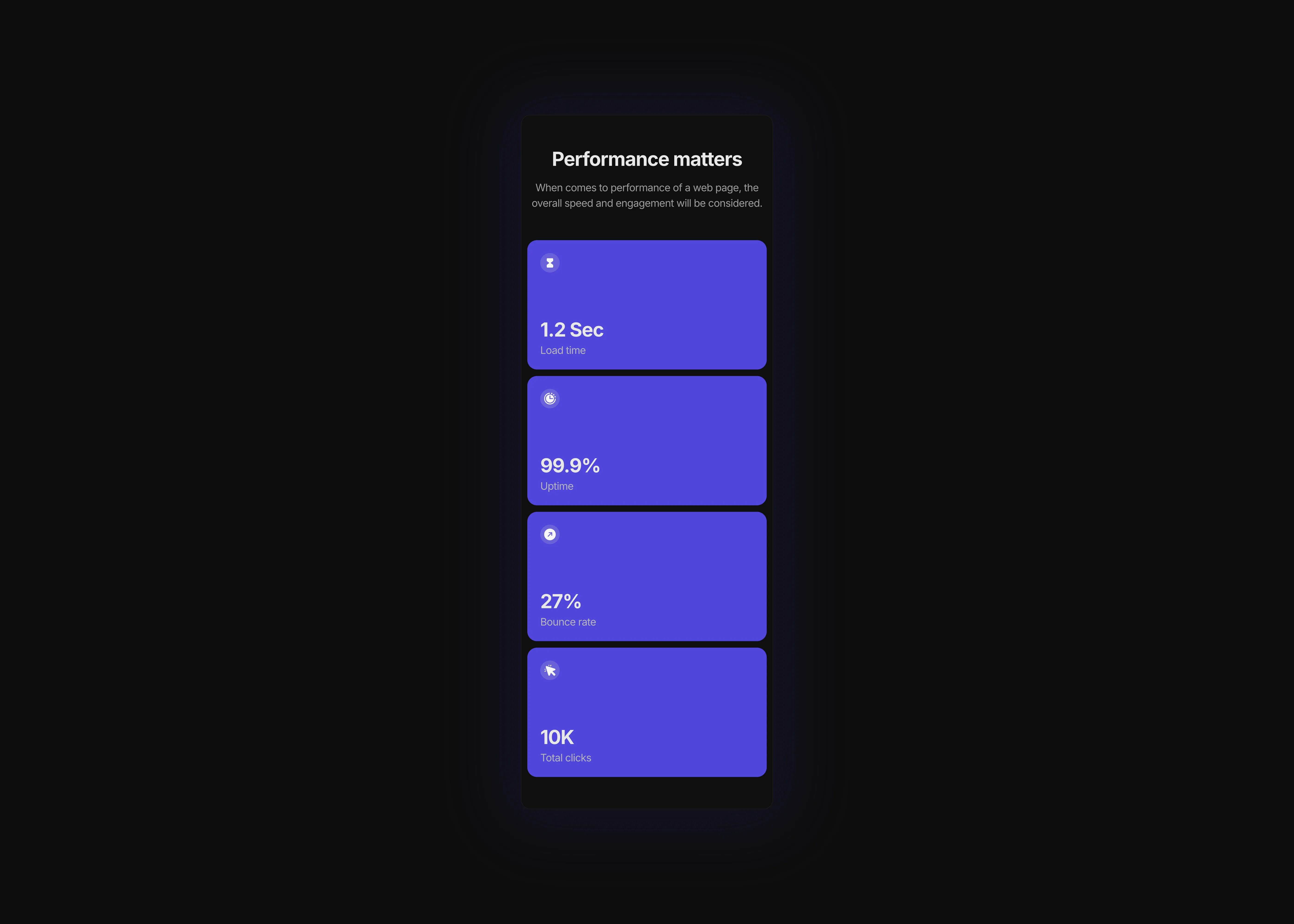
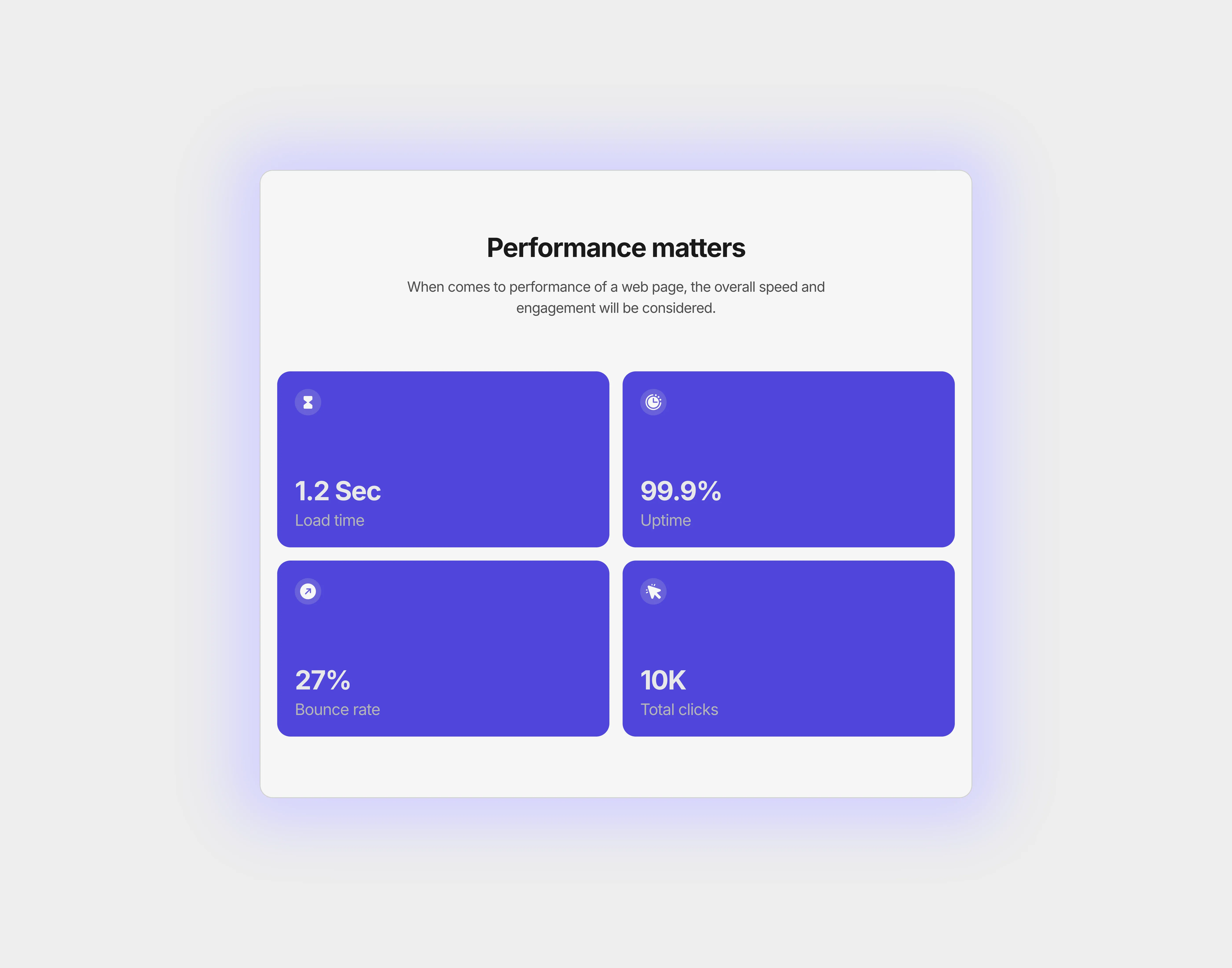
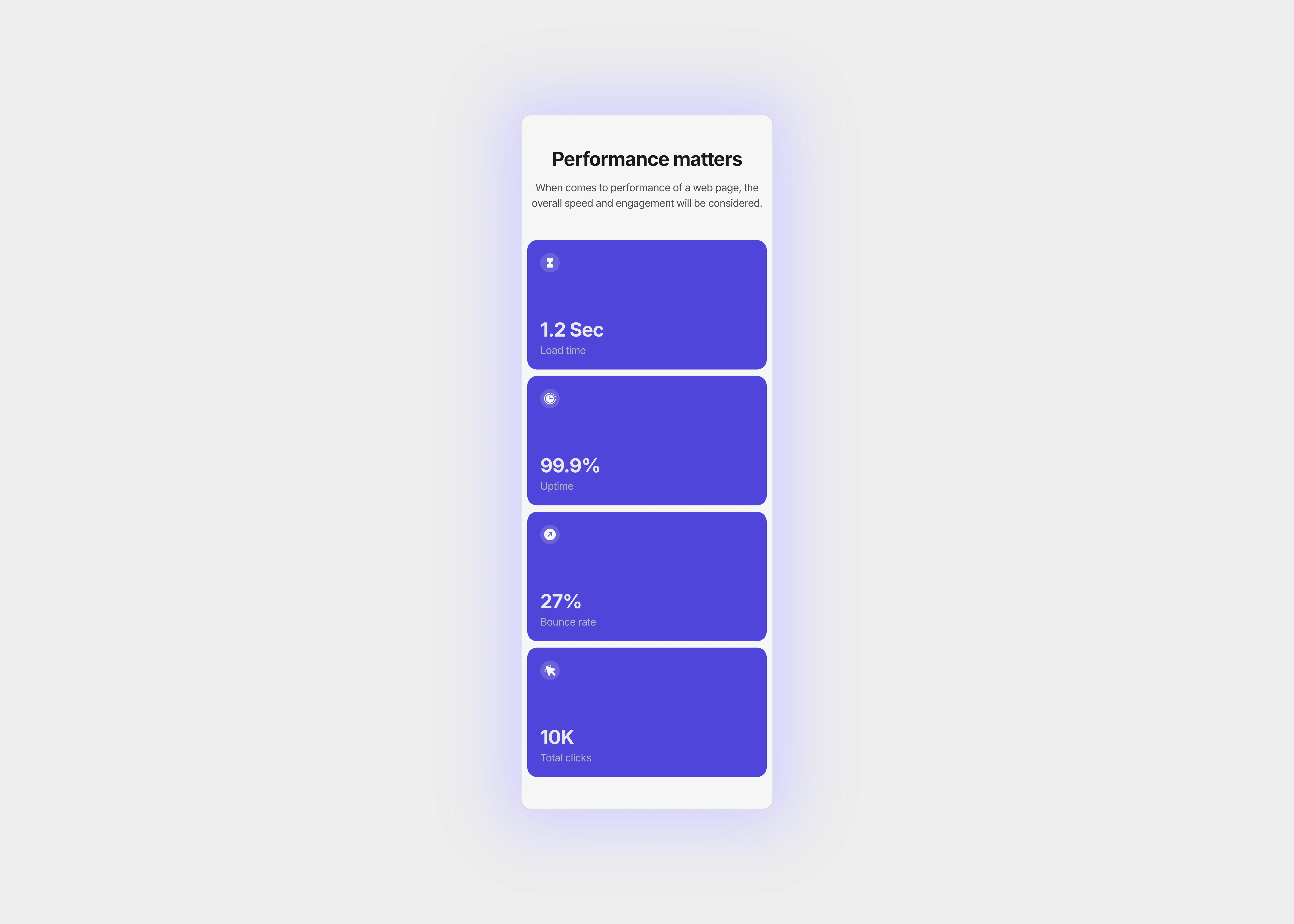
This stats section helps users to demonstrate quantitative data with a highlighted color grade. The stats container responds automatically to the screen size changes.
0
Variants:
6
Breakpoints
Theme:
Please note: This component is available only for active license holders. Sign in with your license key or purchase one.
Copying disabled
How to use the component?
Easily copy the stats section from the copy button attached above. If the button is disabled, sign-in may be required.
After copying the section, paste it into your new canvas or page.
Adjust the "fill" property of the pasted section. By default, it is set to "1200px."
Based on the screen size, you can increase or decrease the width of the section.
The recommended size is "1200px" for the breakpoint "1440px" (Desktop)
If your primary variant is restricted to "1200px" only, keep it in "1000px."
For additional sections just like this, refer to the section library page.
For support, contact us here.
Unlock full potential
Lifetime access
Monthly updates
Access to templates
15+ form templates
Stats 4
This stats section helps users to demonstrate quantitative data with a highlighted color grade. The stats container responds automatically to the screen size changes.
0
Variants:
6
Breakpoints
Theme:
Please note: This component is available only for active license holders. Sign in with your license key or purchase one.
Copying disabled
How to use the component?
Easily copy the stats section from the copy button attached above. If the button is disabled, sign-in may be required.
After copying the section, paste it into your new canvas or page.
Adjust the "fill" property of the pasted section. By default, it is set to "1200px."
Based on the screen size, you can increase or decrease the width of the section.
The recommended size is "1200px" for the breakpoint "1440px" (Desktop)
If your primary variant is restricted to "1200px" only, keep it in "1000px."
For additional sections just like this, refer to the section library page.
For support, contact us here.
Unlock full potential
Lifetime access
Monthly updates
Access to templates
15+ form templates
Stats 4
This stats section helps users to demonstrate quantitative data with a highlighted color grade. The stats container responds automatically to the screen size changes.
0
Variants:
6
Breakpoints
Theme:
Please note: This component is available only for active license holders. Sign in with your license key or purchase one.
Copying disabled
How to use the component?
Easily copy the stats section from the copy button attached above. If the button is disabled, sign-in may be required.
After copying the section, paste it into your new canvas or page.
Adjust the "fill" property of the pasted section. By default, it is set to "1200px."
Based on the screen size, you can increase or decrease the width of the section.
The recommended size is "1200px" for the breakpoint "1440px" (Desktop)
If your primary variant is restricted to "1200px" only, keep it in "1000px."
For additional sections just like this, refer to the section library page.
For support, contact us here.
Unlock full potential
Lifetime access
Monthly updates
Access to templates
15+ form templates
Just like more components
The FAQs
Have questions? We got you…
Everything you need to know about our product and billing.
What is Framerstack?
Is there a free plan available?
What about the refund policy?
How I can avail my user license?
Still have questions? Or can't find the right answer? Please contact us. One of our customer support team members will get in touch with you.
Join to the community
Stay in the loop with everything you need to know.
By clicking Submit, you agree to our Privacy Policy and to receive our notifications. You can Unsubscribe anytime.