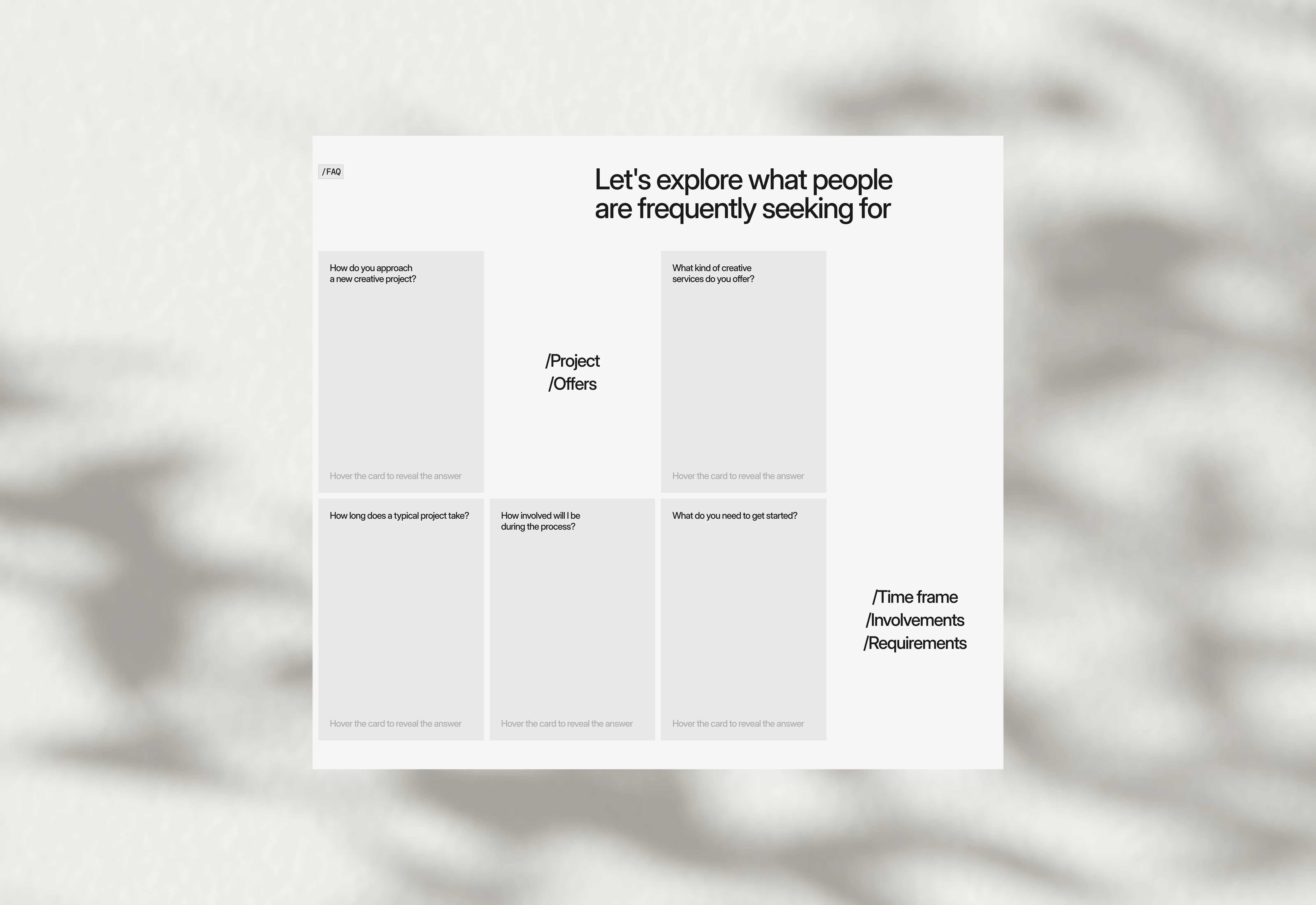
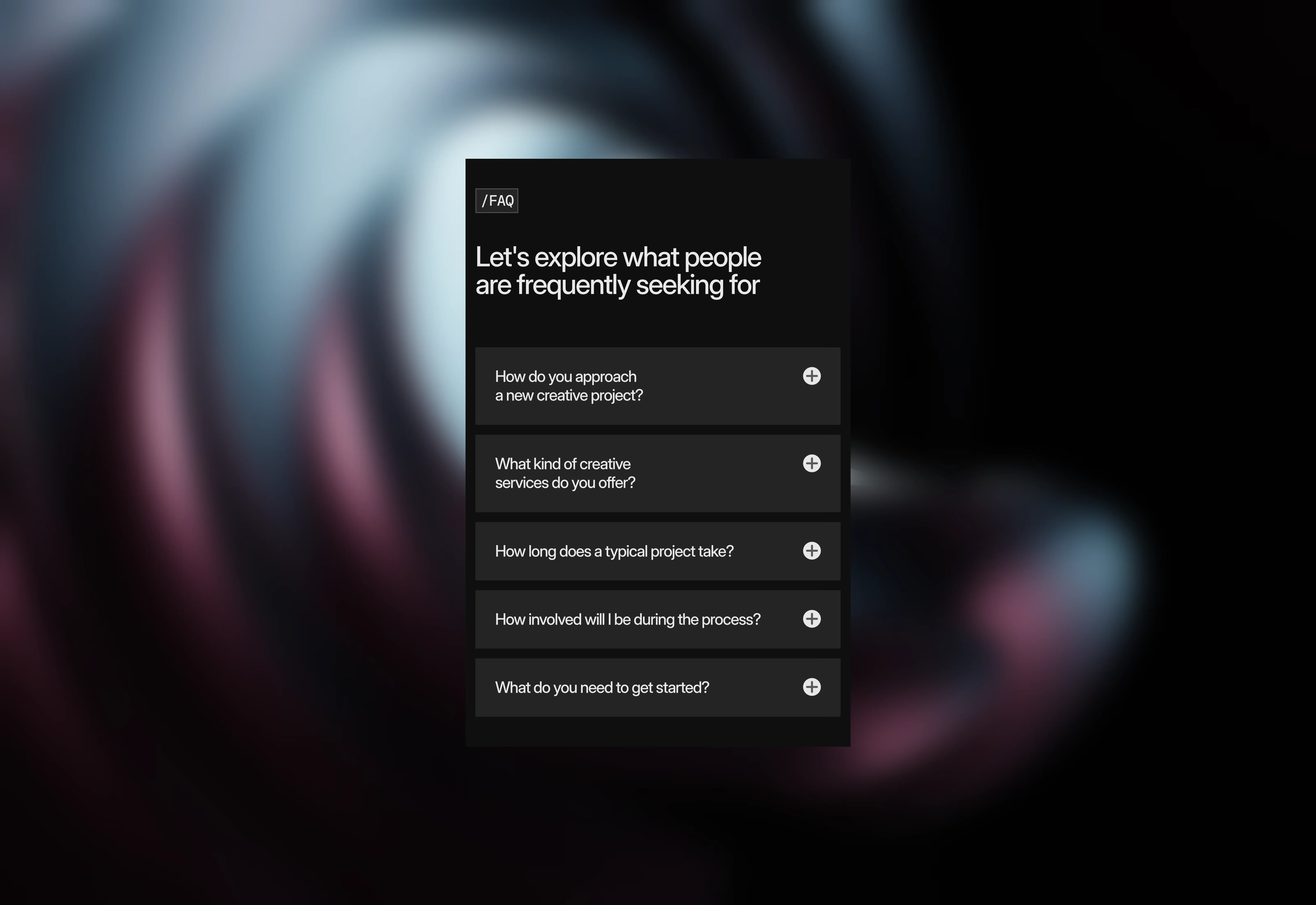
A light themed FAQ section that contains flip cards which flips on hover interaction.

Last updated on:

Updated on:

Available variants

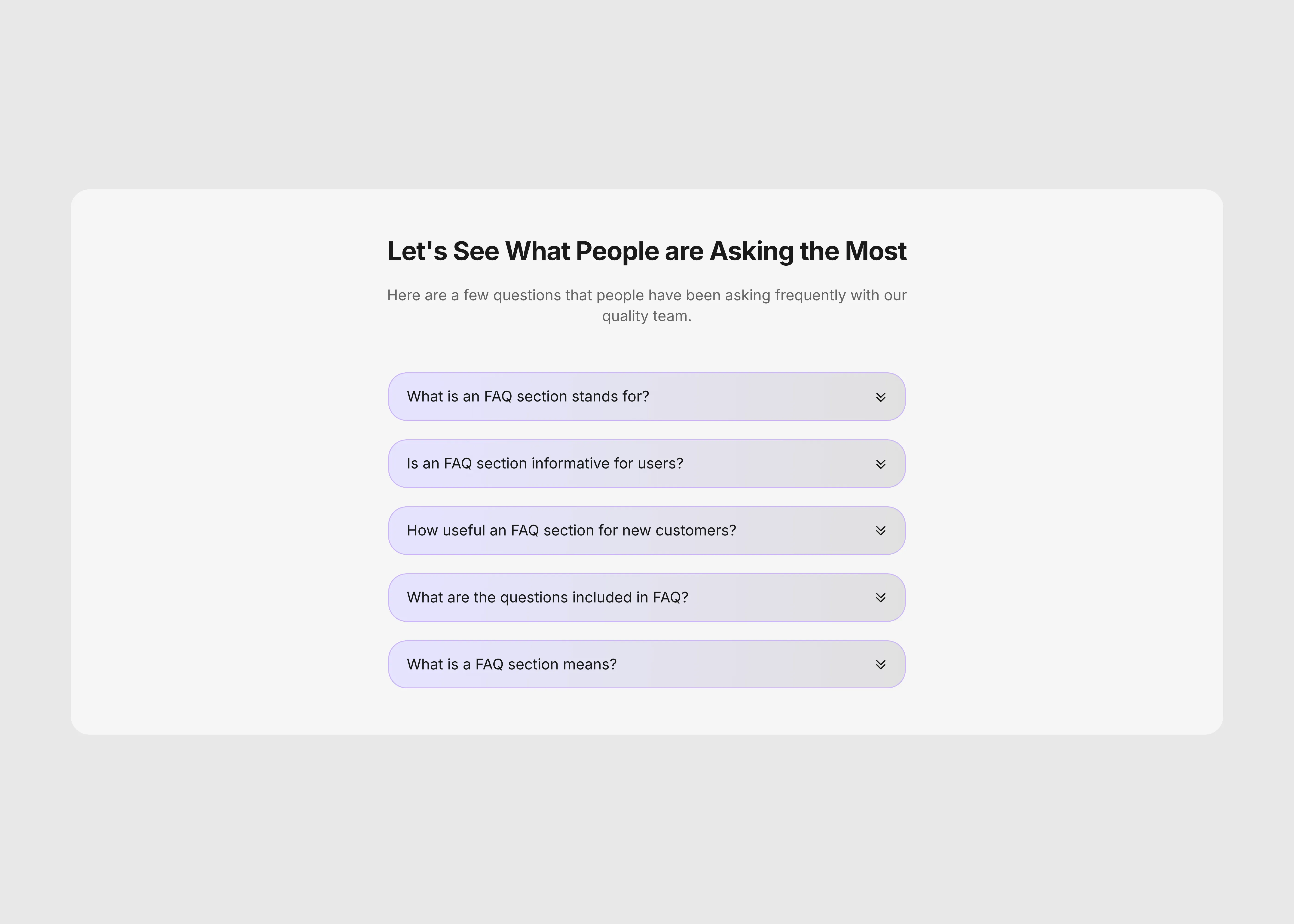
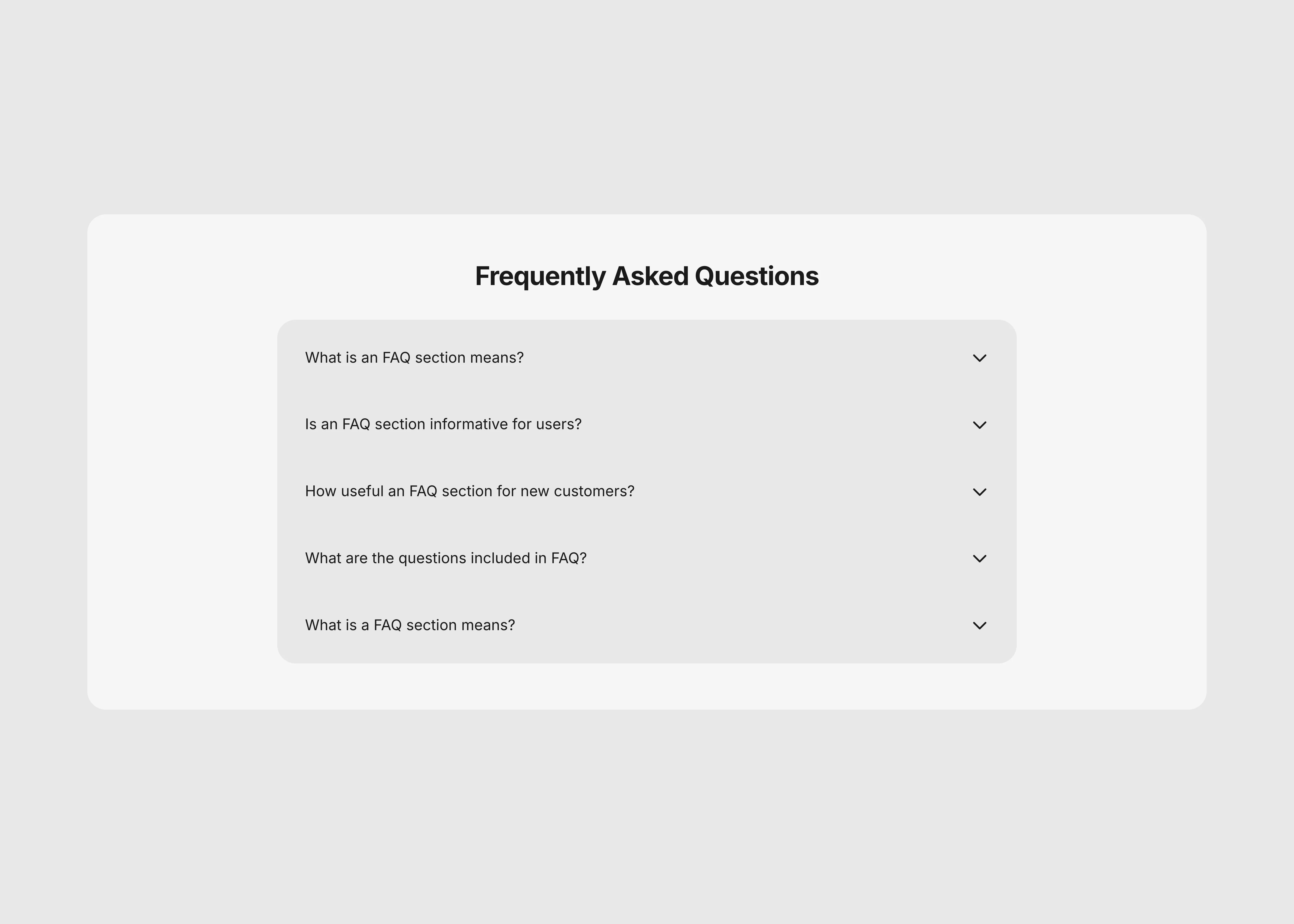
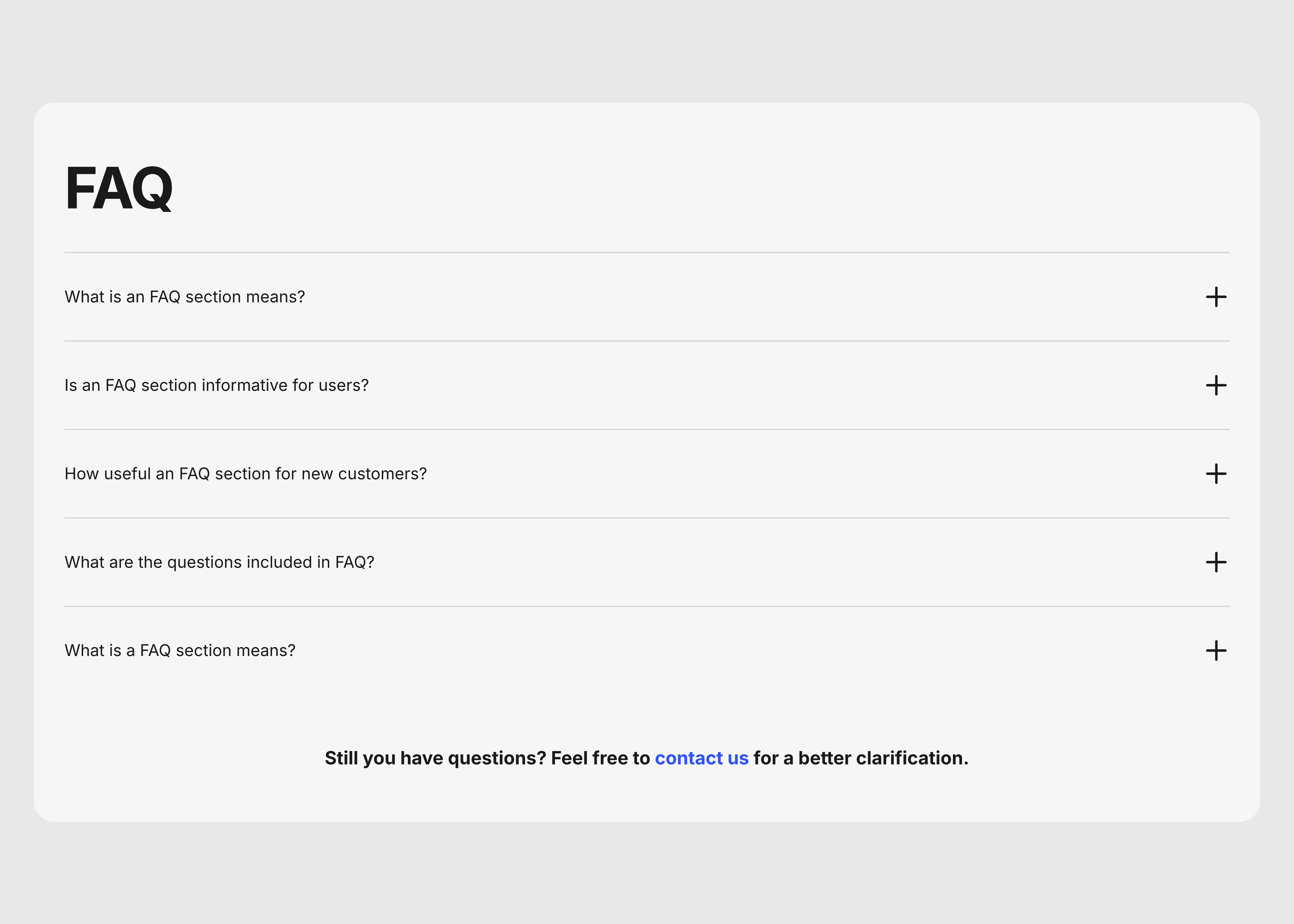
A dark themed interactive FAQ section for Frame, the UI optimized for desktop.
A dark themed interactive FAQ section for Frame, the UI optimized for phone.
A light themed interactive FAQ section for Frame, the UI optimized for desktop.
A light themed interactive FAQ section for Frame, the UI optimized for phone.

FAQ section with hover flip card

Fully optimized and Interactive hover FAQ section with smooth flip animations to engage users and make your website’s FAQs more dynamic and visually appealing.

...
...

Variants:

4

Breakpoints

Theme:

Please note: This component is available only for active license holders. Sign in with your license key or purchase one.

Copying disabled

How to use the component?

  • Copy this FAQ section and paste it into your Framer project.

  • Place it inside a page stack where you want visitors to browse common questions.

  • Unable to copy? Sign in and try again. Authentication may be required to copy the section.

  • Use the desktop variant on Desktop and Tablet breakpoints for the full FAQ layout.

  • Switch to the phone variant on the Phone breakpoint so the cards fit comfortably on smaller screens.

  • Keep the section width set to Fill and let the page stack control its spacing around the component.

  • Choose the dark or light version that matches the surrounding page theme.

  • Replace the placeholder questions and answers with content that matches your product, service, or brand.

  • Adjust the card width, spacing, typography, colors, and border radius to match the rest of your page.

  • Preview the page to test the hover flip interaction, and make sure the answer remains readable in both themes.

  • For a more traditional FAQ, choose the desktop variant for large breakpoints and the phone variant for small breakpoints.

  • Check out more FAQ sections that definitely help you to design your next Framer project faster. No worries about tokens; just ship the fully optimized sections in seconds.

Where to use?

  • Use this section at the end of your Framer project's home page or contact page.

  • Or, use it on the features section by using the card variant only.

LIMITED TIME OFFER

Launch amazing websites with

Framerstacks

Still trying to design and launch a website from scratch? Check out 800+ pre-built Framer components and sections that 10x your design speed.

Life time access

Save hundreds of hours

10x design speed

Weekly new releases

Premium designs

Color theme responsiveness

Starts from

$79.00

$99

One-time

FAQ section with hover flip card

Fully optimized and Interactive hover FAQ section with smooth flip animations to engage users and make your website’s FAQs more dynamic and visually appealing.

...
...

Variants:

4

Breakpoints

Theme:

Please note: This component is available only for active license holders. Sign in with your license key or purchase one.

Copying disabled

How to use the component?

  • Copy this FAQ section and paste it into your Framer project.

  • Place it inside a page stack where you want visitors to browse common questions.

  • Unable to copy? Sign in and try again. Authentication may be required to copy the section.

  • Use the desktop variant on Desktop and Tablet breakpoints for the full FAQ layout.

  • Switch to the phone variant on the Phone breakpoint so the cards fit comfortably on smaller screens.

  • Keep the section width set to Fill and let the page stack control its spacing around the component.

  • Choose the dark or light version that matches the surrounding page theme.

  • Replace the placeholder questions and answers with content that matches your product, service, or brand.

  • Adjust the card width, spacing, typography, colors, and border radius to match the rest of your page.

  • Preview the page to test the hover flip interaction, and make sure the answer remains readable in both themes.

  • For a more traditional FAQ, choose the desktop variant for large breakpoints and the phone variant for small breakpoints.

  • Check out more FAQ sections that definitely help you to design your next Framer project faster. No worries about tokens; just ship the fully optimized sections in seconds.

Where to use?

  • Use this section at the end of your Framer project's home page or contact page.

  • Or, use it on the features section by using the card variant only.

LIMITED TIME OFFER

Launch amazing websites with

Framerstacks

Still trying to design and launch a website from scratch? Check out 800+ pre-built Framer components and sections that 10x your design speed.

Life time access

Save hundreds of hours

10x design speed

Weekly new releases

Premium designs

Color theme responsiveness

Starts from

$79.00

$99

One-time

Library overview

Framerstacks hosts one of the largest collections of pre-built Framer components and website sections. With 200+ professionally designed components and 800+ variants.

Our library spans 40+ webpage section categories, enabling creators to build beautiful, high-performance websites in Framer faster than ever.

Explore the main library page.

Contribution

Have something creative on your mind? Or wish to become a contributor inside Framerstacks?

You're welcome. Join as a contributor and help to shape the future of the high-quality Framer components and sections gallery. Head over to the submission page and contribute.

Support

If you need any further support related to this specific component or section, please send an email to hello@framerstacks.com

One of our customer support team members will get in touch with you within 24 hours.

To report an issue with the product, purchase, functionality, submit a ticket.

Just like more components
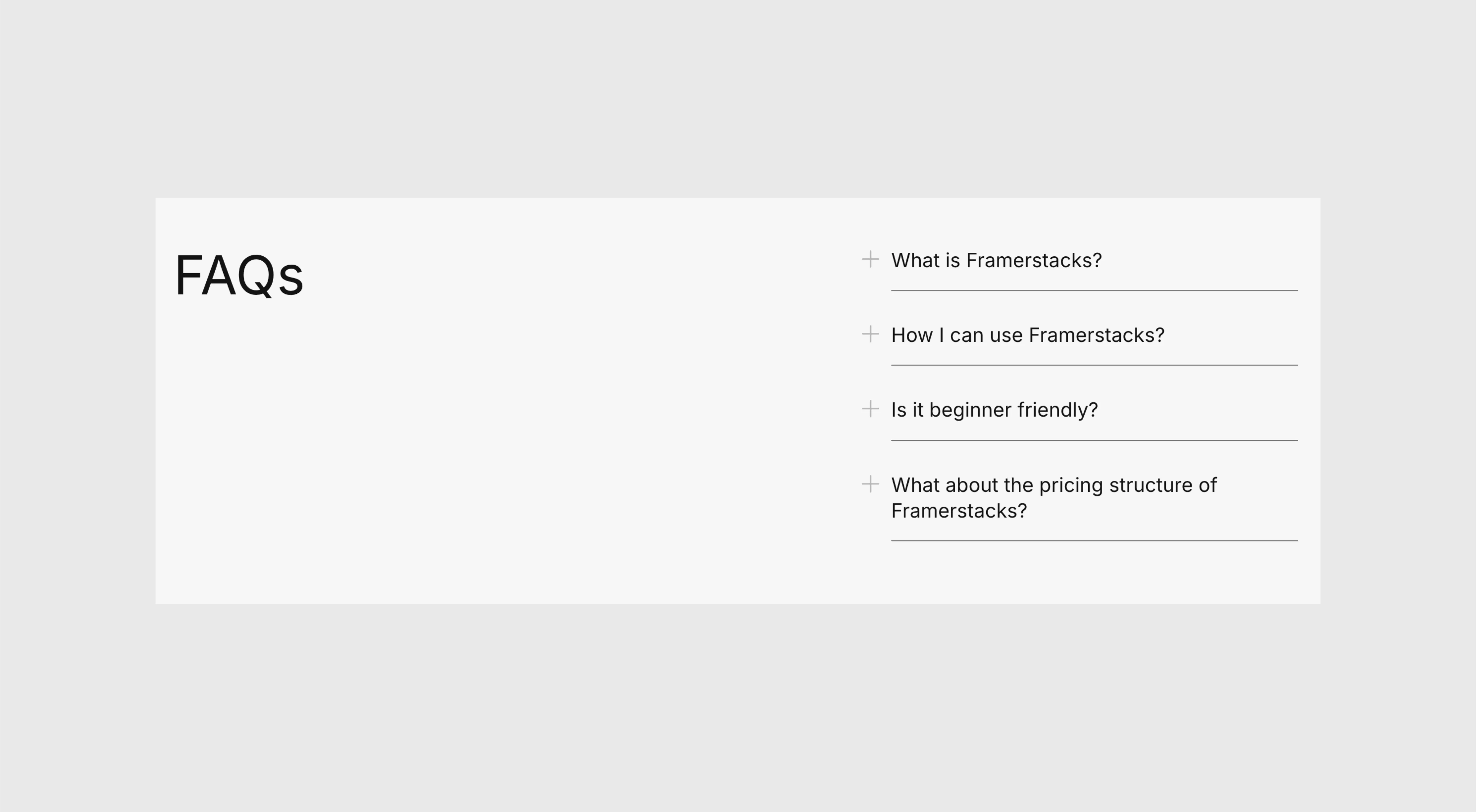
Simple FAQ List Section for Framer

Aug 15, 2026

FAQ Section with Side Heading for Framer

Aug 15, 2026

Two-Column FAQ Section for Framer

Aug 15, 2026

Accordion FAQ Section for Framer Websites

Aug 15, 2026

The FAQs

Have questions? We got you…

Everything you need to know about our product and billing.

What is Framerstack?

Is there a free plan available?

What about the refund policy?

How I can avail my user license?

Still have questions? Or can't find the right answer? Please contact us. One of our customer support team members will get in touch with you.

Join to the community

Stay in the loop with everything you need to know.

By clicking Submit, you agree to our Privacy Policy and to receive our notifications. You can Unsubscribe anytime.

By clicking Submit, you agree to our Privacy Policy and to receive our notifications. You can Unsubscribe anytime.