Framerstacks plugin is live now - Open plugin from your canvas and start using FREE assets.
Plugin is live now - Open it from your desktop.
Learn more

Last updated on:
Last updated on:
Available variants


Liquid Glass Hero Section with Video Background
This liquid glass hero section for Framer layers a frosted navigation, a badge, and an italic serif headline over a looping night-sky video with drifting fireflies.
Variants:
3
Breakpoints
Theme:
Please note: This component is available only for active license holders. Sign in with your license key or purchase one.
Copying disabled
How to use the component?
Copy this section, then paste it into any page of your Framer project.
If nothing gets copied, sign in and try again.
Drop it at the very top of your landing page and set the width to Fill so it stretches with the screen.
Double-click the headline, subtitle, badge, and buttons to write your own. Start on the Desktop variant, and the Tablet and Phone variants pick up the change.
The background is a regular Framer Video layer called Background Video. Swap the file or URL in the right panel to use your own loop, and keep it muted so it can autoplay.
Change the names in the logo ticker at the bottom, or replace them with your own logo images.
The glass look comes from a light fill, a background blur, and a thin border. Adjust these on the nav, badge, and button to make the glass clearer or frostier.
The headline uses a Text effect that reveals each word with a soft blur. Change its delay or speed in the Effects section of the right panel.
The nav, badge, subtitle, and buttons fade in one after another with Appear effects. Edit their delays to change the timing.
Link the nav items and buttons to your own pages in the right panel.
Test the animations and the video in Preview, since effects do not run on the canvas.
Where to use?
A good fit for creative agencies, studios, AI products, and launch pages that want a calm, cinematic first impression.
Follow it with dark sections so the video fades naturally into the rest of the page.
ONE-TIME PAYMENT
Launch amazing websites with
Framerstacks
Still trying to design and launch a website from scratch? Check out 290+ pre-built Framer sections and components to build pages faster.
Lifetime access
Save hundreds of hours
Build pages faster
Weekly new releases
Premium designs
Color theme responsiveness
Starts from
$79.00
One-time
About the library
Framerstacks hosts one of the largest collections of pre-built Framer components and website sections. With 290+ professionally designed sections and components and 1200+ variants.
Our library spans 150+ webpage sections across 18 section types, enabling creators to build beautiful, high-performance websites in Framer faster than ever.
Explore the main library page.
Contribution
Have something creative on your mind? Or wish to become a contributor inside Framerstacks?
You're welcome. Join as a contributor and help to shape the future of the high-quality Framer components and sections gallery. Head over to the submission page and contribute.
Support
If you need any further support related to this specific component or section, please get in touch at hello@framerstacks.com
One of our customer support team members will get in touch with you within 24 hours.
To report an issue with the product, purchase, functionality, submit a ticket.
Just like more components

Climate Tech Hero Section with Data Cards
Nov 11, 2026

SaaS Workspace Hero Section with Email Signup
Nov 11, 2026

Restaurant Hero Section with Table Reservation
Nov 11, 2026

Event Hero Section with Live Countdown
Nov 11, 2026

Health Clinic Hero Section with Appointment Picker
Nov 11, 2026

Real Estate Hero Section with Property Search
Nov 11, 2026

Fintech App Hero Section with Currency Switch
Nov 26, 2026

E-commerce Hero Section with Product Card
Nov 6, 2026
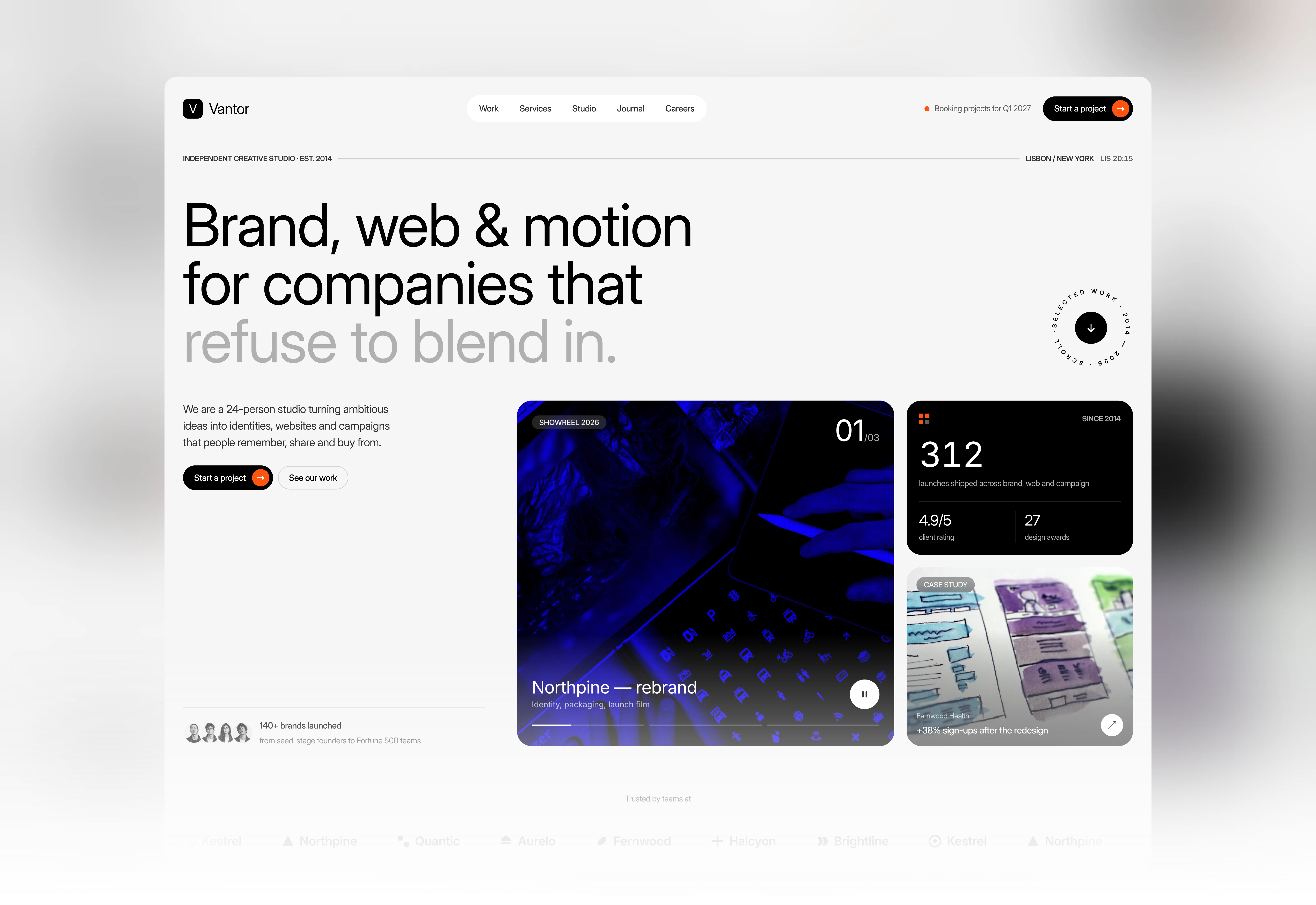
Creative Agency Hero Section with Showreel
Nov 1, 2026

Saas Hero Section with Navigation Bar
Oct 29, 2026
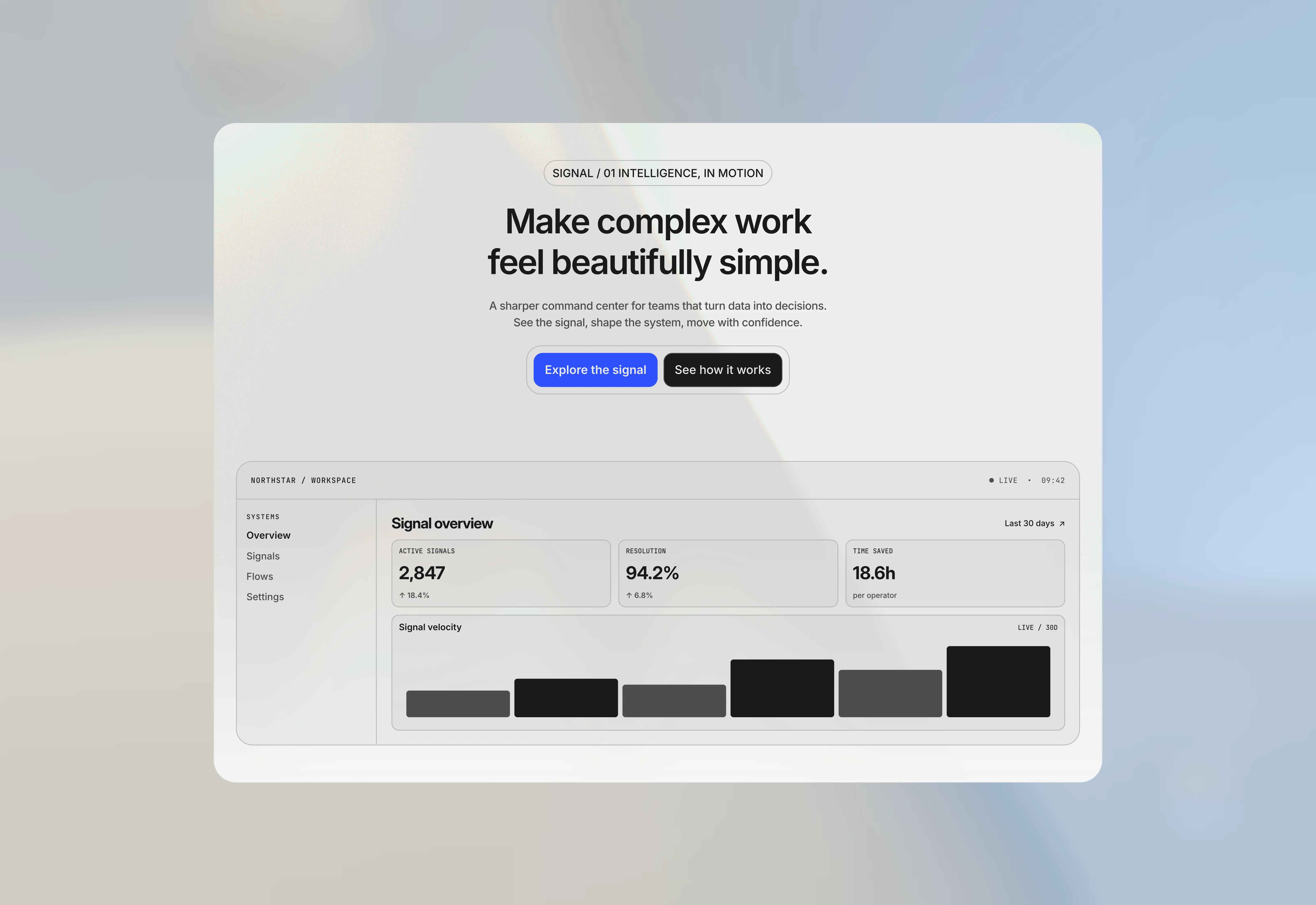
Hero Section for Saas Websites
Sep 14, 2026

Hero Section with Animated Background for Framer
Nov 26, 2026
Load More
Climate Tech Hero Section with Data Cards
Nov 11, 2026
SaaS Workspace Hero Section with Email Signup
Nov 11, 2026
Restaurant Hero Section with Table Reservation
Nov 11, 2026
Event Hero Section with Live Countdown
Nov 11, 2026
Health Clinic Hero Section with Appointment Picker
Nov 11, 2026
Real Estate Hero Section with Property Search
Nov 11, 2026
Load More
The FAQs
Have questions? We got you…
Everything you need to know about our product and billing.
" height="145.6071412712696px" id="yQXBZZpLX" width="80.09859047311576px"/></svg>)
What is Framerstacks?
Is there a free plan available?
What about the refund policy?
How can I get my user license?
Still have questions? Or can't find the right answer? Please contact us. One of our customer support team members will get in touch with you.
Join the community
Stay in the loop with everything you need to know.
By clicking Submit, you agree to our Privacy Policy and to receive our notifications. You can Unsubscribe anytime.
By clicking Submit, you agree to our Privacy Policy and to receive our notifications. You can Unsubscribe anytime.