
Last updated on:
Updated on:
Available variants


Fintech App Hero Section with Currency Switch
This fintech hero section for Framer pairs a clear headline and an email signup with a phone mockup that shows a balance, a card, and recent payments. Tap EUR, USD, or GBP and the balance changes, while two floating notices add life.
Variants:
6
Breakpoints
Theme:
Please note: This component is available only for active license holders. Sign in with your license key or purchase one.
Copying disabled
How to use the component?
Copy this section, then paste it into any page of your Framer project.
If nothing gets copied, sign in and try again.
Drop it at the very top of your landing page and set the width to Fill so it stretches with the screen.
Switch to the light or dark variant that matches your site on each breakpoint.
Double-click the headline, subtitle, and proof numbers to write your own. Start on Light Desktop and the other sizes pick up the change.
The balance, currency chips, and monthly change live in a small component called Hero 34 Balance. Edit the amount for each currency there once.
Swap the card name, the payment rows, and the two floating notices so they match your product.
The teal accent sits on the logo mark, the main button, and the positive amounts. Change them together for a new brand colour.
The email field is a real Framer form. Open the form settings and add where submissions go, such as your email or a webhook, before you publish.
The button switches to Sending, then a thank-you message or Try again, based on the form result.
On tablet and phone, the menu button opens a dropdown with the links and the main button. Link each item in the right panel.
Test the currency switch and the form in Preview, since interactions do not run on the canvas.
Where to use?
A strong opener for banking apps, payment tools, invoicing software, and money products for small teams.
Keep the signup as the main action and use the next sections for trust: security, fees, and reviews.
LIMITED TIME OFFER
Launch amazing websites with
Framerstacks
Still trying to design and launch a website from scratch? Check out 800+ pre-built Framer components and sections that 10x your design speed.
Life time access
Save hundreds of hours
10x design speed
Weekly new releases
Premium designs
Color theme responsiveness
Starts from
$79.00
$99
One-time
Fintech App Hero Section with Currency Switch
This fintech hero section for Framer pairs a clear headline and an email signup with a phone mockup that shows a balance, a card, and recent payments. Tap EUR, USD, or GBP and the balance changes, while two floating notices add life.
Variants:
6
Breakpoints
Theme:
Please note: This component is available only for active license holders. Sign in with your license key or purchase one.
Copying disabled
How to use the component?
Copy this section, then paste it into any page of your Framer project.
If nothing gets copied, sign in and try again.
Drop it at the very top of your landing page and set the width to Fill so it stretches with the screen.
Switch to the light or dark variant that matches your site on each breakpoint.
Double-click the headline, subtitle, and proof numbers to write your own. Start on Light Desktop and the other sizes pick up the change.
The balance, currency chips, and monthly change live in a small component called Hero 34 Balance. Edit the amount for each currency there once.
Swap the card name, the payment rows, and the two floating notices so they match your product.
The teal accent sits on the logo mark, the main button, and the positive amounts. Change them together for a new brand colour.
The email field is a real Framer form. Open the form settings and add where submissions go, such as your email or a webhook, before you publish.
The button switches to Sending, then a thank-you message or Try again, based on the form result.
On tablet and phone, the menu button opens a dropdown with the links and the main button. Link each item in the right panel.
Test the currency switch and the form in Preview, since interactions do not run on the canvas.
Where to use?
A strong opener for banking apps, payment tools, invoicing software, and money products for small teams.
Keep the signup as the main action and use the next sections for trust: security, fees, and reviews.
LIMITED TIME OFFER
Launch amazing websites with
Framerstacks
Still trying to design and launch a website from scratch? Check out 800+ pre-built Framer components and sections that 10x your design speed.
Life time access
Save hundreds of hours
10x design speed
Weekly new releases
Premium designs
Color theme responsiveness
Starts from
$79.00
$99
One-time
Fintech App Hero Section with Currency Switch
This fintech hero section for Framer pairs a clear headline and an email signup with a phone mockup that shows a balance, a card, and recent payments. Tap EUR, USD, or GBP and the balance changes, while two floating notices add life.
Variants:
6
Breakpoints
Theme:
Please note: This component is available only for active license holders. Sign in with your license key or purchase one.
Copying disabled
How to use the component?
Copy this section, then paste it into any page of your Framer project.
If nothing gets copied, sign in and try again.
Drop it at the very top of your landing page and set the width to Fill so it stretches with the screen.
Switch to the light or dark variant that matches your site on each breakpoint.
Double-click the headline, subtitle, and proof numbers to write your own. Start on Light Desktop and the other sizes pick up the change.
The balance, currency chips, and monthly change live in a small component called Hero 34 Balance. Edit the amount for each currency there once.
Swap the card name, the payment rows, and the two floating notices so they match your product.
The teal accent sits on the logo mark, the main button, and the positive amounts. Change them together for a new brand colour.
The email field is a real Framer form. Open the form settings and add where submissions go, such as your email or a webhook, before you publish.
The button switches to Sending, then a thank-you message or Try again, based on the form result.
On tablet and phone, the menu button opens a dropdown with the links and the main button. Link each item in the right panel.
Test the currency switch and the form in Preview, since interactions do not run on the canvas.
Where to use?
A strong opener for banking apps, payment tools, invoicing software, and money products for small teams.
Keep the signup as the main action and use the next sections for trust: security, fees, and reviews.
LIMITED TIME OFFER
Launch amazing websites with
Framerstacks
Still trying to design and launch a website from scratch? Check out 800+ pre-built Framer components and sections that 10x your design speed.
Life time access
Save hundreds of hours
10x design speed
Weekly new releases
Premium designs
Color theme responsiveness
Starts from
$79.00
$99
One-time
Fintech App Hero Section with Currency Switch
This fintech hero section for Framer pairs a clear headline and an email signup with a phone mockup that shows a balance, a card, and recent payments. Tap EUR, USD, or GBP and the balance changes, while two floating notices add life.
Variants:
6
Breakpoints
Theme:
Please note: This component is available only for active license holders. Sign in with your license key or purchase one.
Copying disabled
How to use the component?
Copy this section, then paste it into any page of your Framer project.
If nothing gets copied, sign in and try again.
Drop it at the very top of your landing page and set the width to Fill so it stretches with the screen.
Switch to the light or dark variant that matches your site on each breakpoint.
Double-click the headline, subtitle, and proof numbers to write your own. Start on Light Desktop and the other sizes pick up the change.
The balance, currency chips, and monthly change live in a small component called Hero 34 Balance. Edit the amount for each currency there once.
Swap the card name, the payment rows, and the two floating notices so they match your product.
The teal accent sits on the logo mark, the main button, and the positive amounts. Change them together for a new brand colour.
The email field is a real Framer form. Open the form settings and add where submissions go, such as your email or a webhook, before you publish.
The button switches to Sending, then a thank-you message or Try again, based on the form result.
On tablet and phone, the menu button opens a dropdown with the links and the main button. Link each item in the right panel.
Test the currency switch and the form in Preview, since interactions do not run on the canvas.
Where to use?
A strong opener for banking apps, payment tools, invoicing software, and money products for small teams.
Keep the signup as the main action and use the next sections for trust: security, fees, and reviews.
LIMITED TIME OFFER
Launch amazing websites with
Framerstacks
Still trying to design and launch a website from scratch? Check out 800+ pre-built Framer components and sections that 10x your design speed.
Life time access
Save hundreds of hours
10x design speed
Weekly new releases
Premium designs
Color theme responsiveness
Starts from
$79.00
$99
One-time
Library overview
Framerstacks hosts one of the largest collections of pre-built Framer components and website sections. With 270+ professionally designed components and 1000+ variants.
Our library spans 120+ webpage section categories, enabling creators to build beautiful, high-performance websites in Framer faster than ever.
Explore the main library page.
Contribution
Have something creative on your mind? Or wish to become a contributor inside Framerstacks?
You're welcome. Join as a contributor and help to shape the future of the high-quality Framer components and sections gallery. Head over to the submission page and contribute.
Support
If you need any further support related to this specific component or section, please get in touch at hello@framerstacks.com
One of our customer support team members will get in touch with you within 24 hours.
To report an issue with the product, purchase, functionality, submit a ticket.
Just like more components

E-commerce Hero Section with Product Card
Nov 6, 2026
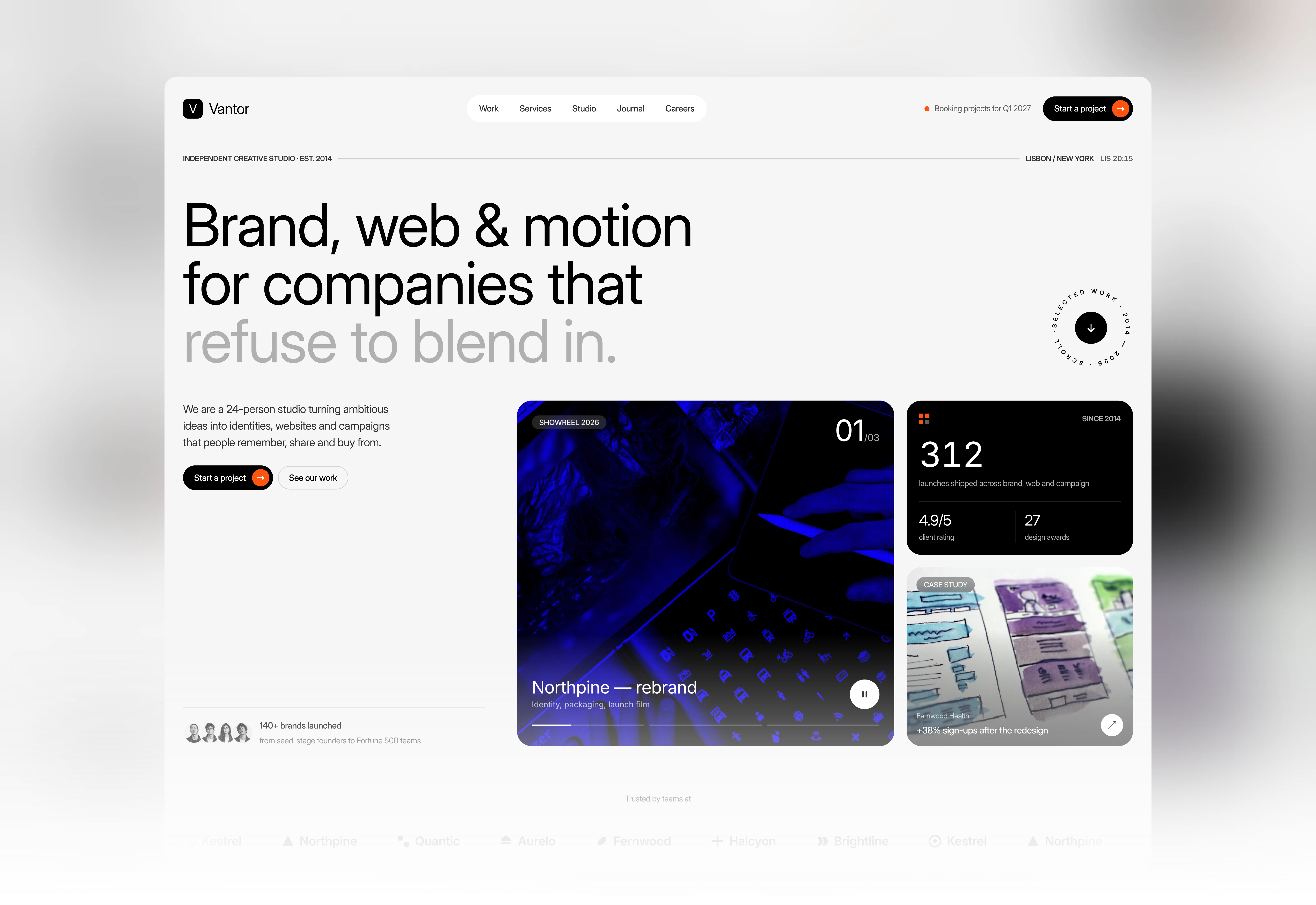
Creative Agency Hero Section with Showreel
Nov 1, 2026

Saas Hero Section with Navigation Bar
Oct 29, 2026
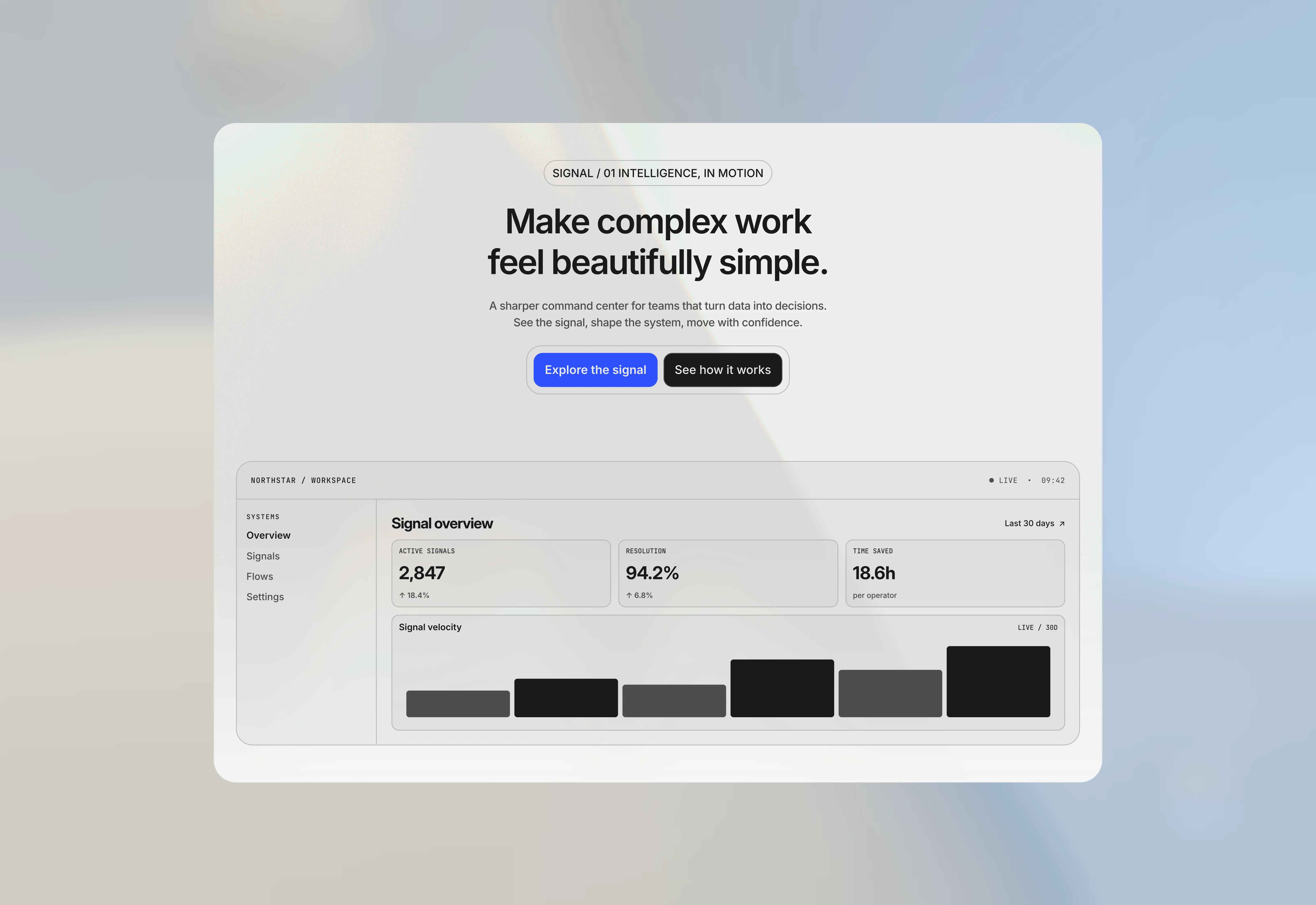
Hero Section for Saas Websites
Sep 14, 2026

Hero Section with Animated Background for Framer
Aug 14, 2026
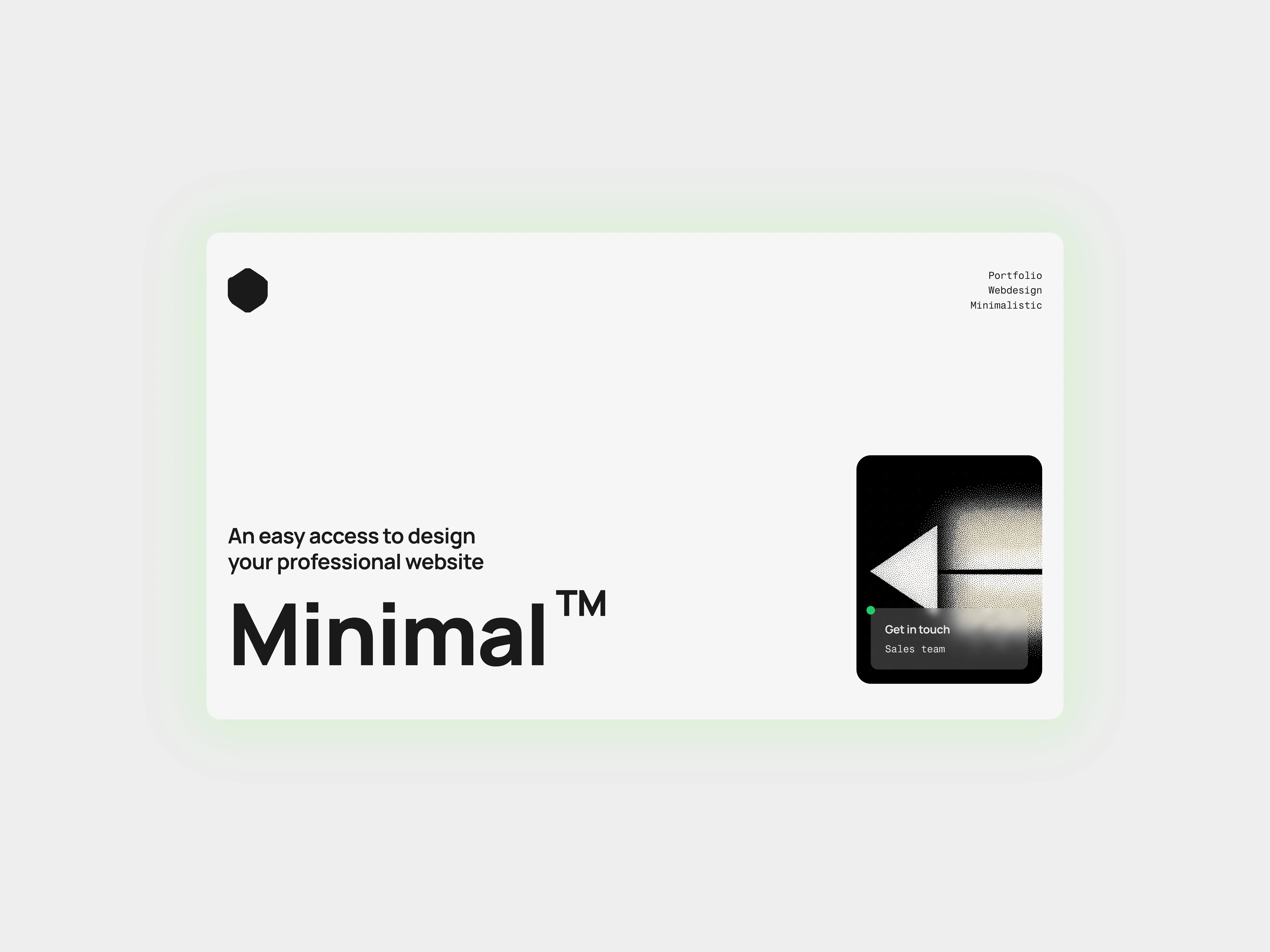
Hero Section for Framer Bold Statement
Aug 14, 2026
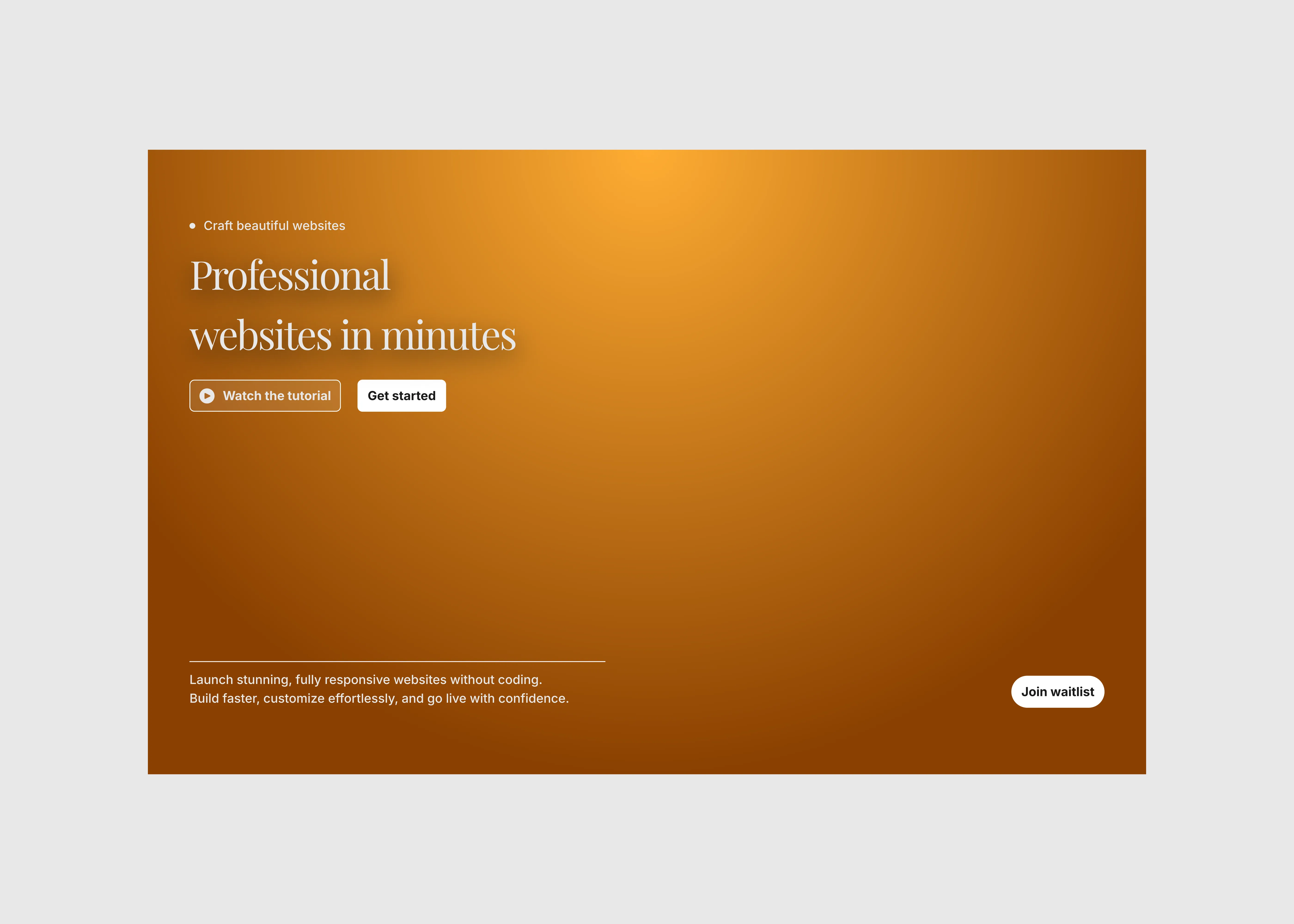
Hero Section for Framer Minimal Split
Aug 14, 2026
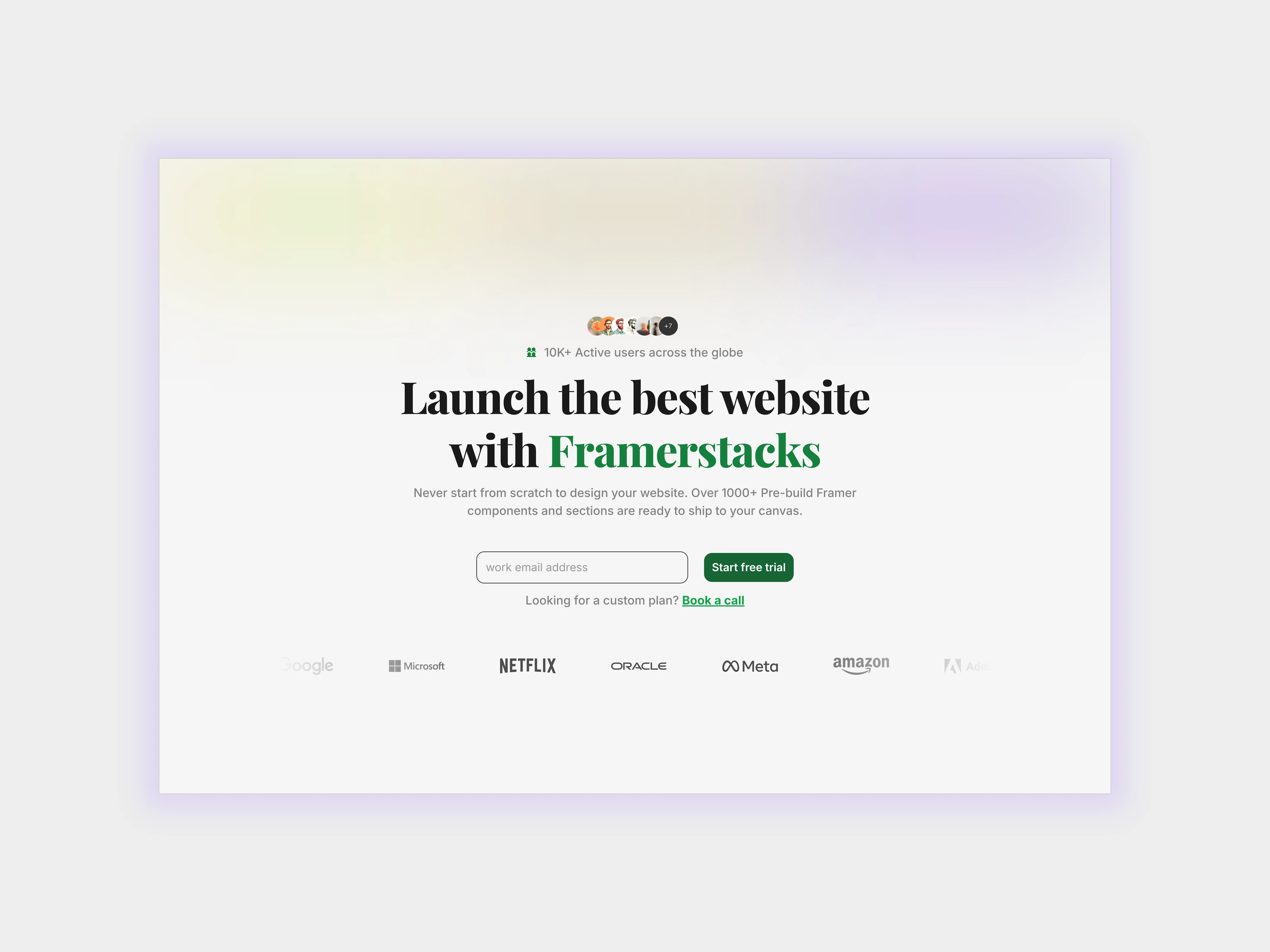
Hero Section for Framer Websites Animated
Aug 14, 2026
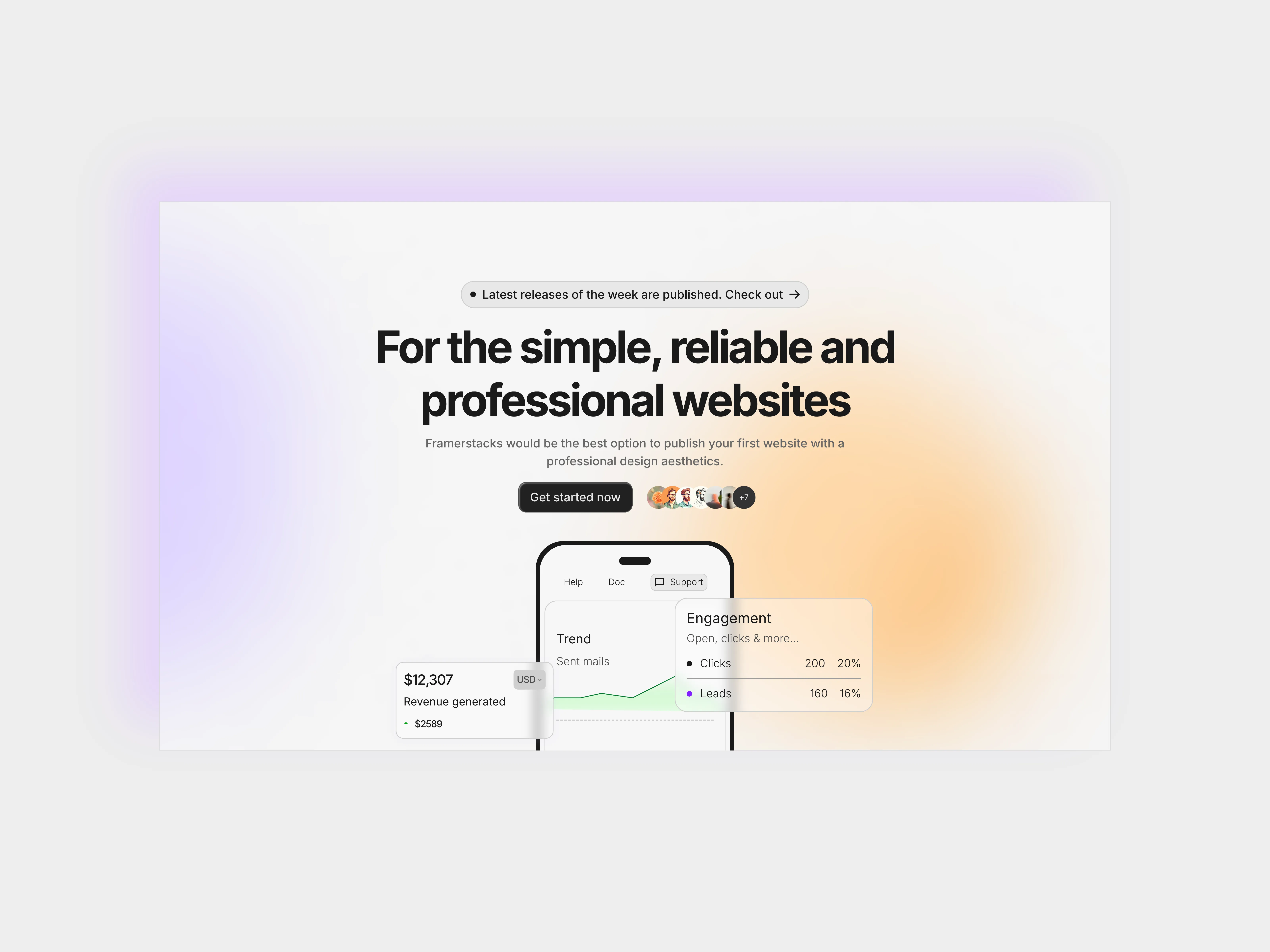
Hero Section for Framer Websites Blurry Background
Aug 15, 2026
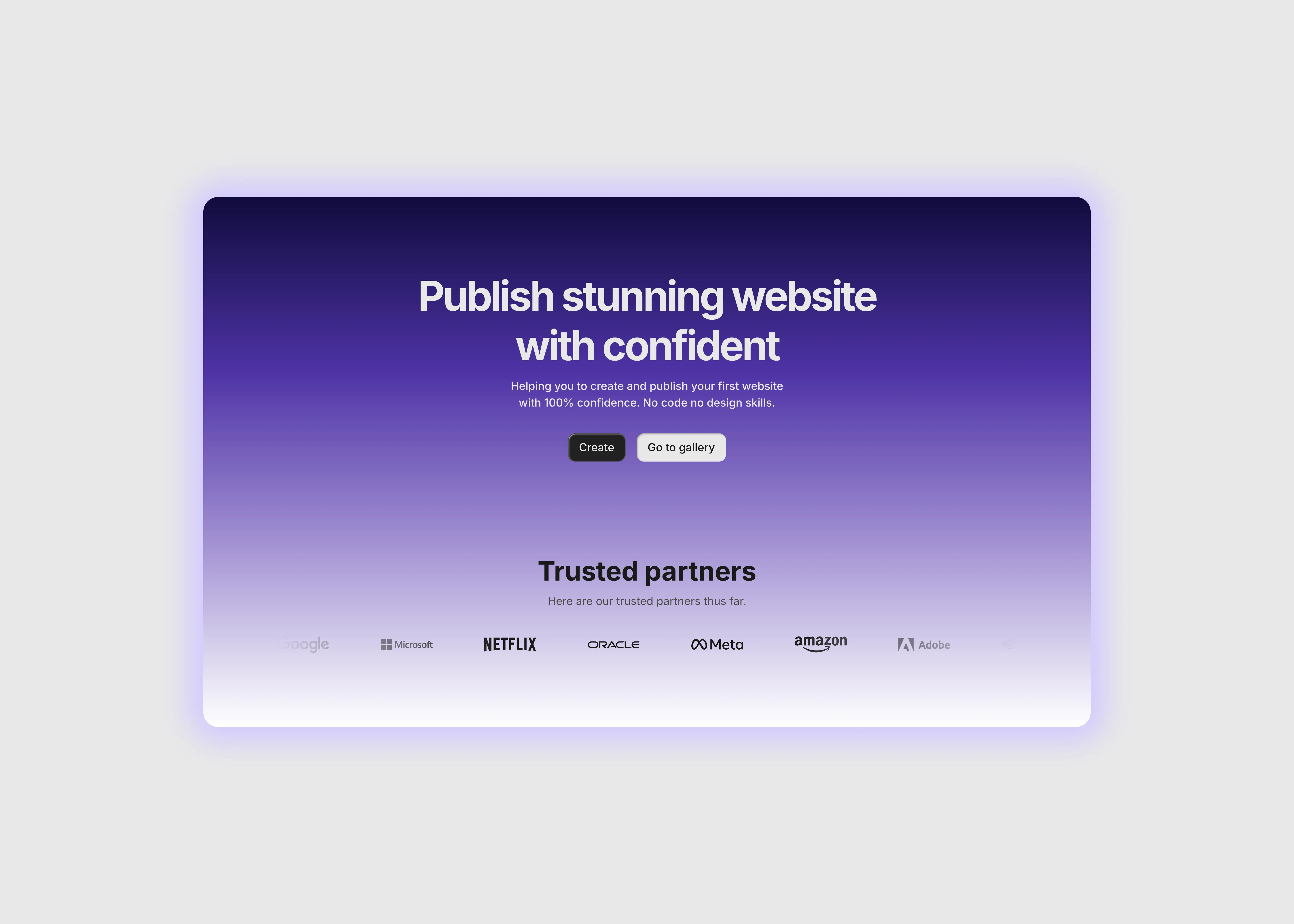
Hero Section for Framer Websites With Form
Aug 14, 2026
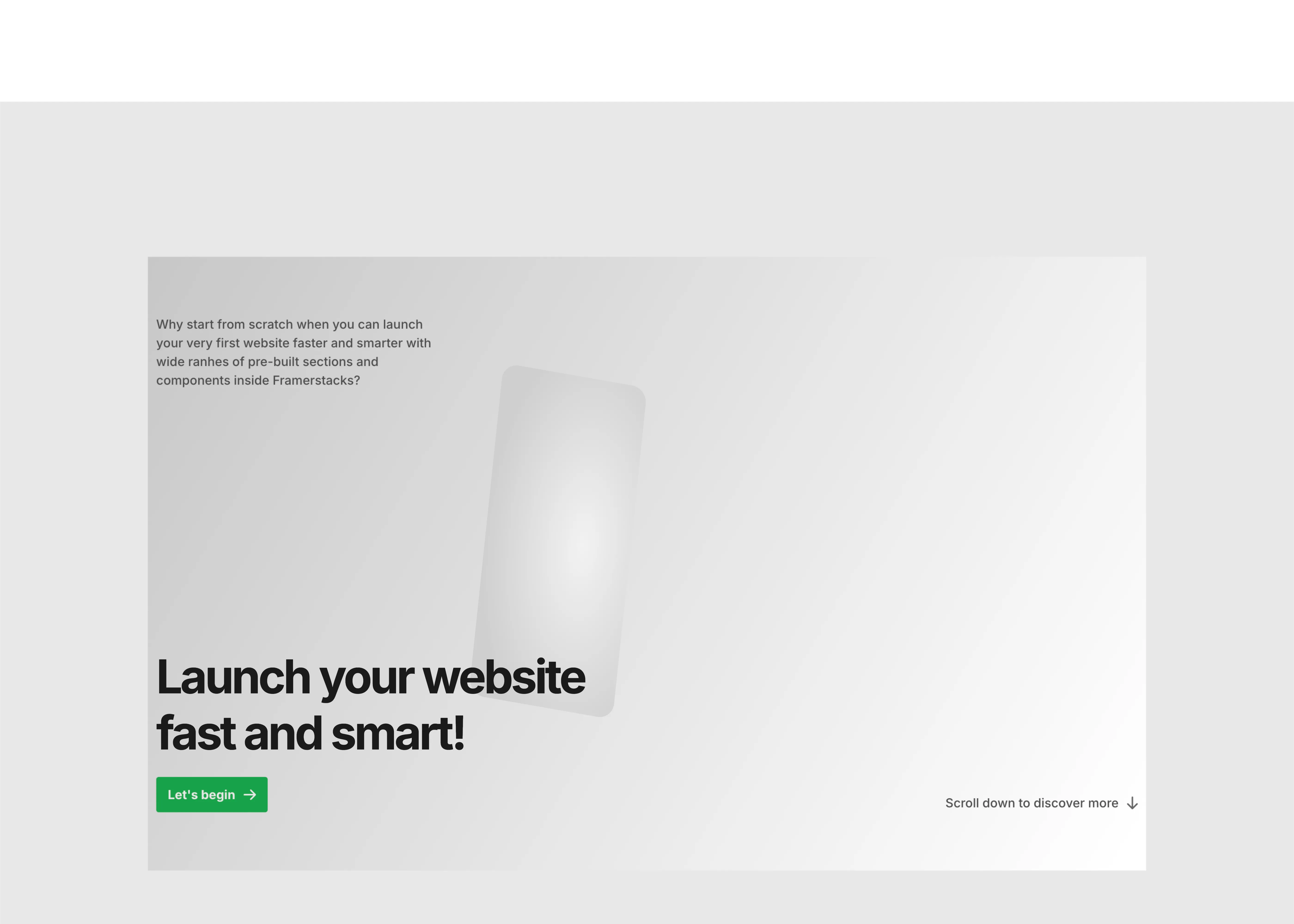
Hero Section for Framer Websites Large Type
Aug 15, 2026
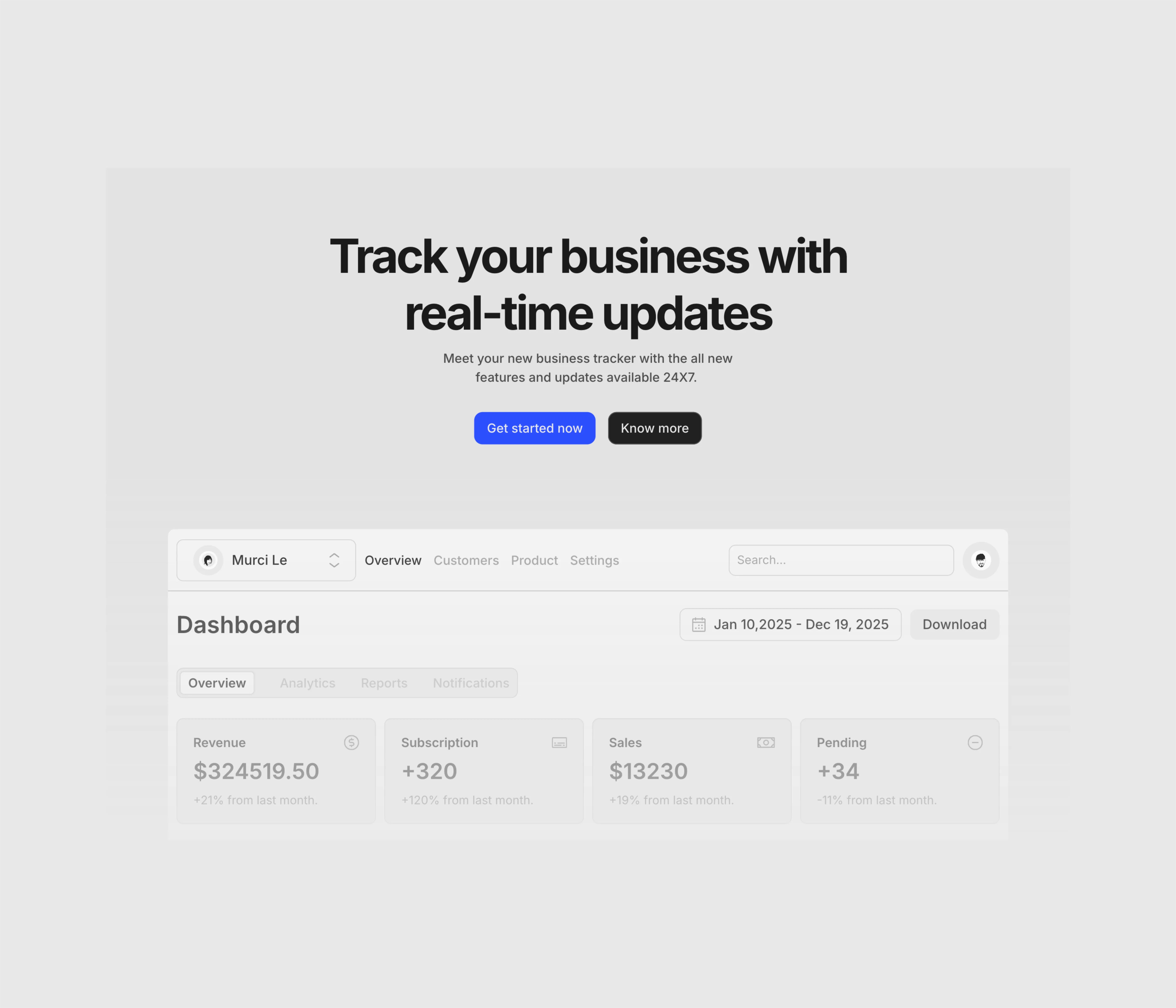
Hero Section for Framer Websites Dark Theme
Aug 15, 2026
Load More
E-commerce Hero Section with Product Card
Nov 6, 2026
Creative Agency Hero Section with Showreel
Nov 1, 2026
Saas Hero Section with Navigation Bar
Oct 29, 2026
Hero Section for Saas Websites
Sep 14, 2026
Hero Section with Animated Background for Framer
Aug 14, 2026
Hero Section for Framer Bold Statement
Aug 14, 2026
Load More
The FAQs
Have questions? We got you…
Everything you need to know about our product and billing.
" height="145.6071412712696px" id="yQXBZZpLX" width="80.09859047311576px"/></svg>)
What is Framerstack?
Is there a free plan available?
What about the refund policy?
How I can avail my user license?
Still have questions? Or can't find the right answer? Please contact us. One of our customer support team members will get in touch with you.
Join to the community
Stay in the loop with everything you need to know.
By clicking Submit, you agree to our Privacy Policy and to receive our notifications. You can Unsubscribe anytime.
By clicking Submit, you agree to our Privacy Policy and to receive our notifications. You can Unsubscribe anytime.