Last updated on:
Updated on:
Available variants



Creative Agency Hero Section with Showreel
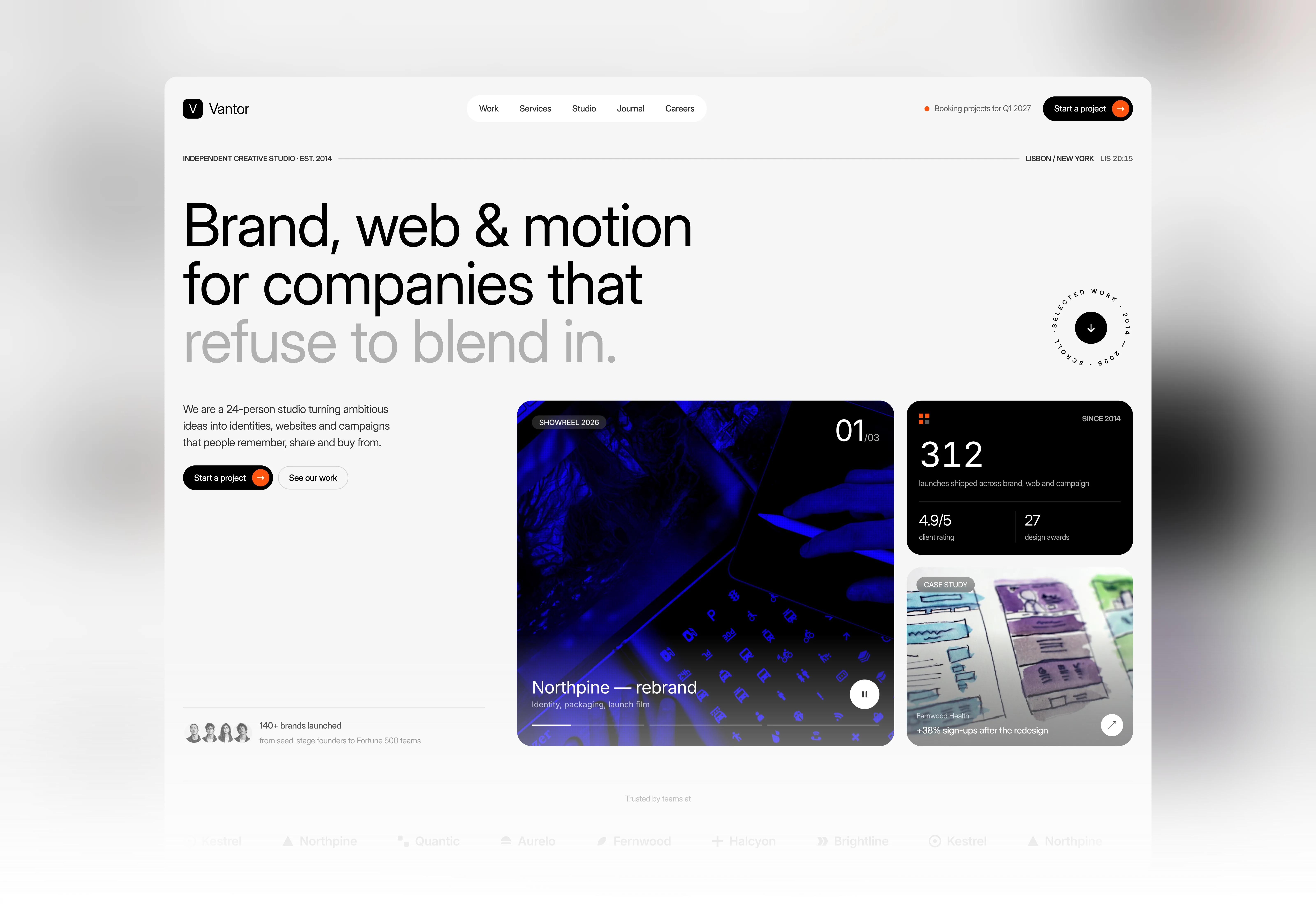
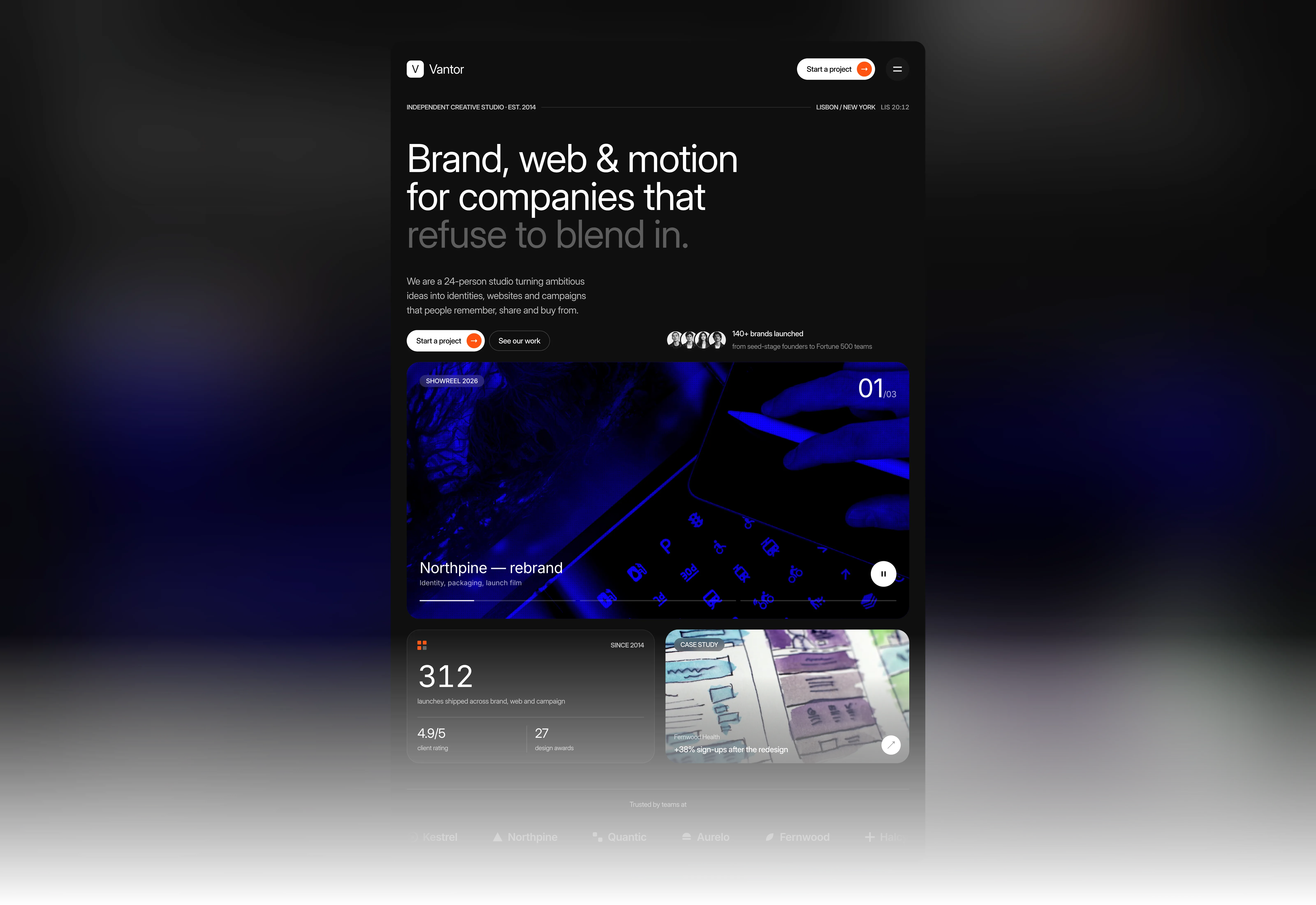
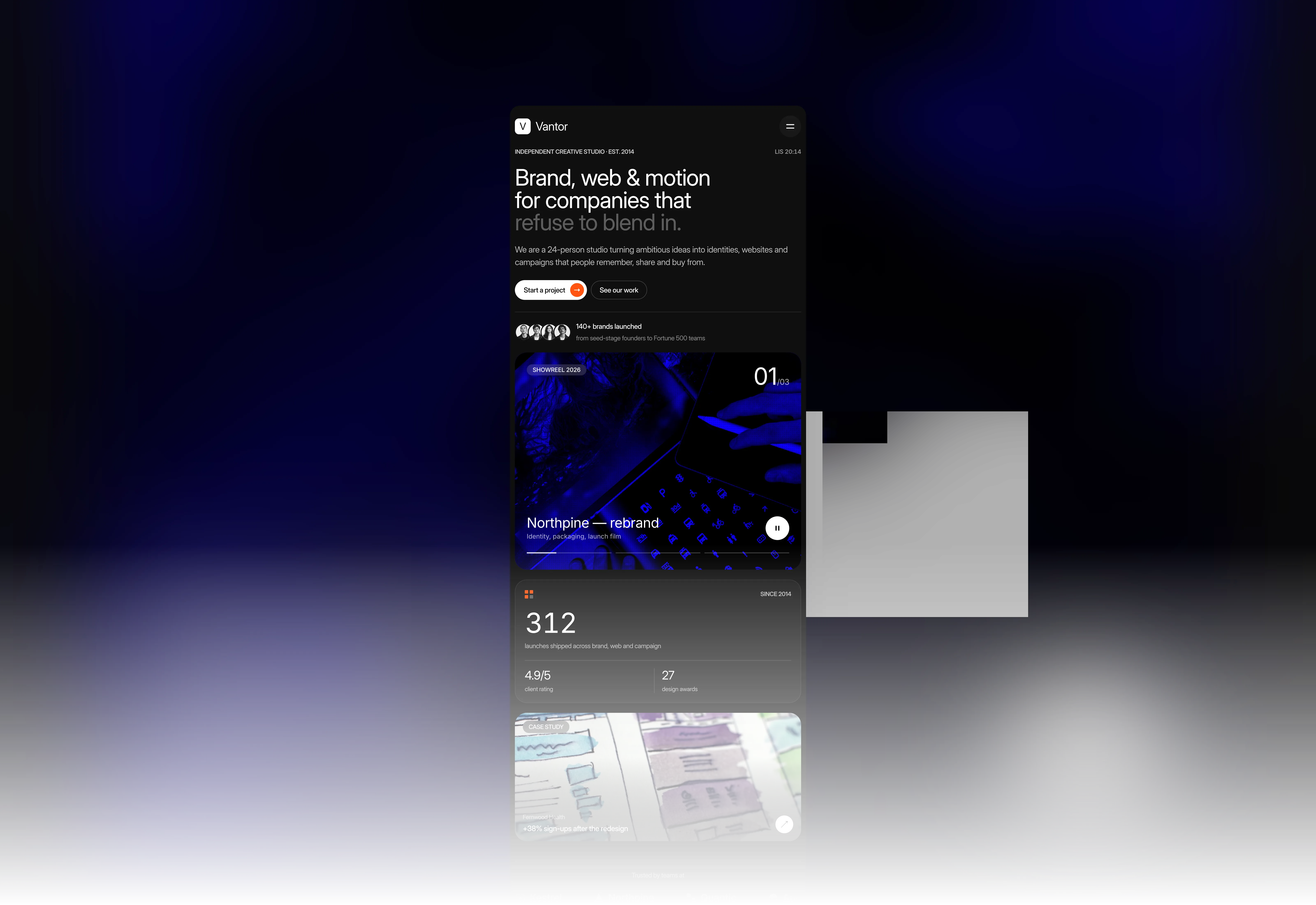
A creative agency hero for Framer built around an oversized editorial headline, a live studio clock and a rotating scroll badge.
Variants:
6
Breakpoints
Theme:
Please note: This component is available only for active license holders. Sign in with your license key or purchase one.
Copying disabled
How to use the component?
Copy this hero section using the copy button above.
Unable to copy? Sign in and try again.
Paste it into your Framer canvas.
Important: the showreel, live clock, rotating badge, count-up number, and logo marquee are code components, and the buttons and nav links are nested components.
They come along when you copy the section. Keep all of them in your project, or those parts will render empty.
Replace the headline, intro paragraph, studio label, location, and logo with your own. The last words of the headline are a separate grey text run, so you can highlight any phrase you like.
Hero Reel: add up to 6 slides with an image, title, subtitle, and link. Set the slide duration, autoplay, panel color, and the cursor label in the right panel. Images get the blue duotone and dot texture automatically.
Live Clock: change the prefix and the time zone (for example, America/New_York). Spin Badge: edit the ring text, link, and colors. Count Up: set the value and an optional suffix like + or %.
Logo Marquee: type client names, or upload a logo image per item to replace the built-in icons. Speed, gap, colors, and hover color are all editable.
Swap the case study image, client name and result, the stat numbers, and the four client avatars to match your studio.
Code file (Hero31.tsx): holds Hero Reel, Live Clock, Spin Badge, Count Up, and Logo Marquee. These run only in Preview and on the published site; the canvas shows a static frame.
Hero 31 Button: Dark and Light pill buttons with an orange arrow that tilts on hover, plus Ghost Light and Ghost Dark outline buttons. Use the Light and Ghost Dark styles on dark backgrounds.
Hero 31 Nav Link: Light and Dark versions with a hover pill. Each link has its own Label and Link fields.
Explore more hero sections built for different layouts and styles.
Browse more sections and components in the library.
Where to use?
Use it at the top of a creative agency, design studio, production company, or freelance portfolio homepage, where the showreel can present your best projects at first glance.
Follow it with a services or selected work section, then add testimonials and a call-to-action section to turn visitors into new briefs.
LIMITED TIME OFFER
Launch amazing websites with
Framerstacks
Still trying to design and launch a website from scratch? Check out 800+ pre-built Framer components and sections that 10x your design speed.
Life time access
Save hundreds of hours
10x design speed
Weekly new releases
Premium designs
Color theme responsiveness
Starts from
$79.00
$99
One-time
Creative Agency Hero Section with Showreel
A creative agency hero for Framer built around an oversized editorial headline, a live studio clock and a rotating scroll badge.
Variants:
6
Breakpoints
Theme:
Please note: This component is available only for active license holders. Sign in with your license key or purchase one.
Copying disabled
How to use the component?
Copy this hero section using the copy button above.
Unable to copy? Sign in and try again.
Paste it into your Framer canvas.
Important: the showreel, live clock, rotating badge, count-up number, and logo marquee are code components, and the buttons and nav links are nested components.
They come along when you copy the section. Keep all of them in your project, or those parts will render empty.
Replace the headline, intro paragraph, studio label, location, and logo with your own. The last words of the headline are a separate grey text run, so you can highlight any phrase you like.
Hero Reel: add up to 6 slides with an image, title, subtitle, and link. Set the slide duration, autoplay, panel color, and the cursor label in the right panel. Images get the blue duotone and dot texture automatically.
Live Clock: change the prefix and the time zone (for example, America/New_York). Spin Badge: edit the ring text, link, and colors. Count Up: set the value and an optional suffix like + or %.
Logo Marquee: type client names, or upload a logo image per item to replace the built-in icons. Speed, gap, colors, and hover color are all editable.
Swap the case study image, client name and result, the stat numbers, and the four client avatars to match your studio.
Code file (Hero31.tsx): holds Hero Reel, Live Clock, Spin Badge, Count Up, and Logo Marquee. These run only in Preview and on the published site; the canvas shows a static frame.
Hero 31 Button: Dark and Light pill buttons with an orange arrow that tilts on hover, plus Ghost Light and Ghost Dark outline buttons. Use the Light and Ghost Dark styles on dark backgrounds.
Hero 31 Nav Link: Light and Dark versions with a hover pill. Each link has its own Label and Link fields.
Explore more hero sections built for different layouts and styles.
Browse more sections and components in the library.
Where to use?
Use it at the top of a creative agency, design studio, production company, or freelance portfolio homepage, where the showreel can present your best projects at first glance.
Follow it with a services or selected work section, then add testimonials and a call-to-action section to turn visitors into new briefs.
LIMITED TIME OFFER
Launch amazing websites with
Framerstacks
Still trying to design and launch a website from scratch? Check out 800+ pre-built Framer components and sections that 10x your design speed.
Life time access
Save hundreds of hours
10x design speed
Weekly new releases
Premium designs
Color theme responsiveness
Starts from
$79.00
$99
One-time
Creative Agency Hero Section with Showreel
A creative agency hero for Framer built around an oversized editorial headline, a live studio clock and a rotating scroll badge.
Variants:
6
Breakpoints
Theme:
Please note: This component is available only for active license holders. Sign in with your license key or purchase one.
Copying disabled
How to use the component?
Copy this hero section using the copy button above.
Unable to copy? Sign in and try again.
Paste it into your Framer canvas.
Important: the showreel, live clock, rotating badge, count-up number, and logo marquee are code components, and the buttons and nav links are nested components.
They come along when you copy the section. Keep all of them in your project, or those parts will render empty.
Replace the headline, intro paragraph, studio label, location, and logo with your own. The last words of the headline are a separate grey text run, so you can highlight any phrase you like.
Hero Reel: add up to 6 slides with an image, title, subtitle, and link. Set the slide duration, autoplay, panel color, and the cursor label in the right panel. Images get the blue duotone and dot texture automatically.
Live Clock: change the prefix and the time zone (for example, America/New_York). Spin Badge: edit the ring text, link, and colors. Count Up: set the value and an optional suffix like + or %.
Logo Marquee: type client names, or upload a logo image per item to replace the built-in icons. Speed, gap, colors, and hover color are all editable.
Swap the case study image, client name and result, the stat numbers, and the four client avatars to match your studio.
Code file (Hero31.tsx): holds Hero Reel, Live Clock, Spin Badge, Count Up, and Logo Marquee. These run only in Preview and on the published site; the canvas shows a static frame.
Hero 31 Button: Dark and Light pill buttons with an orange arrow that tilts on hover, plus Ghost Light and Ghost Dark outline buttons. Use the Light and Ghost Dark styles on dark backgrounds.
Hero 31 Nav Link: Light and Dark versions with a hover pill. Each link has its own Label and Link fields.
Explore more hero sections built for different layouts and styles.
Browse more sections and components in the library.
Where to use?
Use it at the top of a creative agency, design studio, production company, or freelance portfolio homepage, where the showreel can present your best projects at first glance.
Follow it with a services or selected work section, then add testimonials and a call-to-action section to turn visitors into new briefs.
LIMITED TIME OFFER
Launch amazing websites with
Framerstacks
Still trying to design and launch a website from scratch? Check out 800+ pre-built Framer components and sections that 10x your design speed.
Life time access
Save hundreds of hours
10x design speed
Weekly new releases
Premium designs
Color theme responsiveness
Starts from
$79.00
$99
One-time
Creative Agency Hero Section with Showreel
A creative agency hero for Framer built around an oversized editorial headline, a live studio clock and a rotating scroll badge.
Variants:
6
Breakpoints
Theme:
Please note: This component is available only for active license holders. Sign in with your license key or purchase one.
Copying disabled
How to use the component?
Copy this hero section using the copy button above.
Unable to copy? Sign in and try again.
Paste it into your Framer canvas.
Important: the showreel, live clock, rotating badge, count-up number, and logo marquee are code components, and the buttons and nav links are nested components.
They come along when you copy the section. Keep all of them in your project, or those parts will render empty.
Replace the headline, intro paragraph, studio label, location, and logo with your own. The last words of the headline are a separate grey text run, so you can highlight any phrase you like.
Hero Reel: add up to 6 slides with an image, title, subtitle, and link. Set the slide duration, autoplay, panel color, and the cursor label in the right panel. Images get the blue duotone and dot texture automatically.
Live Clock: change the prefix and the time zone (for example, America/New_York). Spin Badge: edit the ring text, link, and colors. Count Up: set the value and an optional suffix like + or %.
Logo Marquee: type client names, or upload a logo image per item to replace the built-in icons. Speed, gap, colors, and hover color are all editable.
Swap the case study image, client name and result, the stat numbers, and the four client avatars to match your studio.
Code file (Hero31.tsx): holds Hero Reel, Live Clock, Spin Badge, Count Up, and Logo Marquee. These run only in Preview and on the published site; the canvas shows a static frame.
Hero 31 Button: Dark and Light pill buttons with an orange arrow that tilts on hover, plus Ghost Light and Ghost Dark outline buttons. Use the Light and Ghost Dark styles on dark backgrounds.
Hero 31 Nav Link: Light and Dark versions with a hover pill. Each link has its own Label and Link fields.
Explore more hero sections built for different layouts and styles.
Browse more sections and components in the library.
Where to use?
Use it at the top of a creative agency, design studio, production company, or freelance portfolio homepage, where the showreel can present your best projects at first glance.
Follow it with a services or selected work section, then add testimonials and a call-to-action section to turn visitors into new briefs.
LIMITED TIME OFFER
Launch amazing websites with
Framerstacks
Still trying to design and launch a website from scratch? Check out 800+ pre-built Framer components and sections that 10x your design speed.
Life time access
Save hundreds of hours
10x design speed
Weekly new releases
Premium designs
Color theme responsiveness
Starts from
$79.00
$99
One-time
Library overview
Framerstacks hosts one of the largest collections of pre-built Framer components and website sections. With 270+ professionally designed components and 1000+ variants.
Our library spans 120+ webpage section categories, enabling creators to build beautiful, high-performance websites in Framer faster than ever.
Explore the main library page.
Contribution
Have something creative on your mind? Or wish to become a contributor inside Framerstacks?
You're welcome. Join as a contributor and help to shape the future of the high-quality Framer components and sections gallery. Head over to the submission page and contribute.
Support
If you need any further support related to this specific component or section, please get in touch at hello@framerstacks.com
One of our customer support team members will get in touch with you within 24 hours.
To report an issue with the product, purchase, functionality, submit a ticket.
Just like more components

Saas Hero Section with Navigation Bar
Oct 29, 2026
Hero Section for Saas Websites
Sep 14, 2026

Hero Section with Animated Background for Framer
Aug 14, 2026
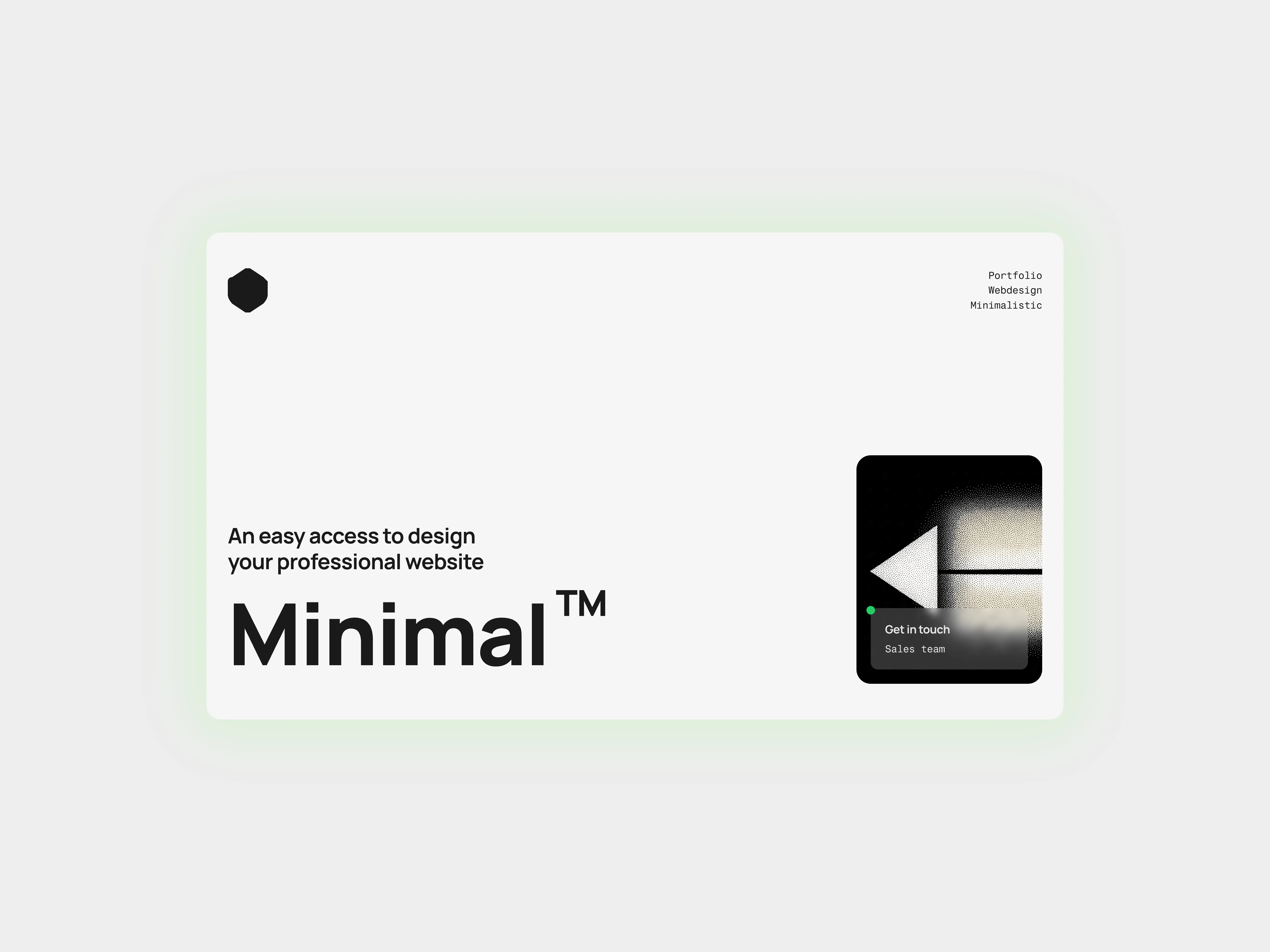
Hero Section for Framer Bold Statement
Aug 14, 2026
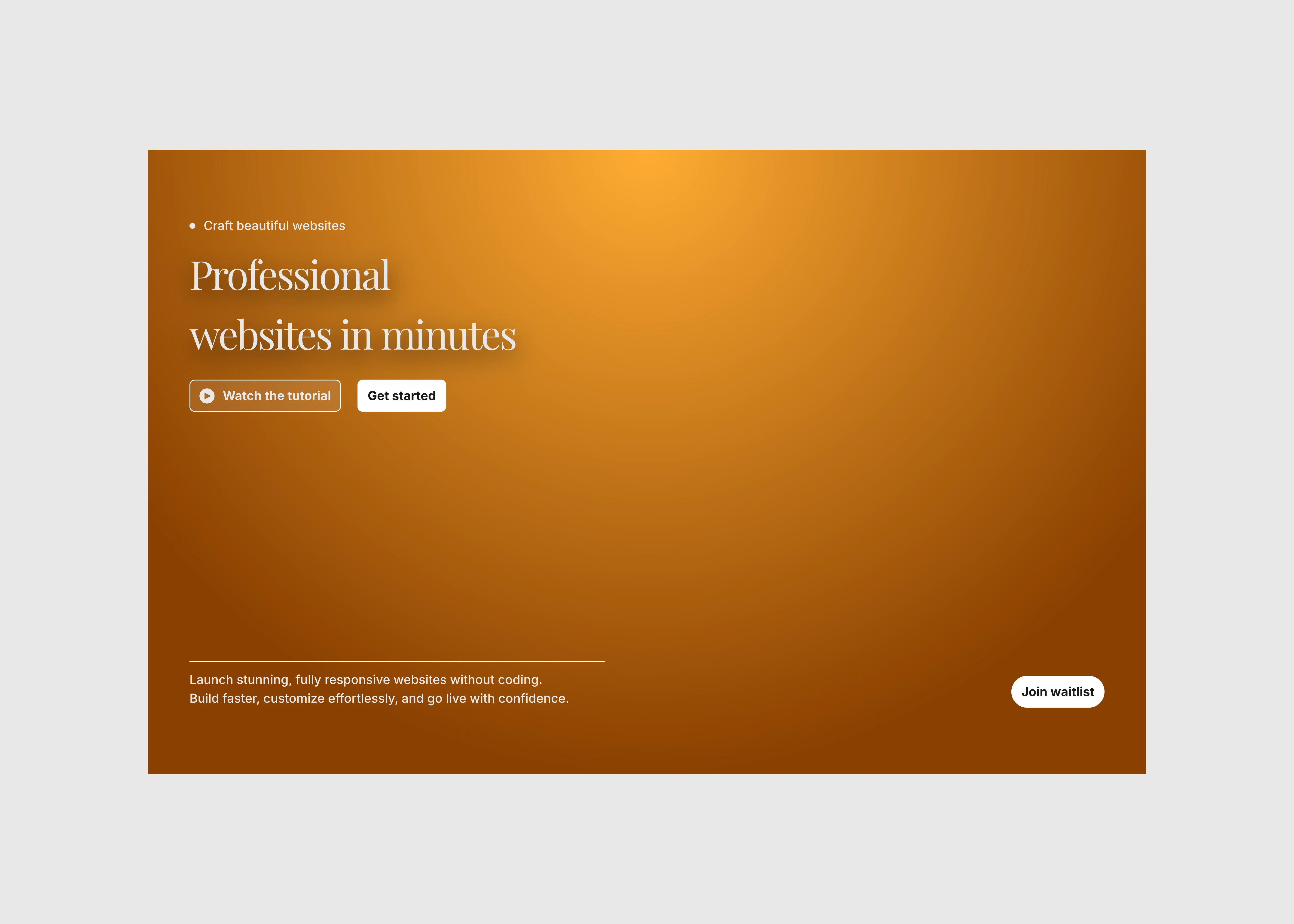
Hero Section for Framer Minimal Split
Aug 14, 2026
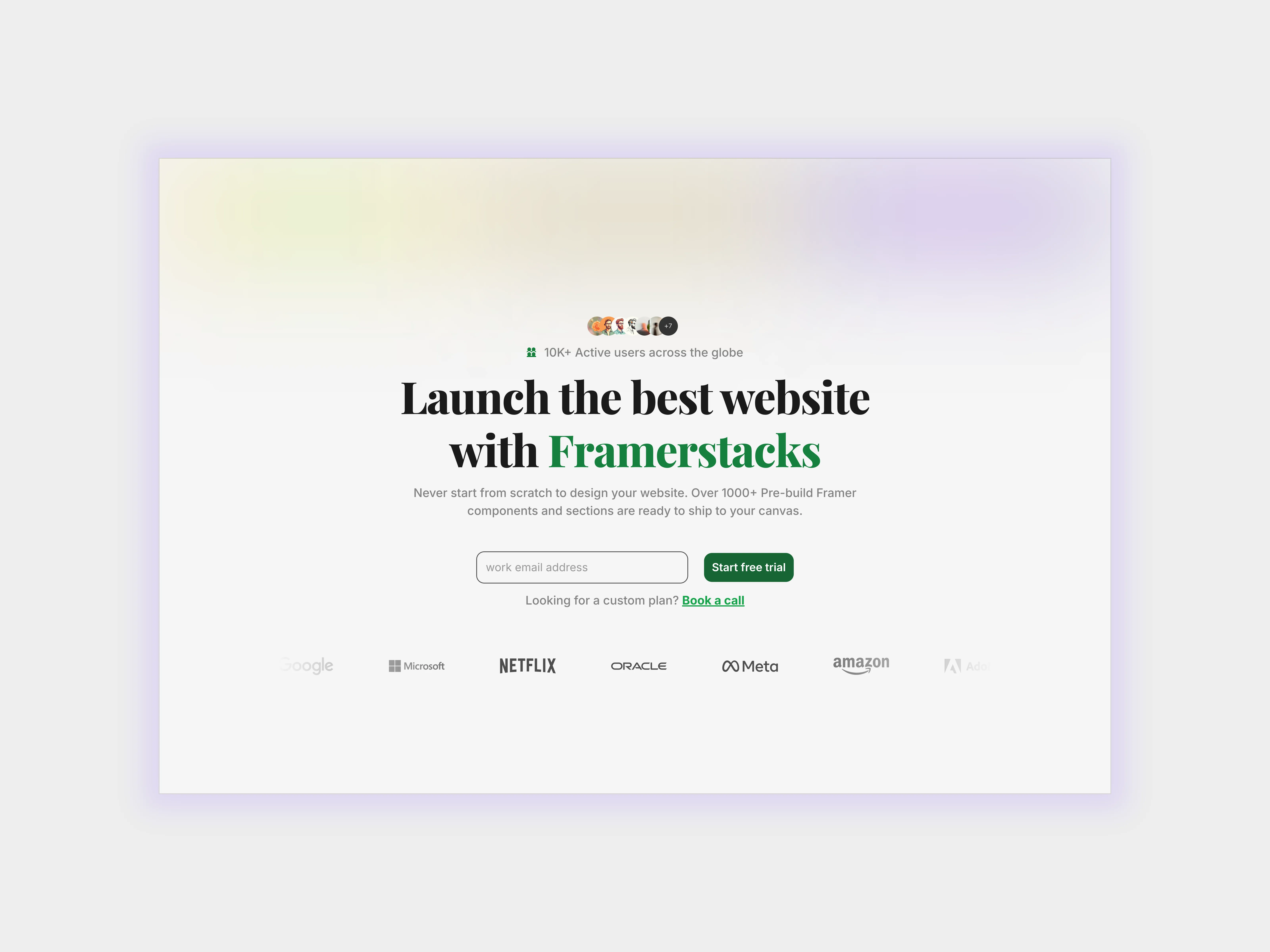
Hero Section for Framer Websites Animated
Aug 14, 2026
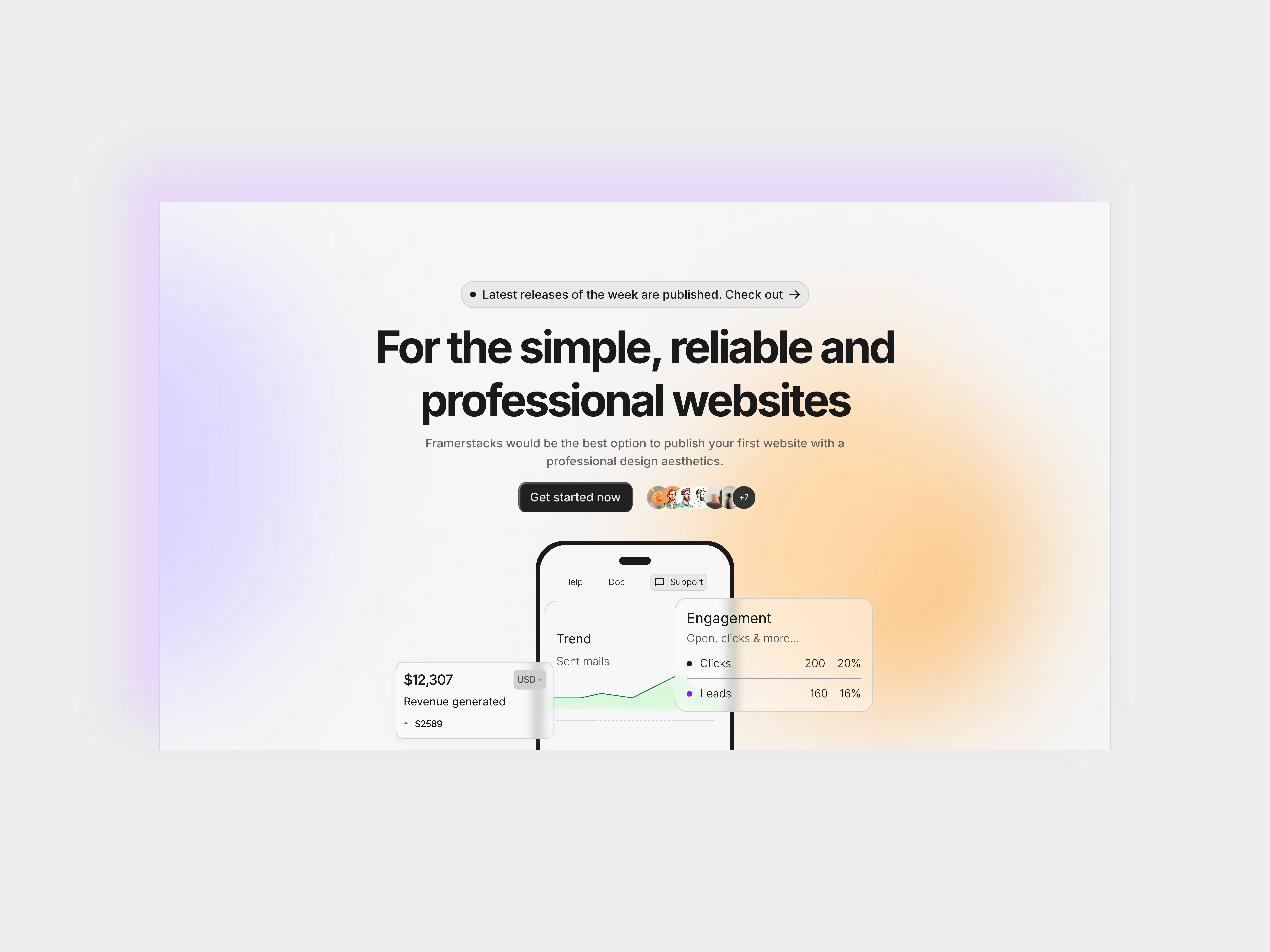
Hero Section for Framer Websites Blurry Background
Aug 15, 2026
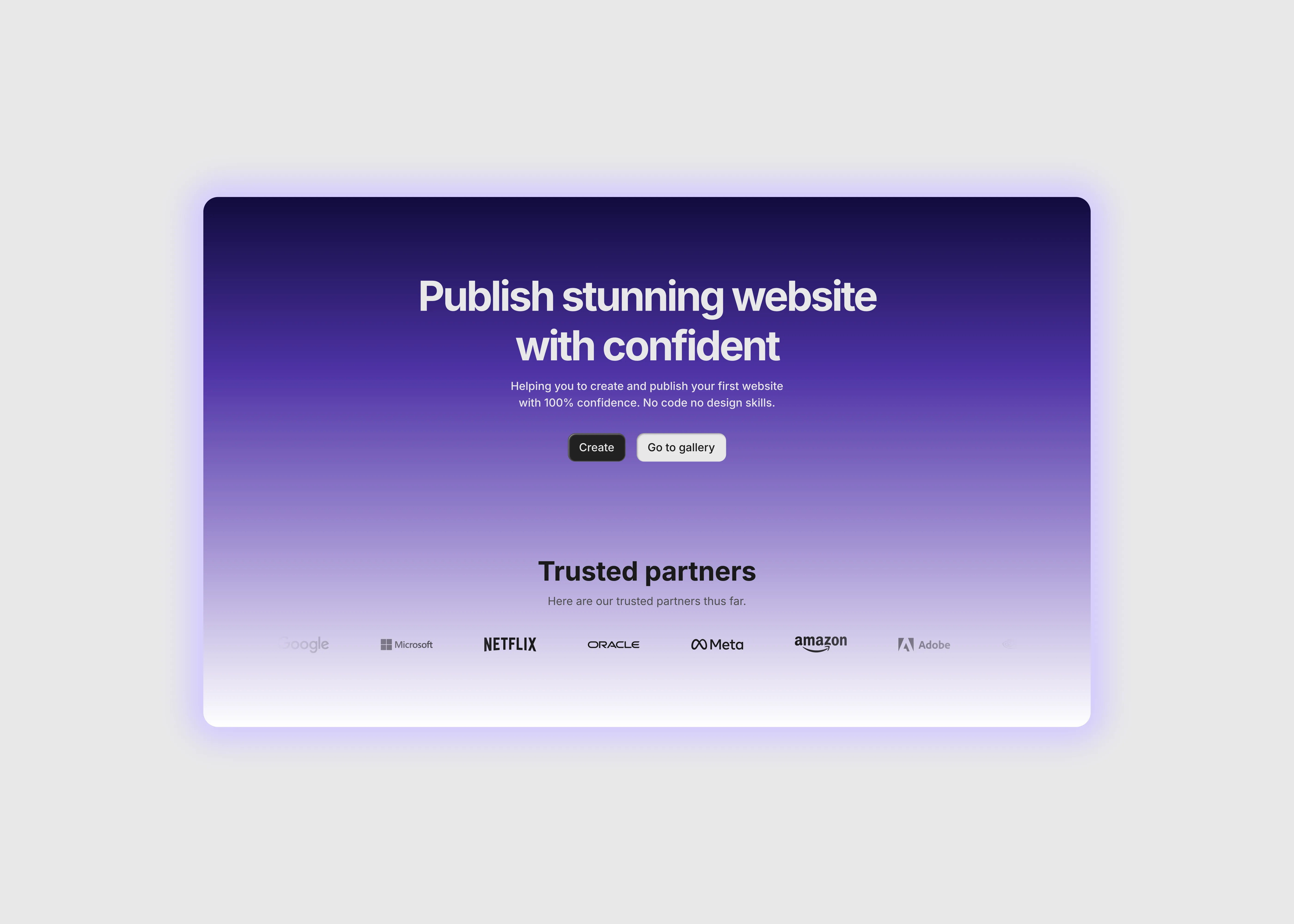
Hero Section for Framer Websites With Form
Aug 14, 2026
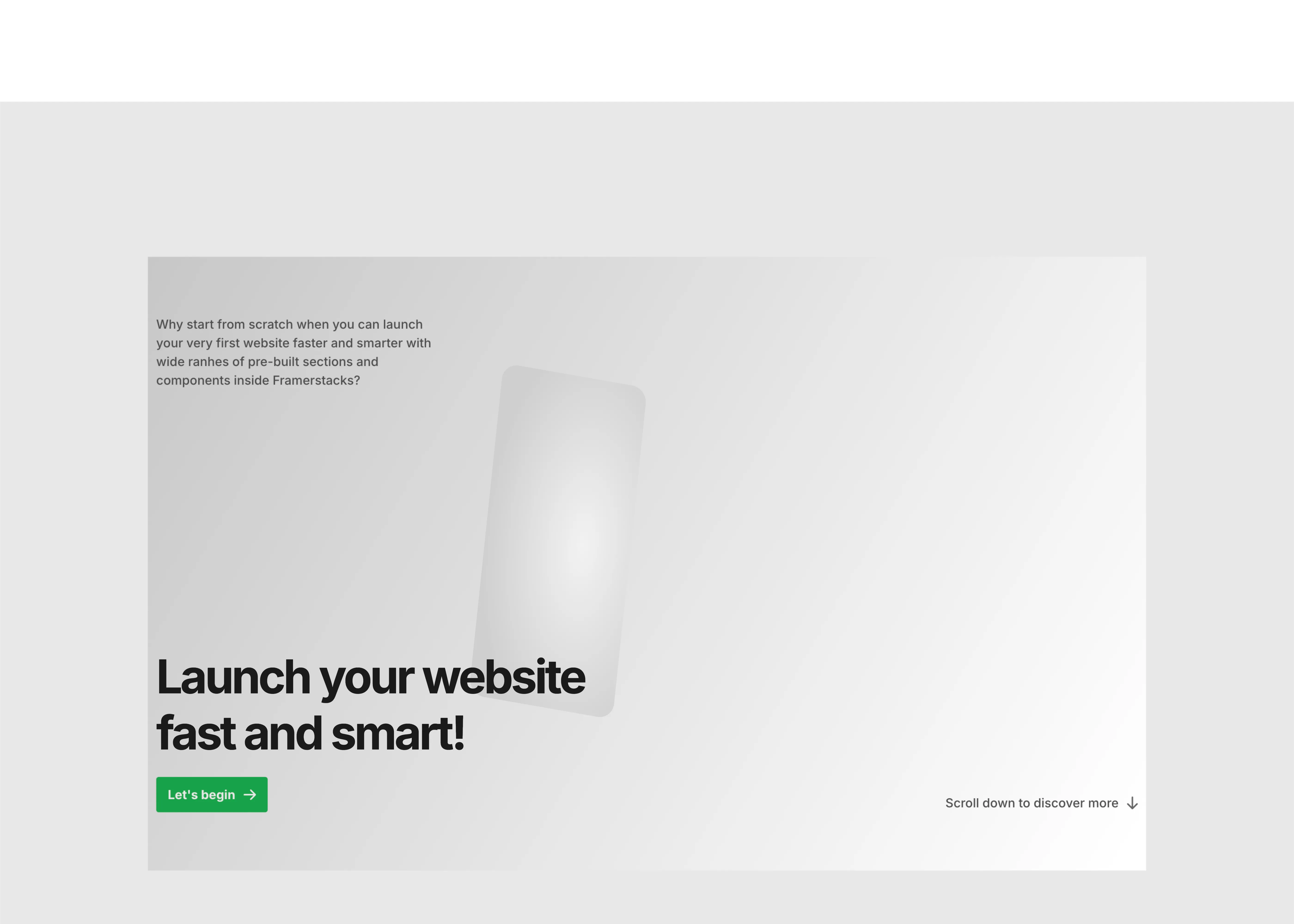
Hero Section for Framer Websites Large Type
Aug 15, 2026
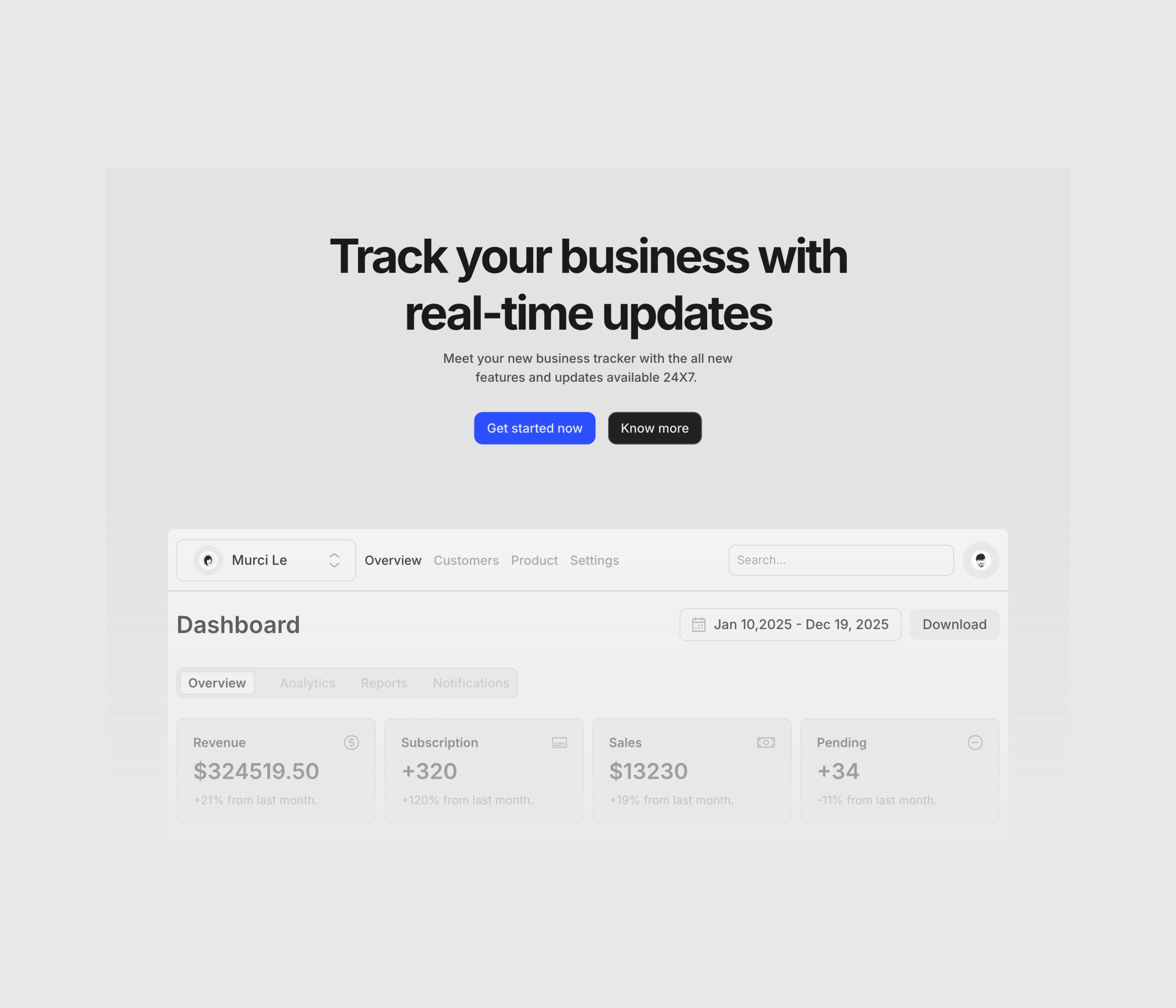
Hero Section for Framer Websites Dark Theme
Aug 15, 2026
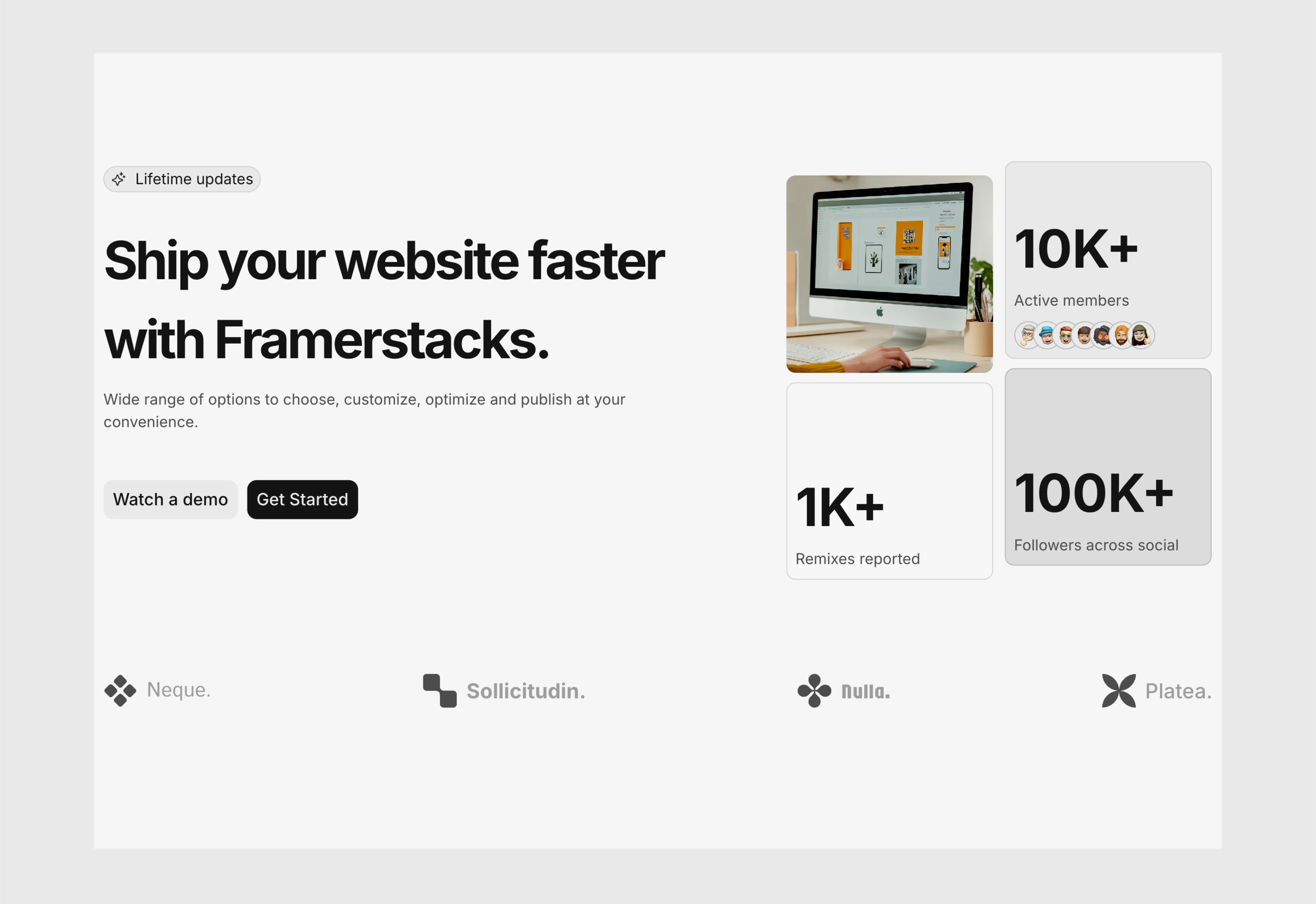
Hero Section for Framer with Logo Strip
Aug 16, 2026
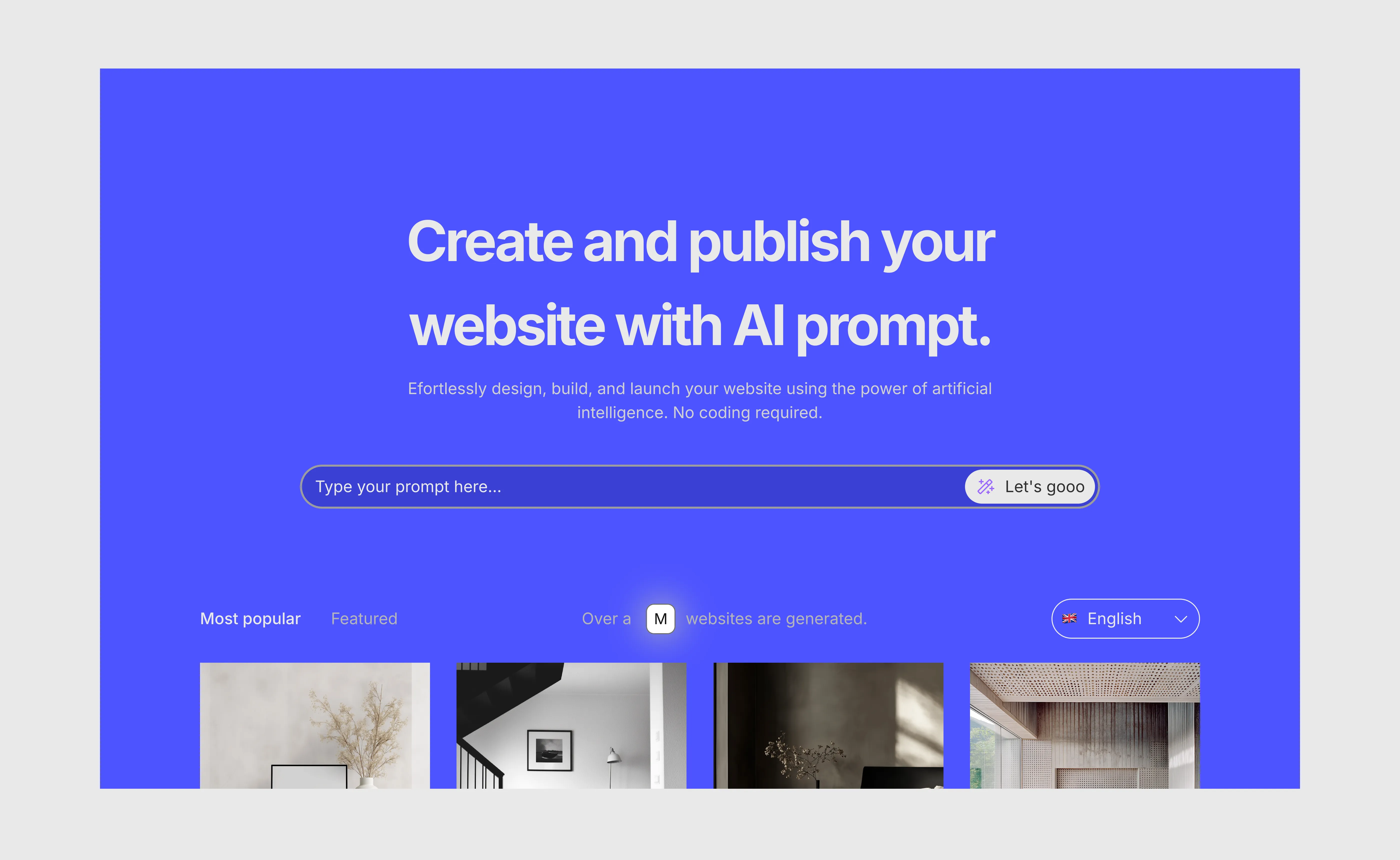
Hero Section for Framer with Centered Layout
Aug 16, 2026
Load More
Saas Hero Section with Navigation Bar
Oct 29, 2026
Hero Section for Saas Websites
Sep 14, 2026
Hero Section with Animated Background for Framer
Aug 14, 2026
Hero Section for Framer Bold Statement
Aug 14, 2026
Hero Section for Framer Minimal Split
Aug 14, 2026
Hero Section for Framer Websites Animated
Aug 14, 2026
Load More
The FAQs
Have questions? We got you…
Everything you need to know about our product and billing.
" height="145.6071412712696px" id="yQXBZZpLX" width="80.09859047311576px"/></svg>)
What is Framerstack?
Is there a free plan available?
What about the refund policy?
How I can avail my user license?
Still have questions? Or can't find the right answer? Please contact us. One of our customer support team members will get in touch with you.
Join to the community
Stay in the loop with everything you need to know.
By clicking Submit, you agree to our Privacy Policy and to receive our notifications. You can Unsubscribe anytime.
By clicking Submit, you agree to our Privacy Policy and to receive our notifications. You can Unsubscribe anytime.