Utilities

Custom cursors on a light theme

Custom cursor

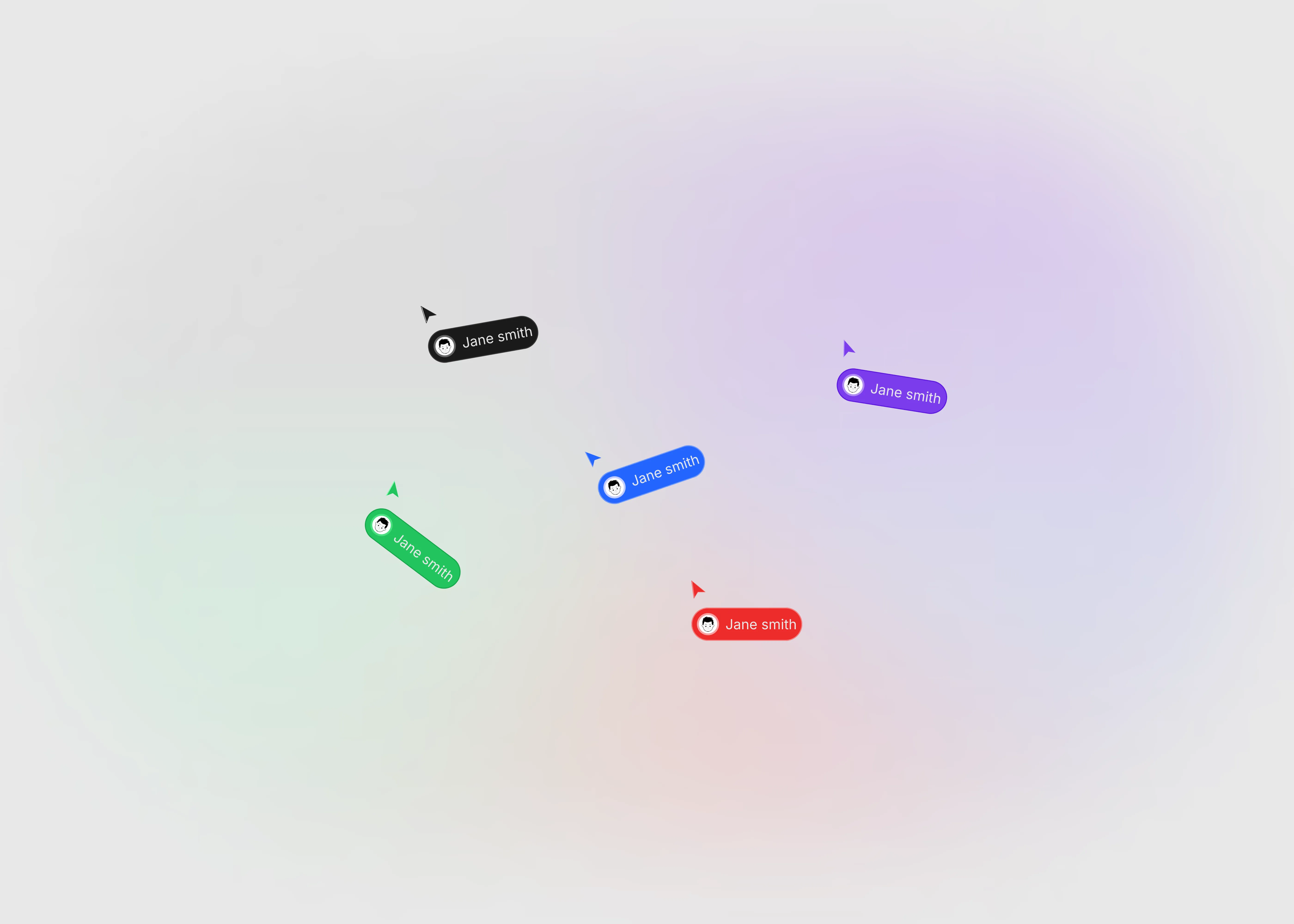
Ship this amazing custom cursor into your Framer canvas. This component comes with 6 varieties of variants, each represent different colors.

0

0

Variants:

6

Theme:


Please note: This component is available only for active license holders. Sign in with your license key or purchase one.

Copying disabled

How to use the component?

  • Paste and choose the right color variant for your cursor.

  • Edit the button name, image, color, arrow color and more from the component property panel.

  • This will open a unique identity for different users to share their name and profile images.

  • Better option to integrate on collaborative pages or elements.

  • Unable to copy the component? Check whether you're signed in or not. If not, Sign in here to continue using more helpful contents.

Unlock full potential

Lifetime access

Monthly updates

Access to templates

15+ form templates

Custom cursor

Ship this amazing custom cursor into your Framer canvas. This component comes with 6 varieties of variants, each represent different colors.

0

0

Variants:

6

Theme:


Please note: This component is available only for active license holders. Sign in with your license key or purchase one.

Copying disabled

How to use the component?

  • Paste and choose the right color variant for your cursor.

  • Edit the button name, image, color, arrow color and more from the component property panel.

  • This will open a unique identity for different users to share their name and profile images.

  • Better option to integrate on collaborative pages or elements.

  • Unable to copy the component? Check whether you're signed in or not. If not, Sign in here to continue using more helpful contents.

Unlock full potential

Lifetime access

Monthly updates

Access to templates

15+ form templates

Custom cursor

Ship this amazing custom cursor into your Framer canvas. This component comes with 6 varieties of variants, each represent different colors.

0

0

Variants:

6

Theme:


Please note: This component is available only for active license holders. Sign in with your license key or purchase one.

Copying disabled

How to use the component?

  • Paste and choose the right color variant for your cursor.

  • Edit the button name, image, color, arrow color and more from the component property panel.

  • This will open a unique identity for different users to share their name and profile images.

  • Better option to integrate on collaborative pages or elements.

  • Unable to copy the component? Check whether you're signed in or not. If not, Sign in here to continue using more helpful contents.

Unlock full potential

Lifetime access

Monthly updates

Access to templates

15+ form templates

Just like more components

Next or previous button for CMS collection (Light theme)

Next, previous button

Next or previous button for CMS collection (Light theme)

Next, previous button

Interactive hamburger component for mobile, tablet devices in light background

Hamburger

Interactive hamburger component for mobile, tablet devices in light background

Hamburger

On or off label button in a light theme

ON / OFF label

On or off label button in a light theme

ON / OFF label

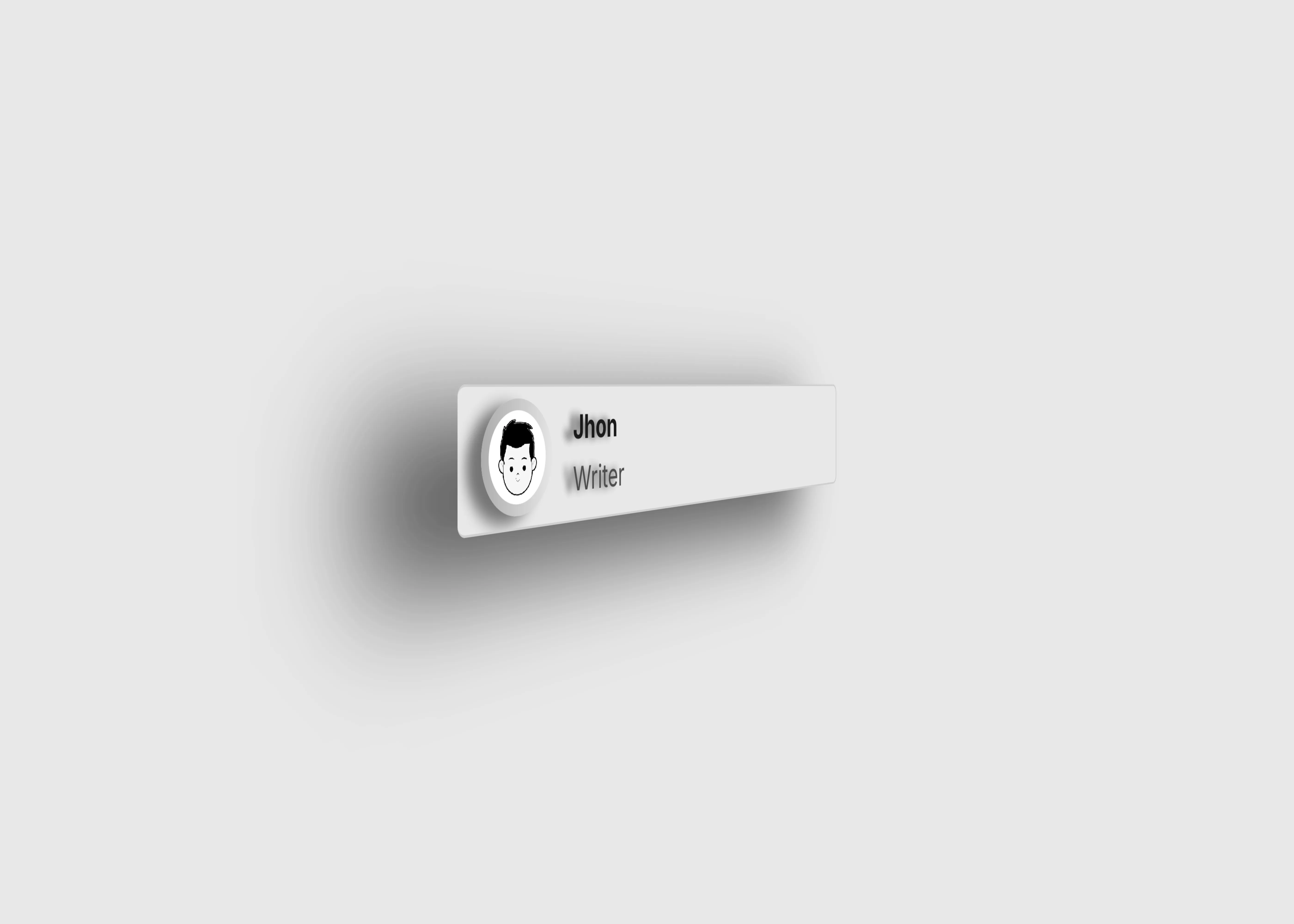
User info card with name, photo, and description in light theme.

User info

User info card with name, photo, and description in light theme.

User info

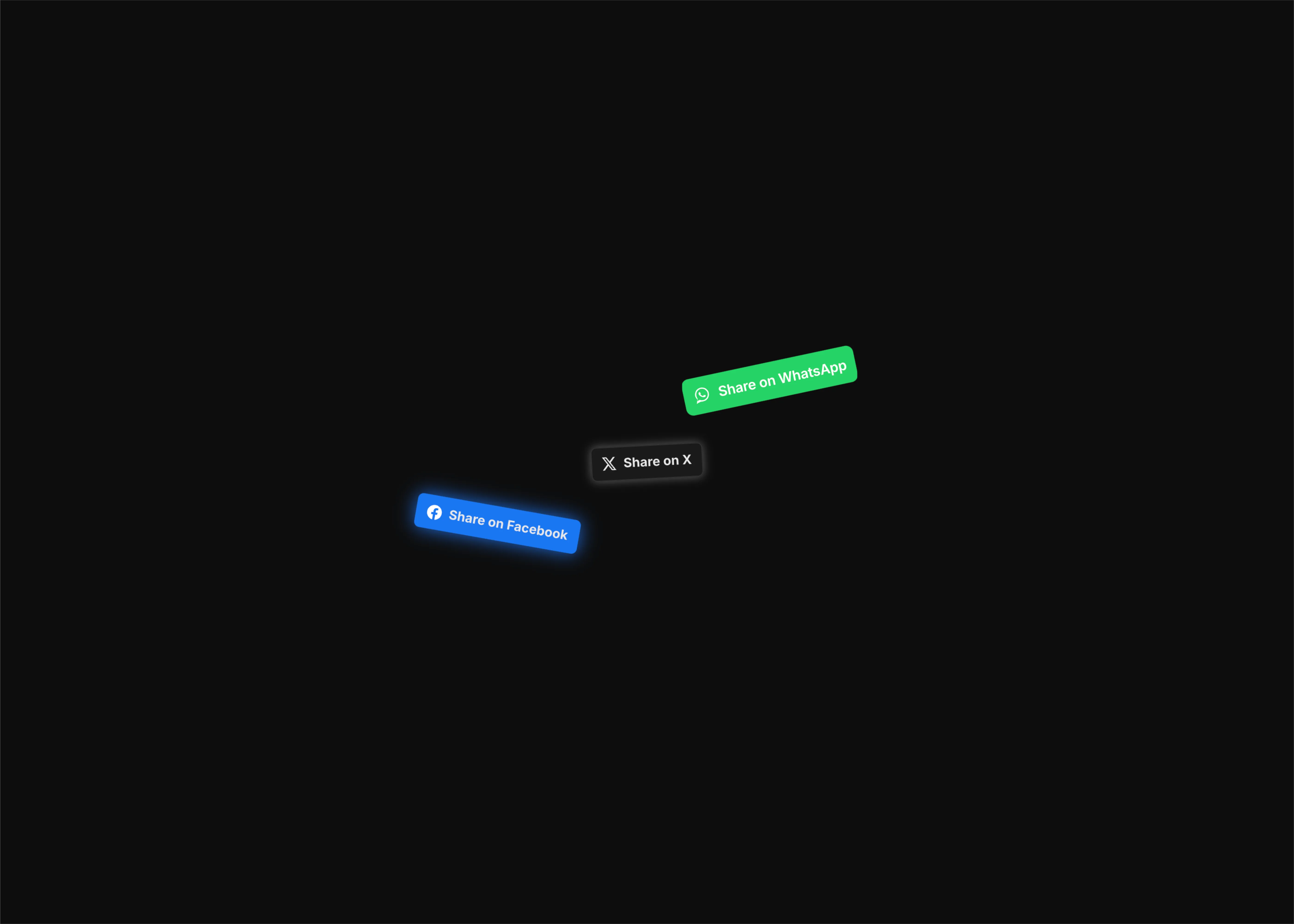
Social media share button to share content easily across the web

Social share buttons

Social media share button to share content easily across the web

Social share buttons

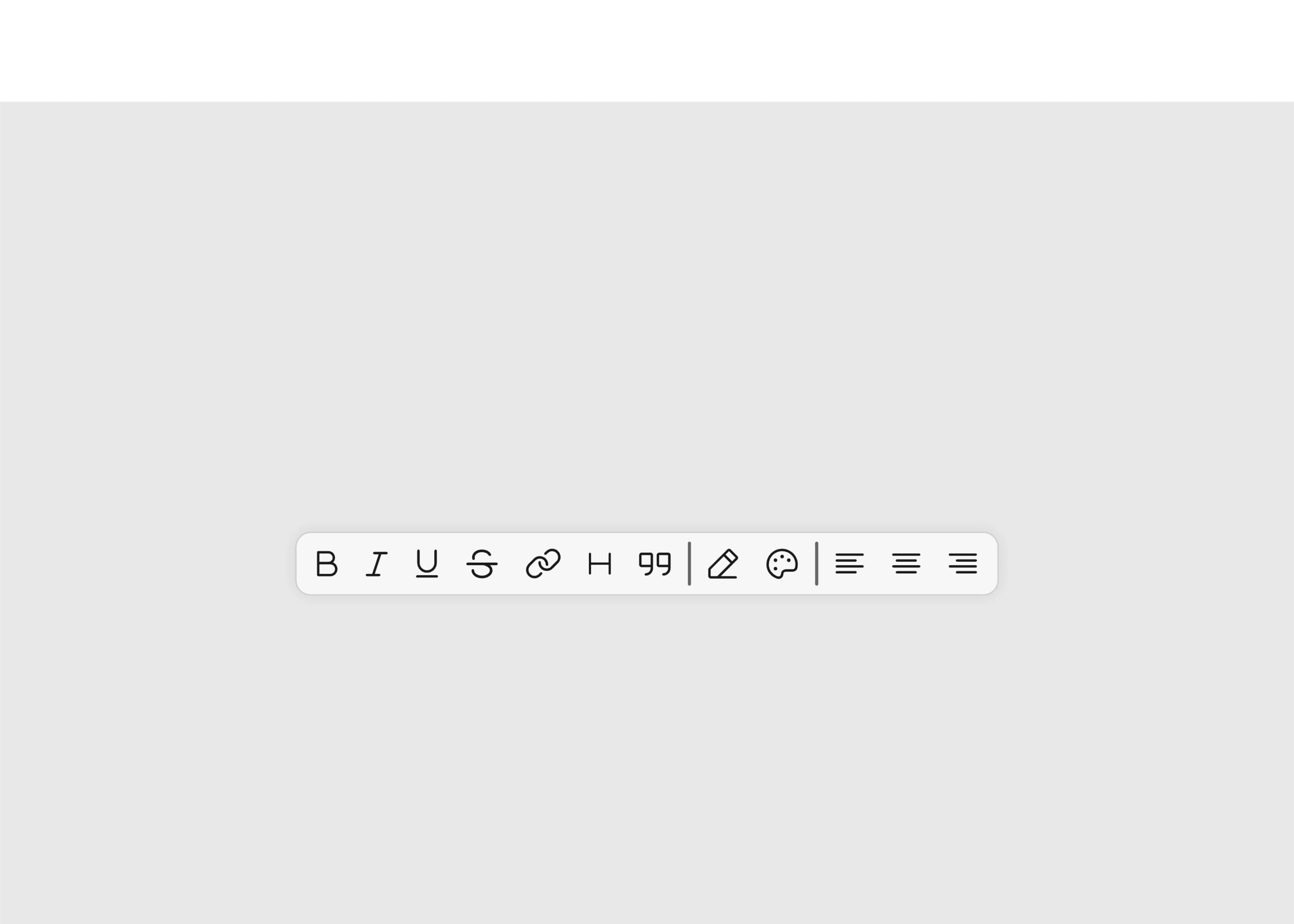
Different tool bar options UI in light theme

Toolbar options

Different tool bar options UI in light theme

Toolbar options

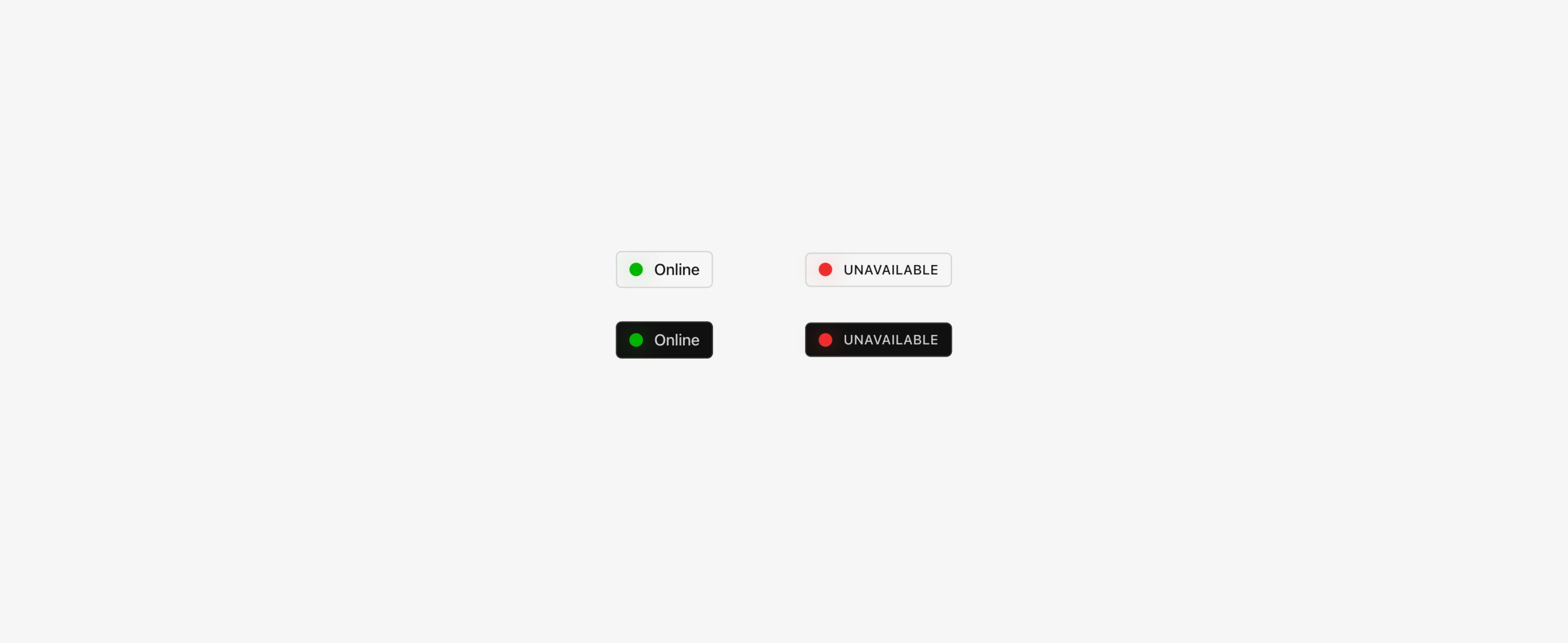
Online or offline status button in light theme

Status button

Online or offline status button in light theme

Status button

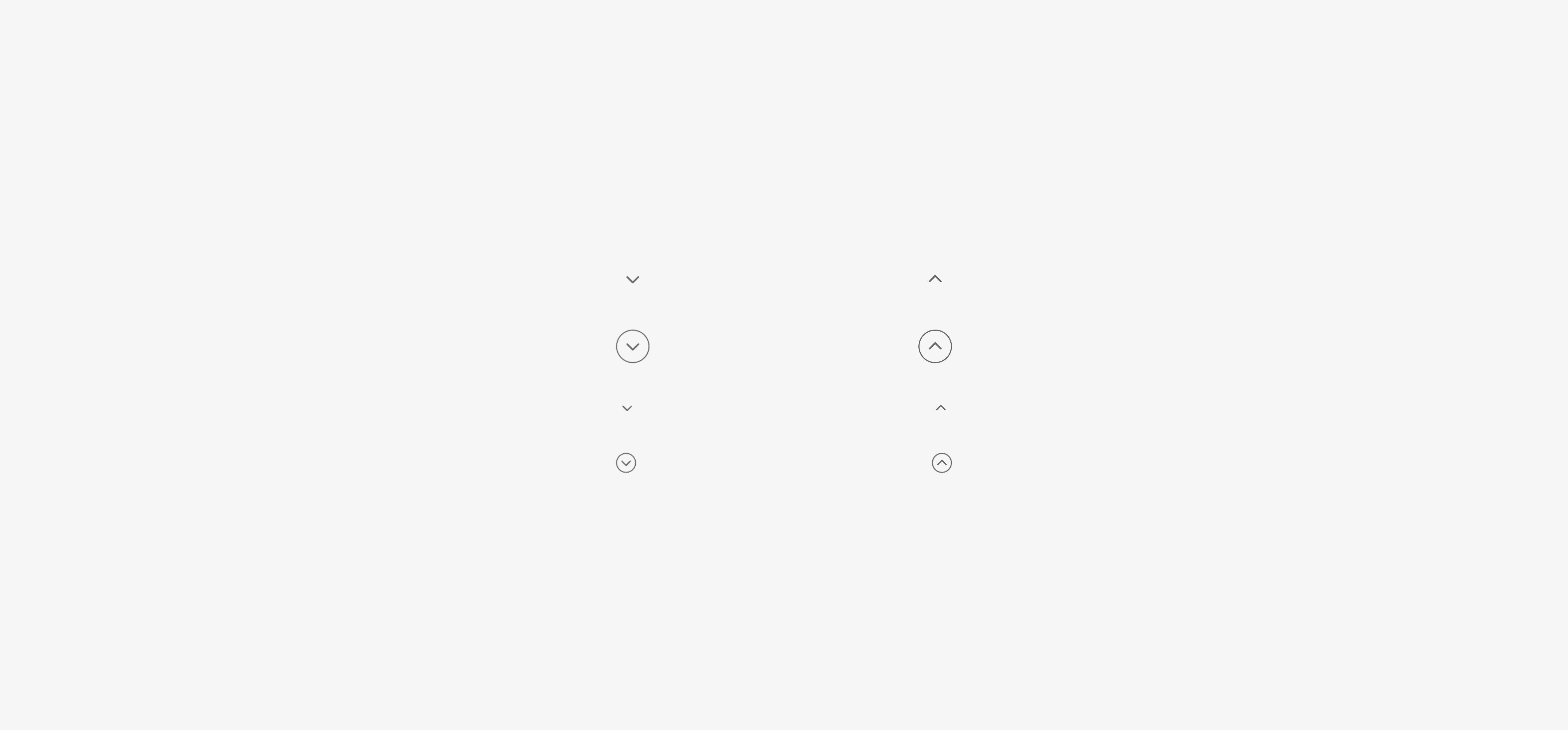
Interactive arrows for hover in dark theme

Hover arrows

Interactive arrows for hover in dark theme

Hover arrows

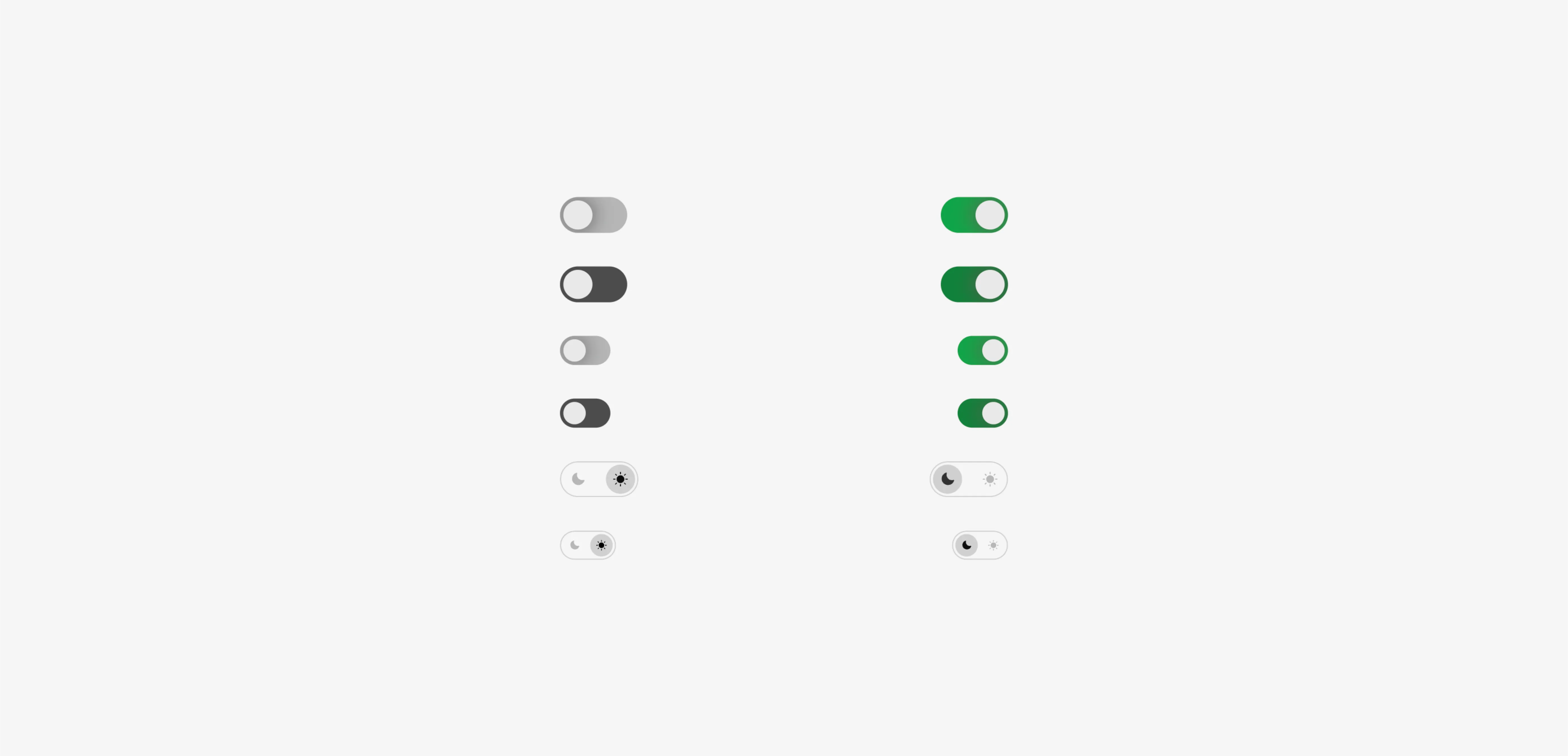
varieties of toggle buttons in light theme

Toggle buttons

varieties of toggle buttons in light theme

Toggle buttons

The FAQs

Have questions? We got you…

Everything you need to know about our product and billing.

What is Framerstack?

What is Framerstack?

Is there a free plan available?

Is there a free plan available?

What about the refund policy?

What about the refund policy?

How I can avail my user license?

How I can avail my user license?

Still have questions? Or can't find the right answer? Please contact us. One of our customer support team members will get in touch with you.

Join to the community

Stay in the loop with everything you need to know.

By clicking Submit, you agree to our Privacy Policy and to receive our notifications. You can Unsubscribe anytime.

By clicking Submit, you agree to our Privacy Policy and to receive our notifications. You can Unsubscribe anytime.

By clicking Submit, you agree to our Privacy Policy and to receive our notifications. You can Unsubscribe anytime.