Search a component or section

A simple text button for navigation bar in a light theme

Last updated on:

February 14, 2026

Menu button


This is a menu button that contains caret. Recommended component for the fast building of navigation bar comes with dropdown menu.

0

0

Variants:

1

This button is completely customizable to any color combination.


Please note: This component is available only for active license holders. Sign in with your license key or purchase one.

Copying disabled

How to use the component?

  • Copy this simple utility button by using the "Copy button" above.

  • If you're not authorized, the access to copy the component may disable. Sign in here.

  • Paste into your Framer canvas. Preferably, inside a navigation bar.

  • Head over to the property panel and adjust the necessary things such as button color, text color, size, button border, padding, radius etc.

  • Disable the caret by hiding it from the property control for the normal text buttons.

  • Add proper linkings to page navigation.

  • Enable back the caret if the button needs a dropdown capability.

  • To set up your navigation bar from scratch, visit this useful content.

LIMITED TIME OFFER

Launch amazing websites with

Framerstacks

Still trying to design and launch a website from scratch? Check out 800+ pre build Framer components and sections.

Life time access

Save hundreds of hours

Weekly new releases

Premium designs

Color theme responsiveness

Starts from

$79.00

$99

One-time

Menu button

This is a menu button that contains caret. Recommended component for the fast building of navigation bar comes with dropdown menu.

0

0

Variants:

1

This button is completely customizable to any color combination.


Please note: This component is available only for active license holders. Sign in with your license key or purchase one.

Copying disabled

How to use the component?

  • Copy this simple utility button by using the "Copy button" above.

  • If you're not authorized, the access to copy the component may disable. Sign in here.

  • Paste into your Framer canvas. Preferably, inside a navigation bar.

  • Head over to the property panel and adjust the necessary things such as button color, text color, size, button border, padding, radius etc.

  • Disable the caret by hiding it from the property control for the normal text buttons.

  • Add proper linkings to page navigation.

  • Enable back the caret if the button needs a dropdown capability.

  • To set up your navigation bar from scratch, visit this useful content.

LIMITED TIME OFFER

Launch amazing websites with

Framerstacks

Still trying to design and launch a website from scratch? Check out 800+ pre build Framer components and sections.

Life time access

Save hundreds of hours

Weekly new releases

Premium designs

Color theme responsiveness

Starts from

$79.00

$99

One-time

Menu button

This is a menu button that contains caret. Recommended component for the fast building of navigation bar comes with dropdown menu.

0

0

Variants:

1

This button is completely customizable to any color combination.


Please note: This component is available only for active license holders. Sign in with your license key or purchase one.

Copying disabled

How to use the component?

  • Copy this simple utility button by using the "Copy button" above.

  • If you're not authorized, the access to copy the component may disable. Sign in here.

  • Paste into your Framer canvas. Preferably, inside a navigation bar.

  • Head over to the property panel and adjust the necessary things such as button color, text color, size, button border, padding, radius etc.

  • Disable the caret by hiding it from the property control for the normal text buttons.

  • Add proper linkings to page navigation.

  • Enable back the caret if the button needs a dropdown capability.

  • To set up your navigation bar from scratch, visit this useful content.

LIMITED TIME OFFER

Launch amazing websites with

Framerstacks

Still trying to design and launch a website from scratch? Check out 800+ pre build Framer components and sections.

Life time access

Save hundreds of hours

Weekly new releases

Premium designs

Color theme responsiveness

Starts from

$79.00

$99

One-time

Just like more components

Next or previous button for CMS collection (Light theme)

Next, previous button

Nov 8, 2025

Next or previous button for CMS collection (Light theme)

Next, previous button

Nov 8, 2025

Interactive hamburger component for mobile, tablet devices in light background

Hamburger

Nov 8, 2025

Interactive hamburger component for mobile, tablet devices in light background

Hamburger

Nov 8, 2025

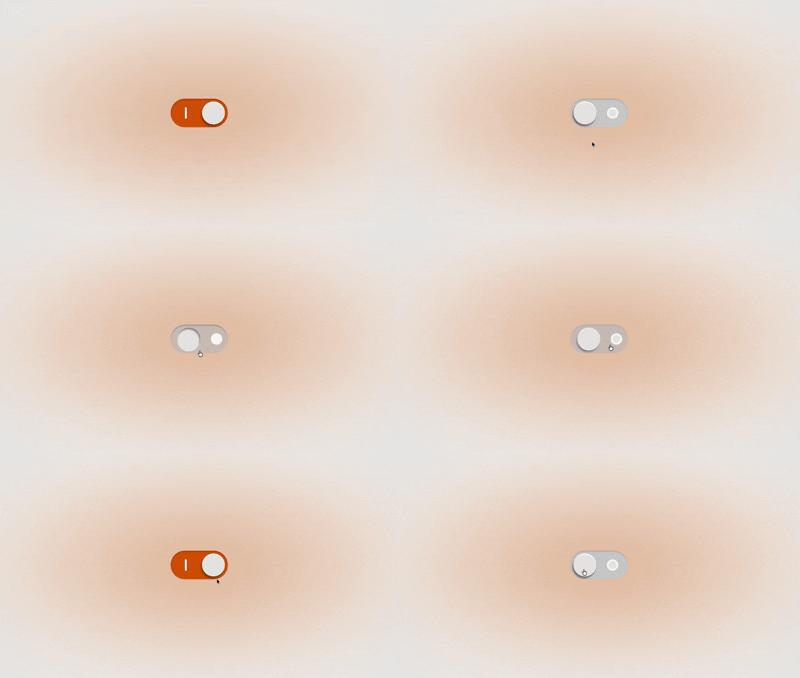
On or off label button in a light theme

ON / OFF label

Dec 14, 2025

On or off label button in a light theme

ON / OFF label

Dec 14, 2025

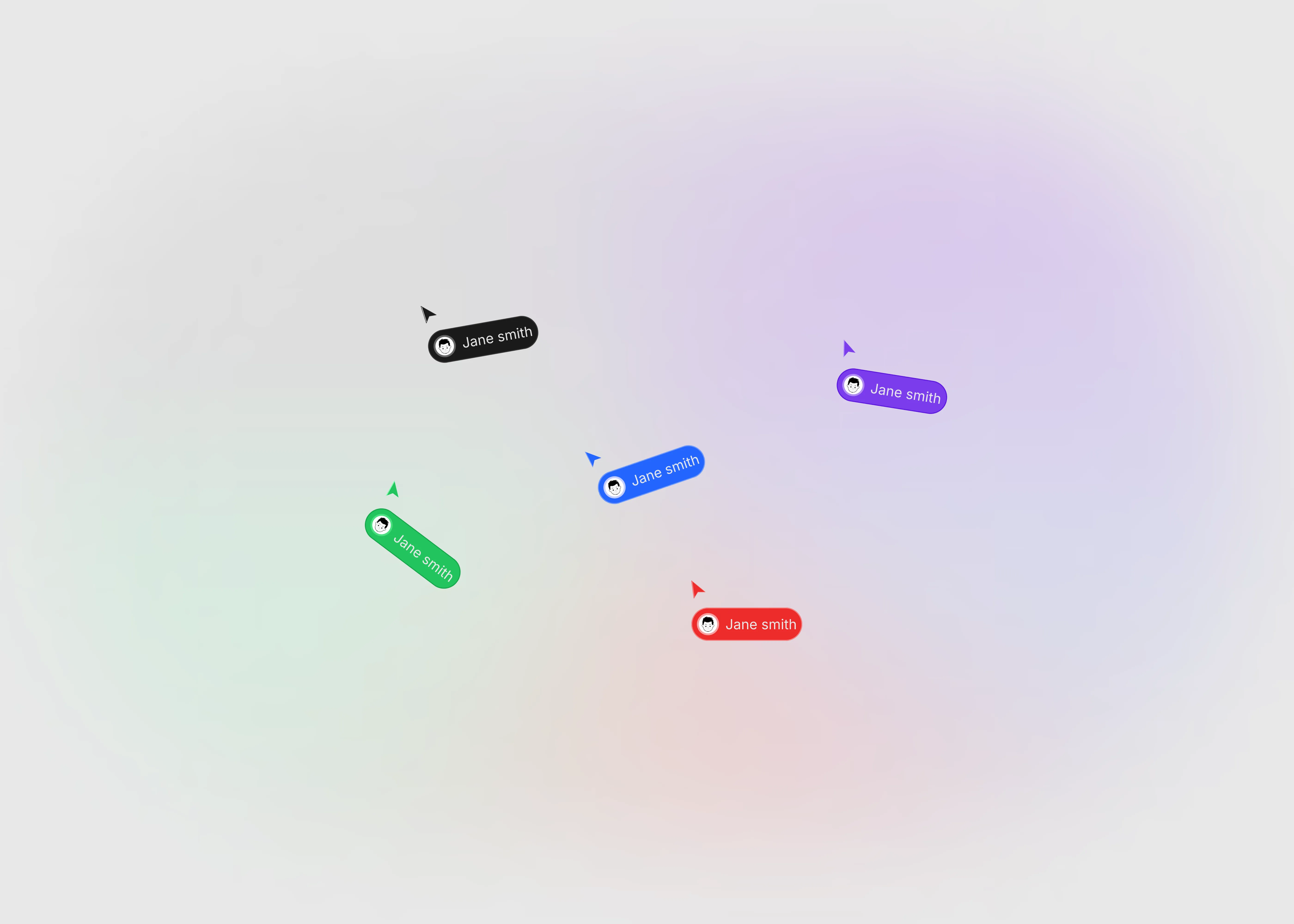
Custom cursors on a light theme

Custom cursor

Dec 13, 2025

Custom cursors on a light theme

Custom cursor

Dec 13, 2025

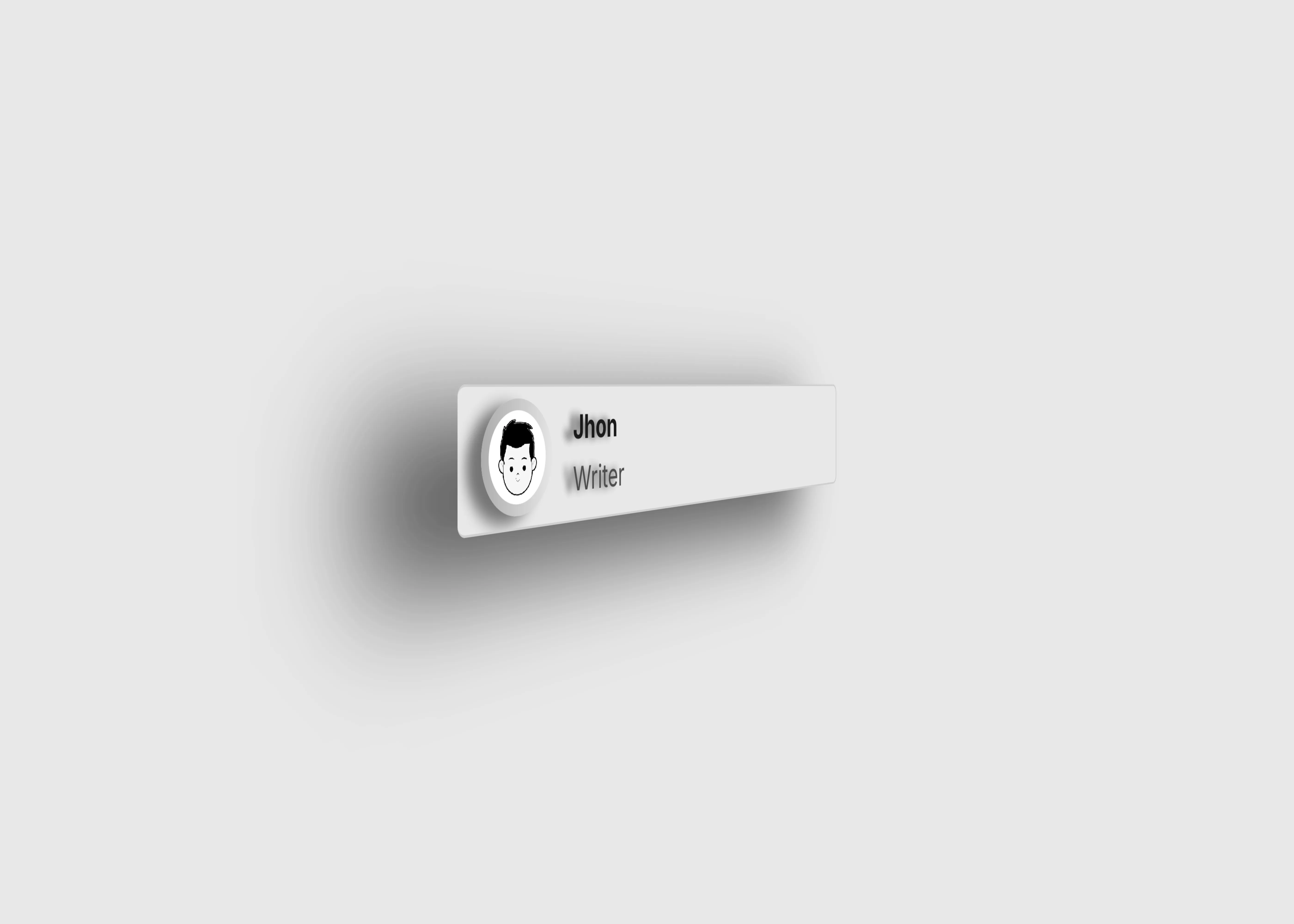
User info card with name, photo, and description in light theme.

User info

Dec 2, 2025

User info card with name, photo, and description in light theme.

User info

Dec 2, 2025

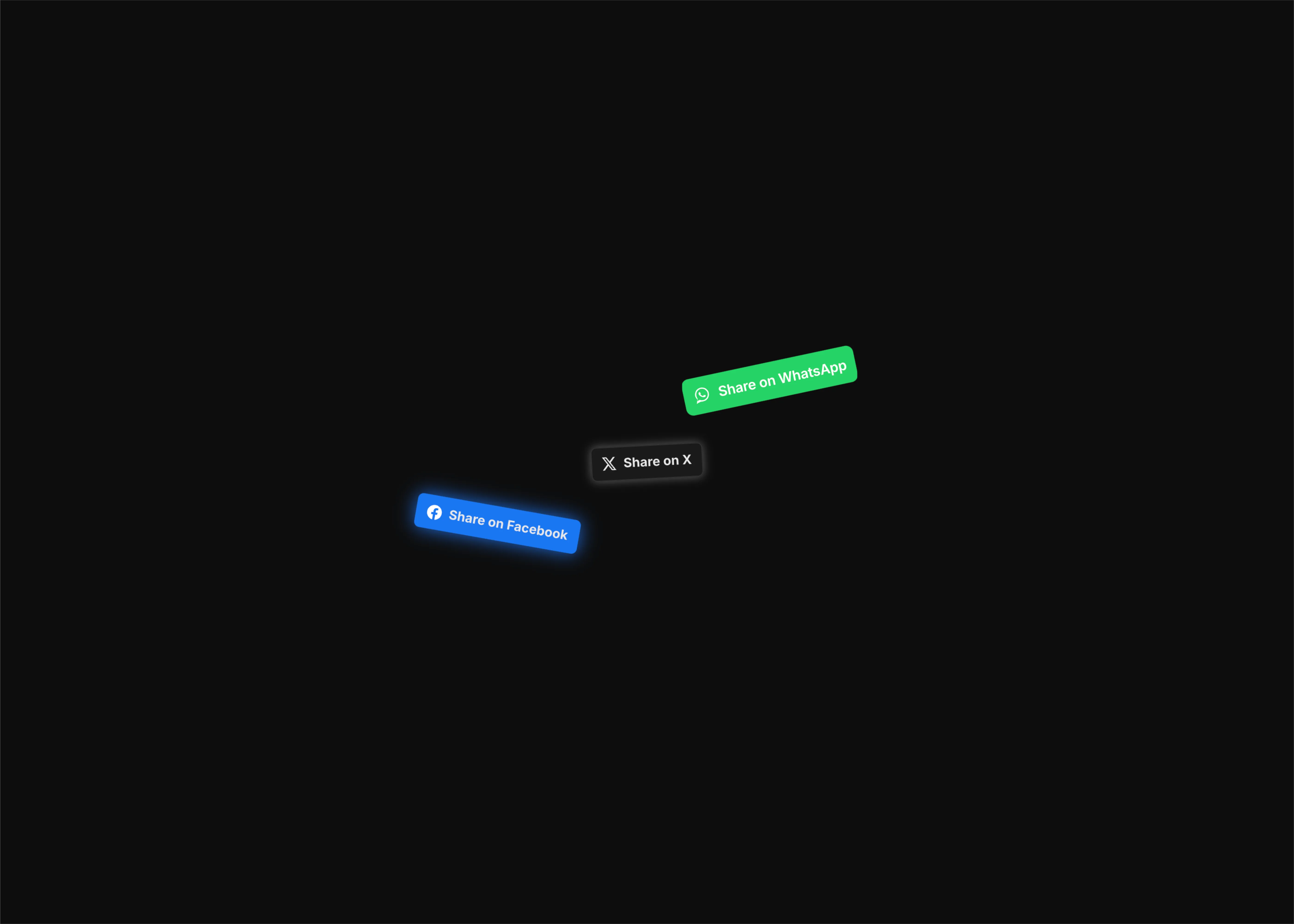
Social media share button to share content easily across the web

Social share buttons

Nov 8, 2025

Social media share button to share content easily across the web

Social share buttons

Nov 8, 2025

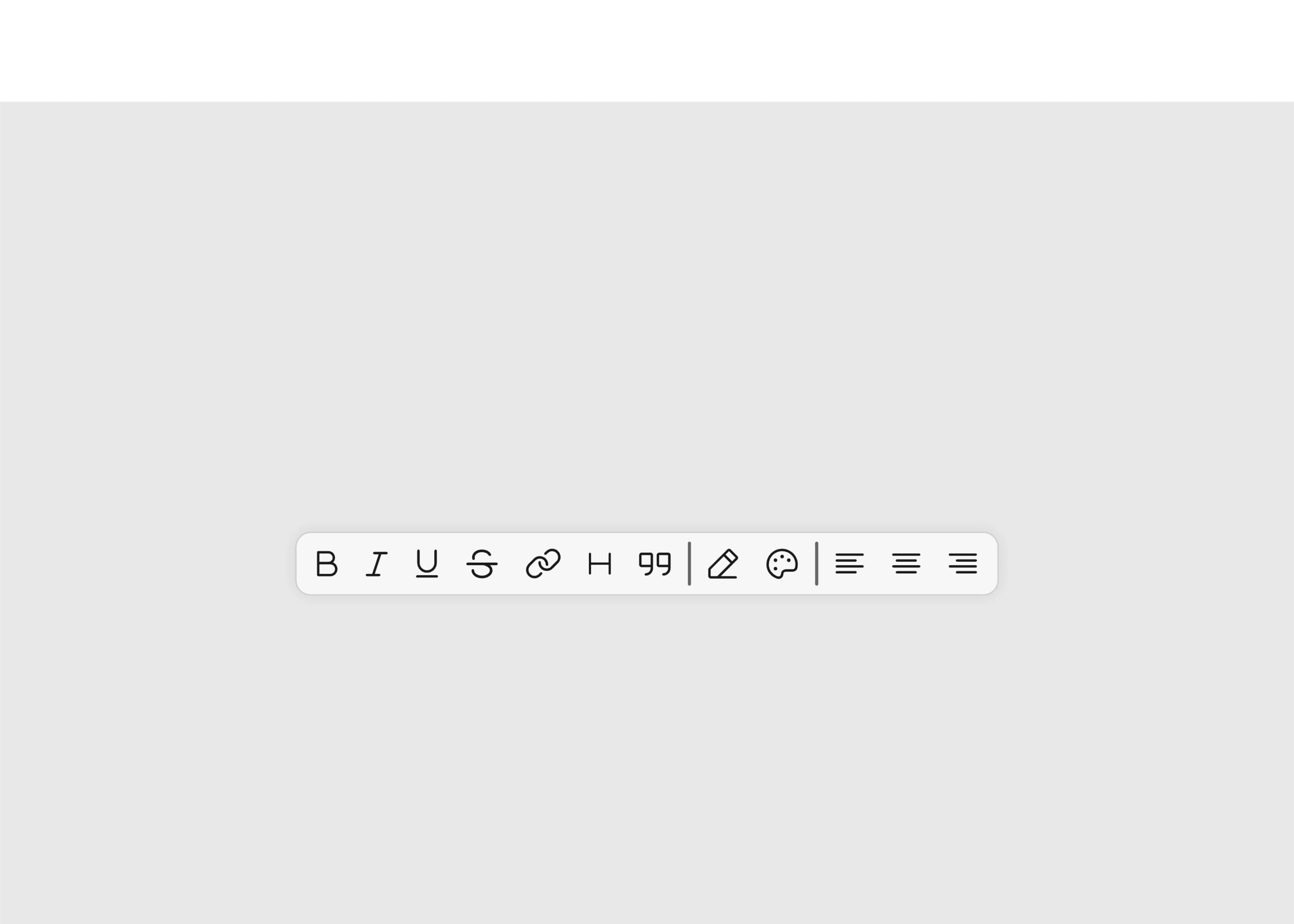
Different tool bar options UI in light theme

Toolbar options

Nov 8, 2025

Different tool bar options UI in light theme

Toolbar options

Nov 8, 2025

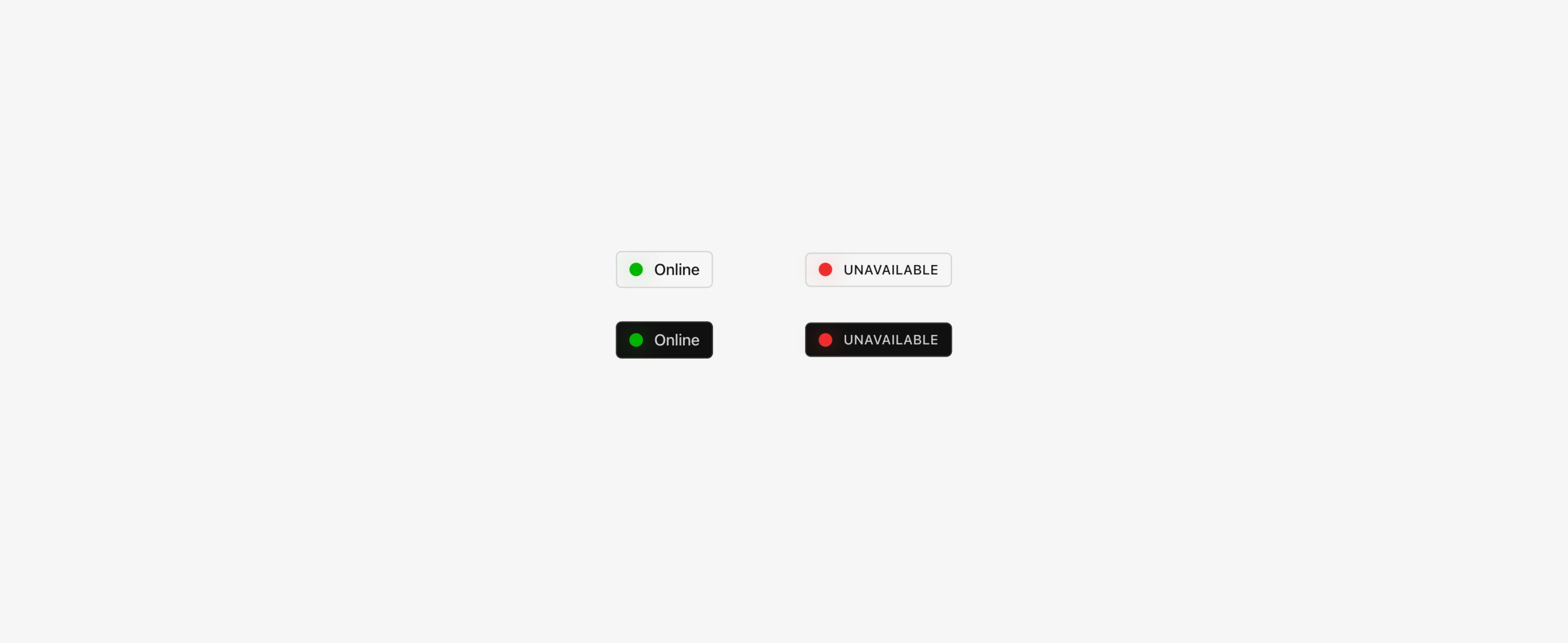
Online or offline status button in light theme

Status button

Nov 8, 2025

Online or offline status button in light theme

Status button

Nov 8, 2025

Interactive arrows for hover in dark theme

Hover arrows

Nov 8, 2025

Interactive arrows for hover in dark theme

Hover arrows

Nov 8, 2025

Load More

Load More

The FAQs

Have questions? We got you…

Everything you need to know about our product and billing.

What is Framerstack?

What is Framerstack?

Is there a free plan available?

Is there a free plan available?

What about the refund policy?

What about the refund policy?

How I can avail my user license?

How I can avail my user license?

Still have questions? Or can't find the right answer? Please contact us. One of our customer support team members will get in touch with you.

Join to the community

Stay in the loop with everything you need to know.

By clicking Submit, you agree to our Privacy Policy and to receive our notifications. You can Unsubscribe anytime.

By clicking Submit, you agree to our Privacy Policy and to receive our notifications. You can Unsubscribe anytime.

By clicking Submit, you agree to our Privacy Policy and to receive our notifications. You can Unsubscribe anytime.