Code components

An appointment scheduler in dark theme

Available variants

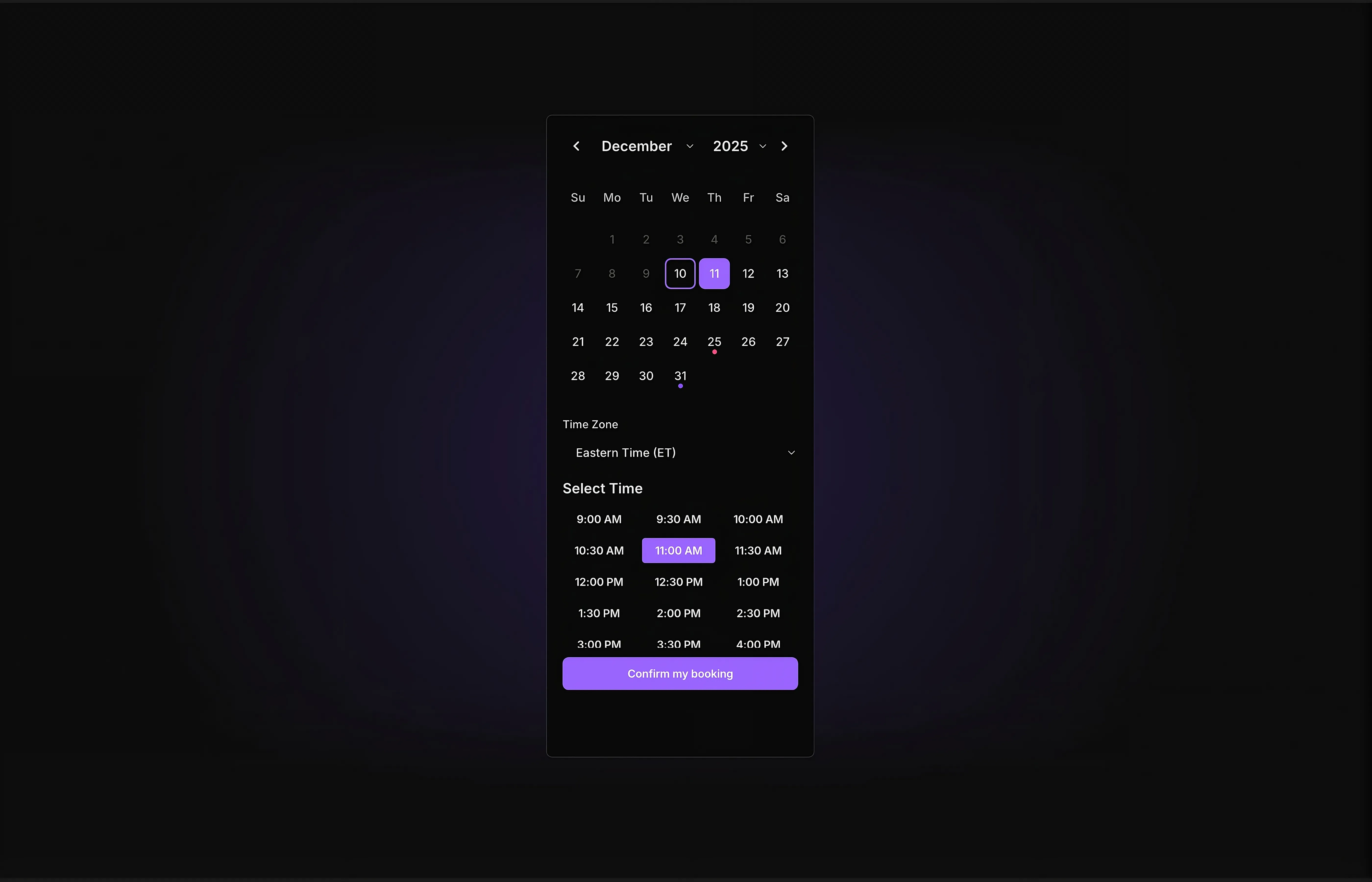
An appointment scheduler in dark theme with a time and date picker
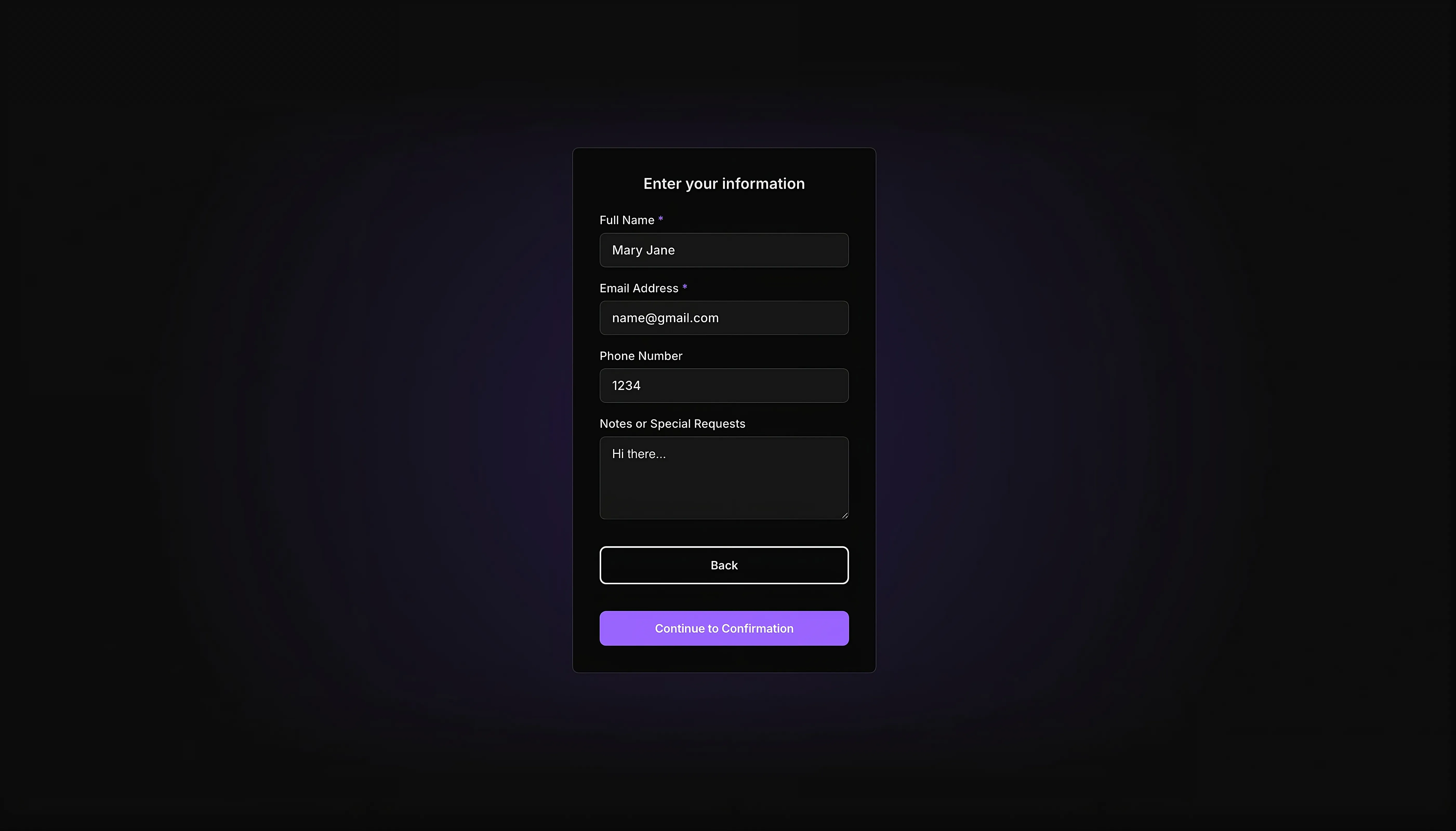
a dark themed user info collection form
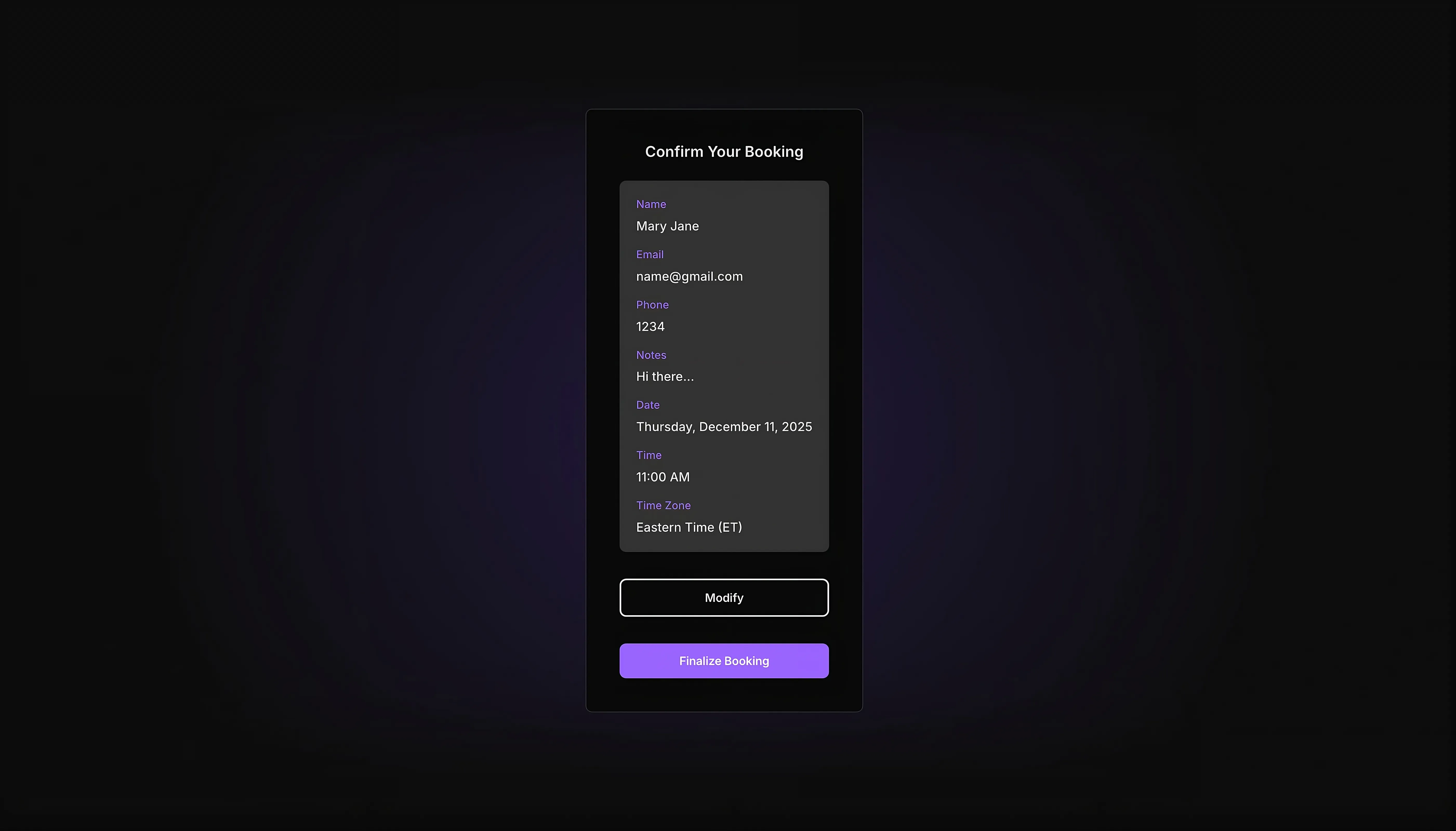
a dark themed appointment confirmation interface
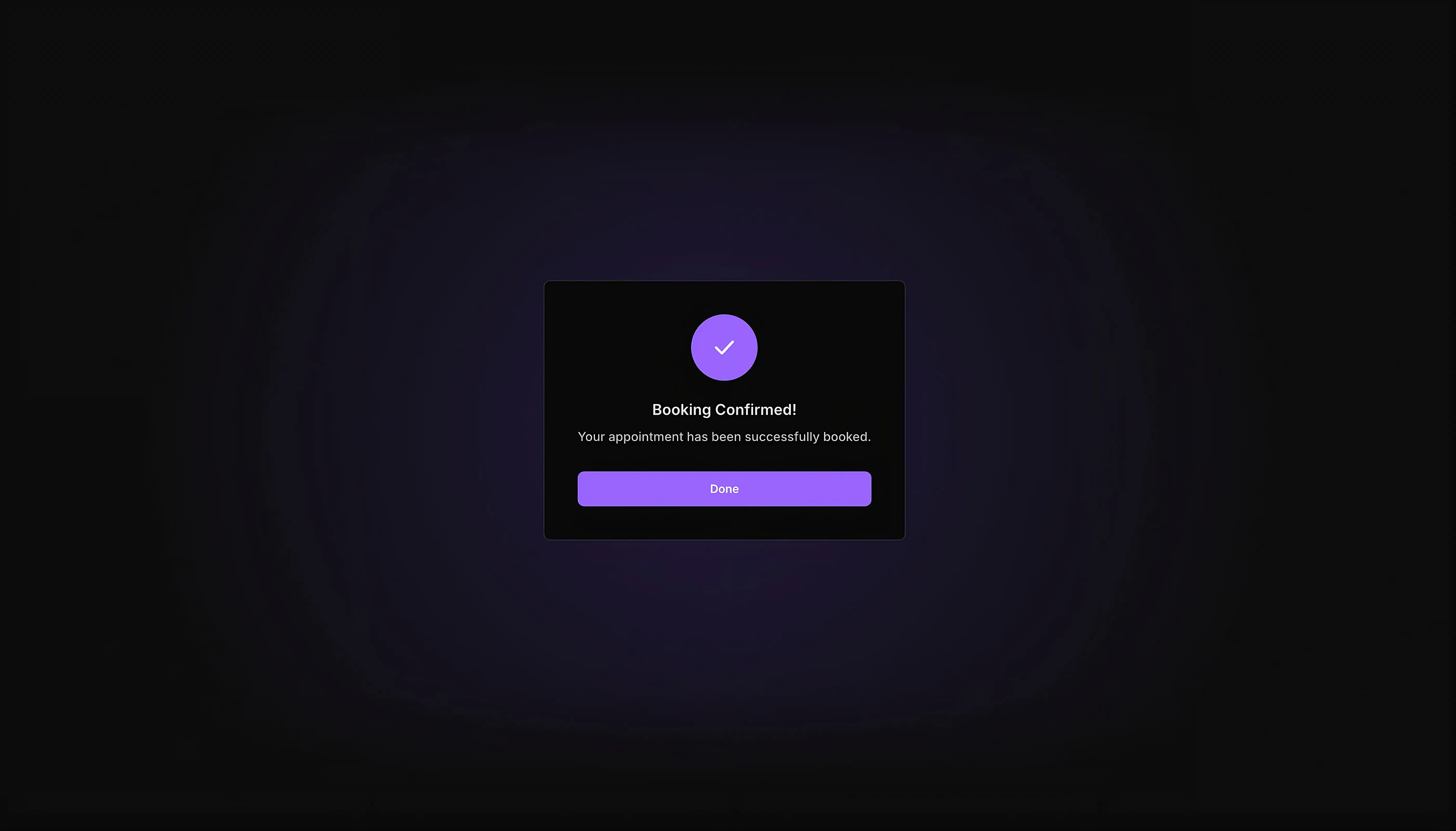
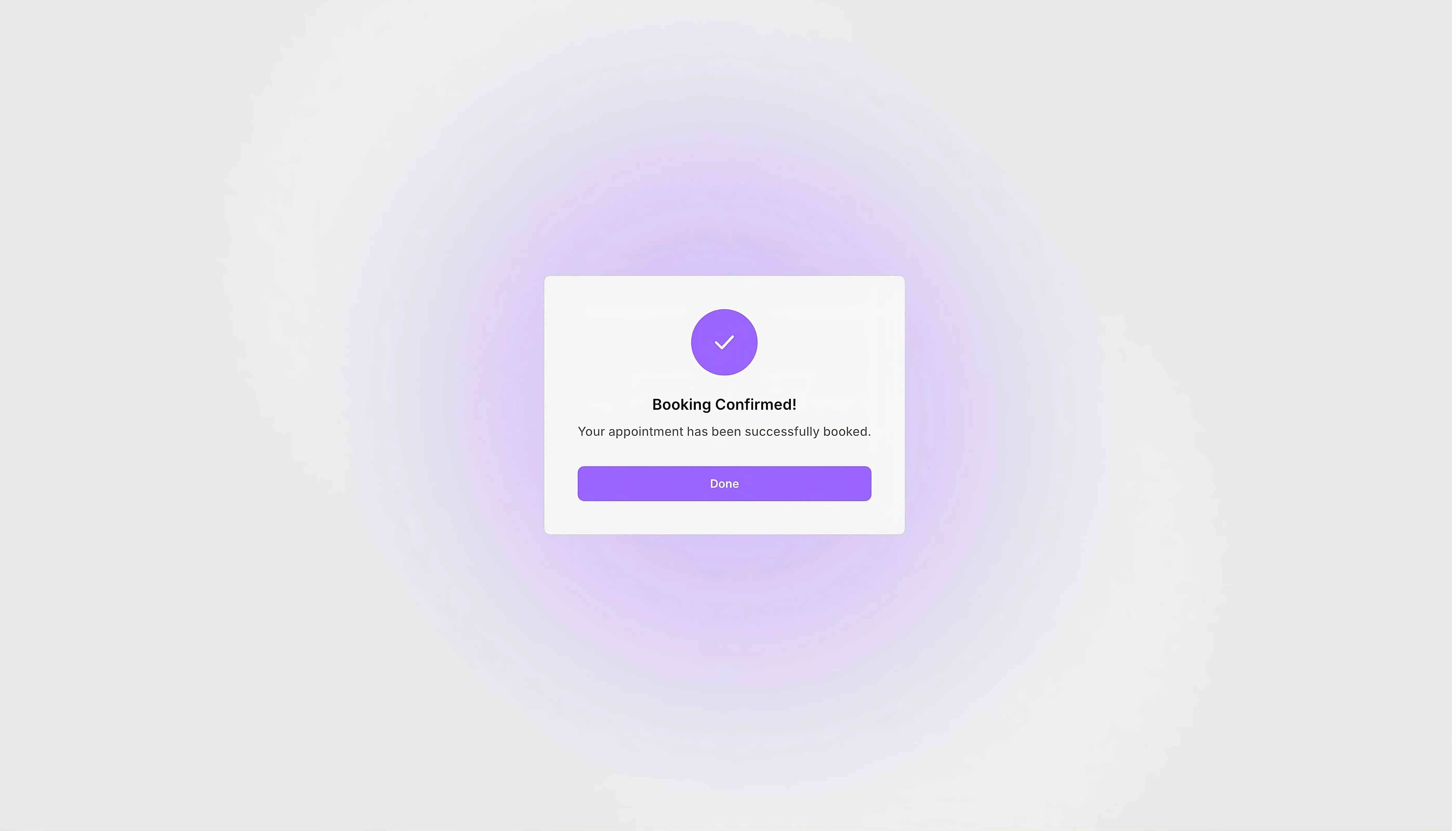
a dark themed appointment confirmation dialogue box
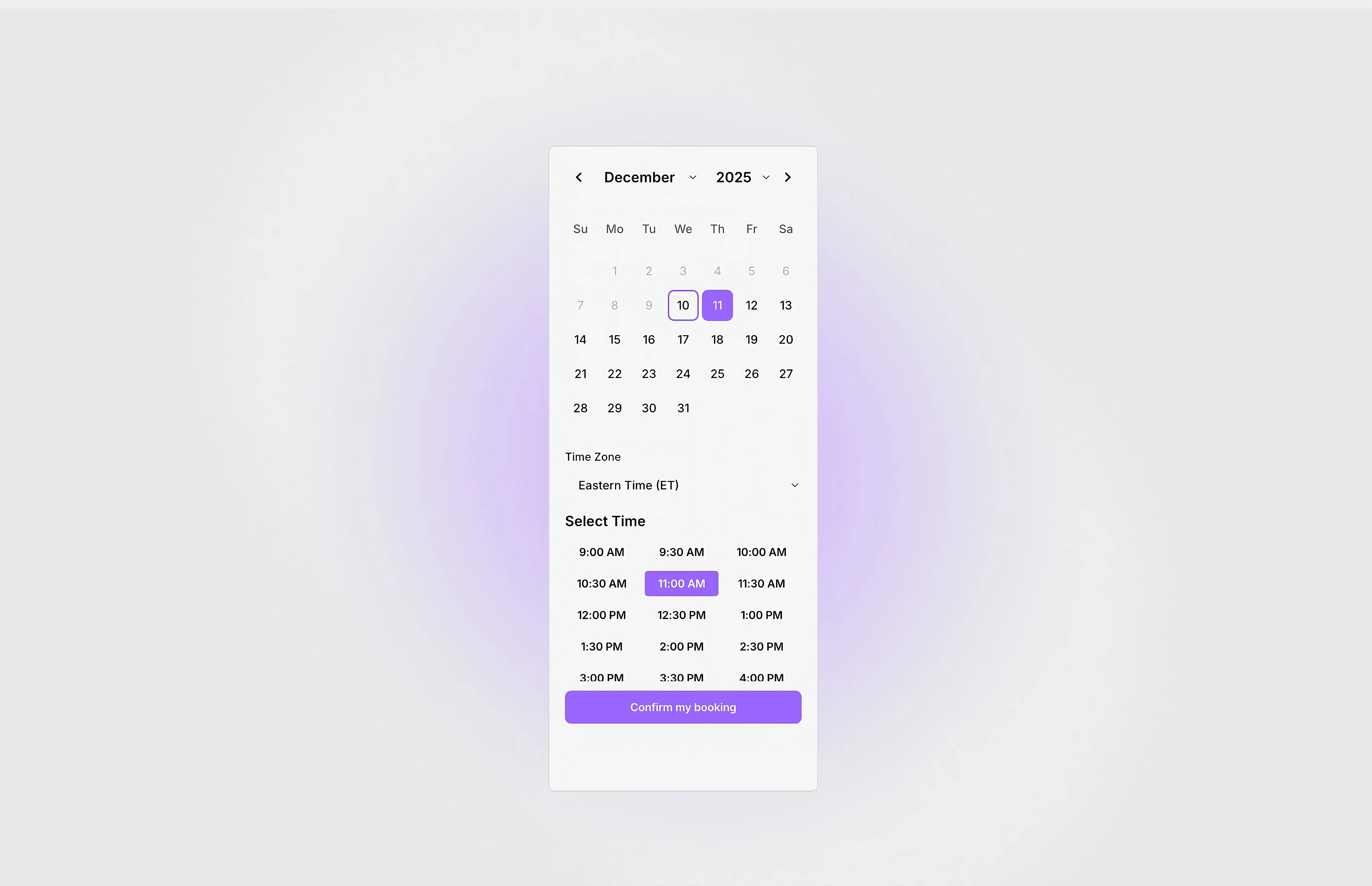
An appointment scheduler in light theme with a time and date picker
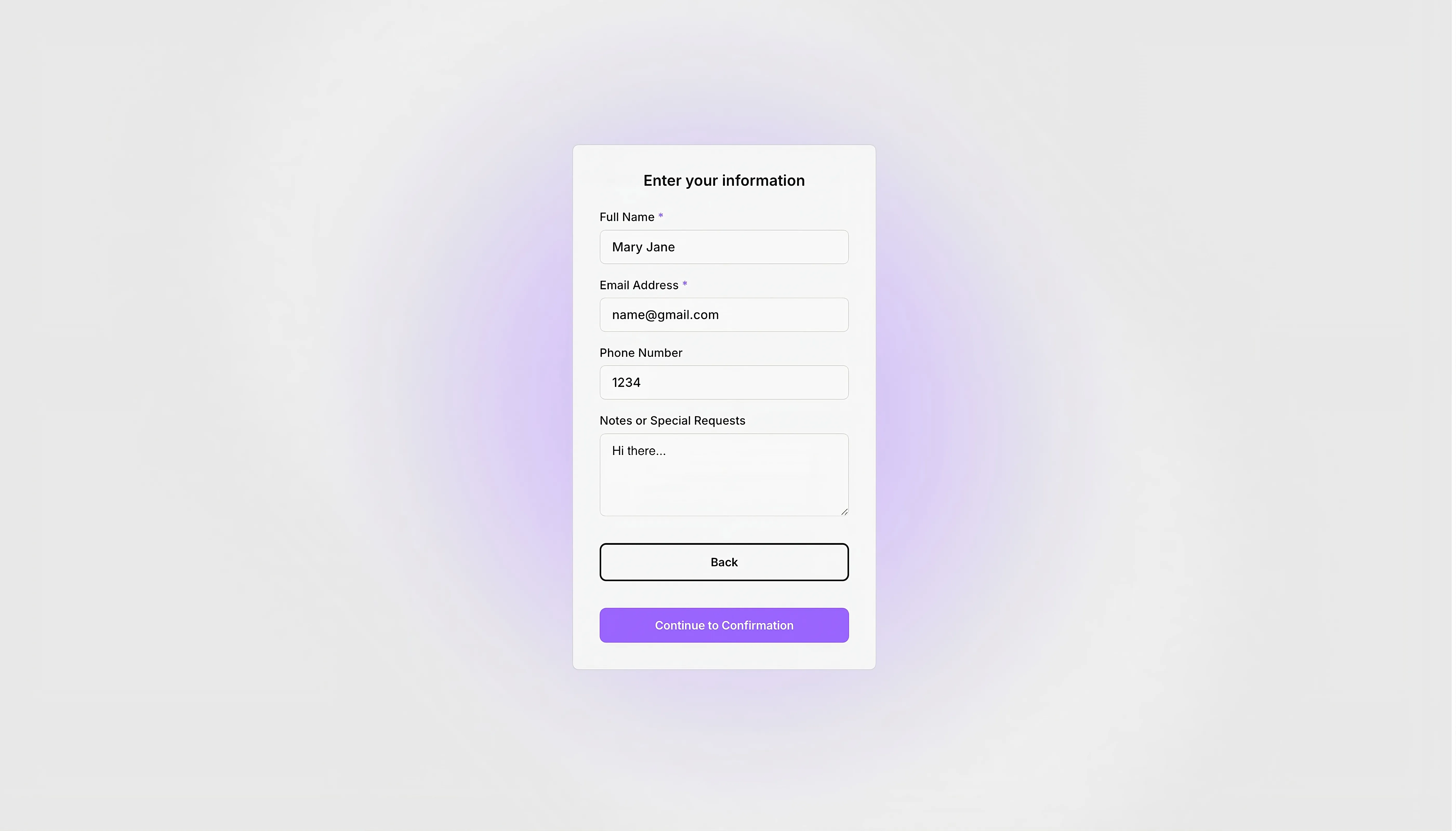
a light themed user info collection form
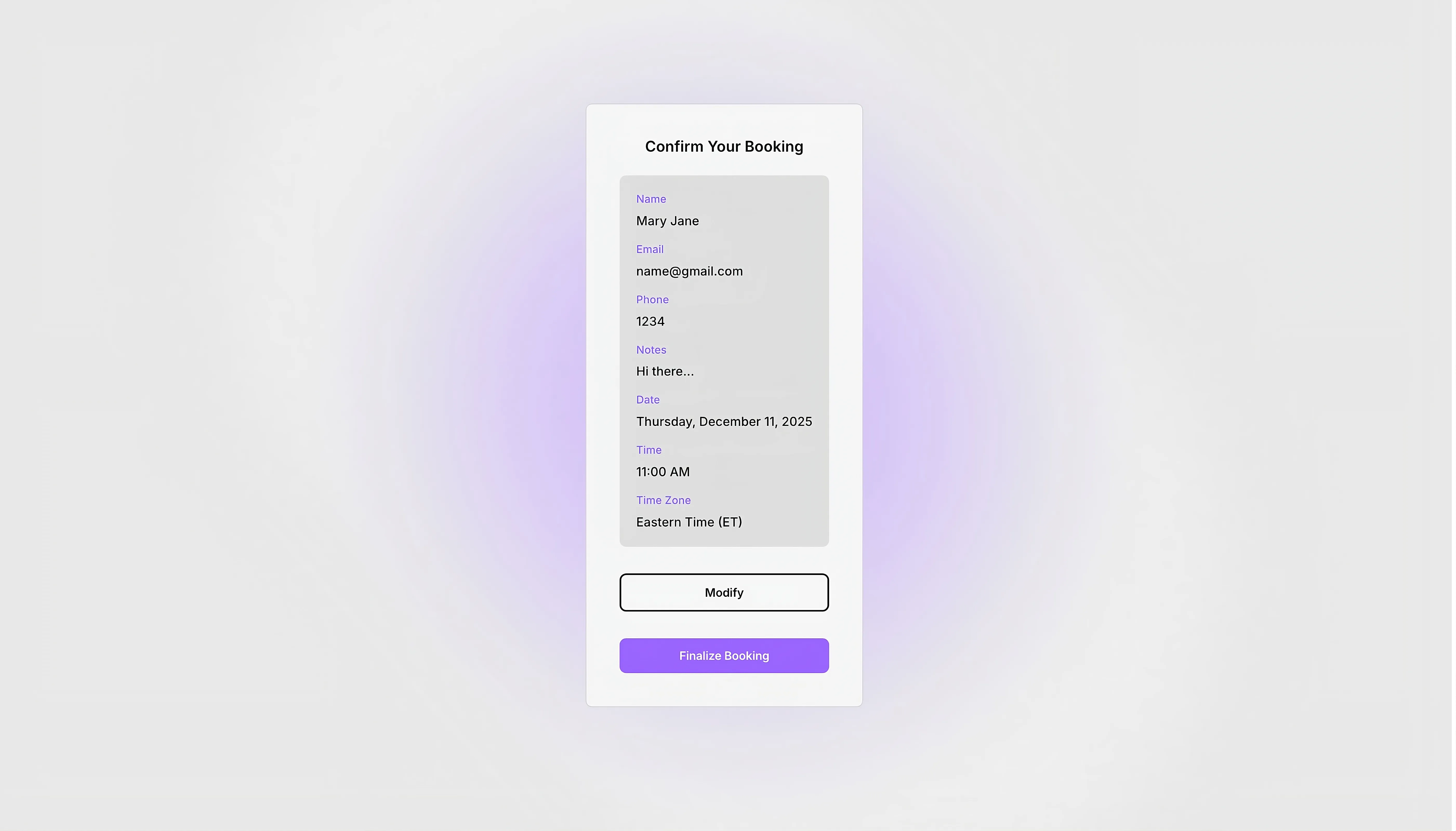
a light themed appointment confirmation interface
a dark themed appointment confirmation dialogue box

Appointment scheduler

This is one of the perfect choice code components to manage the appointment scheduling. The component comes with date and time picker, user data collection, add special notes, appointment modification functionality, web hook functionality and more.

0

0

Variants:

1

The fully functional code component with appointment scheduling functionality.


Please note: This component is available only for active license holders. Sign in with your license key or purchase one.

Copying disabled

How to use the component?

  • Copy this appointment scheduler from the library page or use the button above to copy the link.

  • Paste into the Framer canvas and customize all the relevant fields.

  • Enable the web hook functionality to connect the component with a database and collect user data.

  • Change the user data field rules based on the requirement. "Required" if the field data is mandatory and "Optional" if not necessary.

  • Manage the timing of your available time slots by referring "Start hour" and "End hour".

  • Also, adjust the time gap between the each schedule by referring "Time slot"

  • Disable or enable the time zone functionality based on the requirement. By default settings, it will be enabled.

  • This appointment scheduler comes with many other functionalities as well. Refer to the component settings panel to explore all.

  • Have any trouble in work with this component? If yes, you're adviced to contact us.

Unlock full potential

Lifetime access

Monthly updates

Access to templates

15+ form templates

Appointment scheduler

This is one of the perfect choice code components to manage the appointment scheduling. The component comes with date and time picker, user data collection, add special notes, appointment modification functionality, web hook functionality and more.

0

0

Variants:

1

The fully functional code component with appointment scheduling functionality.


Please note: This component is available only for active license holders. Sign in with your license key or purchase one.

Copying disabled

How to use the component?

  • Copy this appointment scheduler from the library page or use the button above to copy the link.

  • Paste into the Framer canvas and customize all the relevant fields.

  • Enable the web hook functionality to connect the component with a database and collect user data.

  • Change the user data field rules based on the requirement. "Required" if the field data is mandatory and "Optional" if not necessary.

  • Manage the timing of your available time slots by referring "Start hour" and "End hour".

  • Also, adjust the time gap between the each schedule by referring "Time slot"

  • Disable or enable the time zone functionality based on the requirement. By default settings, it will be enabled.

  • This appointment scheduler comes with many other functionalities as well. Refer to the component settings panel to explore all.

  • Have any trouble in work with this component? If yes, you're adviced to contact us.

Unlock full potential

Lifetime access

Monthly updates

Access to templates

15+ form templates

Appointment scheduler

This is one of the perfect choice code components to manage the appointment scheduling. The component comes with date and time picker, user data collection, add special notes, appointment modification functionality, web hook functionality and more.

0

0

Variants:

1

The fully functional code component with appointment scheduling functionality.


Please note: This component is available only for active license holders. Sign in with your license key or purchase one.

Copying disabled

How to use the component?

  • Copy this appointment scheduler from the library page or use the button above to copy the link.

  • Paste into the Framer canvas and customize all the relevant fields.

  • Enable the web hook functionality to connect the component with a database and collect user data.

  • Change the user data field rules based on the requirement. "Required" if the field data is mandatory and "Optional" if not necessary.

  • Manage the timing of your available time slots by referring "Start hour" and "End hour".

  • Also, adjust the time gap between the each schedule by referring "Time slot"

  • Disable or enable the time zone functionality based on the requirement. By default settings, it will be enabled.

  • This appointment scheduler comes with many other functionalities as well. Refer to the component settings panel to explore all.

  • Have any trouble in work with this component? If yes, you're adviced to contact us.

Unlock full potential

Lifetime access

Monthly updates

Access to templates

15+ form templates

Just like more components

A date picker with a light background with a day highlighted.

Date picker

A date picker with a light background with a day highlighted.

Date picker

a simple range slider with light background.

The slider

a simple range slider with light background.

The slider

A light themed countdown component with four options. Day, hour, minutes, and seconds

Countdown component

A light themed countdown component with four options. Day, hour, minutes, and seconds

Countdown component

A light themed download as pdf button

Download PDF button

A light themed download as pdf button

Download PDF button

A light themed circle progress bar with a progress of 90% state.

Circle progress bar

A light themed circle progress bar with a progress of 90% state.

Circle progress bar

User info card with name, photo, and description in light theme.

CSV to Framer Table

User info card with name, photo, and description in light theme.

CSV to Framer Table

The FAQs

Have questions? We got you…

Everything you need to know about our product and billing.

What is Framerstack?

What is Framerstack?

Is there a free plan available?

Is there a free plan available?

What about the refund policy?

What about the refund policy?

How I can avail my user license?

How I can avail my user license?

Still have questions? Or can't find the right answer? Please contact us. One of our customer support team members will get in touch with you.

Join to the community

Stay in the loop with everything you need to know.

By clicking Submit, you agree to our Privacy Policy and to receive our notifications. You can Unsubscribe anytime.

By clicking Submit, you agree to our Privacy Policy and to receive our notifications. You can Unsubscribe anytime.

By clicking Submit, you agree to our Privacy Policy and to receive our notifications. You can Unsubscribe anytime.