Code components

Search a component or section

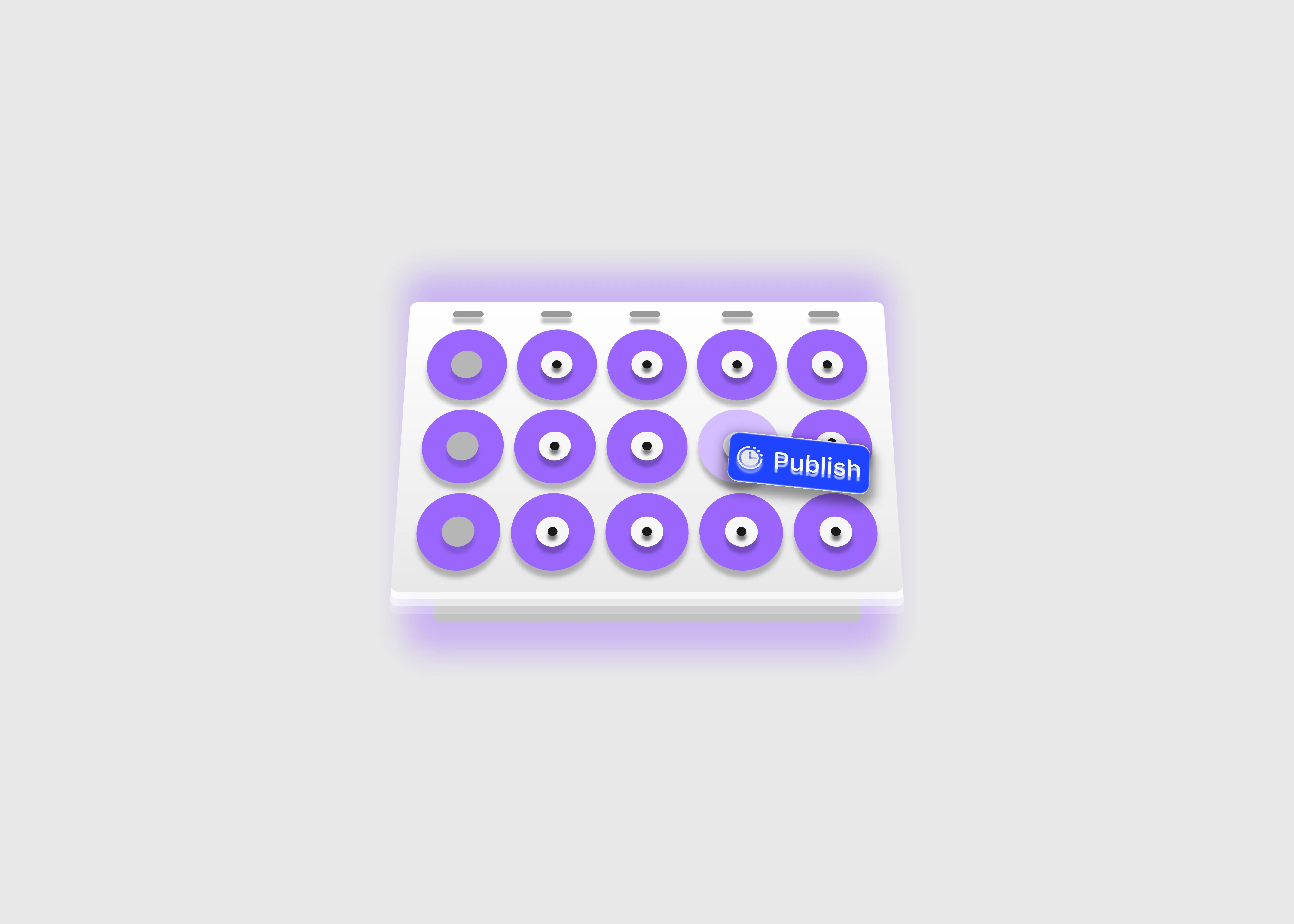
A light themed 3d calendar demo

Last updated on:

December 22, 2025

Content scheduler

This is a code component for scheduling any content on your Framer project with setting a start and end time frame. The content will start displaying on the respective page when the specified time is reach, and it will be removed or hide when the end date and time has passed.

0

0

Variants:

1

Theme:


Please note: This component is available only for active license holders. Sign in with your license key or purchase one.

Copying disabled

How to use the component?

  • Copy this code component from the library page or just click on the "Copy component" button above.

  • If the copy button above is disabled and can't perform the copy function, please sign in here and try again.

  • Once the component is pasted on your canvas make sure the content you want to be displayed is placed outside of the canvas (Otherwise, the component won't perform its function).

  • Specify a start date and time - This is the date and time when the content will visible on your specified page.

  • Set an end date and time - After passing this allocated time, the component will remove or hide the content that you connected, with a message "The content has removed or hidden due to the end time has passed" (This text can be replaceable with the relevant text message).

  • Choose a timezone - This is the most important functionality of this component. So, choose the right timezone before you publish the page, because the content will show or hide based on the timezone. More than 40 timezones are available.

  • Day filter - To show your content on a specific days, turn on the day filter property.

LIMITED TIME OFFER

Launch amazing websites with

Framerstacks

Still trying to design and launch a website from scratch? Check out 800+ pre build Framer components and sections.

Life time access

Save hundreds of hours

Weekly new releases

Premium designs

Color theme responsiveness

Starts from

$79.00

$99

One-time

Content scheduler

This is a code component for scheduling any content on your Framer project with setting a start and end time frame. The content will start displaying on the respective page when the specified time is reach, and it will be removed or hide when the end date and time has passed.

0

0

Variants:

1

Theme:


Please note: This component is available only for active license holders. Sign in with your license key or purchase one.

Copying disabled

How to use the component?

  • Copy this code component from the library page or just click on the "Copy component" button above.

  • If the copy button above is disabled and can't perform the copy function, please sign in here and try again.

  • Once the component is pasted on your canvas make sure the content you want to be displayed is placed outside of the canvas (Otherwise, the component won't perform its function).

  • Specify a start date and time - This is the date and time when the content will visible on your specified page.

  • Set an end date and time - After passing this allocated time, the component will remove or hide the content that you connected, with a message "The content has removed or hidden due to the end time has passed" (This text can be replaceable with the relevant text message).

  • Choose a timezone - This is the most important functionality of this component. So, choose the right timezone before you publish the page, because the content will show or hide based on the timezone. More than 40 timezones are available.

  • Day filter - To show your content on a specific days, turn on the day filter property.

LIMITED TIME OFFER

Launch amazing websites with

Framerstacks

Still trying to design and launch a website from scratch? Check out 800+ pre build Framer components and sections.

Life time access

Save hundreds of hours

Weekly new releases

Premium designs

Color theme responsiveness

Starts from

$79.00

$99

One-time

Content scheduler

This is a code component for scheduling any content on your Framer project with setting a start and end time frame. The content will start displaying on the respective page when the specified time is reach, and it will be removed or hide when the end date and time has passed.

0

0

Variants:

1

Theme:


Please note: This component is available only for active license holders. Sign in with your license key or purchase one.

Copying disabled

How to use the component?

  • Copy this code component from the library page or just click on the "Copy component" button above.

  • If the copy button above is disabled and can't perform the copy function, please sign in here and try again.

  • Once the component is pasted on your canvas make sure the content you want to be displayed is placed outside of the canvas (Otherwise, the component won't perform its function).

  • Specify a start date and time - This is the date and time when the content will visible on your specified page.

  • Set an end date and time - After passing this allocated time, the component will remove or hide the content that you connected, with a message "The content has removed or hidden due to the end time has passed" (This text can be replaceable with the relevant text message).

  • Choose a timezone - This is the most important functionality of this component. So, choose the right timezone before you publish the page, because the content will show or hide based on the timezone. More than 40 timezones are available.

  • Day filter - To show your content on a specific days, turn on the day filter property.

LIMITED TIME OFFER

Launch amazing websites with

Framerstacks

Still trying to design and launch a website from scratch? Check out 800+ pre build Framer components and sections.

Life time access

Save hundreds of hours

Weekly new releases

Premium designs

Color theme responsiveness

Starts from

$79.00

$99

One-time

Just like more components

A light themed read time calculator button

Blog read time calculator

Feb 19, 2026

A light themed read time calculator button

Blog read time calculator

Feb 19, 2026

A hashtag generator component interface in light theme.

Hashtag generator

Jan 30, 2026

A hashtag generator component interface in light theme.

Hashtag generator

Jan 30, 2026

framerstacks qr code in light theme

QR code generator

Jan 13, 2026

framerstacks qr code in light theme

QR code generator

Jan 13, 2026

a listed blog index page in light theme

Item counter

Jan 10, 2026

a listed blog index page in light theme

Item counter

Jan 10, 2026

A chat bot ui design in light theme

Chat bot for Framer

Dec 25, 2025

A chat bot ui design in light theme

Chat bot for Framer

Dec 25, 2025

Video text masker in light theme

Video text masker

Dec 22, 2025

Video text masker in light theme

Video text masker

Dec 22, 2025

A light themed 3D title card

3D title card

Dec 14, 2025

A light themed 3D title card

3D title card

Dec 14, 2025

Framerstacks as a text scrambler with a light background.

Text scrambler

Dec 13, 2025

Framerstacks as a text scrambler with a light background.

Text scrambler

Dec 13, 2025

floating starts on a light background.

Floating stars

Dec 12, 2025

floating starts on a light background.

Floating stars

Dec 12, 2025

Load More

Load More

The FAQs

Have questions? We got you…

Everything you need to know about our product and billing.

What is Framerstack?

What is Framerstack?

Is there a free plan available?

Is there a free plan available?

What about the refund policy?

What about the refund policy?

How I can avail my user license?

How I can avail my user license?

Still have questions? Or can't find the right answer? Please contact us. One of our customer support team members will get in touch with you.

Join to the community

Stay in the loop with everything you need to know.

By clicking Submit, you agree to our Privacy Policy and to receive our notifications. You can Unsubscribe anytime.

By clicking Submit, you agree to our Privacy Policy and to receive our notifications. You can Unsubscribe anytime.

By clicking Submit, you agree to our Privacy Policy and to receive our notifications. You can Unsubscribe anytime.